sakong0
Which mode, CarPlay or Android Auto, does your car model support? Are you using C2S or C3?
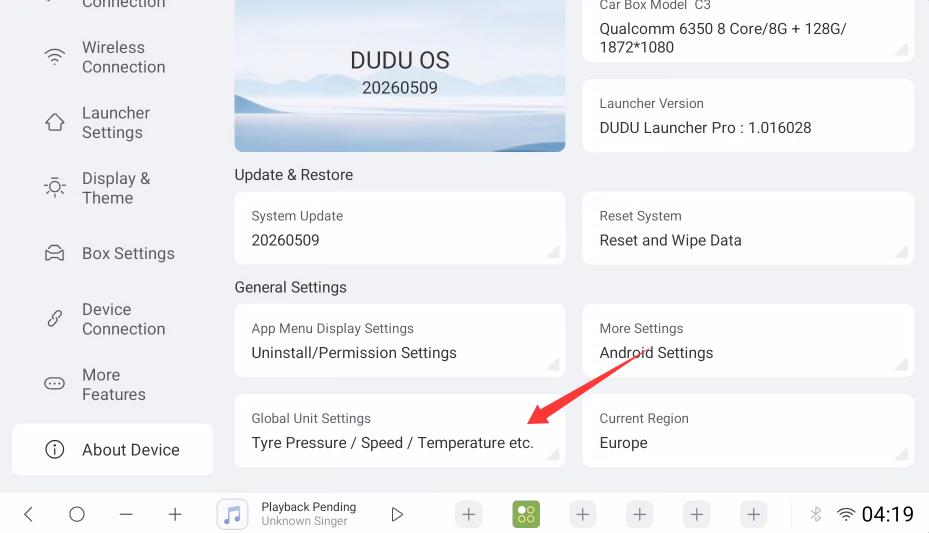
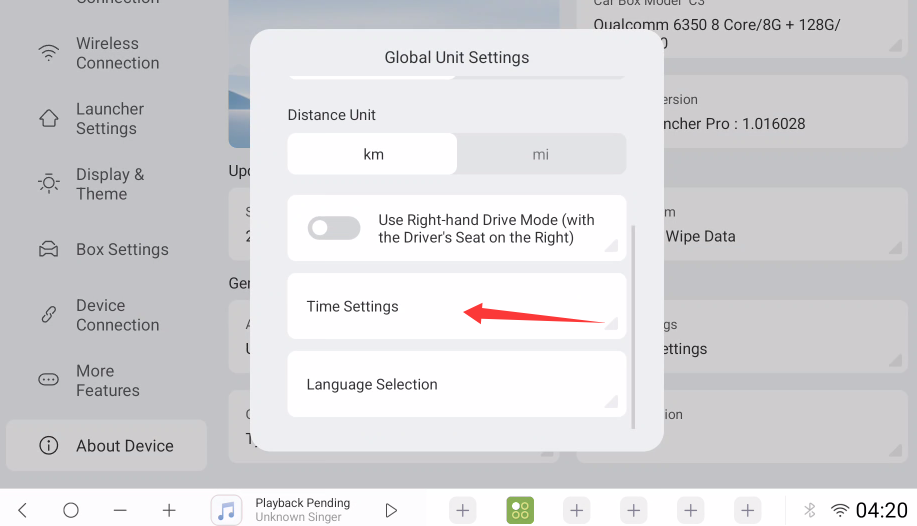
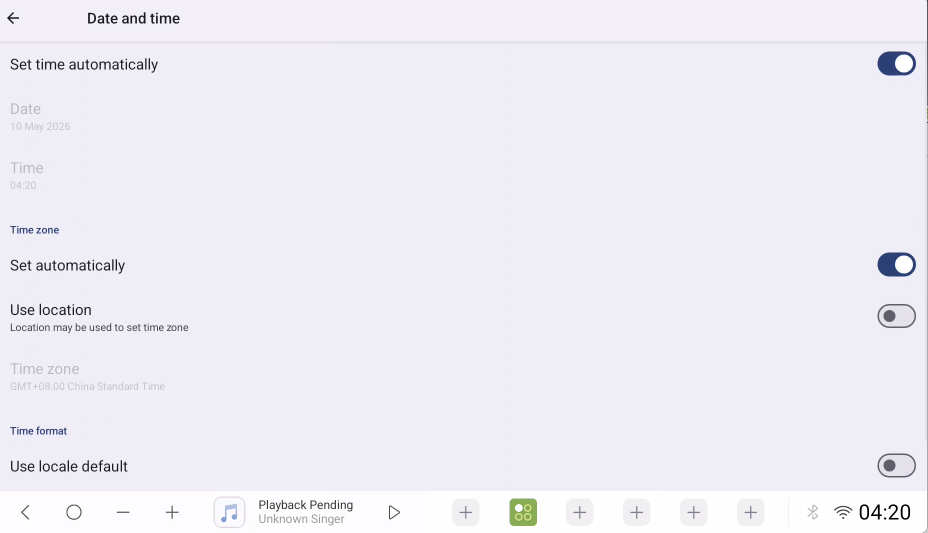
"When using the device in the default CarPlay mode, it works fine, but I noticed the date and time are incorrect." Whose time is being referred to here? Can I understand it as our Carbox's time? You can check the time zone in the settings and try changing it.
"Unable to connect to Android Auto. Please check if the date and time settings of your vehicle infotainment system are correct, and verify your phone's data connection and application updates." This problem indicates that your car model does not support Android Auto mode, right? If it does, this message is from your original car system, not the Carbox.
I'm sending you the latest public beta firmware. Please update and try it. You need to use an SD card to update. After downloading the firmware, rename it to "update". You don't need to unzip the compressed file, just rename it. Then put it in the root directory of the SD card. When the Carbox is working, inserting the SD card will cause the corresponding CarPlay or Android Auto mode light to flash rapidly. When all the lights go out and the Carbox restarts, remove the SD card to complete the upgrade. Finally, remember to delete the system firmware from the SD card. Otherwise, if you continue to use the SD card, the system firmware will be repeatedly updated every time you boot up.
C2S: https://drive.google.com/file/d/1mxmsZ3D9yNLOfZim-_oBE6gHUSj_u_Zh/view?usp=drive_link
C3: https://drive.google.com/file/d/14NZzCLMAXKp_BqP6YjZ4MiITTmTSaNtz/view?usp=drive_link