Dear DUDUAUTO Community,
We're excited to announce DUDUOS 3.7 beta4 260127, delivering key improvements across system performance, vehicle compatibility, and user interface:
For those who love to be on the cutting edge and enjoy flashing their devices, we recommend trying out the beta version.For everyone else, we suggest waiting for the official OTA update to ensure a smooth and stable experience.
🔄 Core System Updates
• Enhanced FYT system and applications
• Optimized OTA retry mechanisms
• Improved vehicle data processing
🚗 Vehicle Integration
• Expanded vehicle model compatibility
• Enhanced vehicle information retrieval
• Optimized reverse parking functionality
📱 UI Refinements
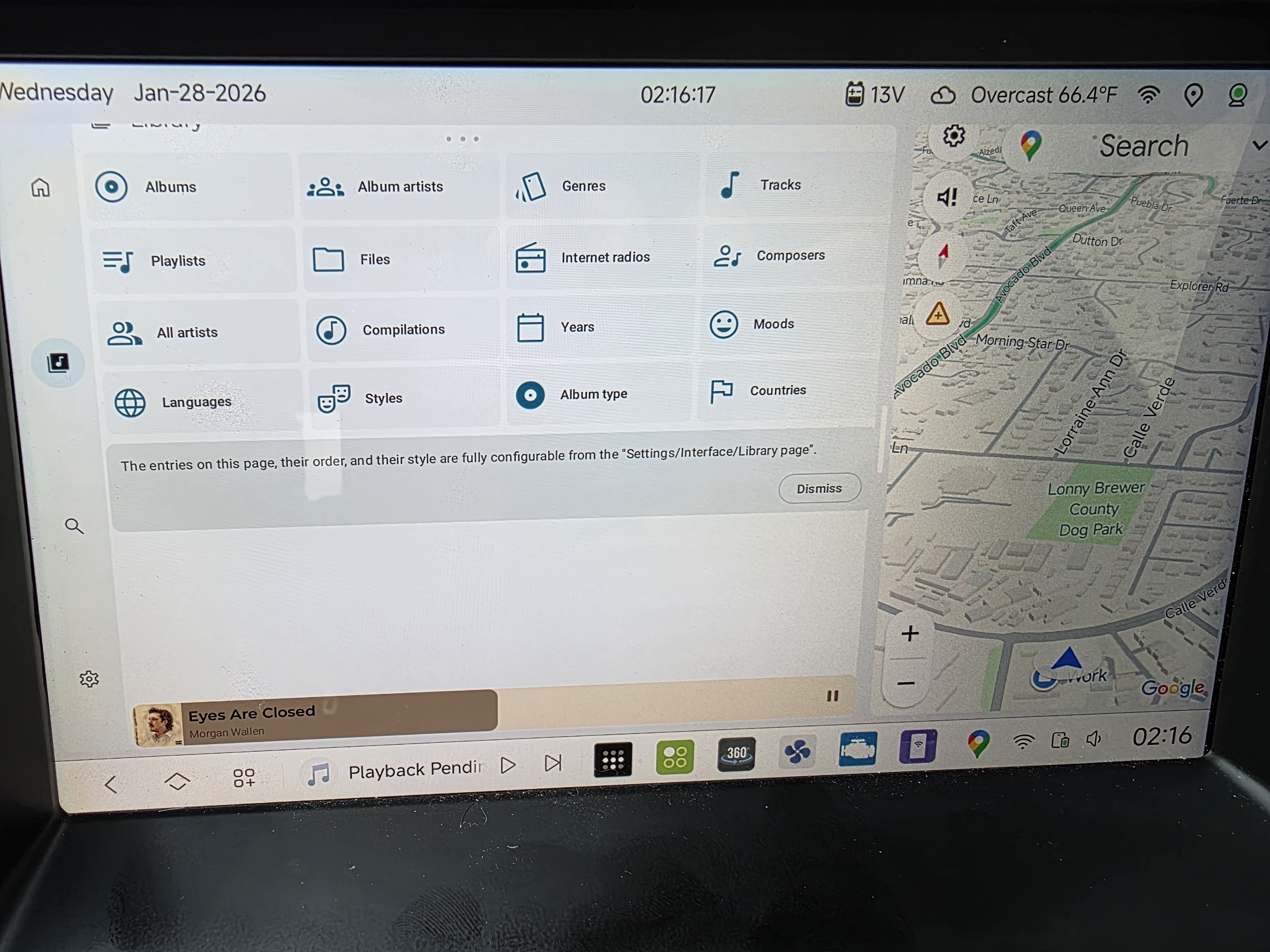
• New navbar design with updated icons
• Fixed zoom mode display issues
• Improved volume bar display and synchronization
• Resolved forward view freezing during reverse operations
🌍 General Improvements
• Updated translation strings
• Various bug fixes and stability improvements
For users on DUDUOS 3.7b3, direct OTA update is available. Others will need to perform USB installation.
Previous Release Information:
• DUDUOS 3.7 Beta1
• DUDUOS 3.7 Beta2
• DUDUOS 3.7 Beta3
Note: While beta versions offer early access to new features, we recommend waiting for the official OTA release for the most stable experience.
Thank you for your continued support in making DUDUOS better.
Best regards,
DUDUAUTO Team
Instruction:
- Download the DUDUOS 3.7 Beta installation package below.
- Follow the step-by-step installation guide.
- Enjoy the new features and enhancements of DUDUOS!
For DUDU7 users:
- Download link Update 260127
GDrive
YDisk
Installation Guide:
- Local Installation
- Keep the 7z archive intact, no extraction needed
- Select "Local Update" in the OTA application
- Note: Beta firmware not supported
- Traditional USB Installation
- Extract 7z files to USB drive root directory
- Insert USB drive into the head unit and wait for auto-installation
- To perform factory reset, add "Factory Reset" file
- Voice assistant not included in this firmware
- To keep original voice assistant, remove "AllAppUpdateA13.bin"
For DUDU5/6(7862) users:
- Download link Update 260127
GDrive
YDisk
Installation Guide:
1.Local Installation
- Extract the 7z file
- Use "Local Update" in OTA app to install "6315_1.zip"
- Note: Beta firmware not supported
- USB Traditional Installation
- Extract 7z file to USB drive root directory
- Insert USB drive into car unit and wait for auto-installation
- To perform factory reset, add "Factory Reset" file
For DUDU3/4(8581) users:
- Download link Update 260127
GDrive
YDisk
Installation Guide:
- Local Installation
- Extract the 7z file
- Use "Local Update" in OTA app to install "6316_1.zip"
- Note: Beta firmware not supported
- USB Traditional Installation
- Extract 7z file to USB drive root directory
- Insert USB drive into car unit and wait for auto-installation
- To perform factory reset, add "Factory Reset" file