maxumil
Your ylog just turned on the switch and then turned it off again. There was no hibernation operation in between.
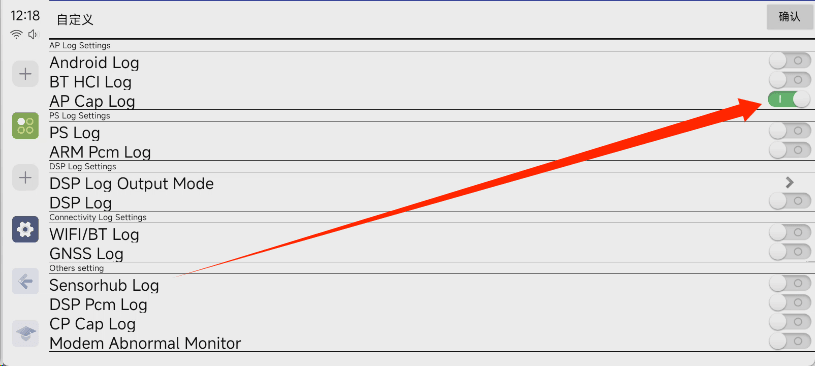
In addition, you need to click on the upper right corner and only select AP log.
Open ylog. Select Custom in the upper right corner and click OK. In the pop-up menu, select only AP and cancel all others.
Use your car normally
Wait until the hibernation failure occurs the next time you drive. You can enter the ylog interface again to stop log printing, and then export the ylog folder of the built-in storage.
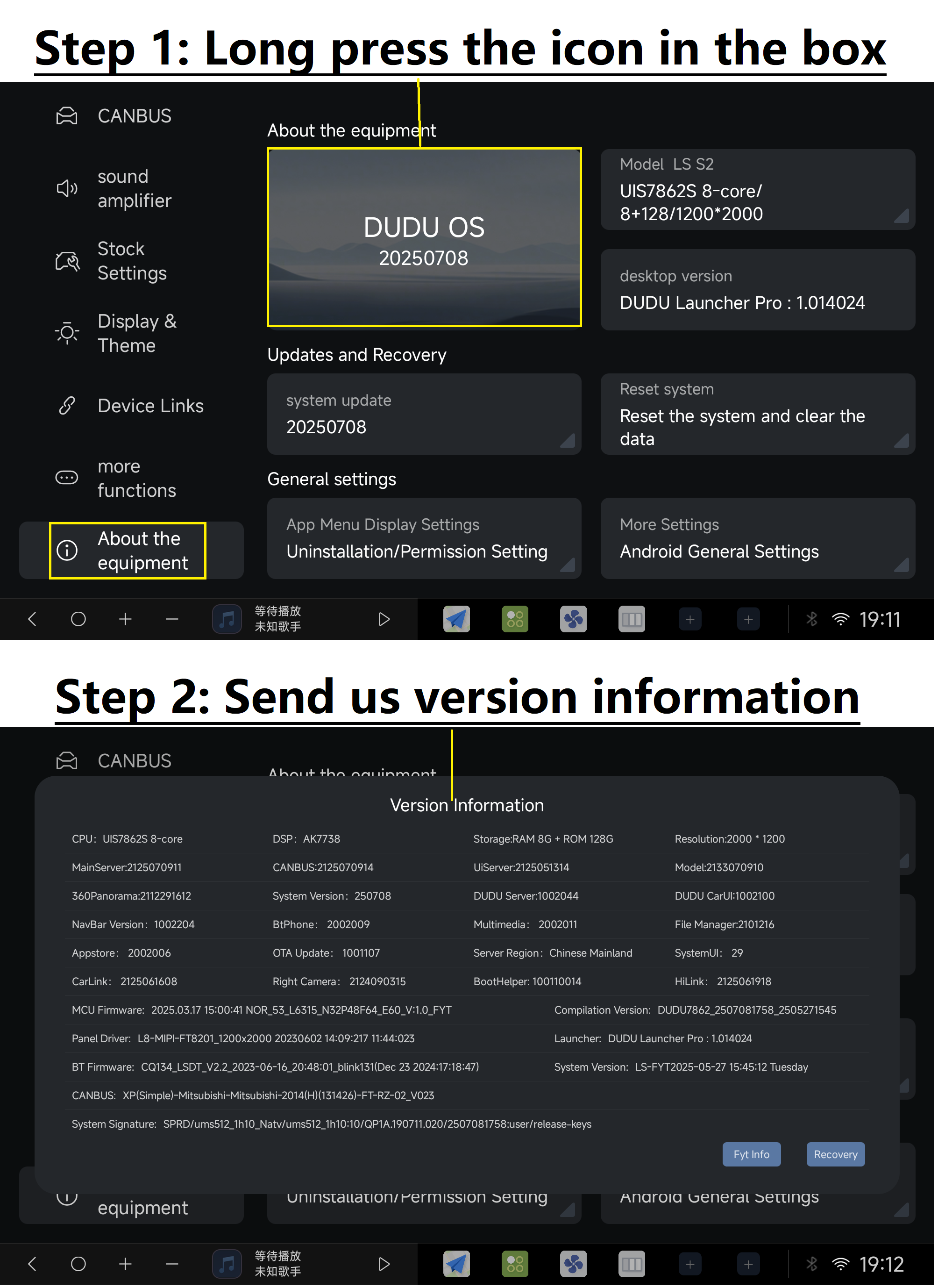
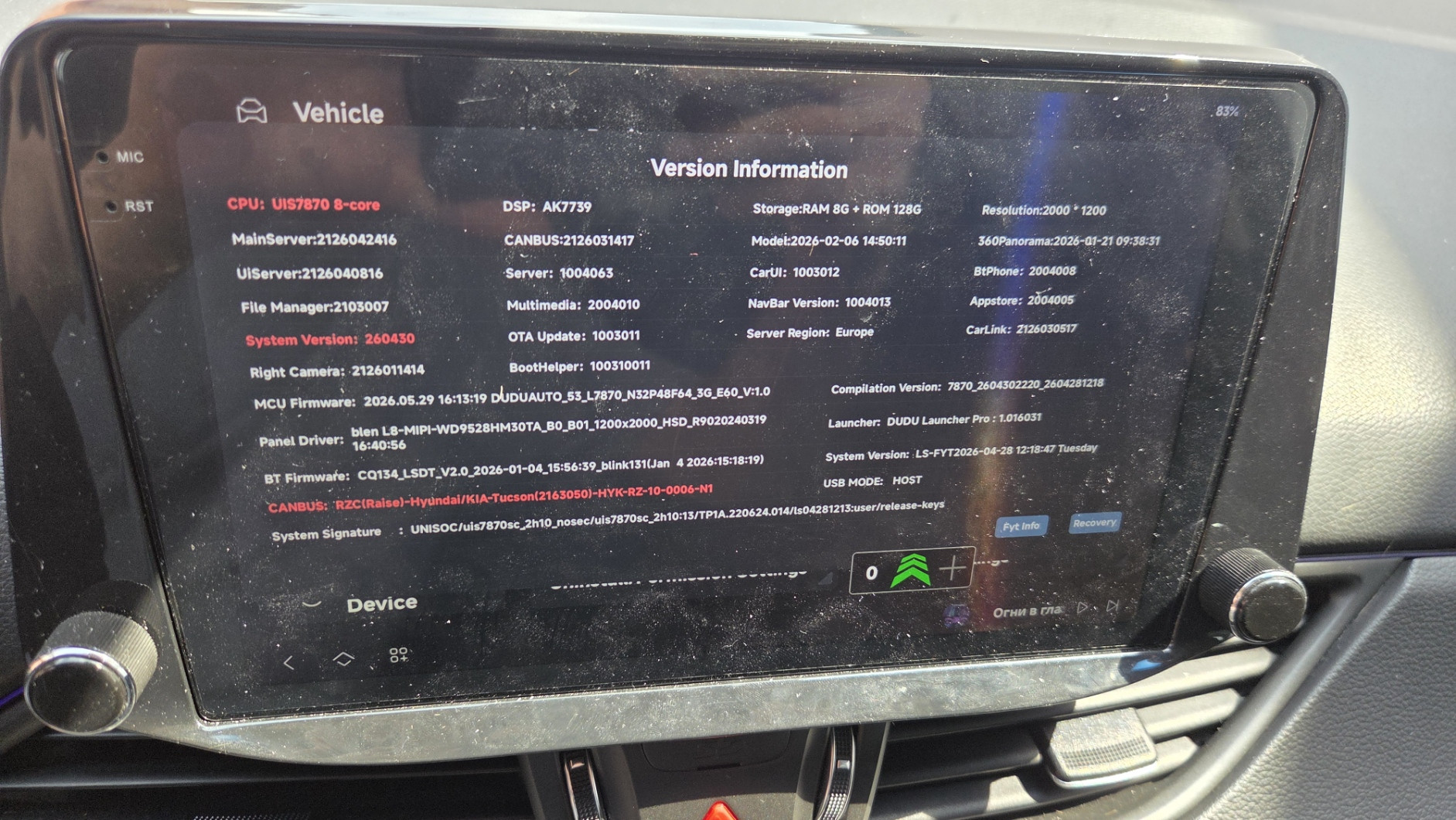
In addition, I hope you can upload a screenshot of your current system information.