Found a bug or encountered an issue with your DUDUAUTO product? This is the place to report it. Help us improve our products by providing detailed information about the problem you've encountered. Our team will work diligently to address and resolve reported issues.
Note, feedback questions should not be replied in this thread, please post in the corresponding board!
The following system information must be provided to us
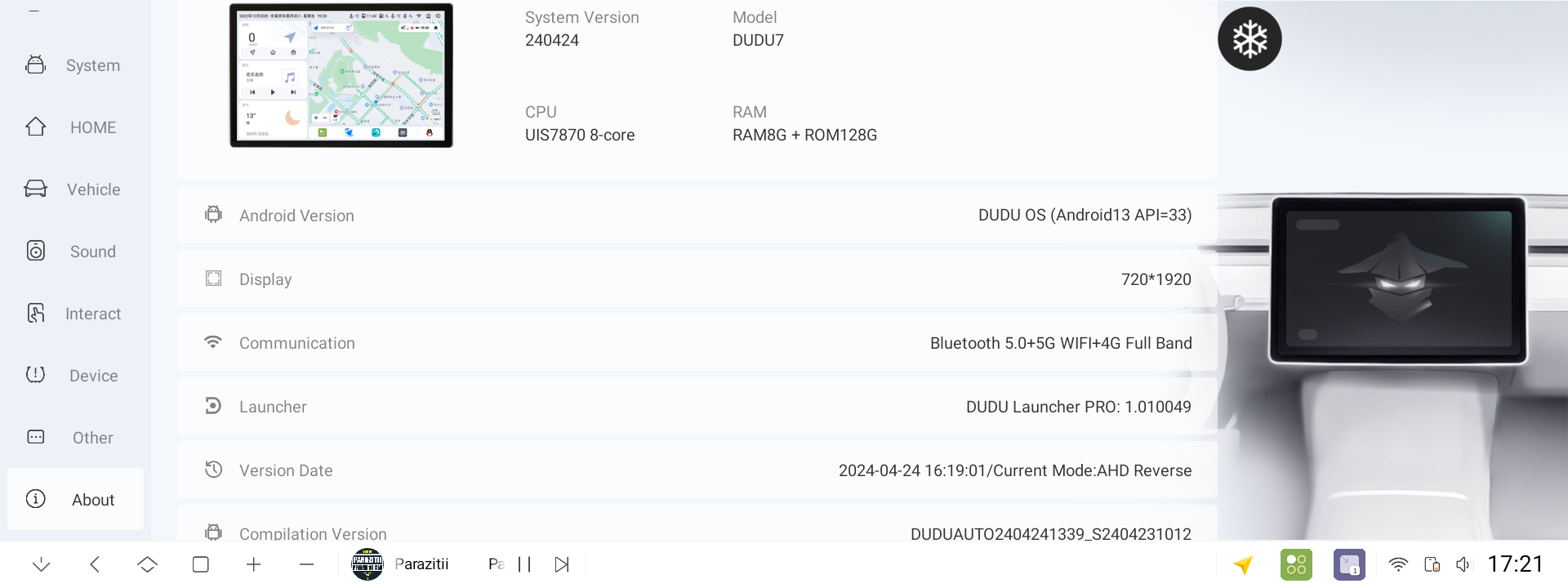
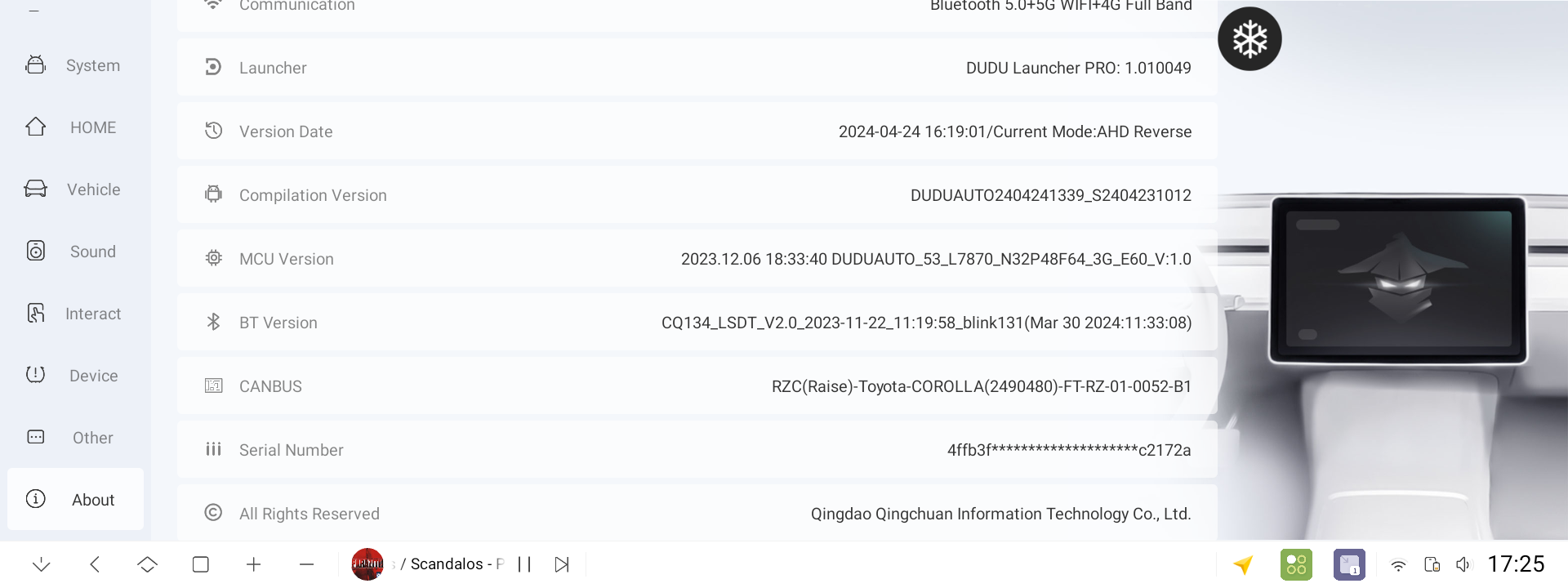
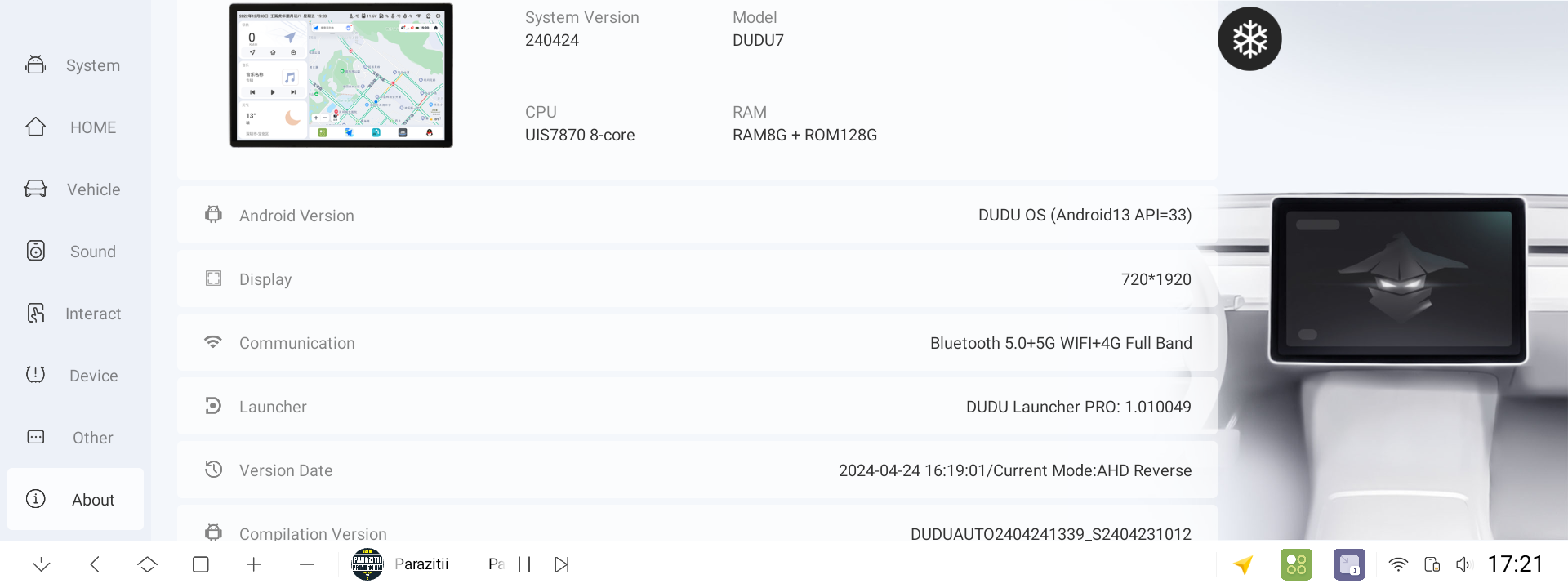
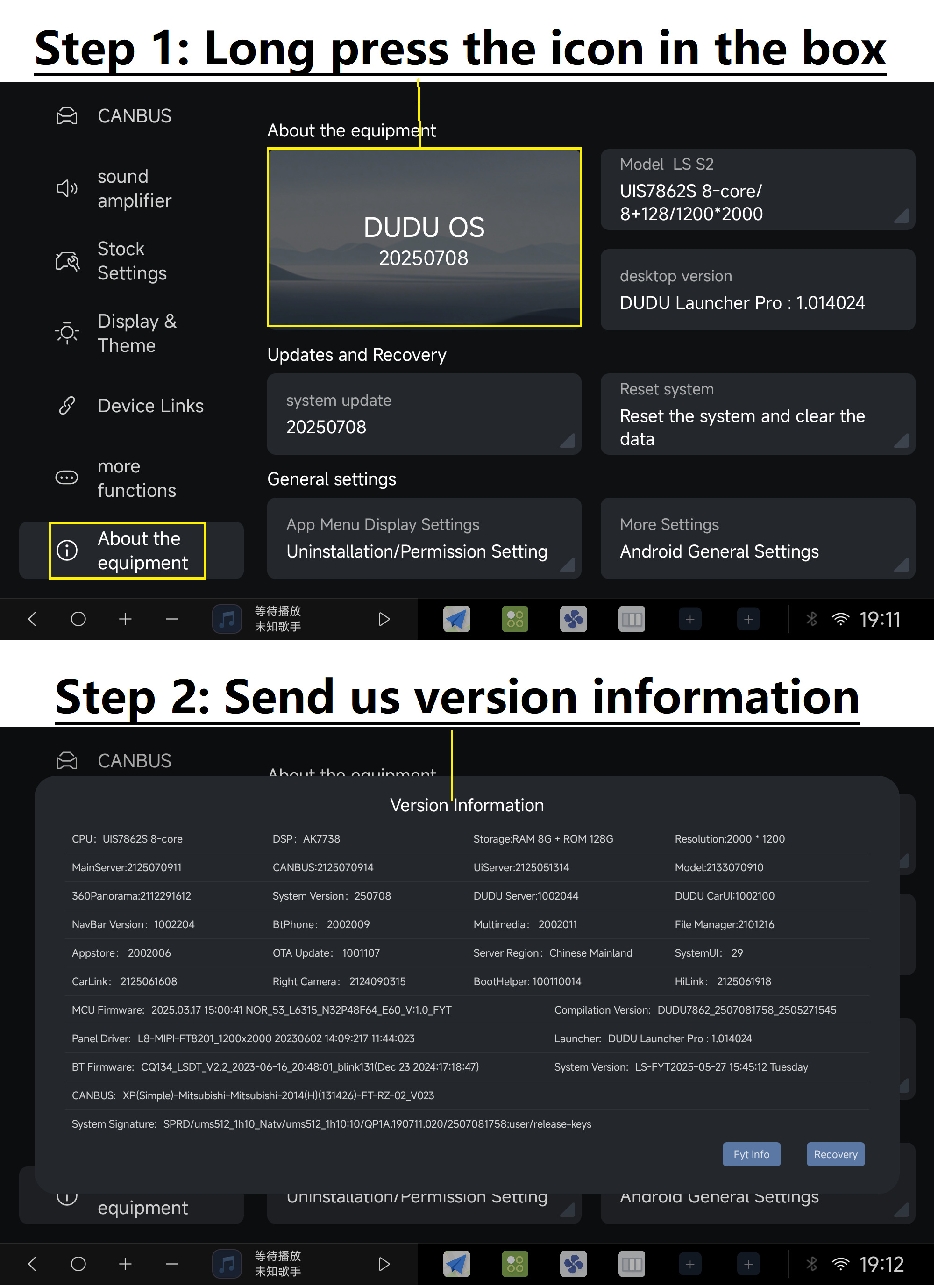
【1】Provision of system information,Settings - About - long press on the top left corner of the picture - it will bring up a message screenshot to send to us!
【2】We need to be provided with a detailed description of the error and the steps to reproduce it
【3】If you encounter system software errors (not third-party software), please provide logs for our R&D staff to analyse. Send us all logs from the duduos_crash directory.
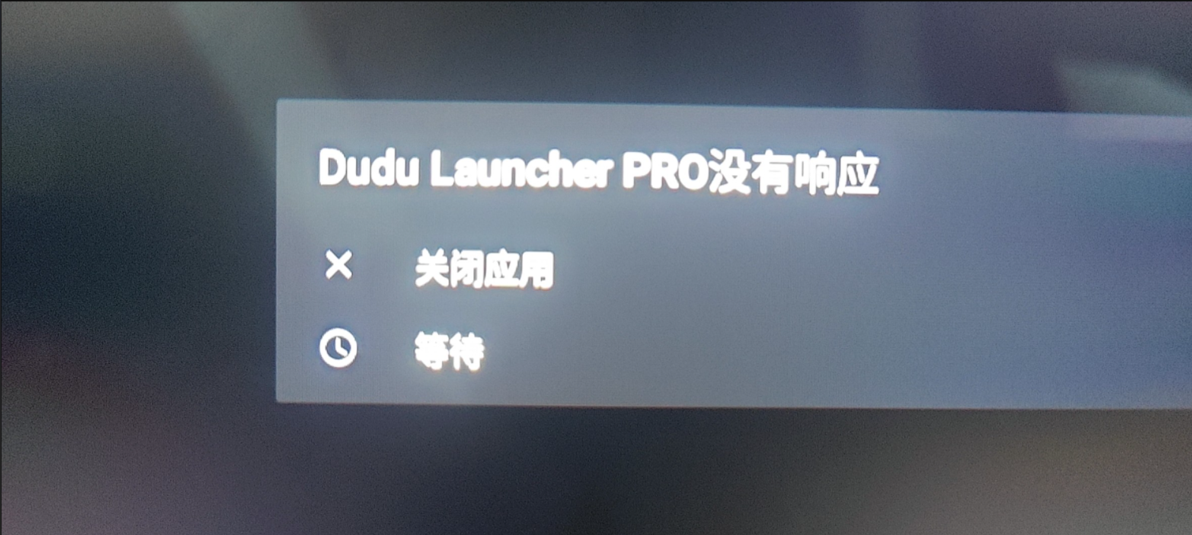
File Management - Local Directory -Locate the folder named duduos-crash andsend us the error files in it.
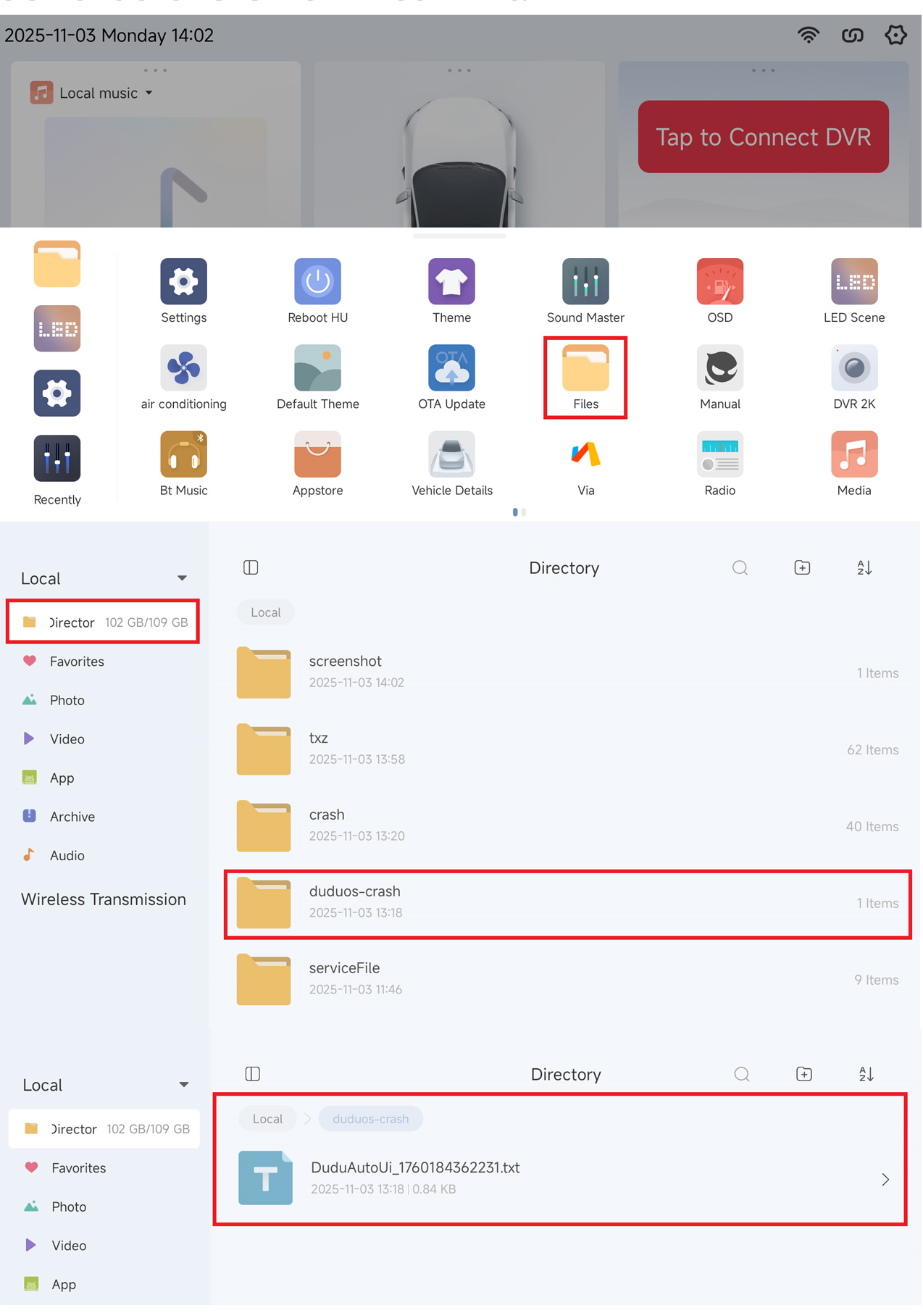
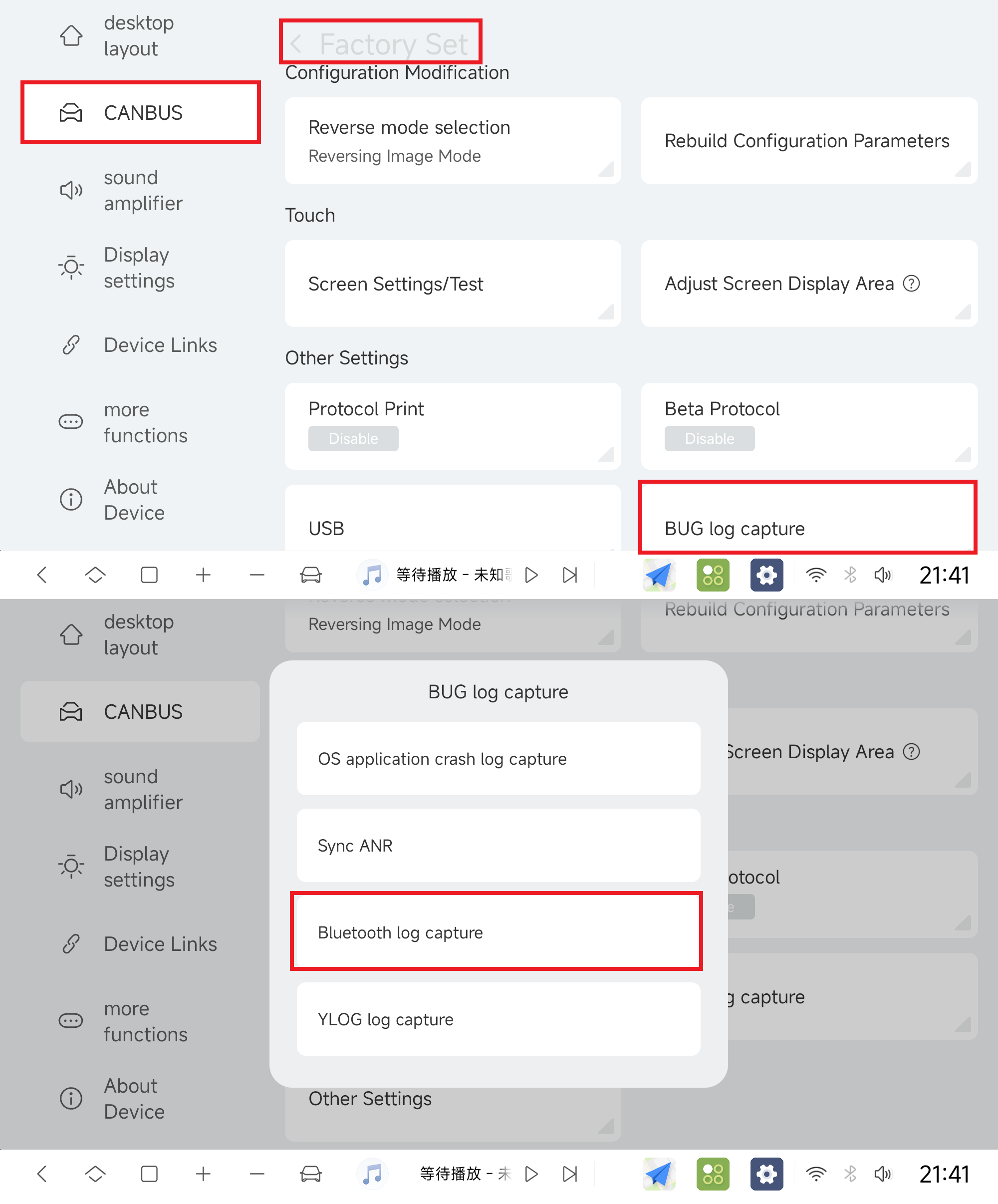
【4】If an error report is received but no corresponding log is generated, additional ANR data needs to be collected. The specific steps are as follows: Go to "Settings" - "CANBUS" - "Factory" - password 108 - "BUG log capture" - click the "Sync ANR" option.
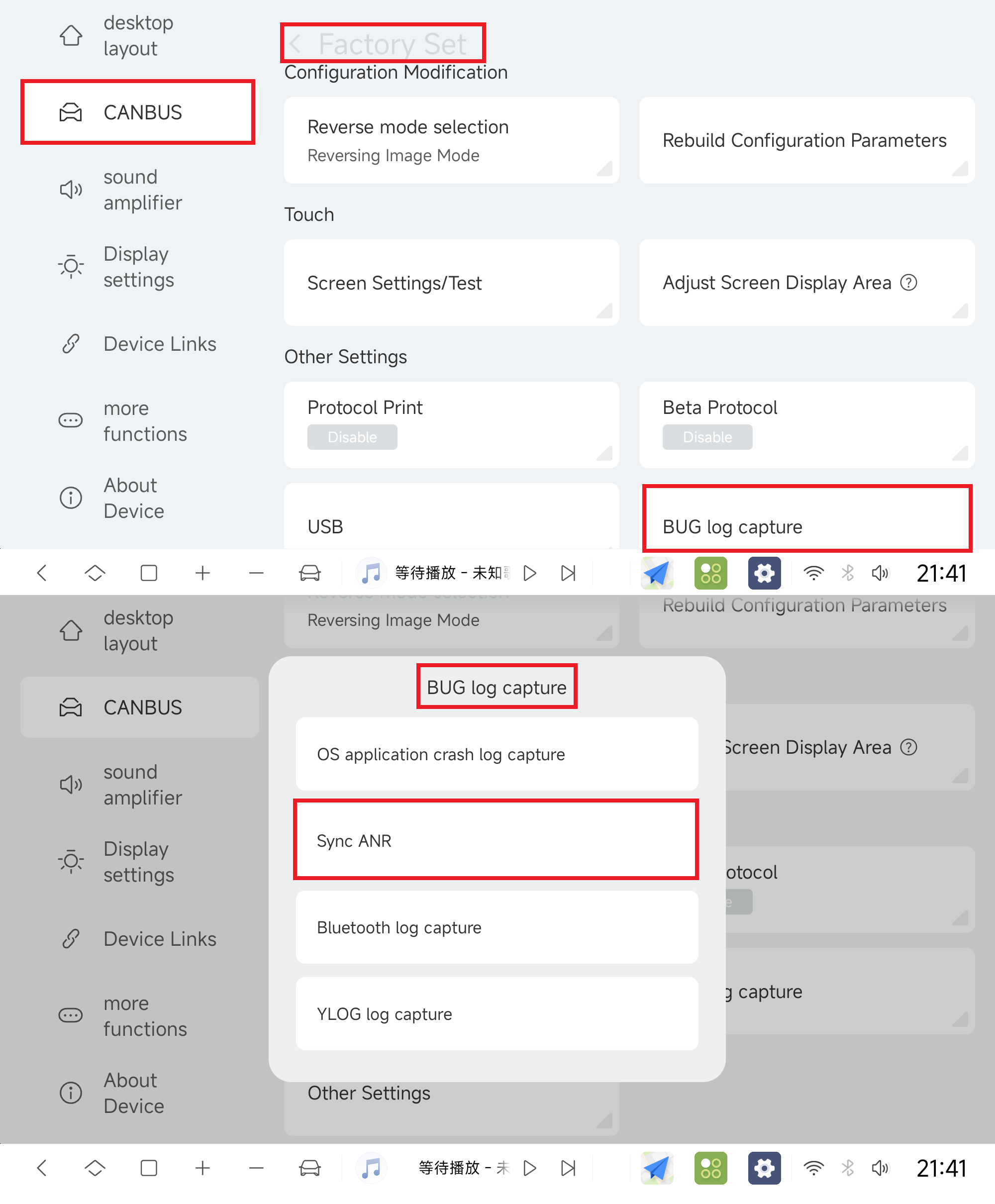
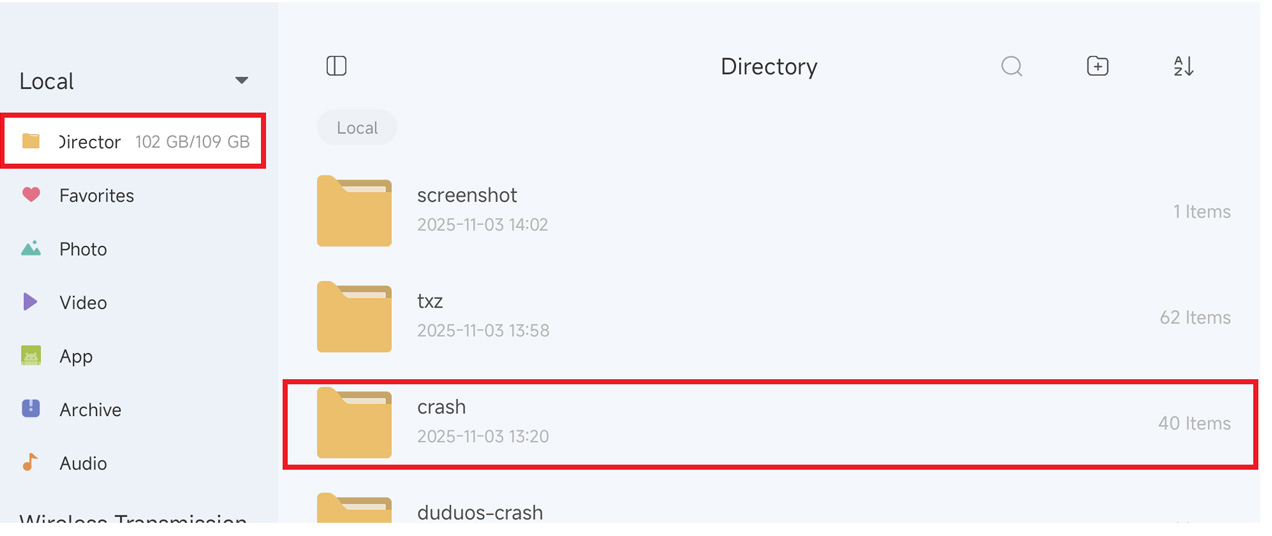
File Management - Local Directory - Locate the carsh folder - Send us all the files in it.
----------------------dividing line----------------------
For some system-level bugs, such as GPS, dead, black screen, 4G, panorama, etc., you can analyze the data for us by grabbing YLOG
(1)Go to "Settings" - "CANBUS" - "Factory" - Password 108 - "BUG Log Capture" - Click the "YLOG log capture" option.
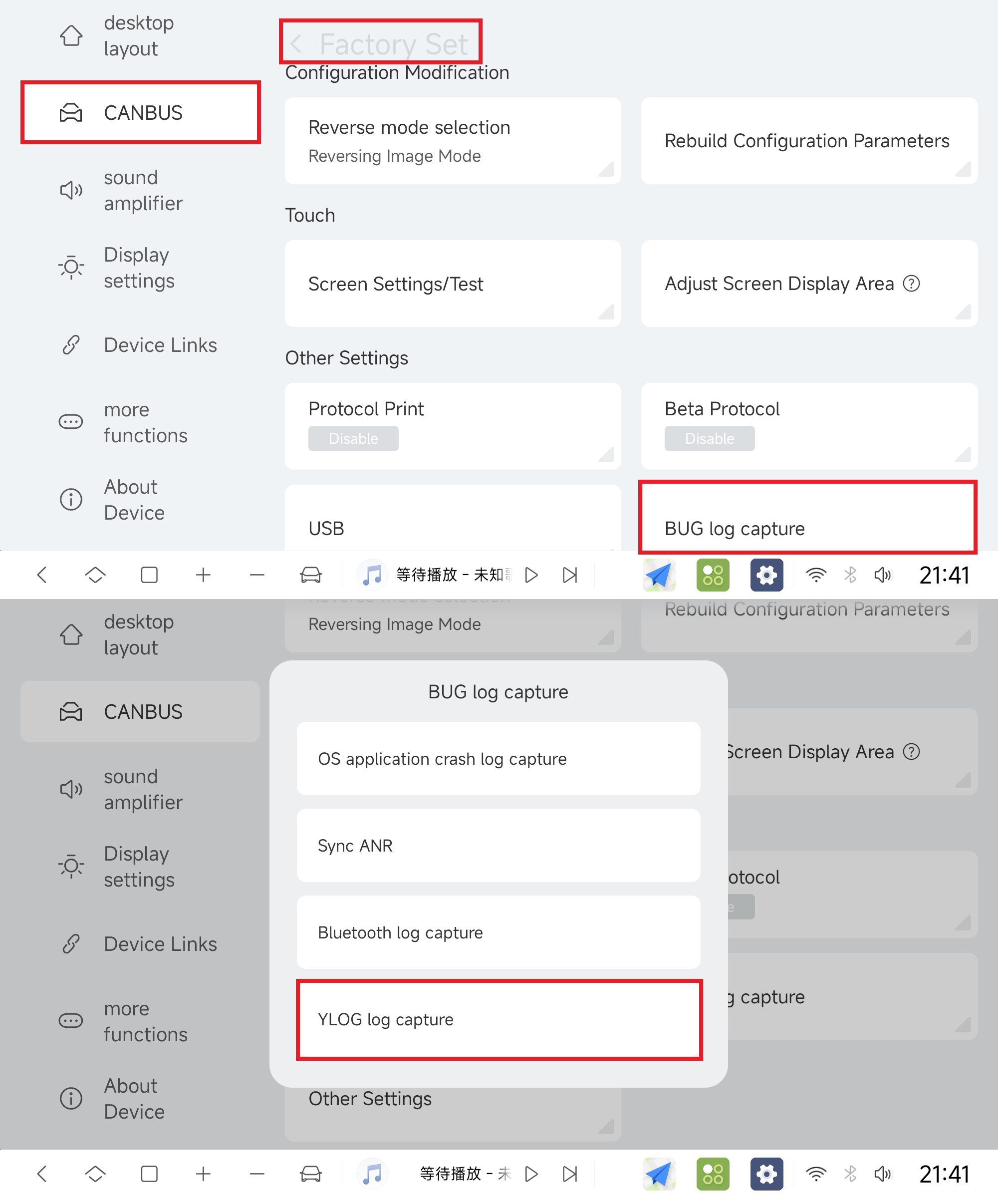
(2)Click on the Data Logging button, which returns you to the home page and reproduces the bug, e.g., the system crashes when you turn on an on/off button, and then you reopen the whole process that causes the crash, for data logging purposes.,And record the time when a crash occurs, and when submitting the data, inform us of the point in time when the crash occurs along with it
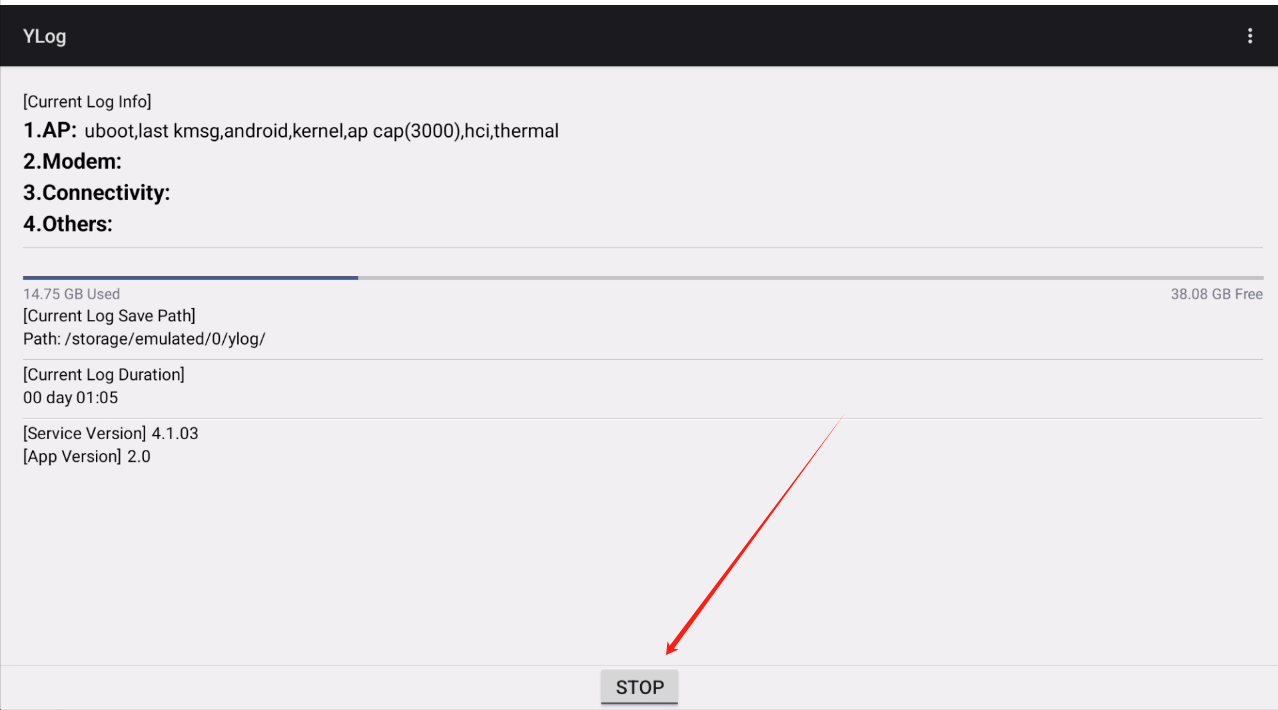
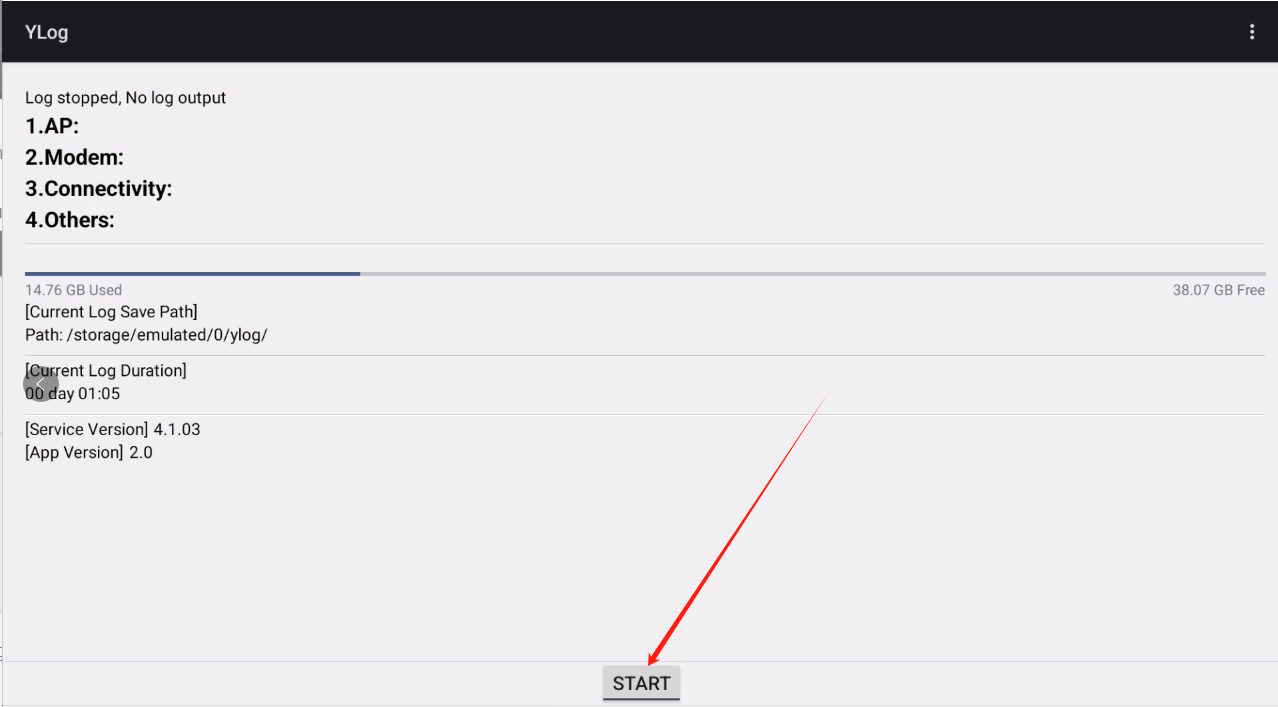
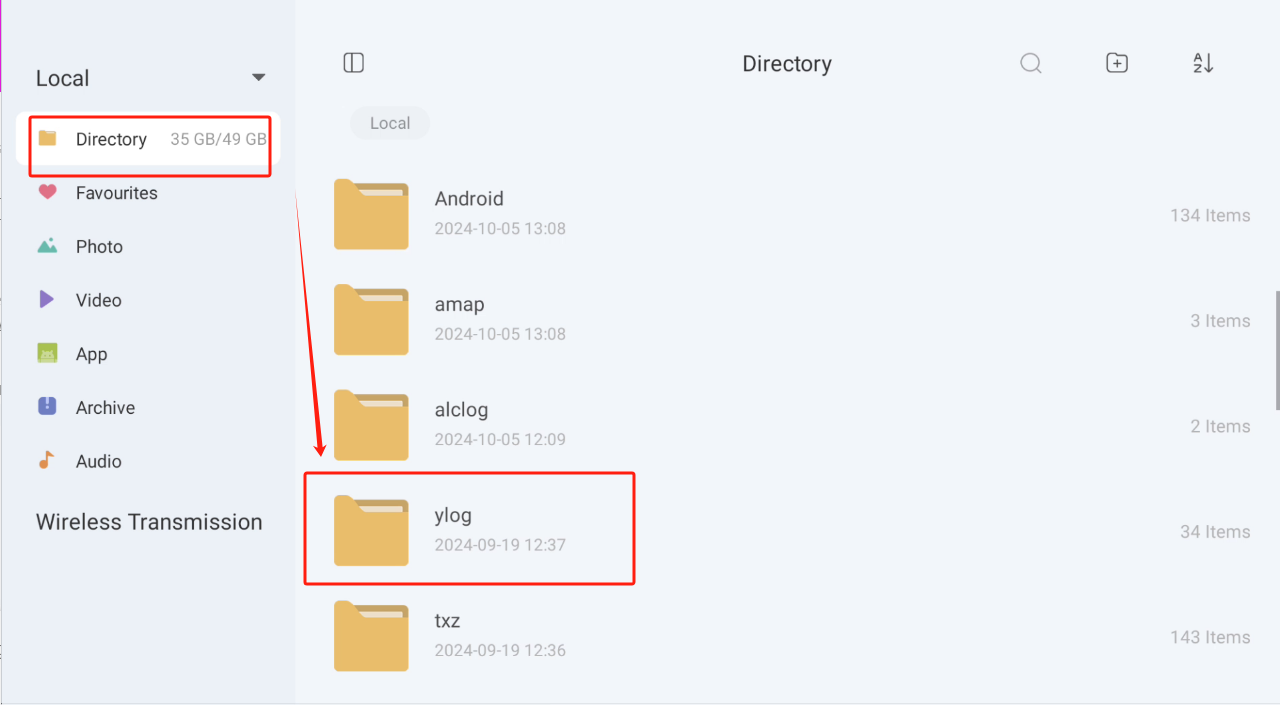
(3)Go back to the YLOG interface, stop recording, and in opening the file manager, copy the entire YLOG folder to us
----------------------dividing line----------------------
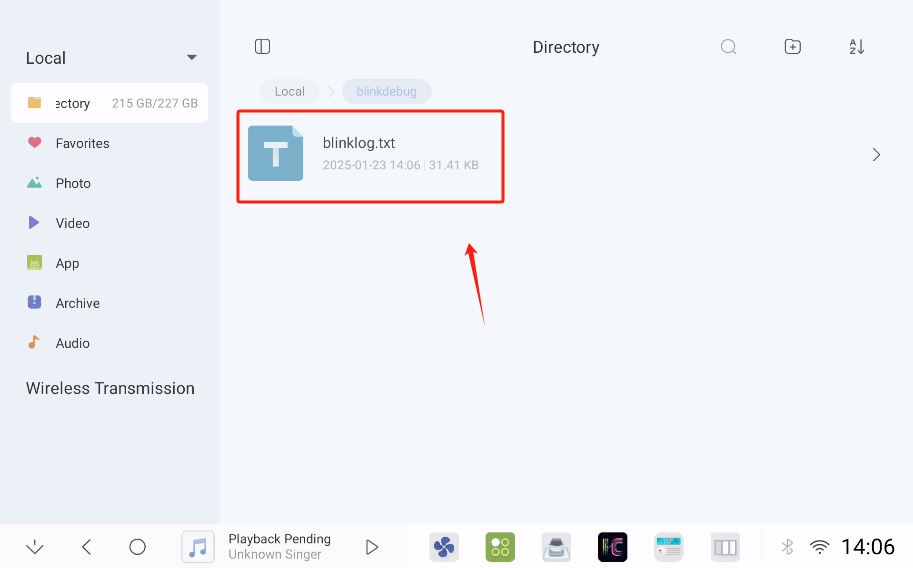
If you encounter bugs related to Bluetooth music, Bluetooth phone calls, CarPlay, or Android Auto, you need to capture the Bluetooth logs and send them to us. The capture method is as follows: Go to "Settings" - "CANBUS" - "Factory" - Password 108 - "BUG Log Capture" - Click the "Bluetooth log capture" option, reproduce the error, then restart your device, and send us the logs from the [blinkdebug] folder, along with the time when the error occurred.