🚀 DUDUOS 3.8 Public Beta is Officially Here! 🎉✨
The next evolution of your smart driving experience has arrived. We are thrilled to kick off the DUDUOS 3.8 Public Beta!
⚠️ Important Notice for Testers:
This is a Public Beta build intended for enthusiasts and advanced users who enjoy exploring early features and helping test new implementations. If you rely on absolute day-to-day stability, we recommend waiting for the official stable release.
As this is the very first public beta release with significant architectural updates and potential edge cases, OTA updates are not supported for this build. Please perform an offline update using a USB flash drive.
A heartfelt THANK YOU to our amazing community! Without our early alpha/closed beta testers who reported bugs around the clock, and our dedicated translators on Weblate who brought every new string to global drivers, this massive milestone would not have been possible. You truly shape the future of DUDUAUTO. ❤️✍️
🔧 What's New in DUDUOS 3.8
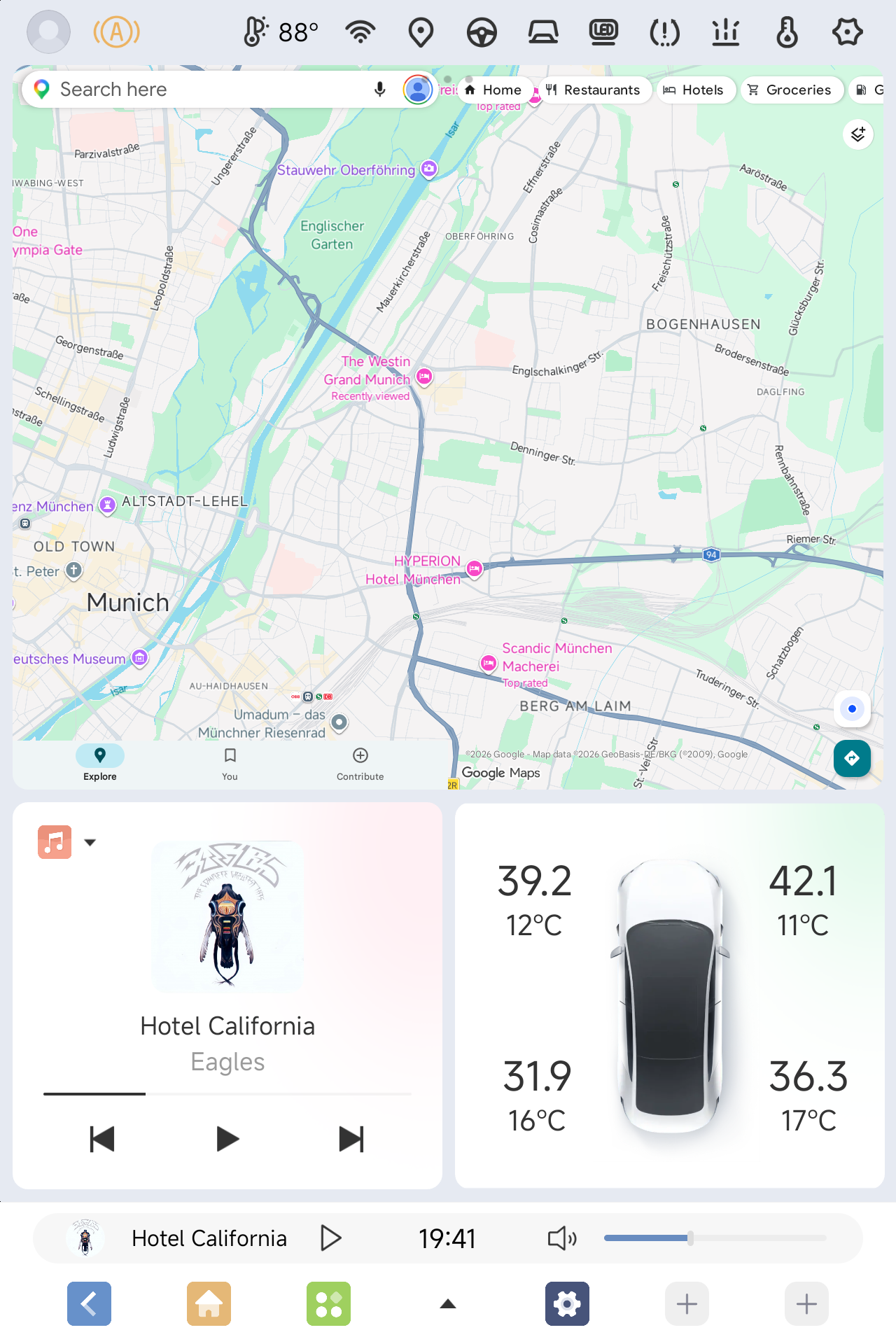
- All-New DUDU Launcher with Smart Driving Mode
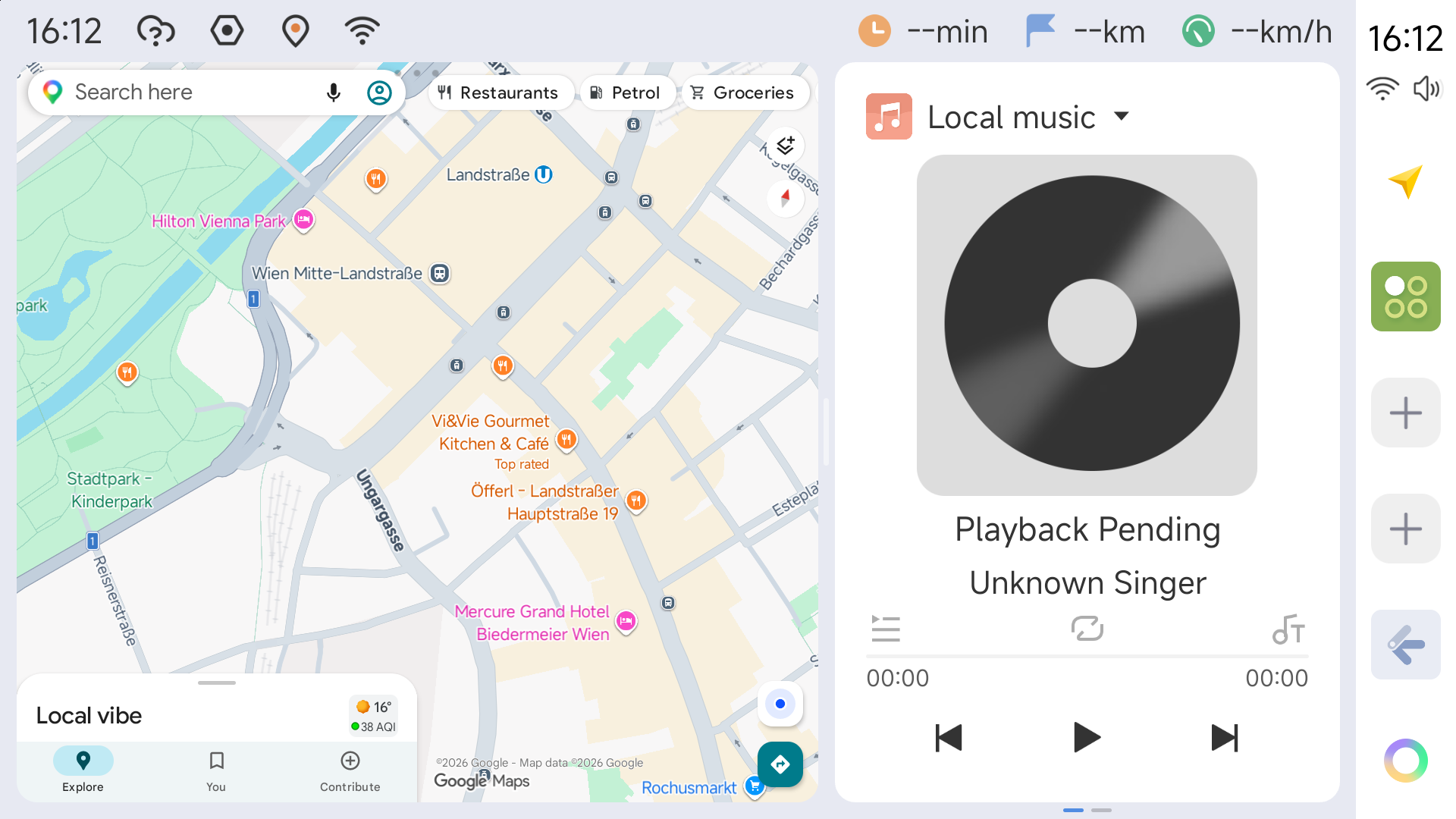
A redesigned dashboard layout optimized for seamless navigation and vehicle monitoring, now featuring in-depth climate control integration.
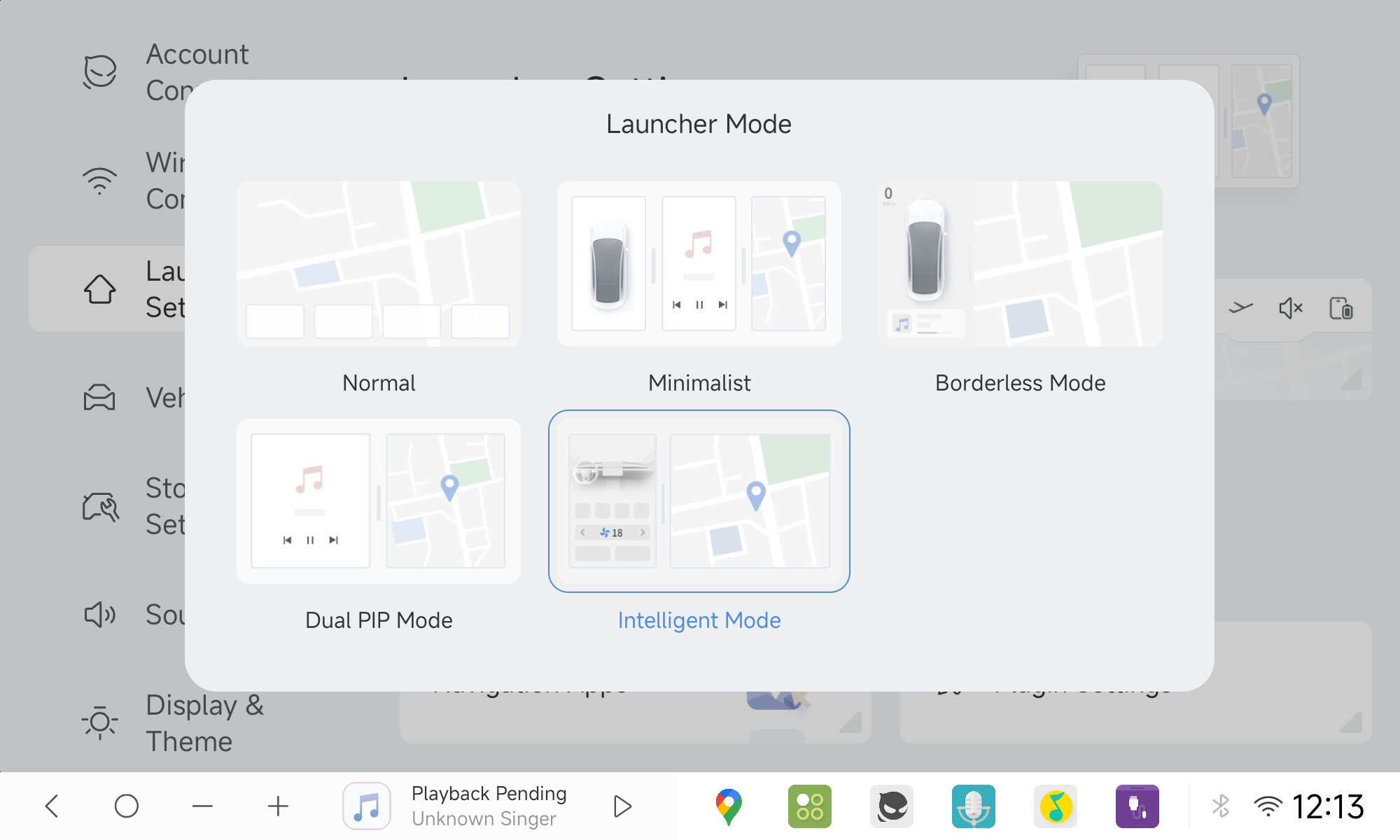
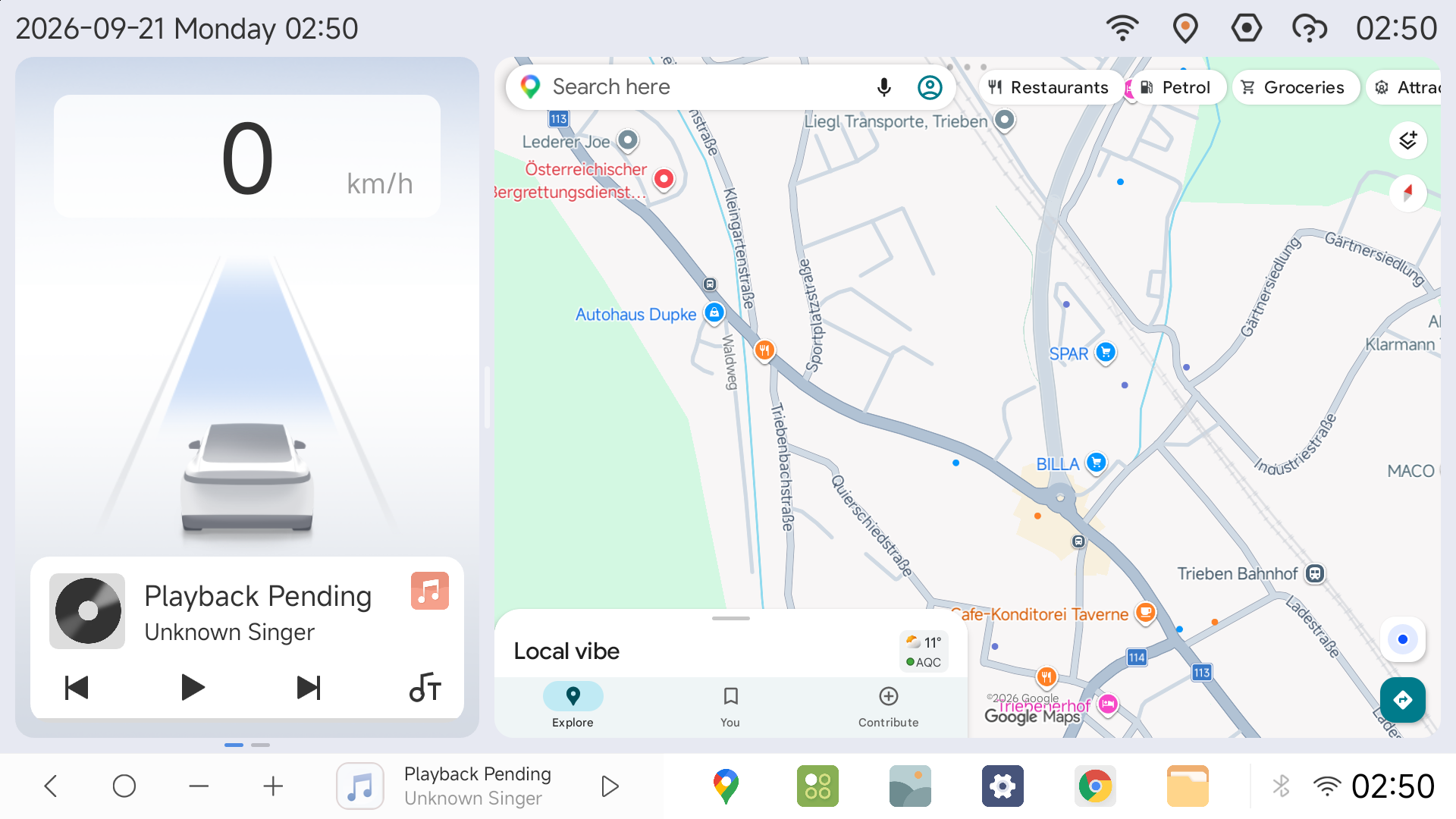
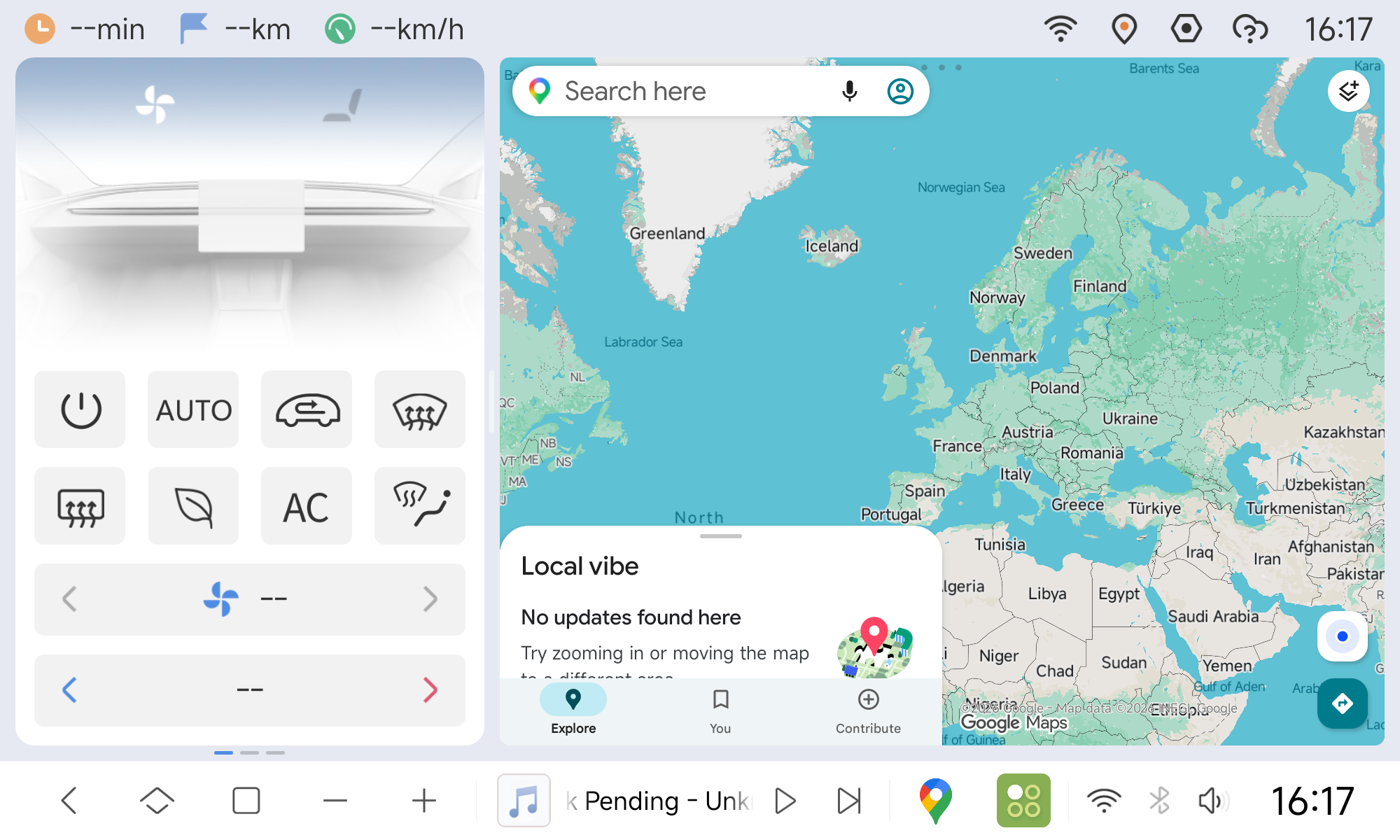
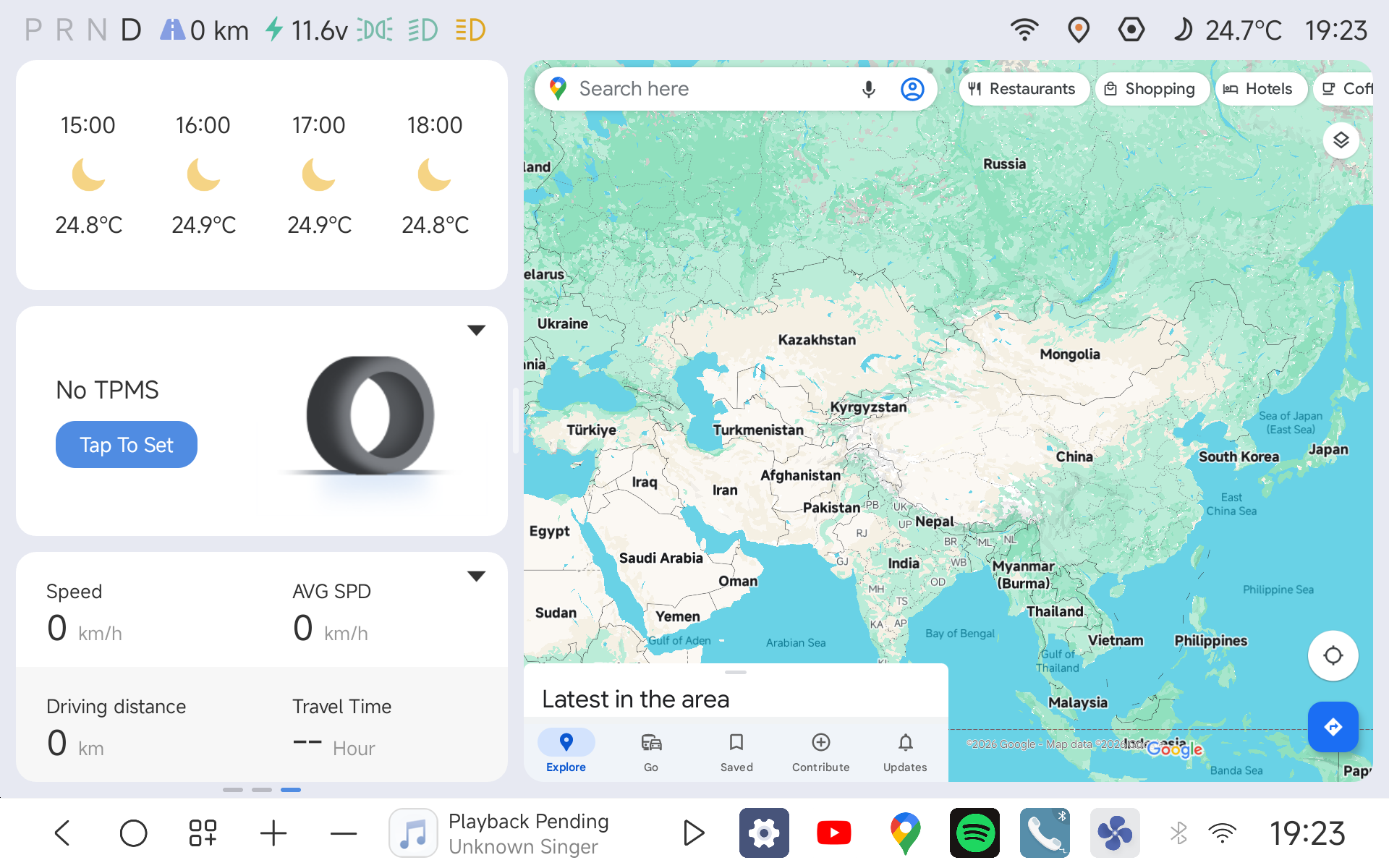
- Quick Launcher Mode Switcher
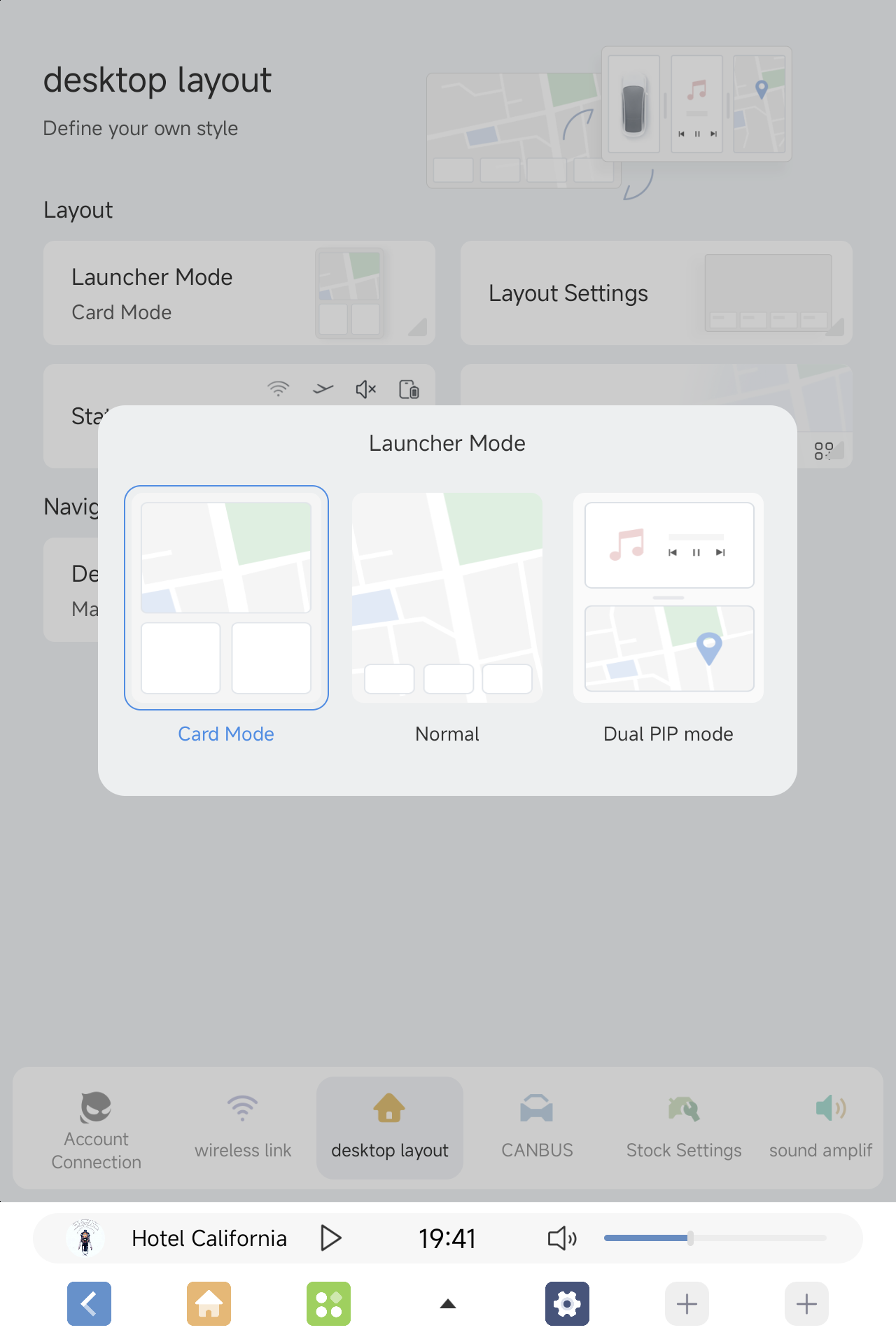
Launcher layouts can now be switched directly via the Mode Switcher app icon, without digging into the system settings menus. 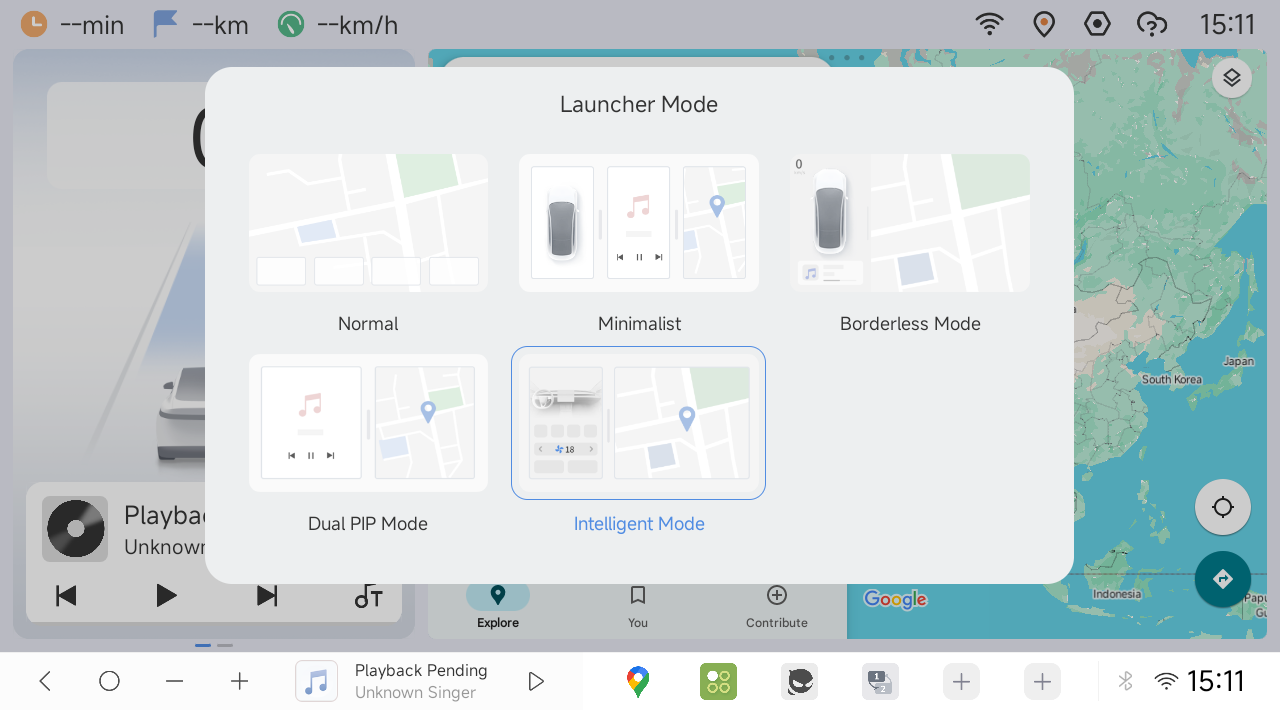
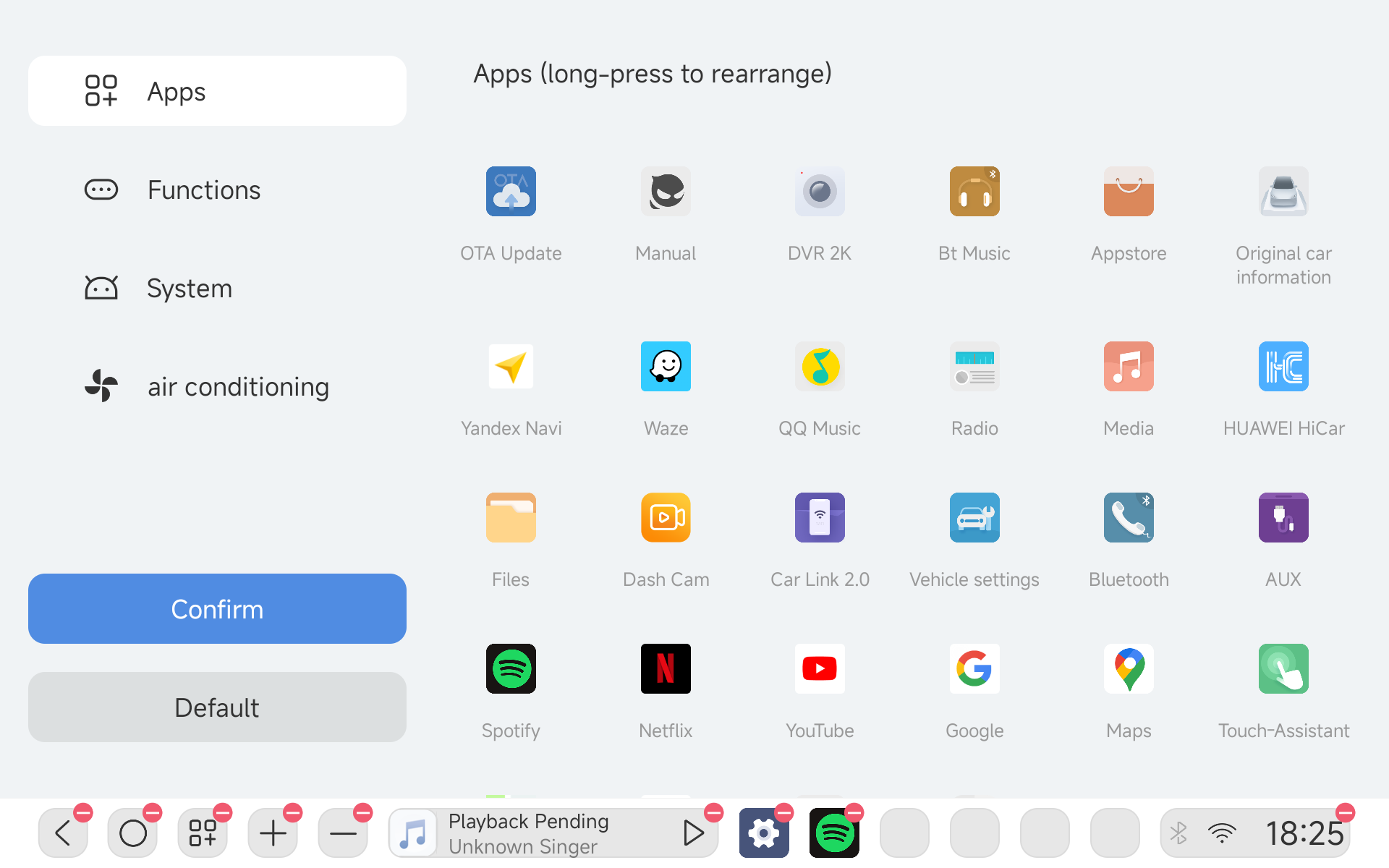
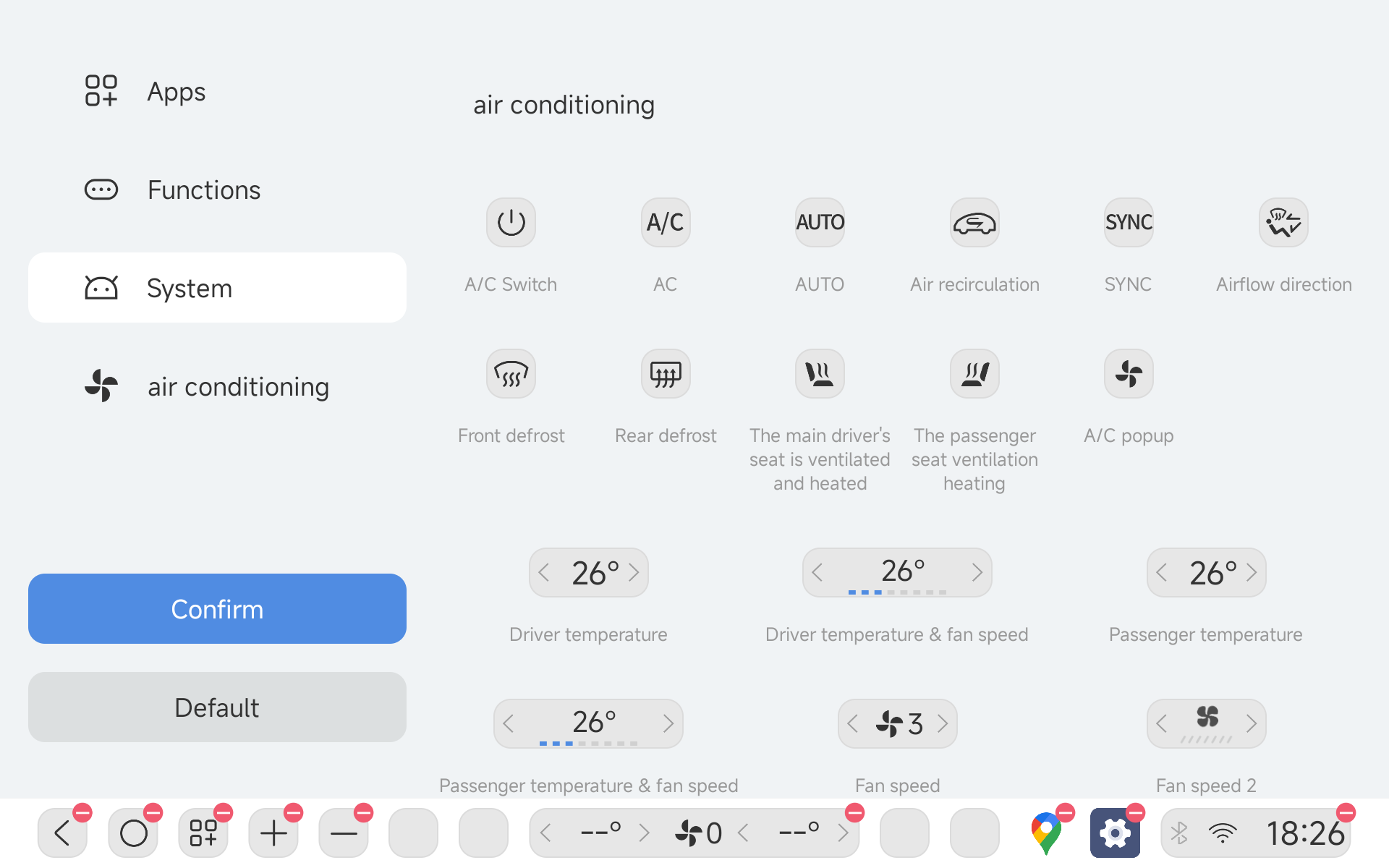
- Customizable Navigation Bar
Personalize your dock layout with drag-and-drop widget arrangement: long-press to edit and freely rearrange the dock modules.
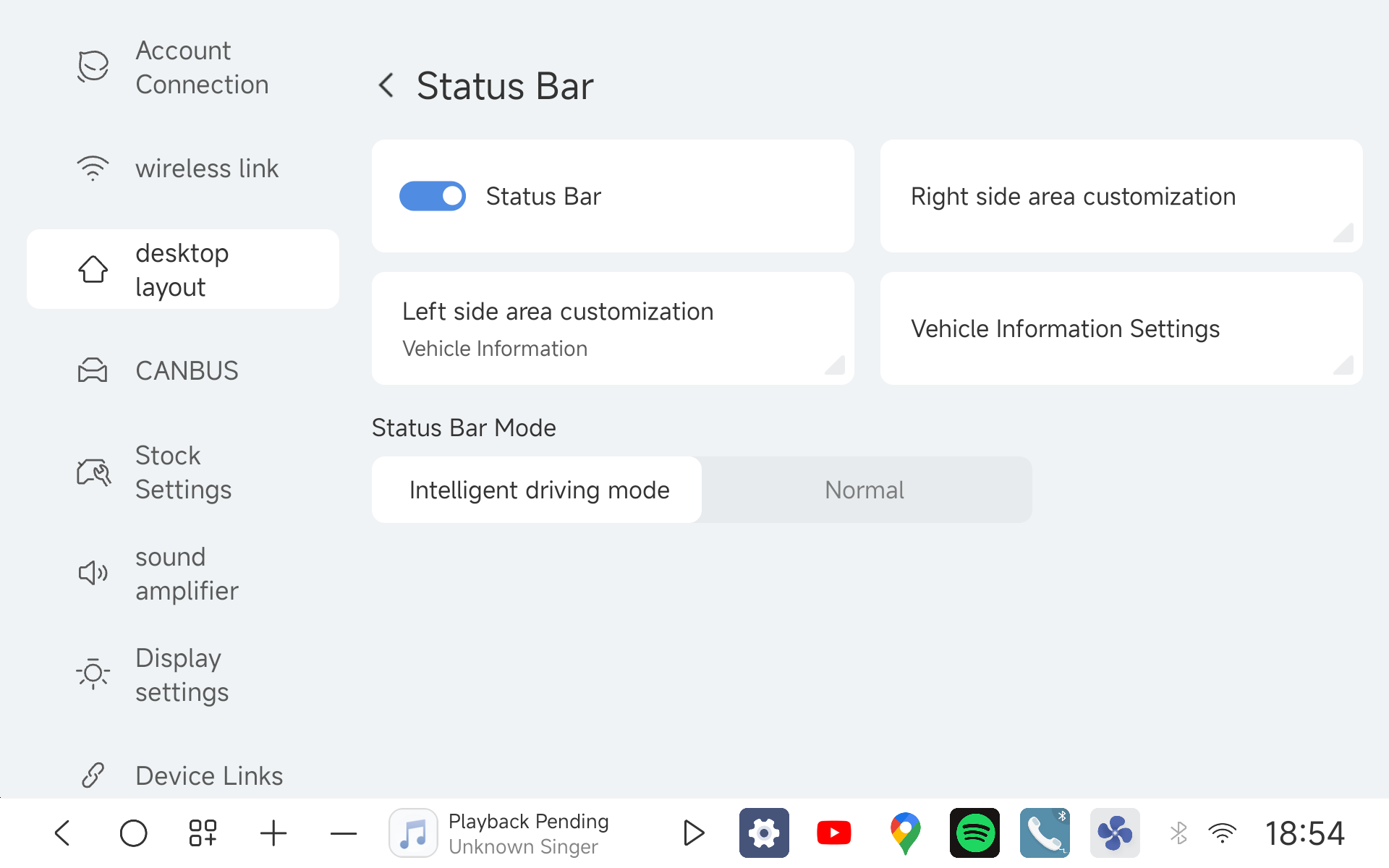
- Advanced Vehicle Status Bar
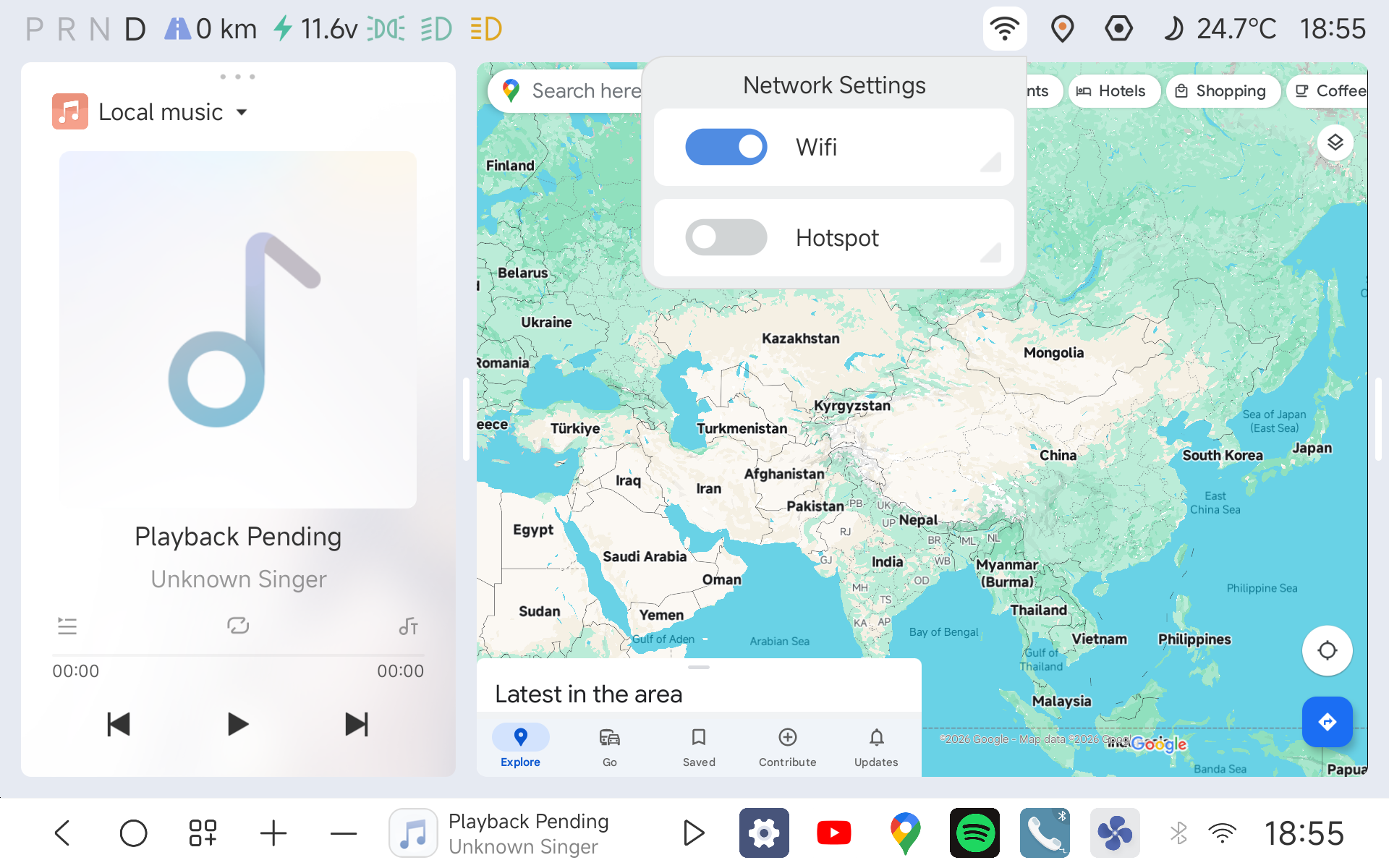
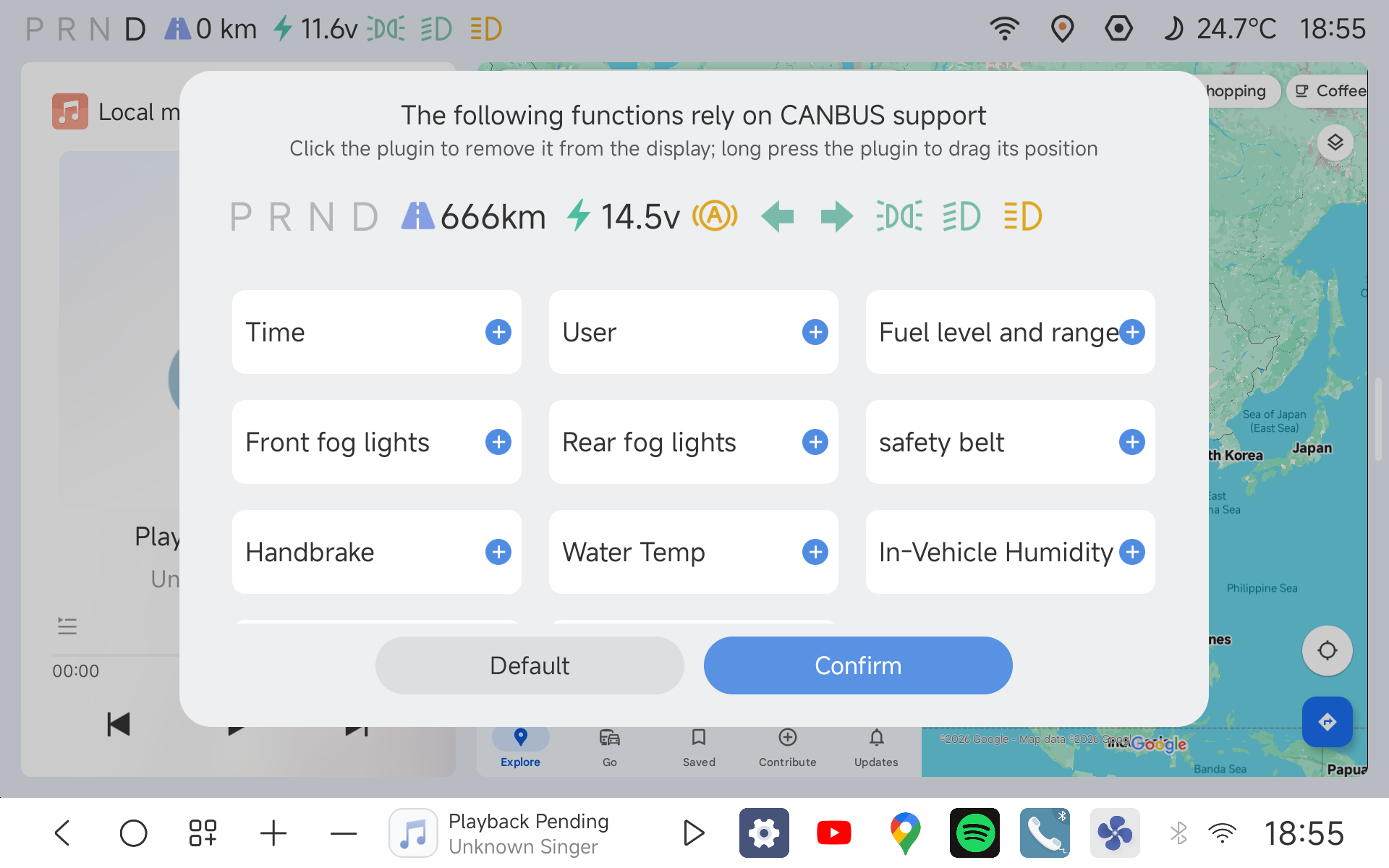
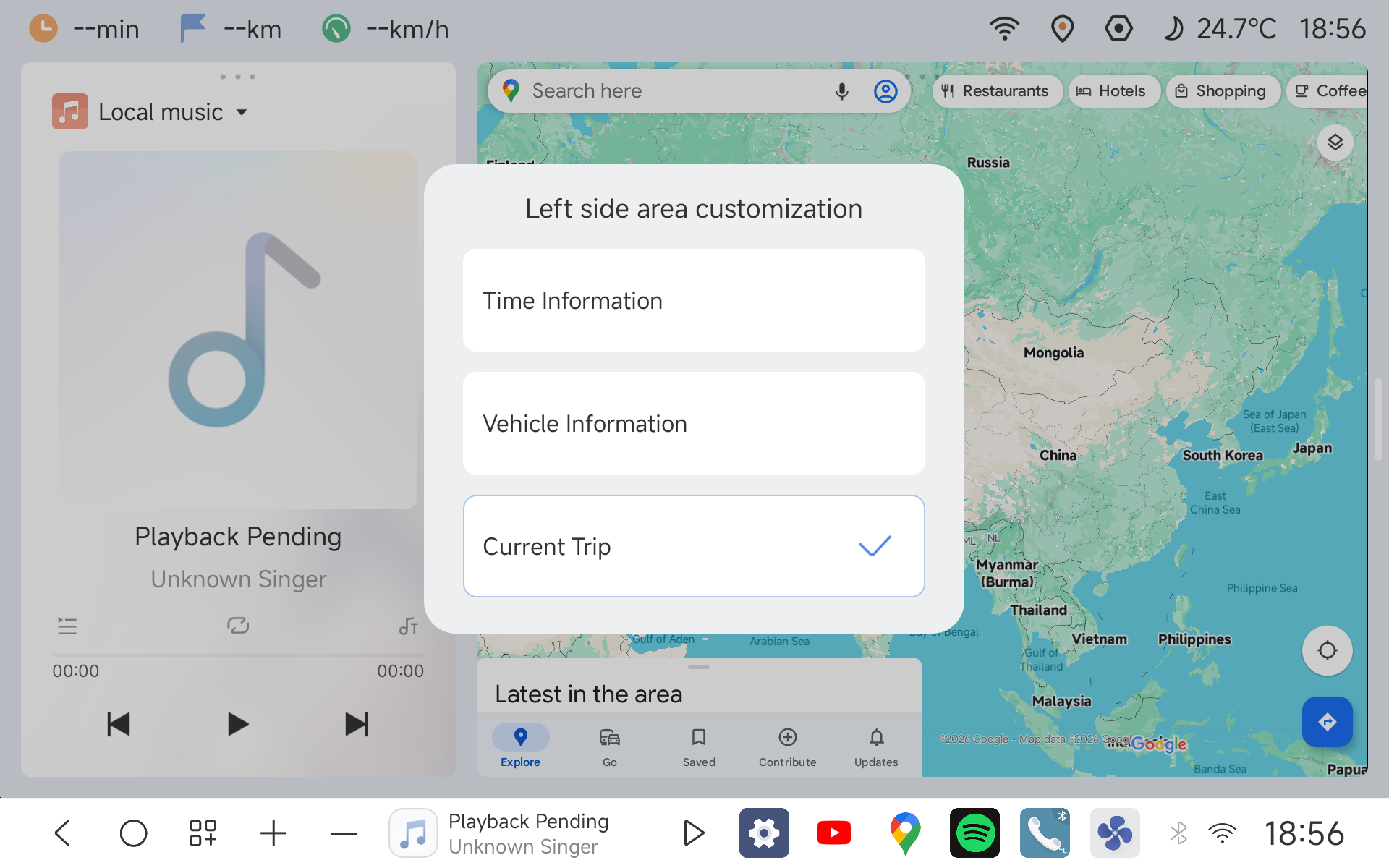
Displays real-time factory telemetry across layouts, with expanded factory vehicle data coverage; long-press to customize which indicators are shown. (Note: Supported across all interface modes except Borderless/Unbounded mode, Audiophile/Enthusiast mode, and vertical/portrait screens).
- Portrait Screen Card Mode
Introduces a dedicated card-based UI layout optimized for portrait/vertical displays to enhance vertical interaction ergonomics. (Image placeholder)
- 360° Vision System & ADAS Integration
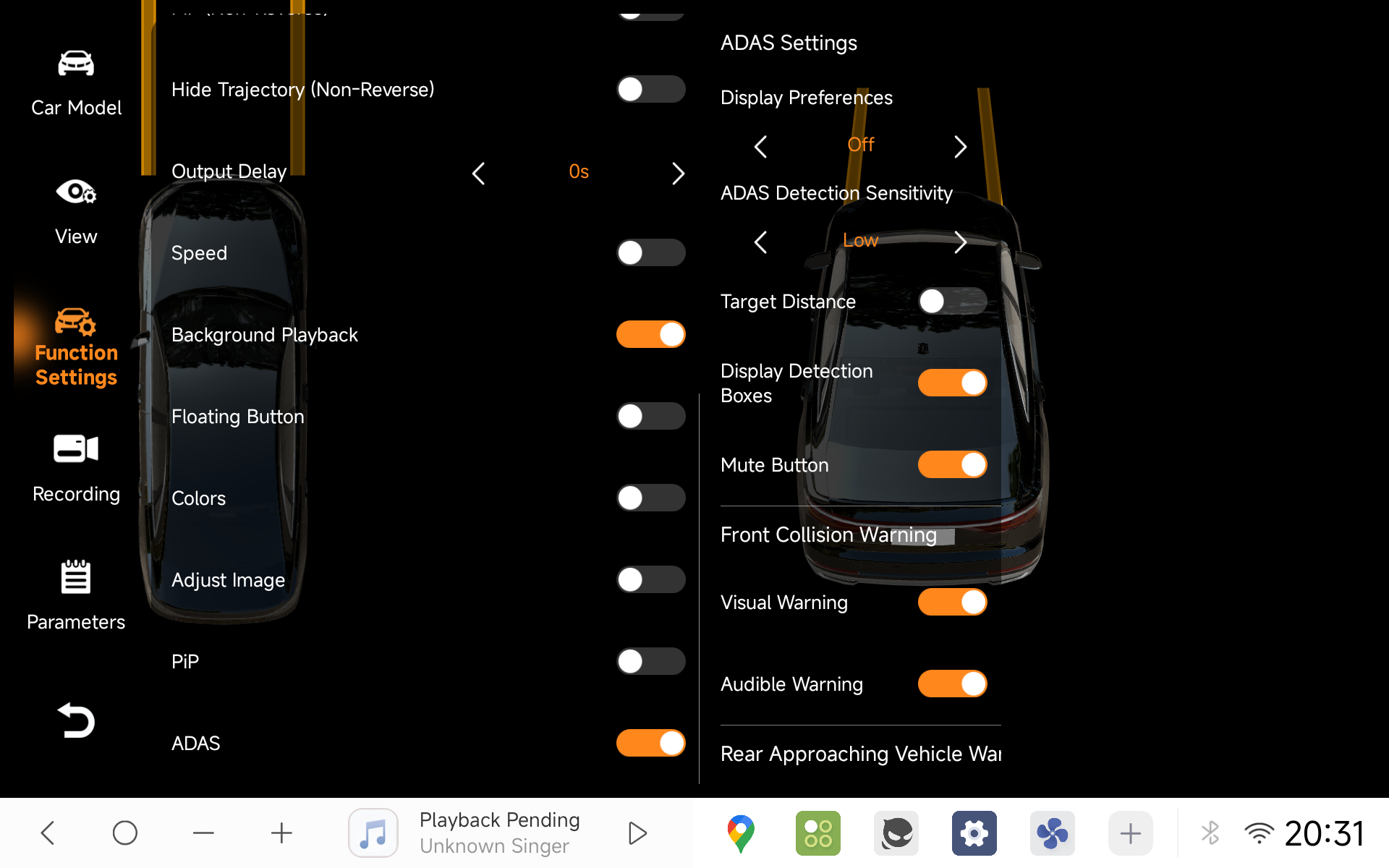
Brand-new panoramic camera app featuring a 6-way surround view and built-in intelligent ADAS warnings. Enable ADAS warnings under 360 Settings ➔ Vehicle Settings ➔ Enable ADAS (7870 platform).
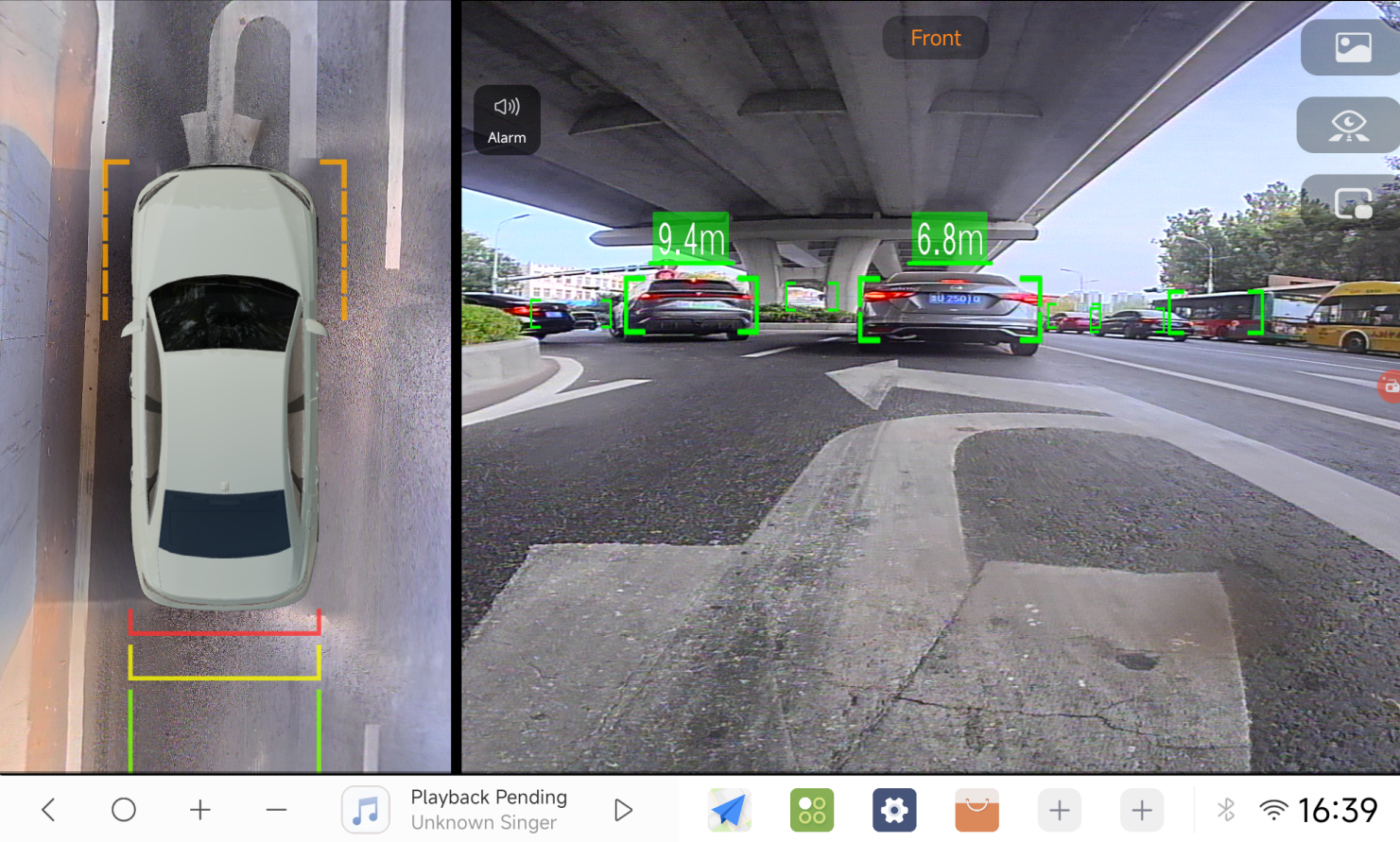
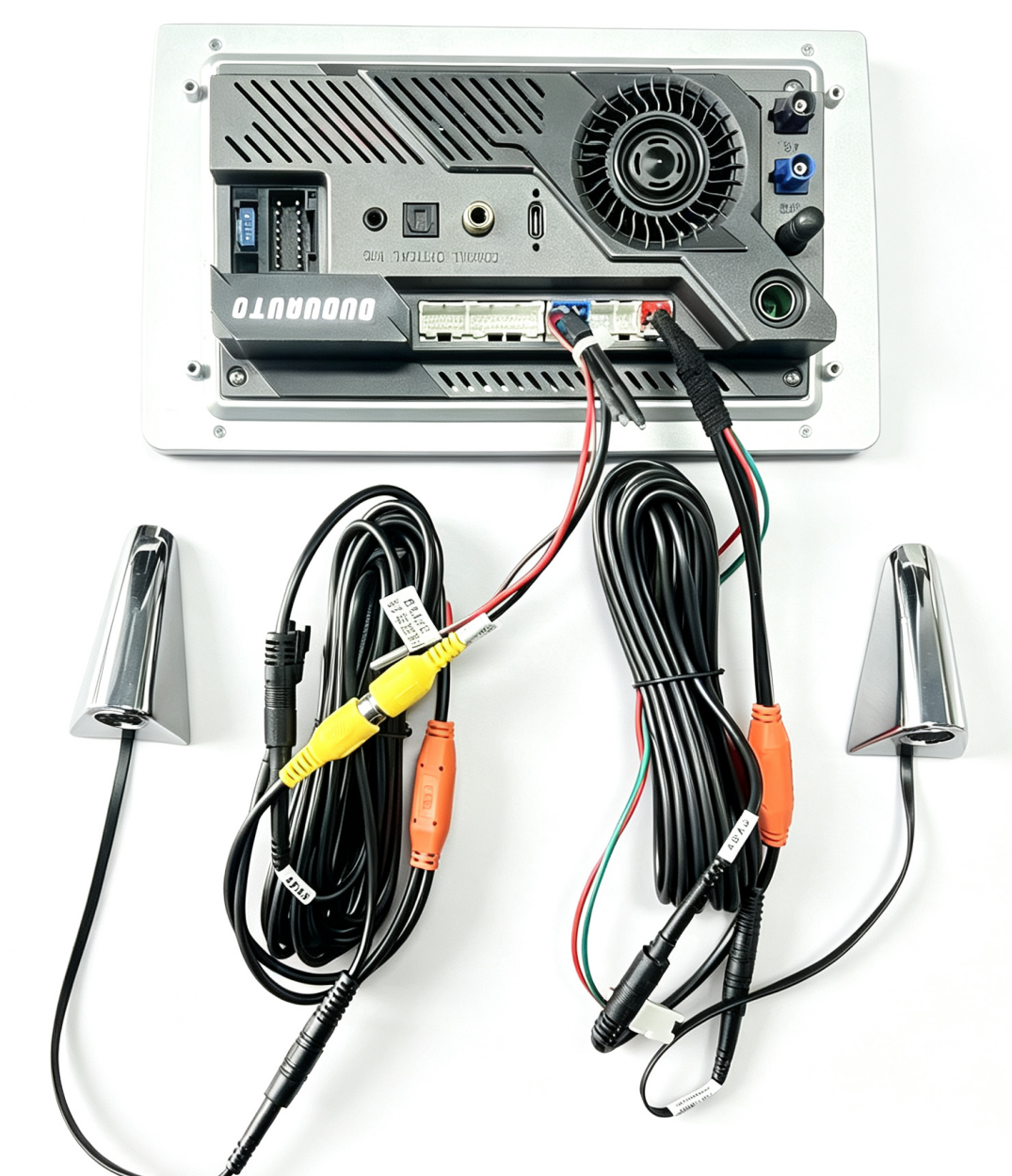
The 6-way blind-spot 360 view requires the additional blind-spot cameras to be installed to give you far better visibility of your blind spots, then switch to 6-way mode in Factory Settings. Only the 7870 platform is supported, and the matching accessory kit will be released at a later date.
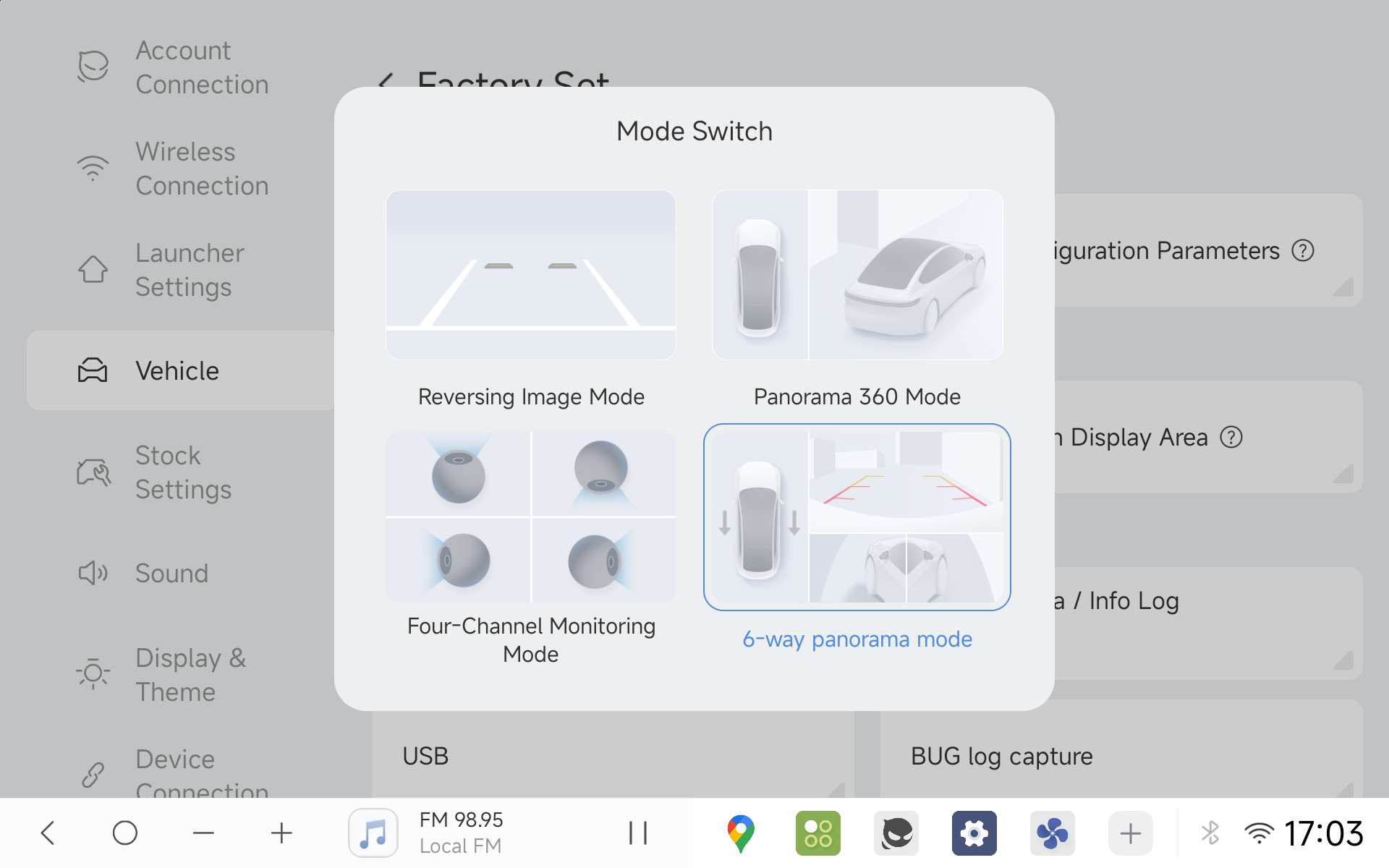
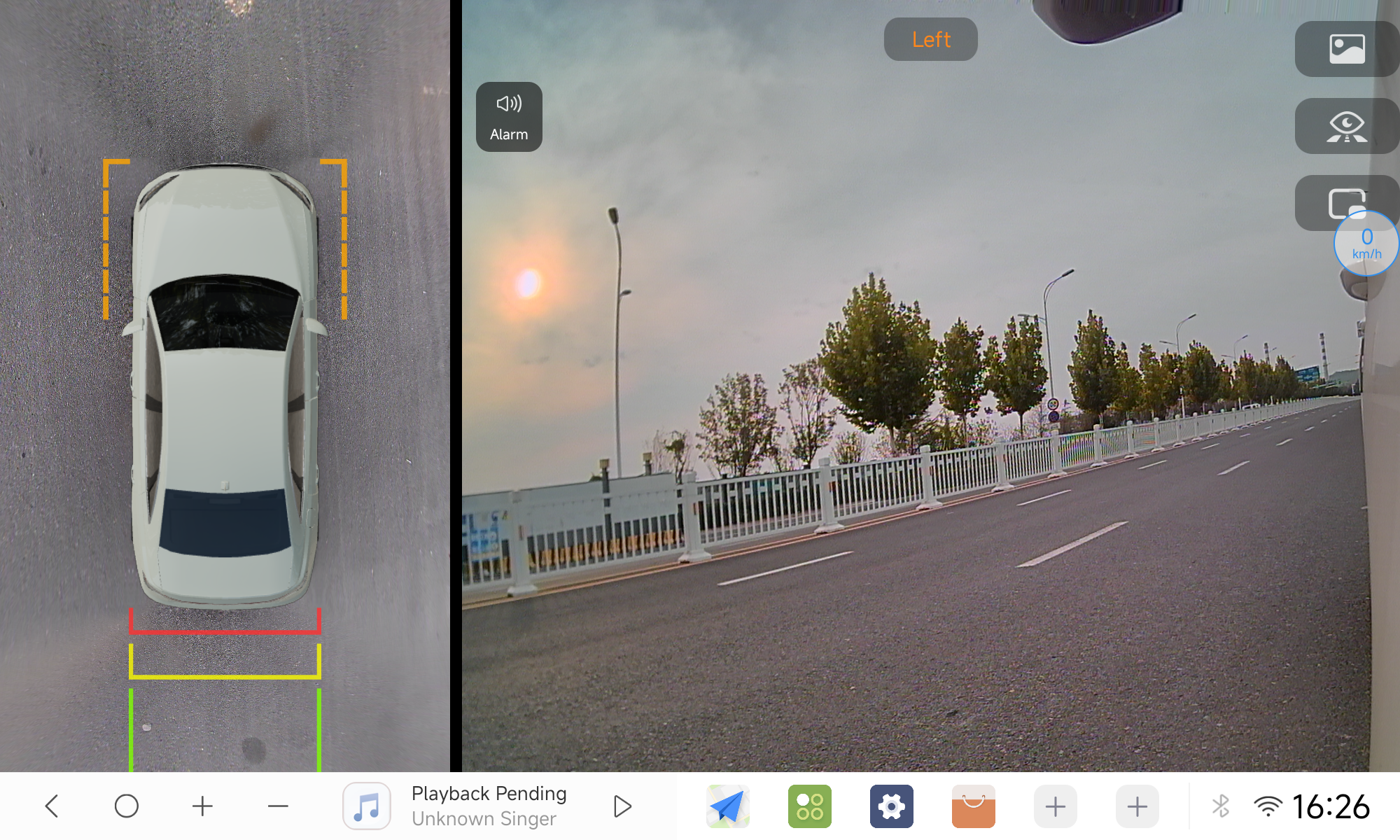
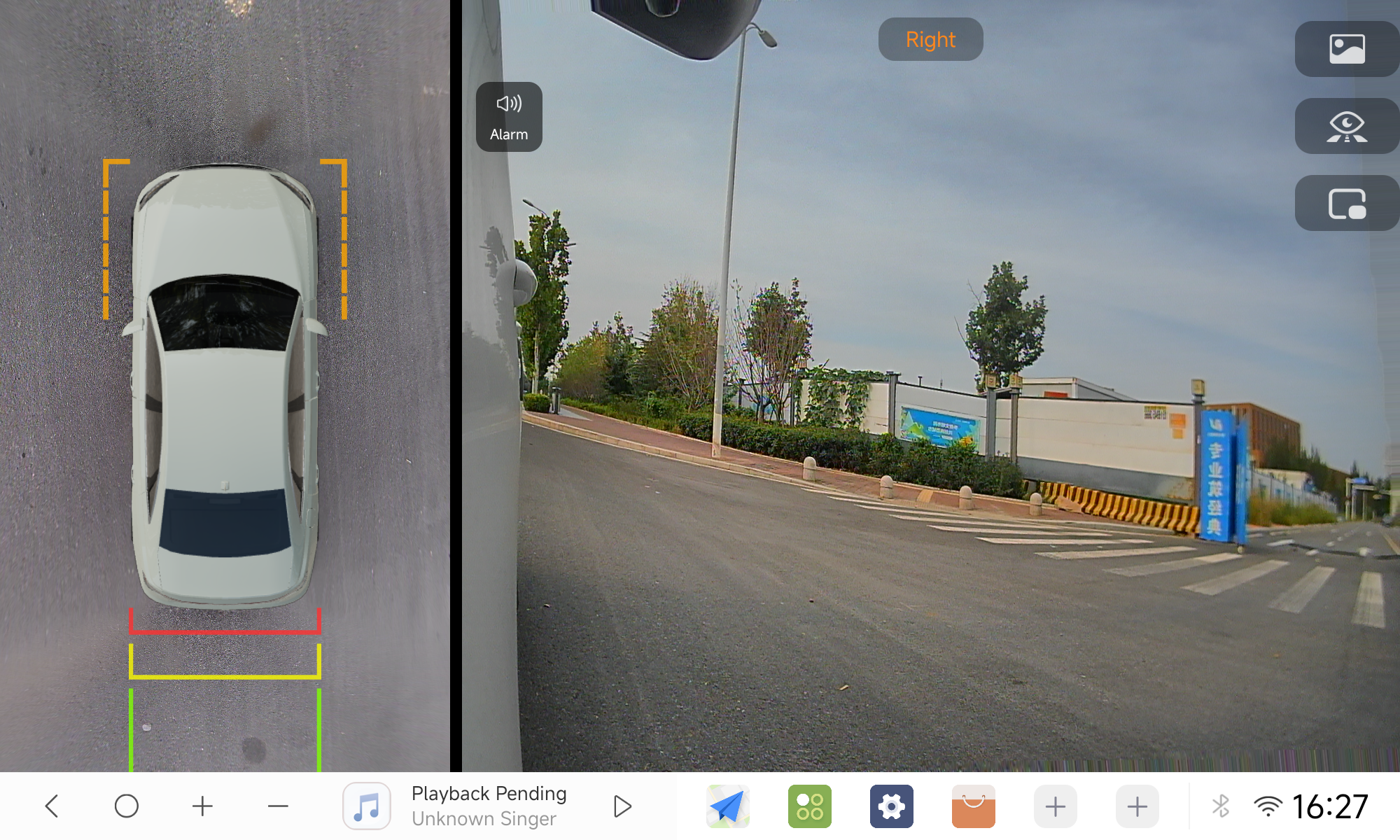
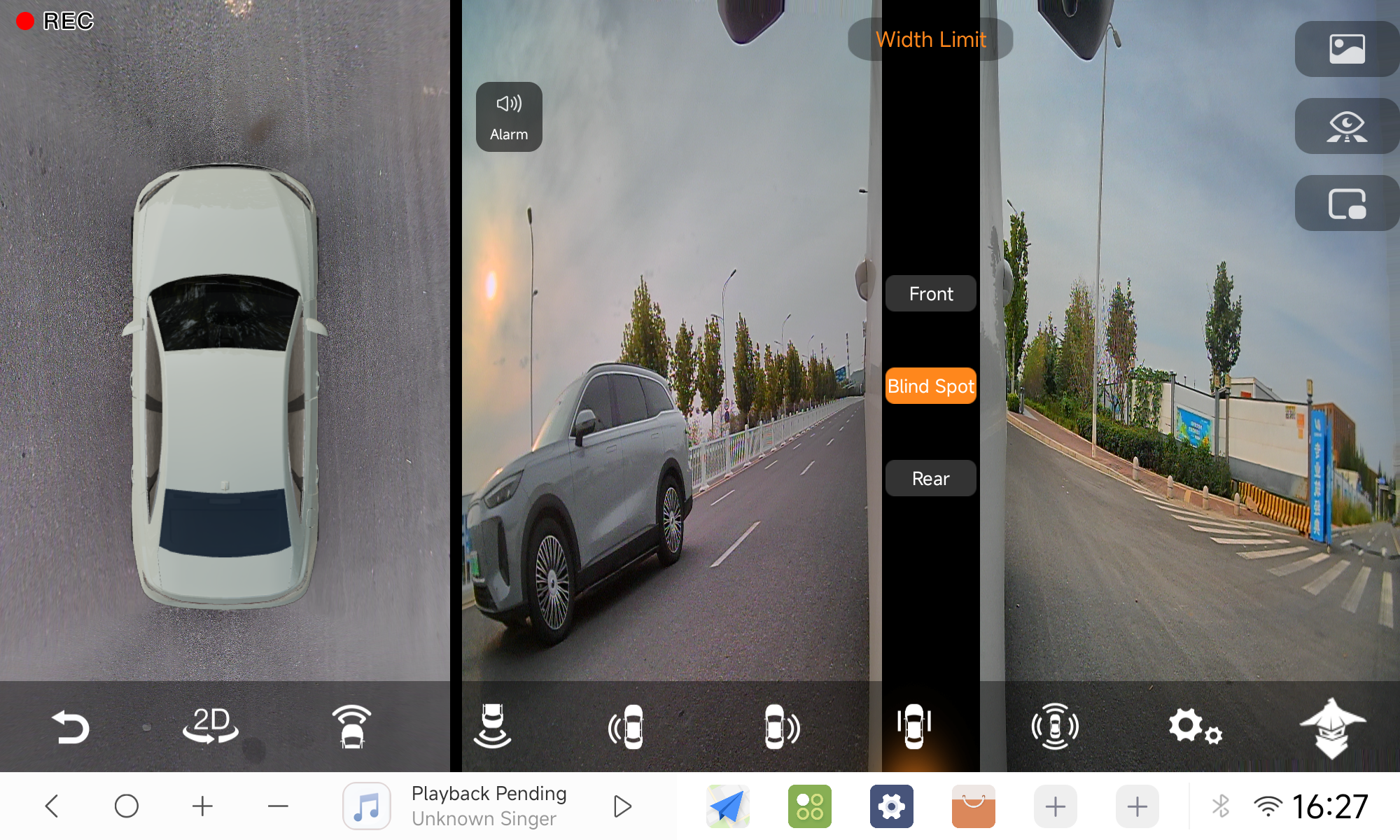
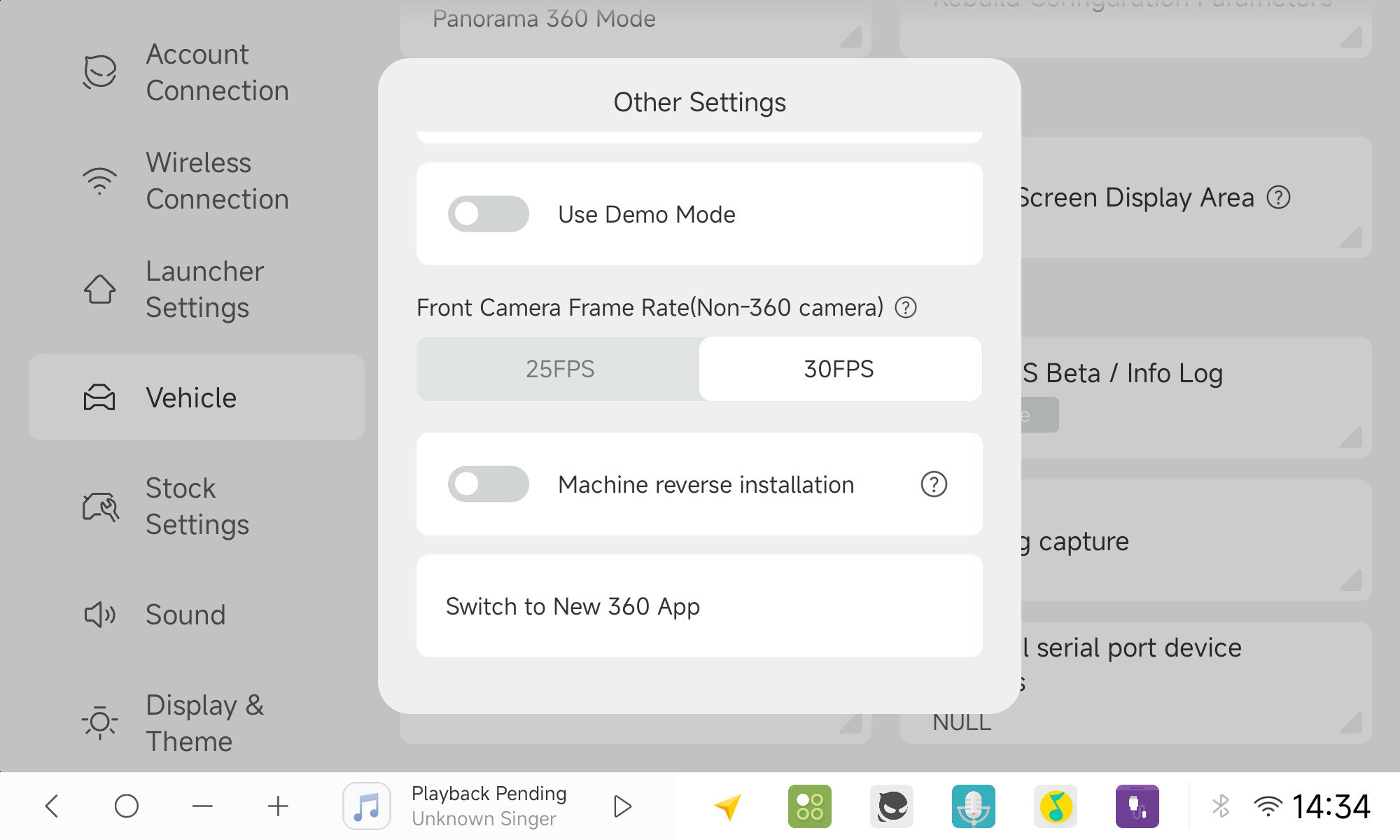
How to switch to the new 360 app: If your unit is still using the legacy 360 app, go to Settings ➔ Vehicle ➔ Factory Settings (PIN: 108) ➔ Other Settings to enable the new 360 view.
(Important: Before switching versions, we strongly recommend exporting your existing camera calibration and stitching data to an external USB drive. After switching to the new 360 app, recalibrating/re-stitching is recommended to achieve optimal camera alignment and visual performance).
360 Tuning & Backup
Camera angle parameters are now included in system backups, with numerical readouts for precise fine-tuning of the camera alignment. (Image placeholder)
Speed-Triggered 360 Views
360 turn-signal activation now supports speed threshold triggers, and 6-way mode switches perspectives based on vehicle speed. (Image placeholder)
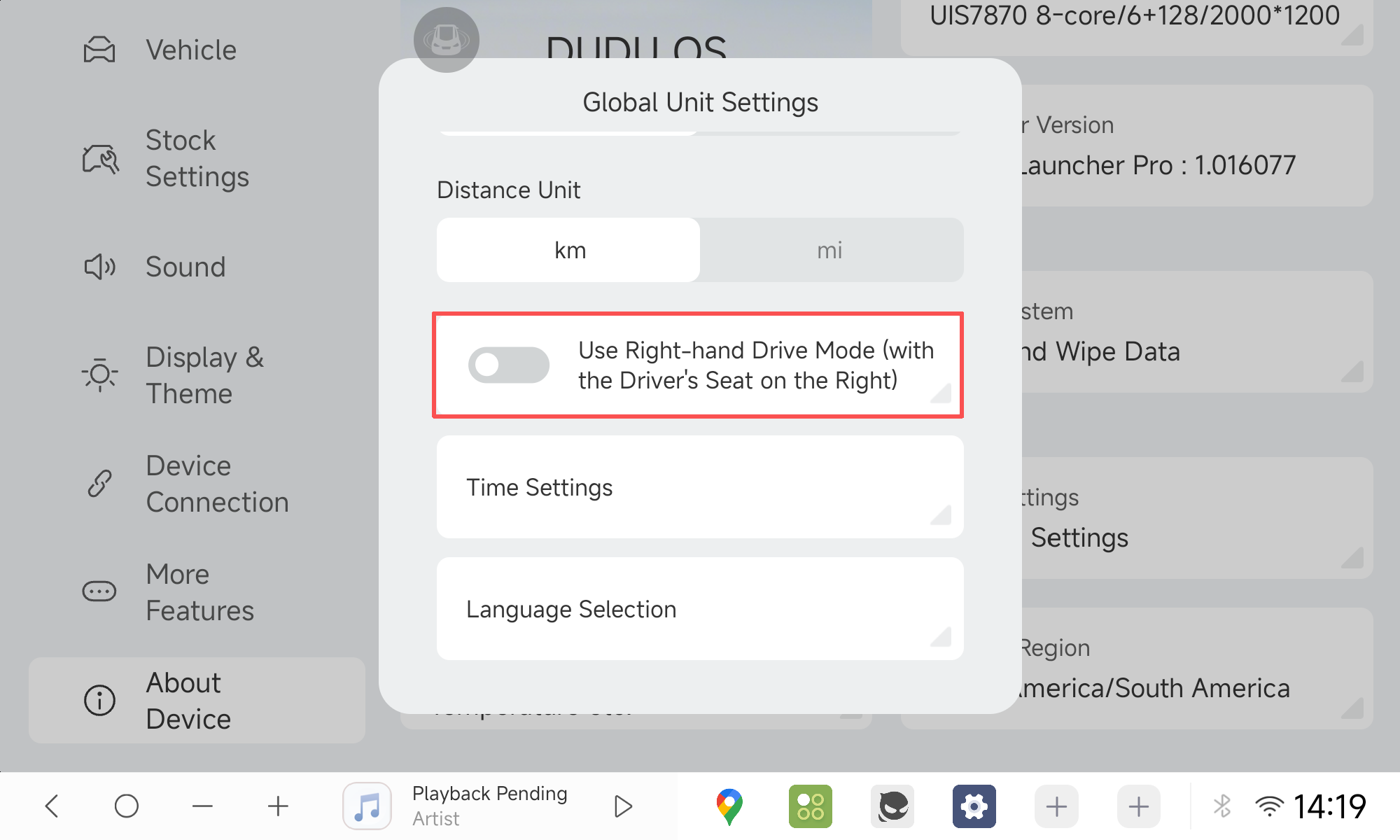
Right-Hand Drive (RHD) Mode
Full UI adaptation switching the core controls to the right side for RHD vehicles.
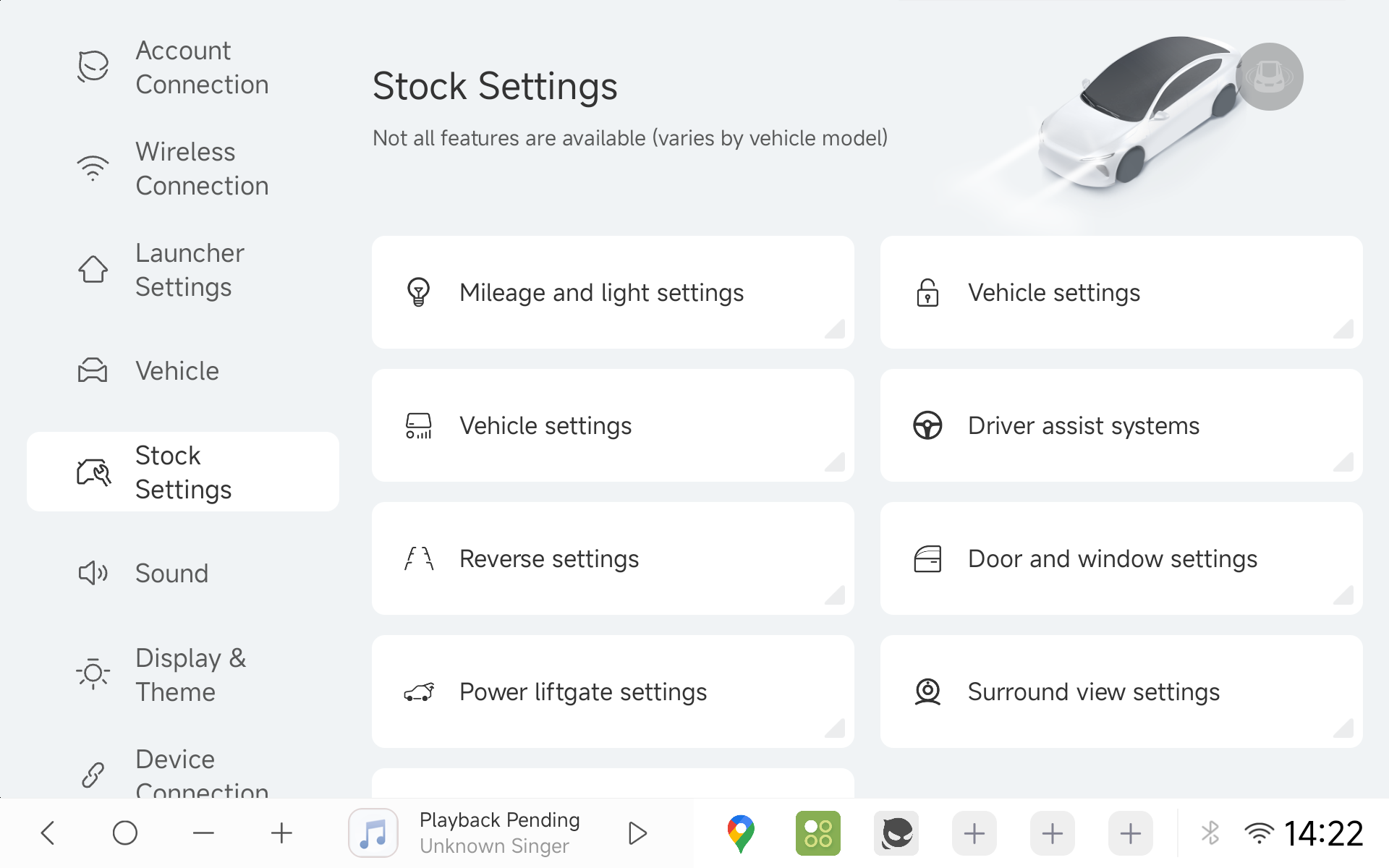
- Redesigned Factory Vehicle Settings
Cleaner visual hierarchy and clearer categorization compared to standard versions, supporting a broader and growing catalog of car models.
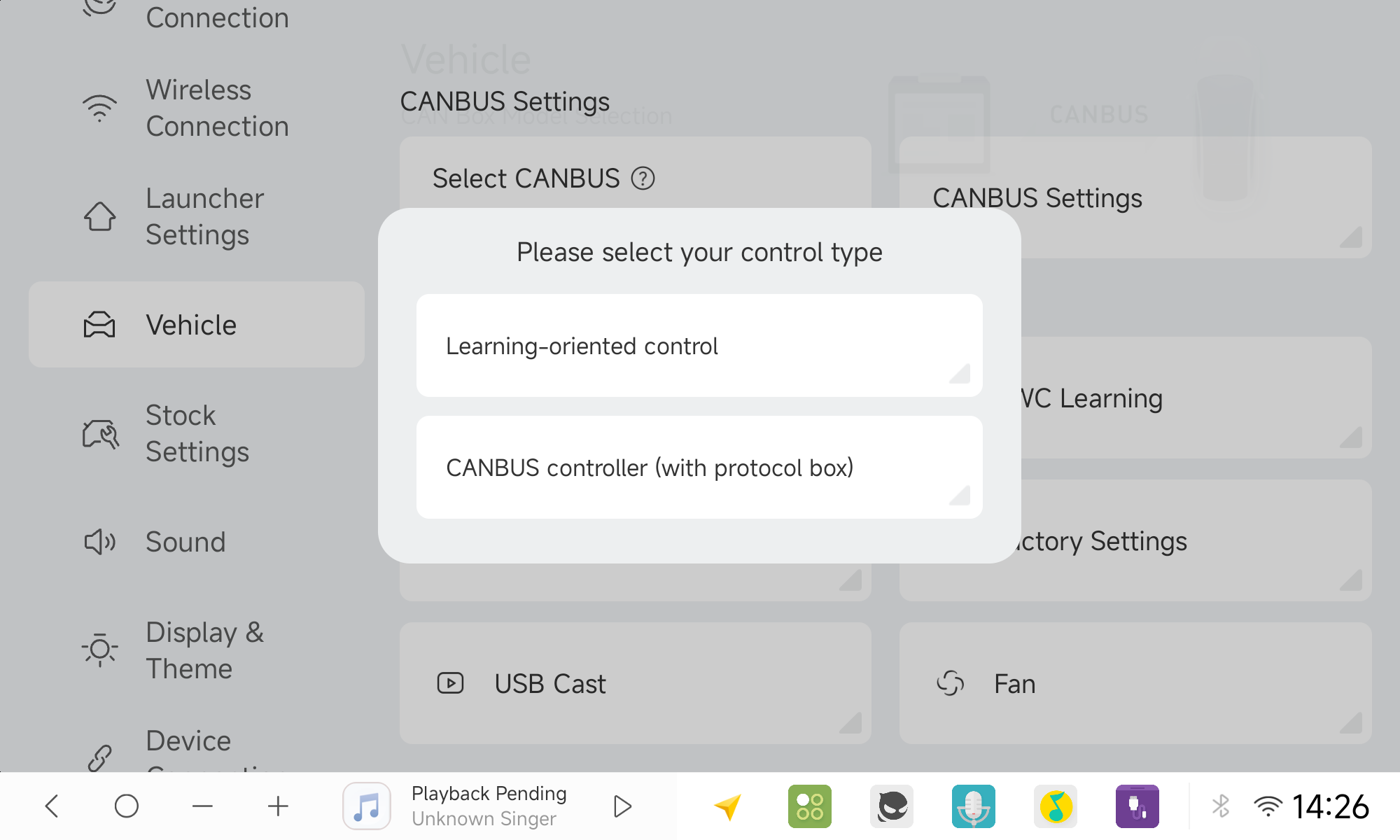
- Deep Vehicle Integration
Extended CAN-bus protocol compatibility covering approximately 70% of popular car models worldwide. For the latest list of adapted models and CANBUS protocols, please visit: Announcement of Deeply Adapted Vehicle Models & CANBUS
- CANBUS Button Learning
Protocol steering wheel and physical keys can now be freely remapped to custom app actions.
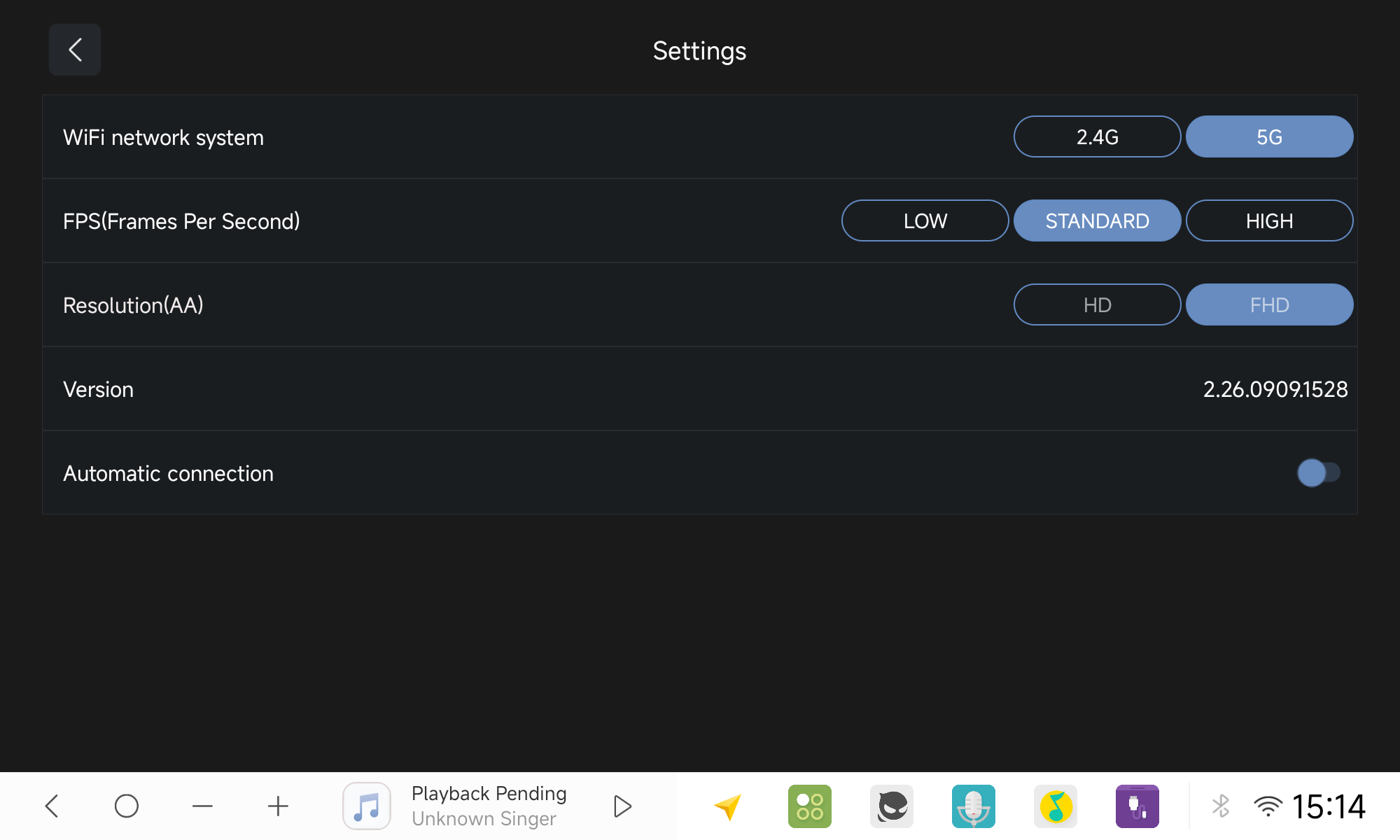
- Carlink Enhancements (HD/FHD & Multi-Touch)
Added HD / FHD resolution switching specifically for Android Auto, and resolved the Android Auto audio mixing bug.
Apple CarPlay now supports two-finger multi-touch gestures (requires iOS 26 or above).
When using left or right side navigation bars, the dock now automatically collapses during active CarPlay/Android Auto sessions to ensure optimal full-screen projection.
- Independent Driver-Side Audio Routing
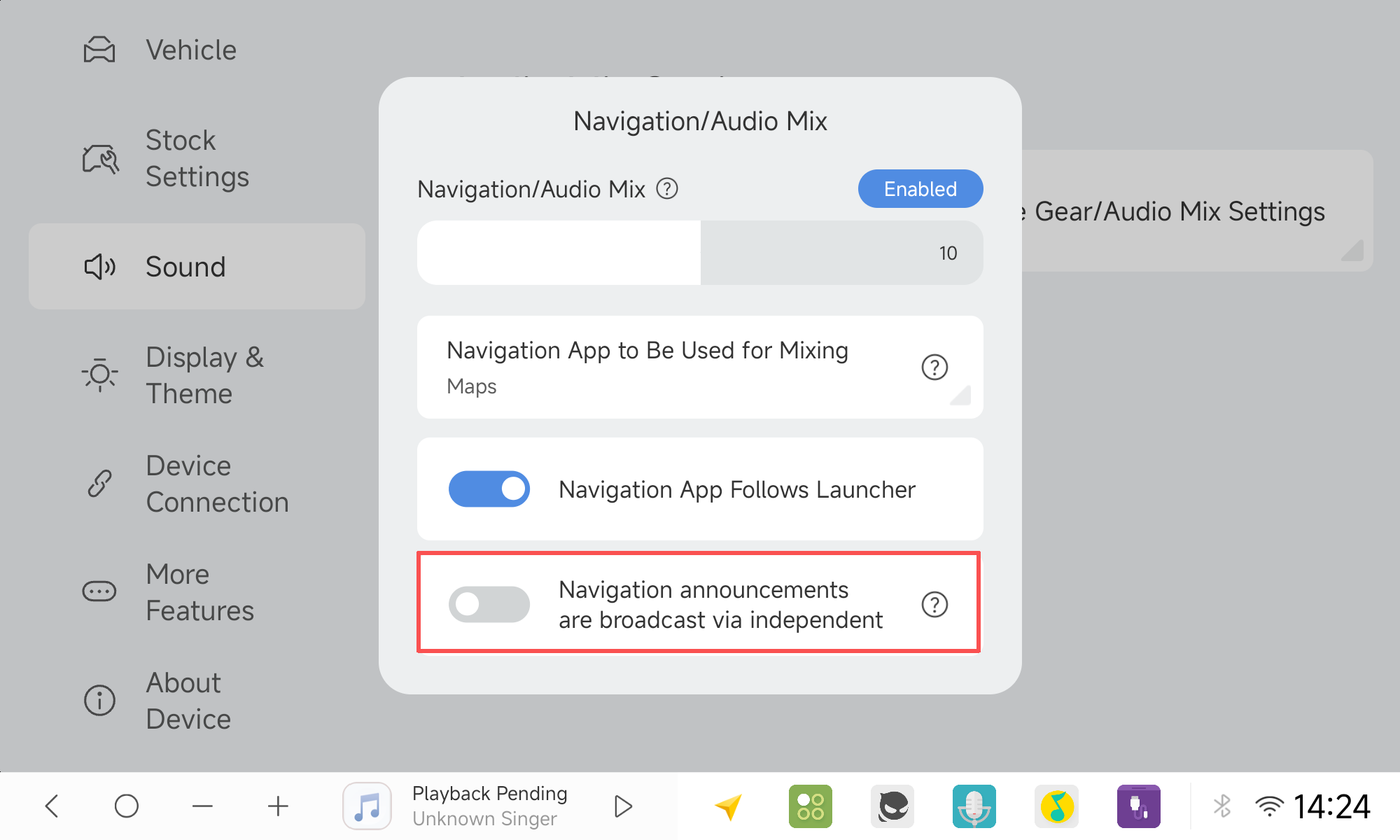
The navigation voice prompts and Bluetooth phone calls can now be independently routed to output exclusively through the driver-side speaker. (The navi prompts only on DUDU7 hardware powered by the AKM7739 DSP.) Navigation audio: Sound Settings ➔ Mixing Settings ➔ Navigation Mixing.
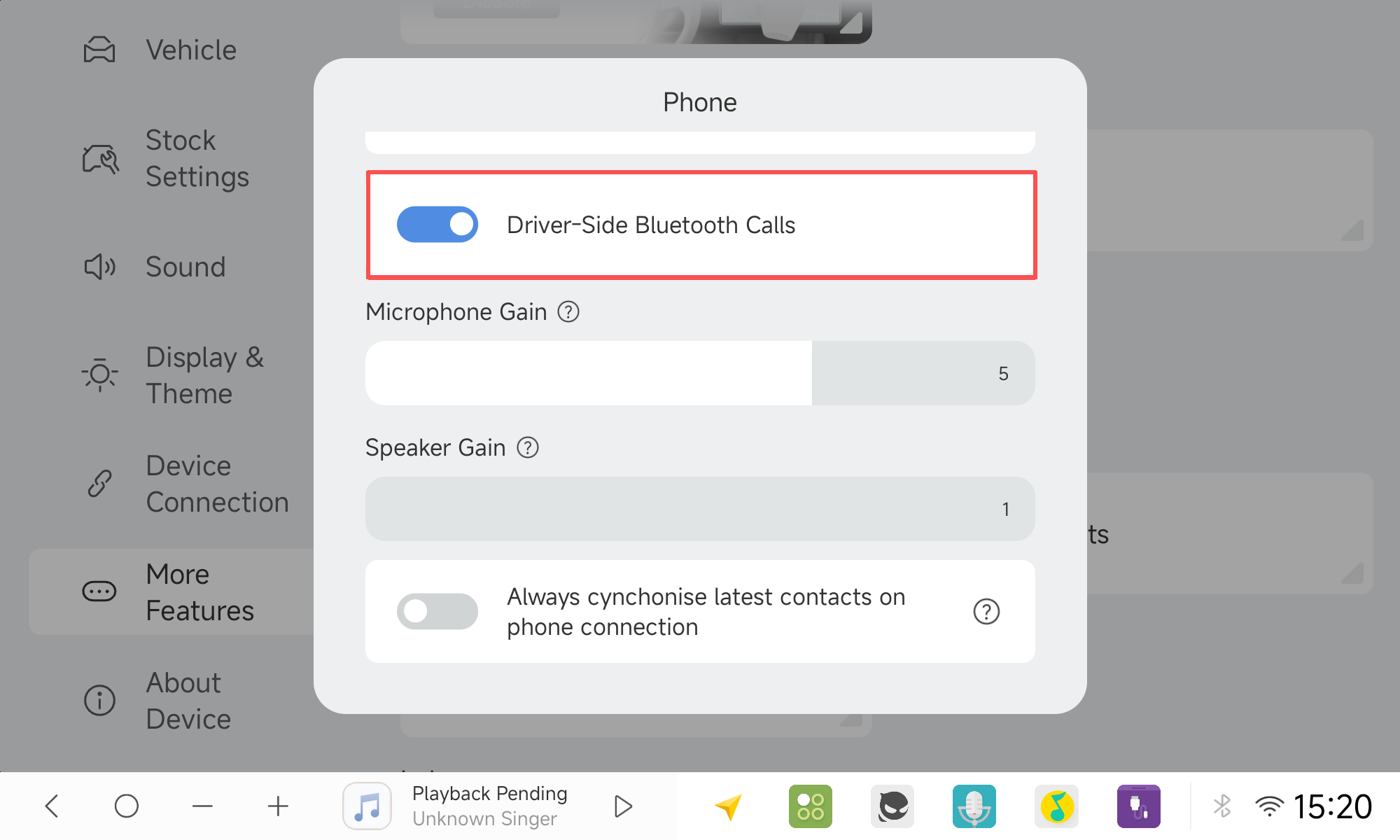
The Bluetooth phone calls can now be independently routed to output exclusively through the driver-side speaker. Bluetooth phone audio: More Features ➔ Bluetooth Phone.
- Ignition Sleep Password Lock
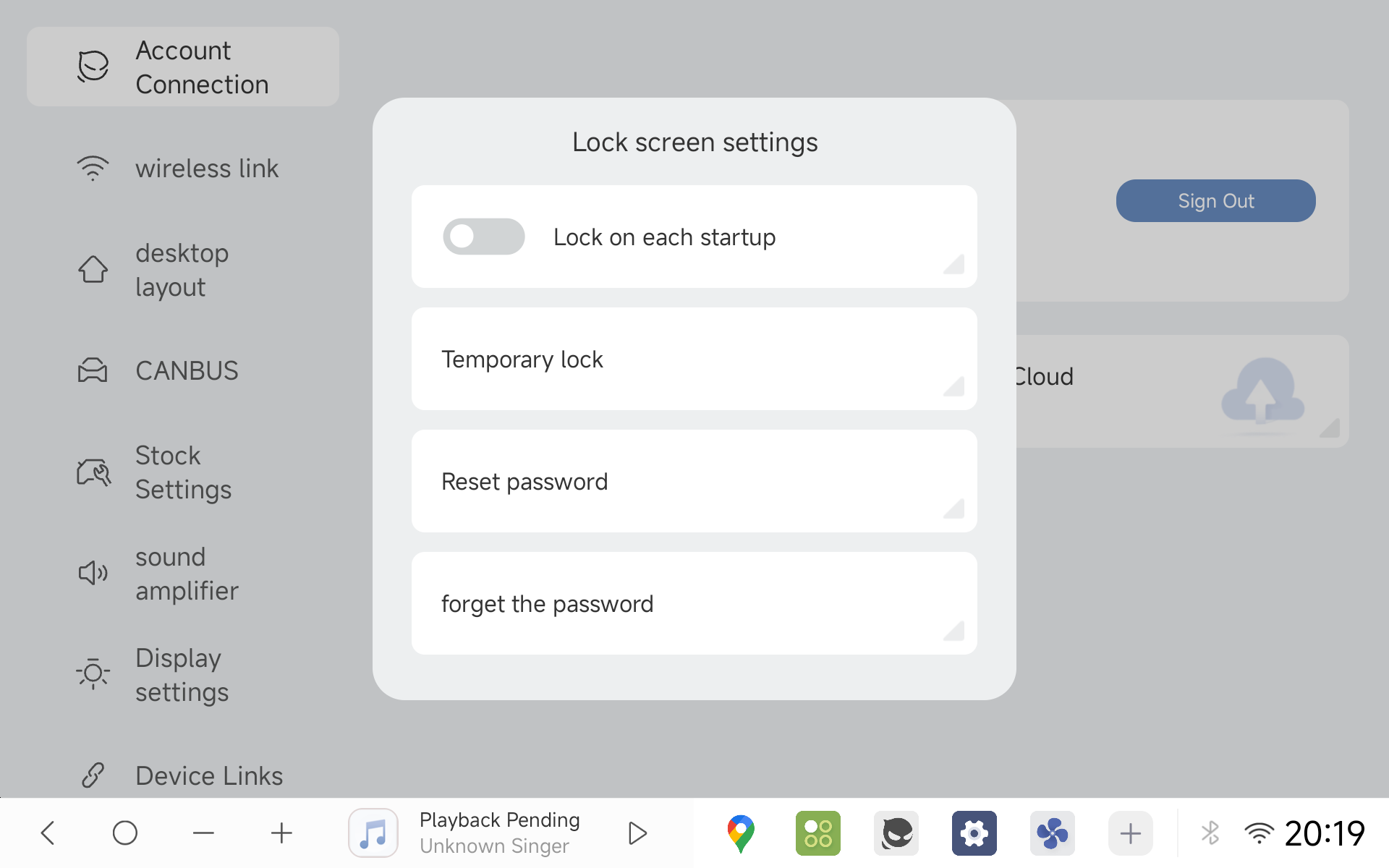
Enhanced vehicle and privacy security requiring a password prompt upon starting your car.
- Adjustable Navigation Bar Sizing
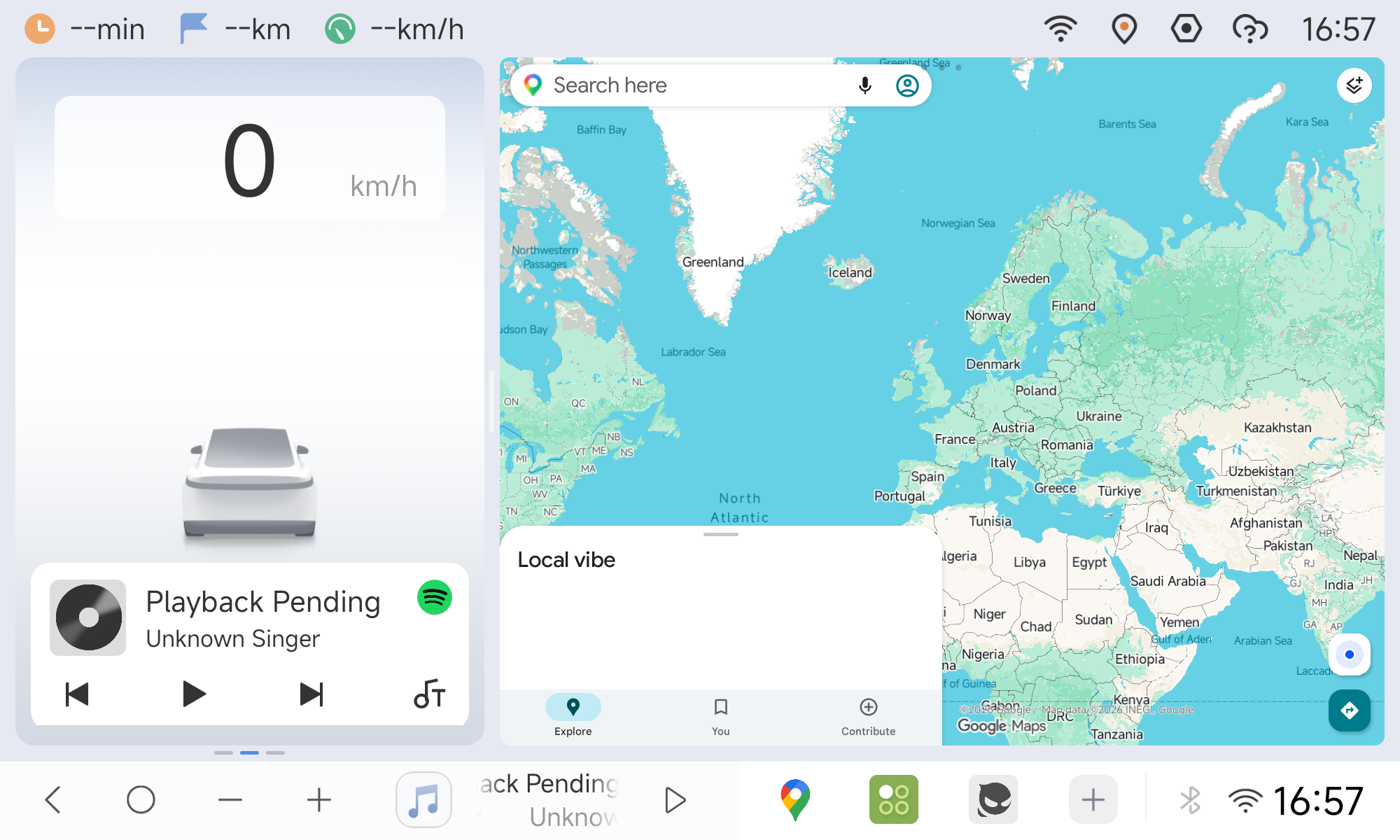
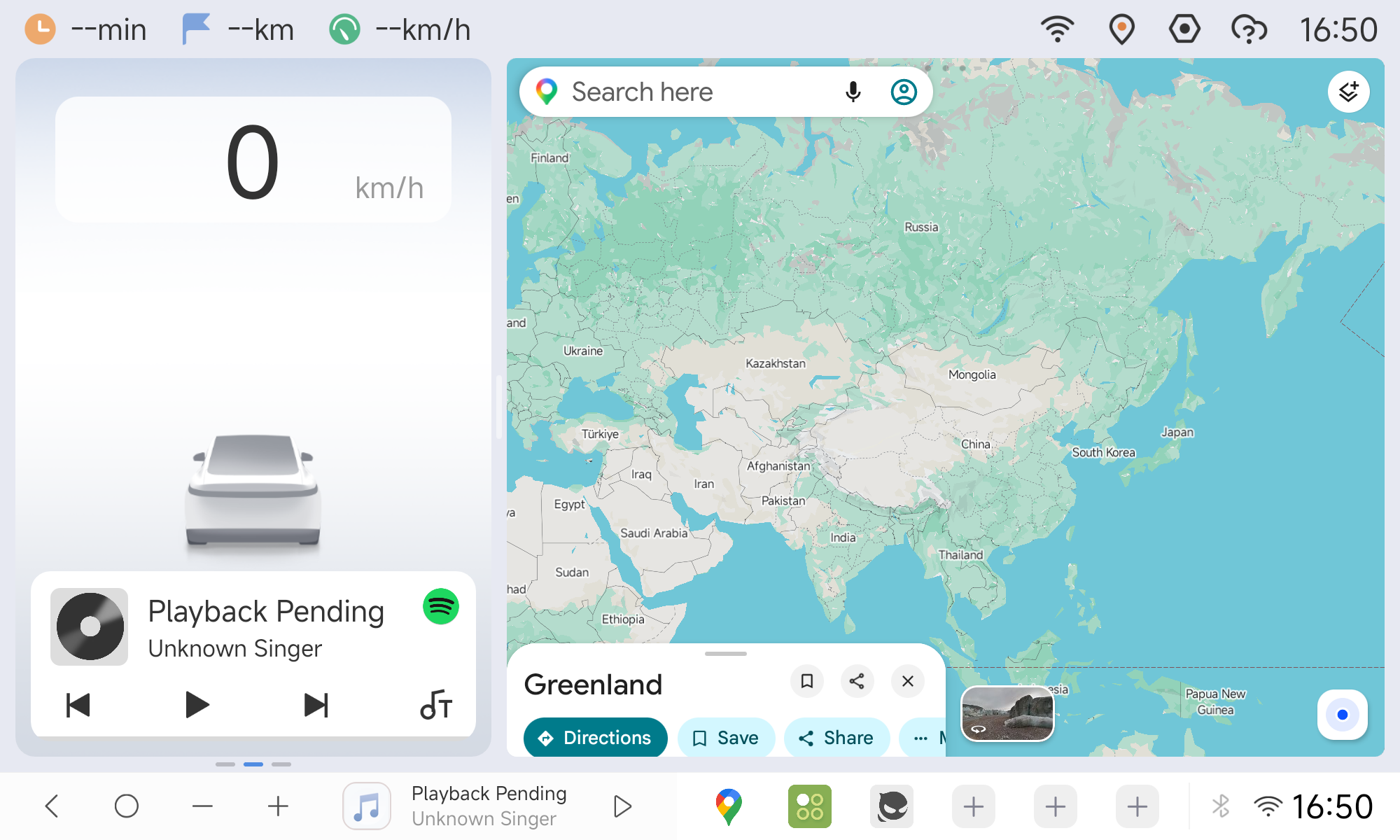
Switch between Standard and Enlarged layout heights to suit different screen sizes and dash mounts (Nav Bar Settings ➔ Display Settings).
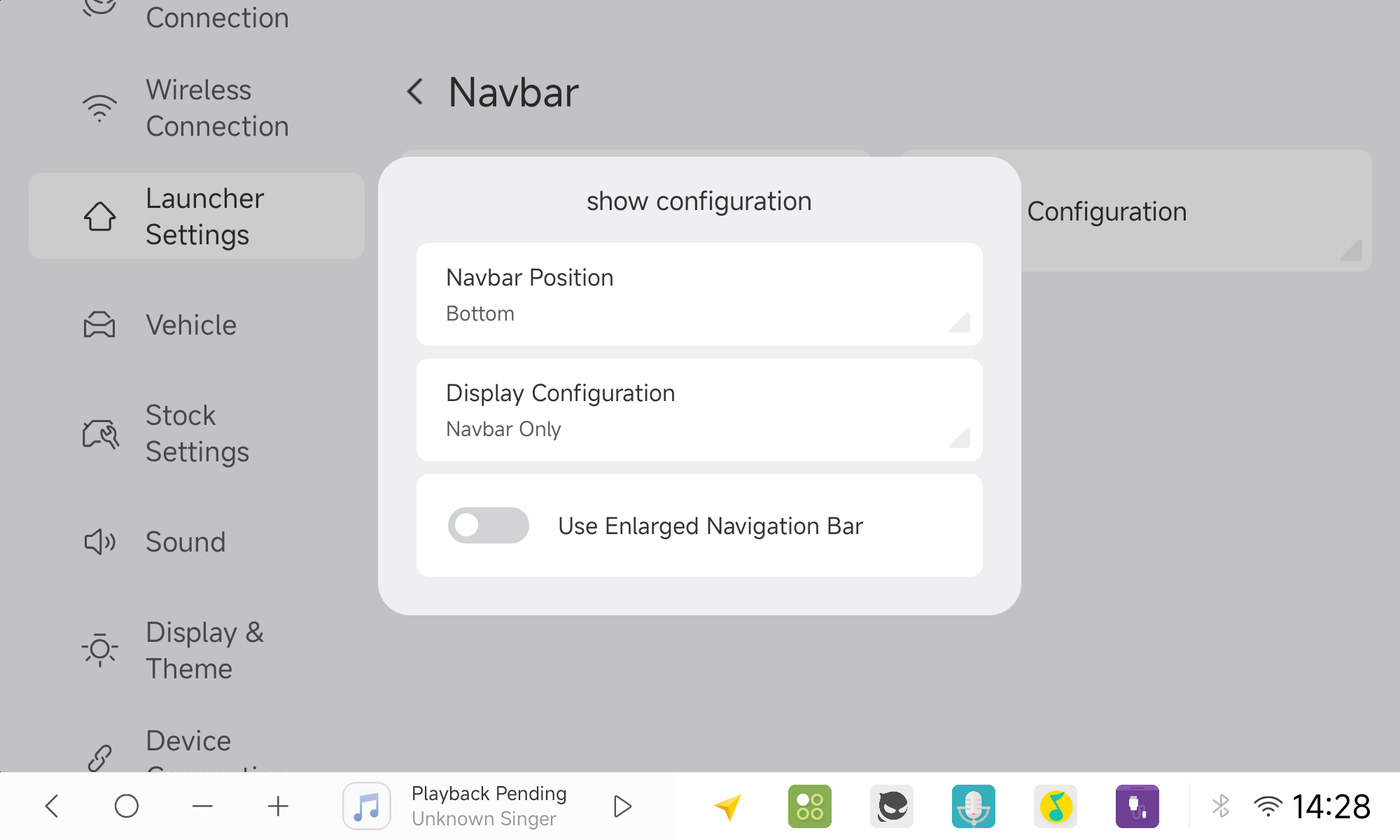
Enlarged Navigation Bar:
Standard Navigation Bar:
Adaptive Dock Modes for Dual-Knob & Vertical Units:
Adds flexible navigation bar mode switching designed specifically for rotary knob head units and vertical displays, giving users full control over their interaction style. (Image placeholder)
- Easy Mode (Accessibility & Simplified UI)
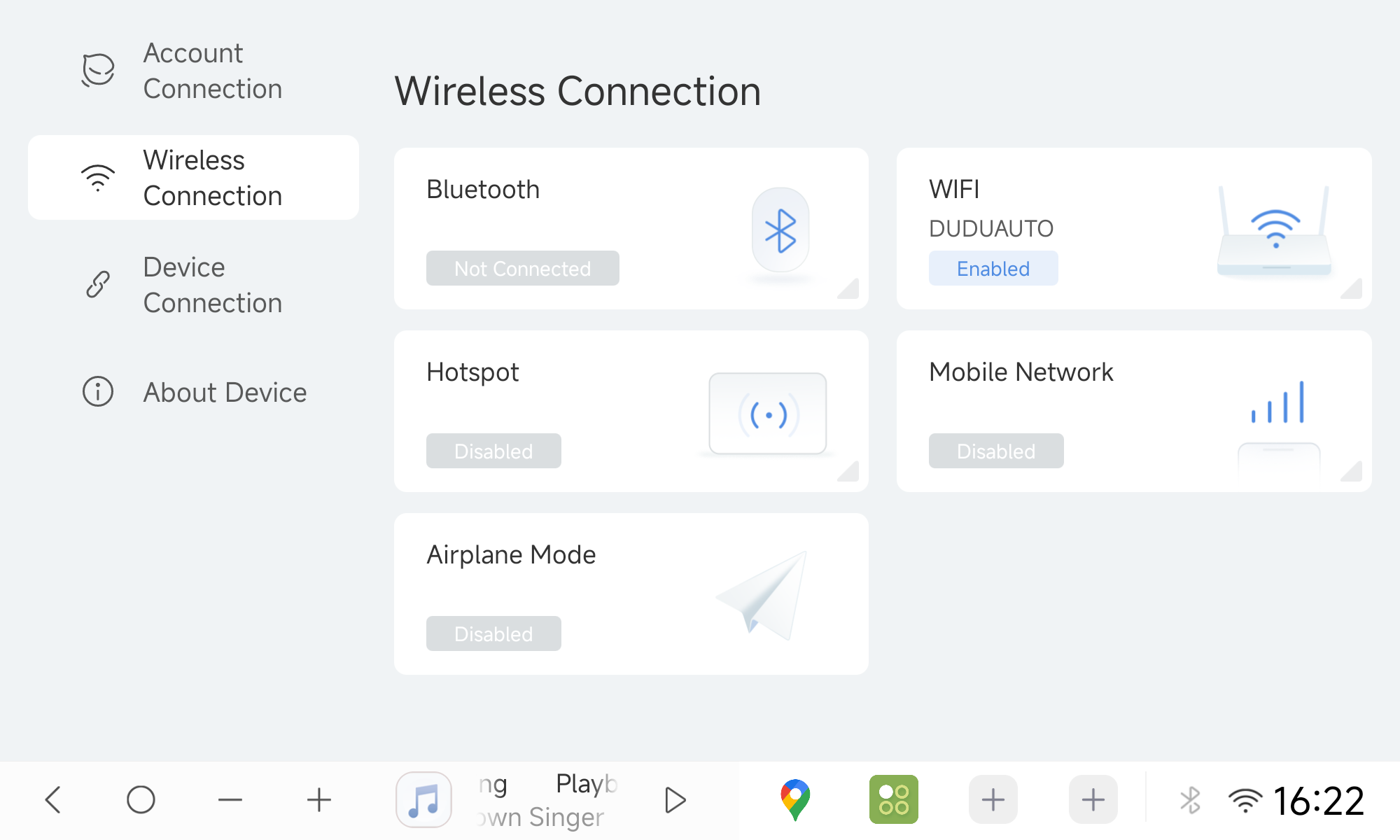
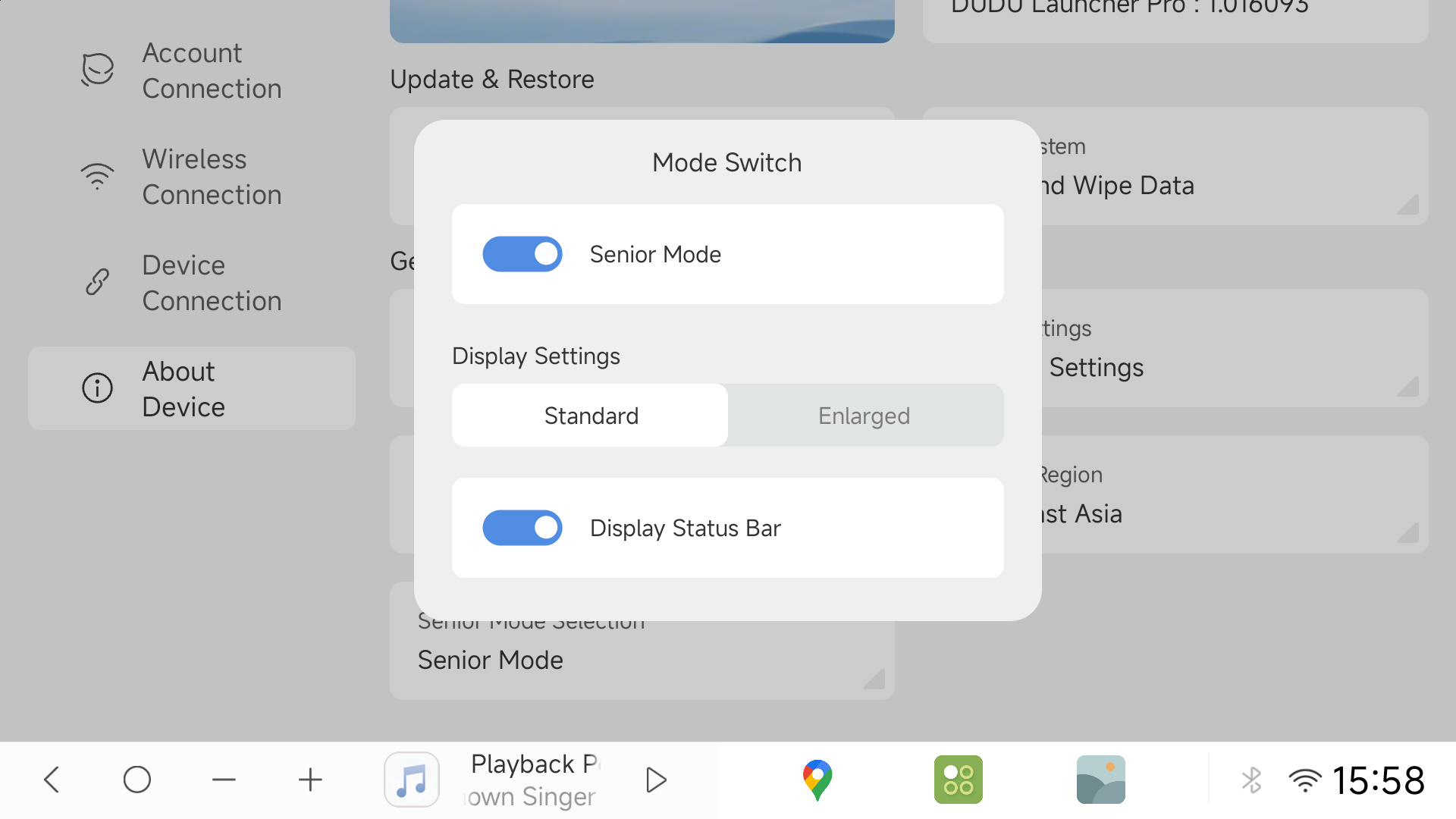
Adds a dedicated Easy Mode (Settings ➔ About Device ➔ Current Mode) adopting the Smart Driving layout, featuring simplified setup menus and enlarged touch targets, with redundant options concealed to minimize driving distraction.
- Enhanced 7870 DSP Processing
Refined DSP pipelines ensuring superior acoustic fidelity, cleaner output and lower distortion at high sampling rates.
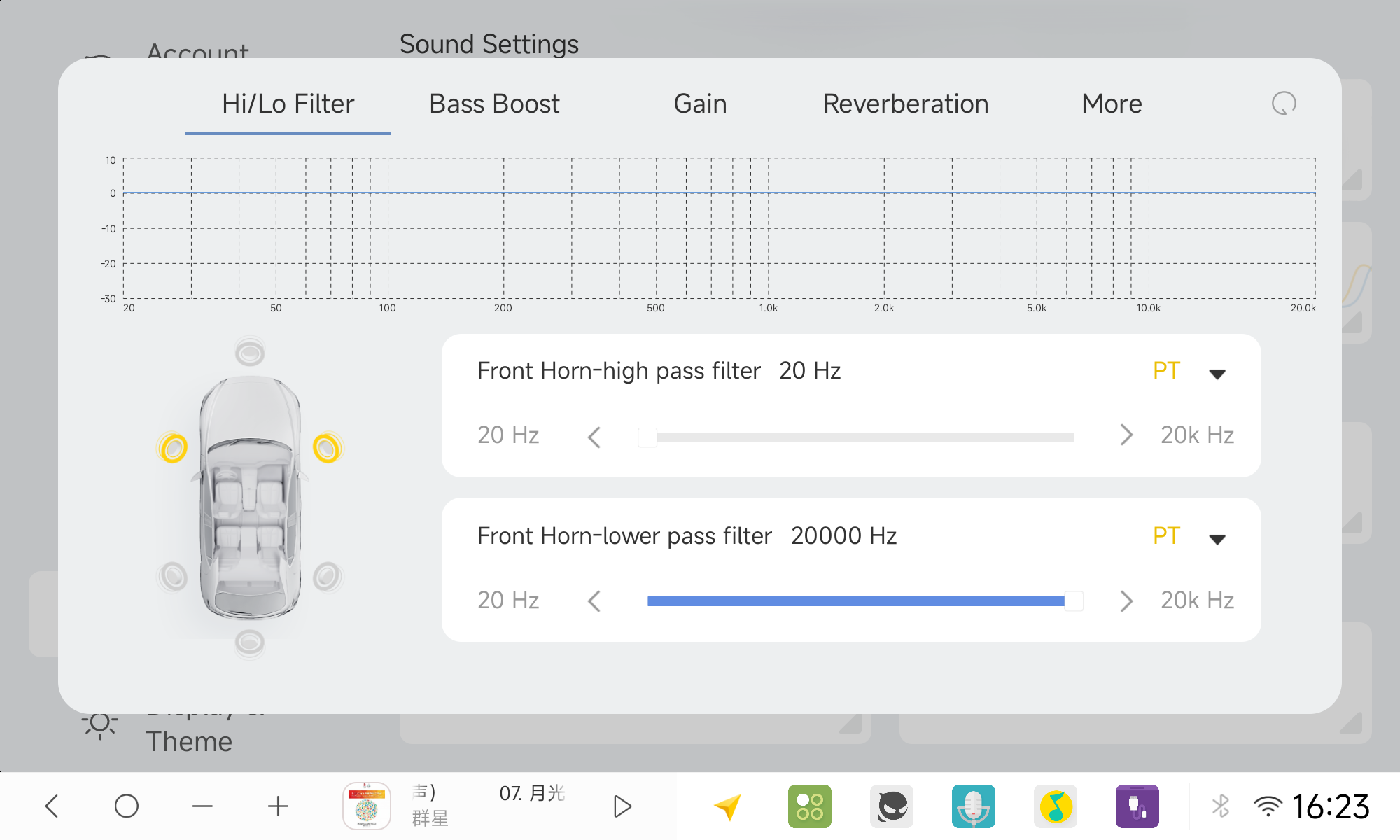
- Full-Range 20–20,000 Hz Audio Filters
Expanded HPF/LPF cutoff frequencies to 20–20,000 Hz on the 7870 platform to meet audiophile multi-channel crossover tuning demands.
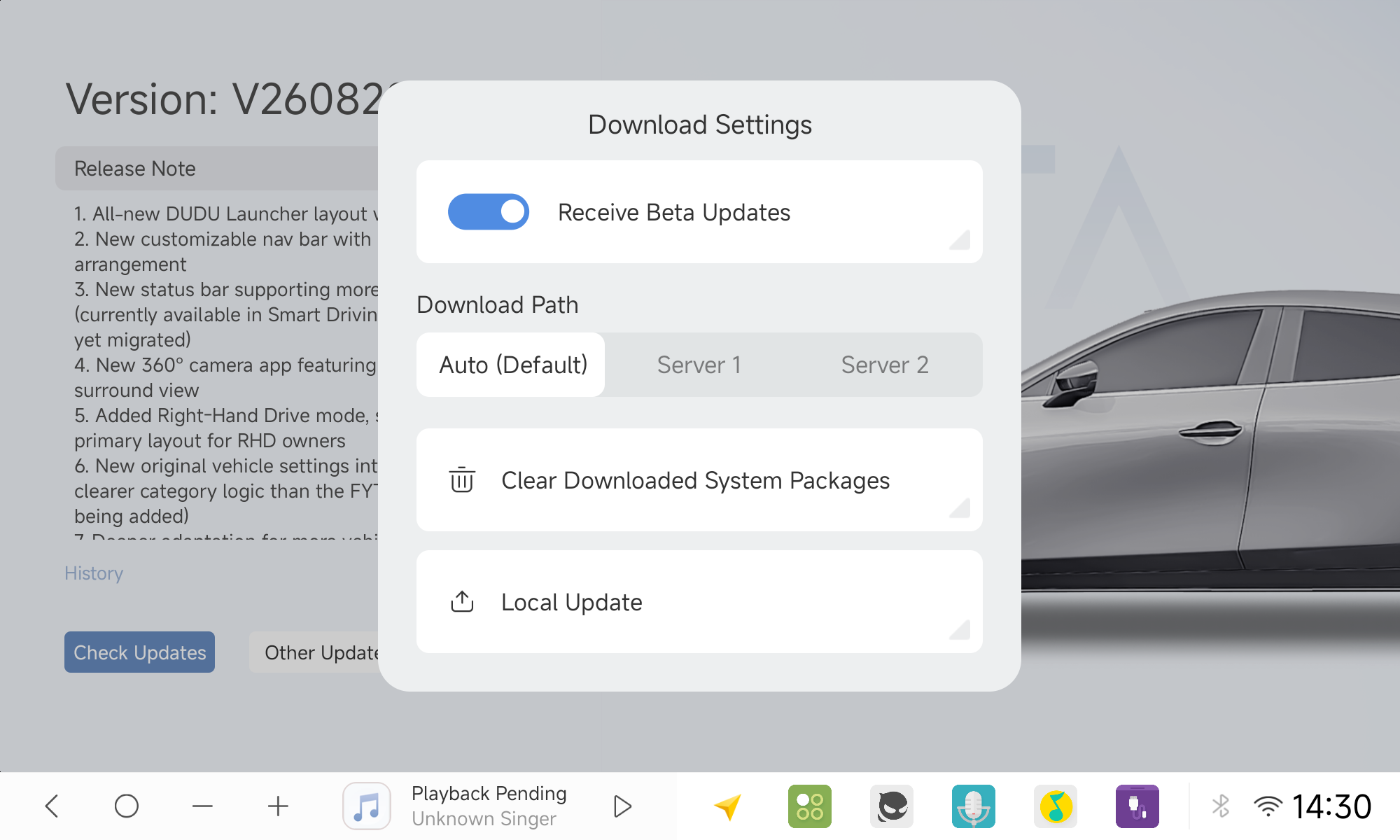
- Improved OTA Updater & Mirror Selection
Upgraded system update interface with custom download mirror / server channel switching.
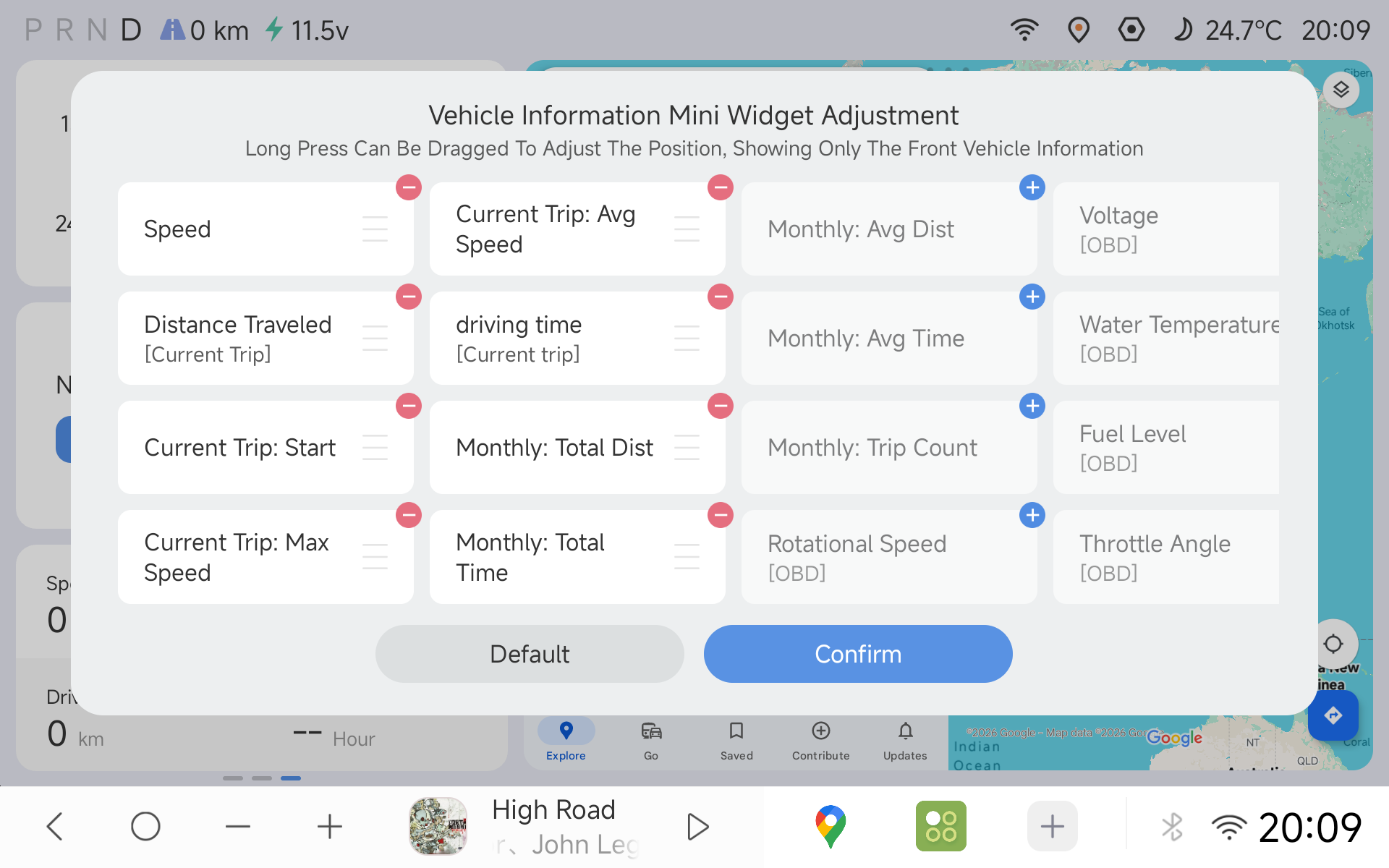
- Streamlined Vehicle Info Widget Customization
Redesigned interaction logic for the Vehicle Status widget: easily toggle display visibility, reorder vehicle metrics, and effortlessly add or edit custom vehicle data fields, with improved sorting of the telemetry metrics.
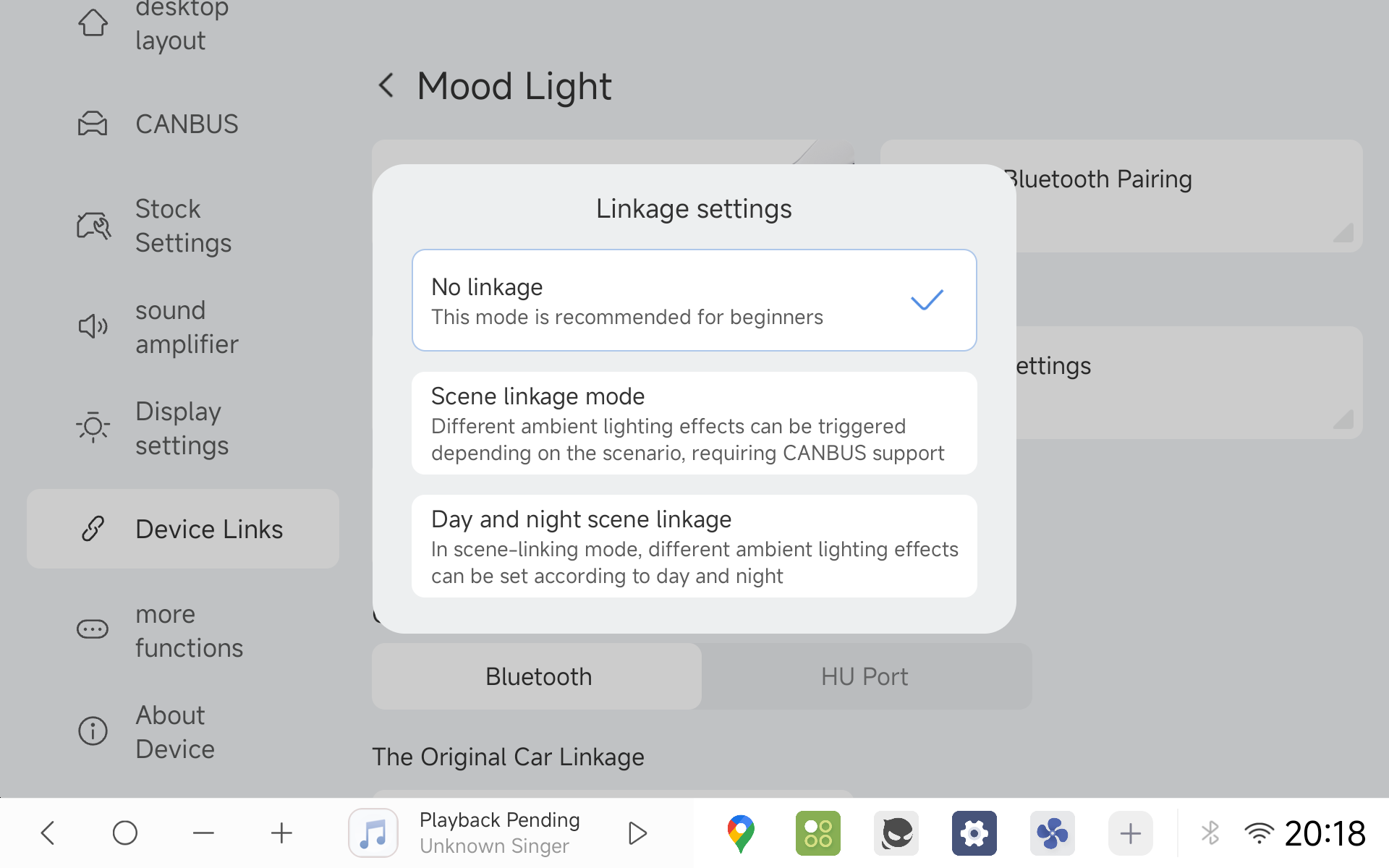
- Ambient Lighting "Direct Mode"
Simplified setup enabling direct, static color adjustments without complex scenario rules.
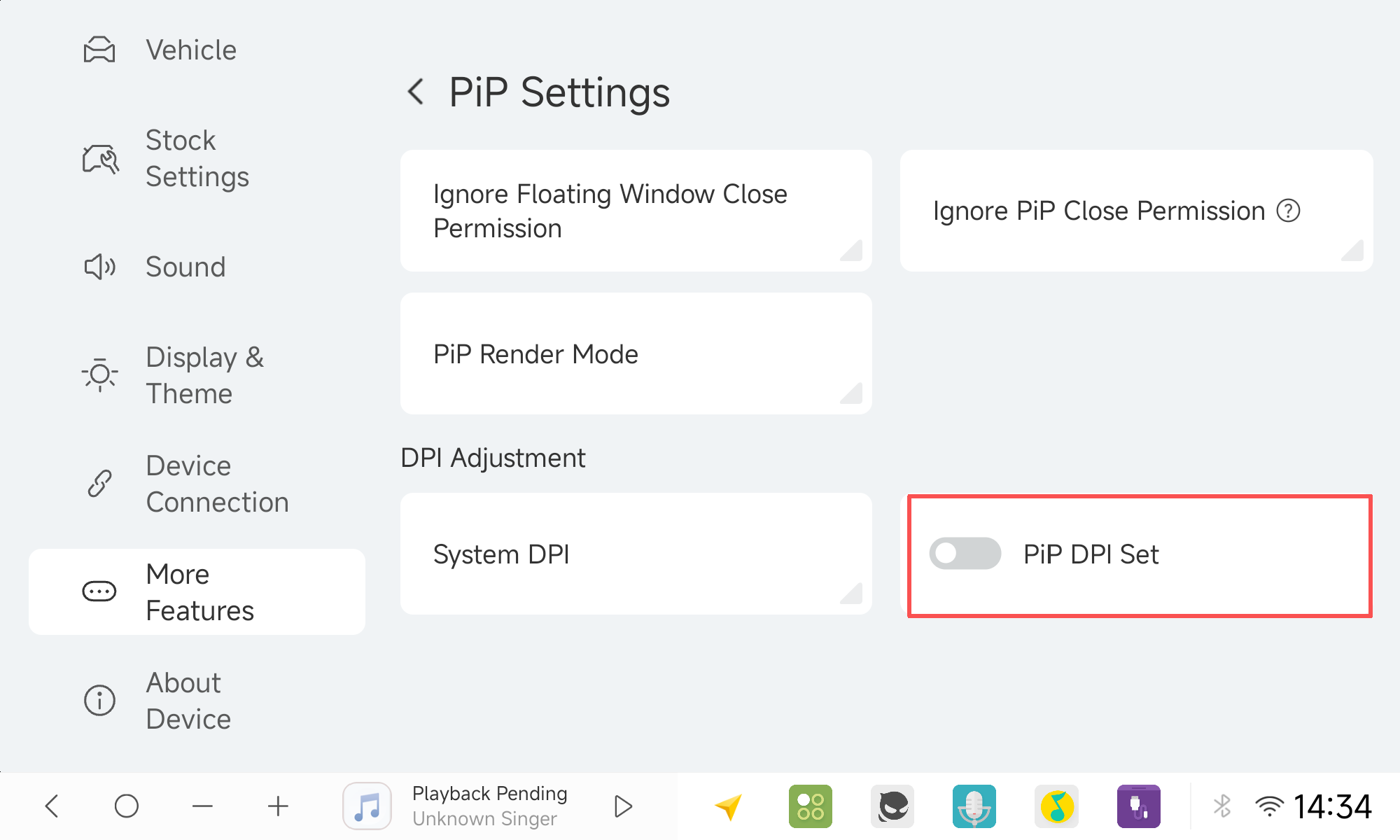
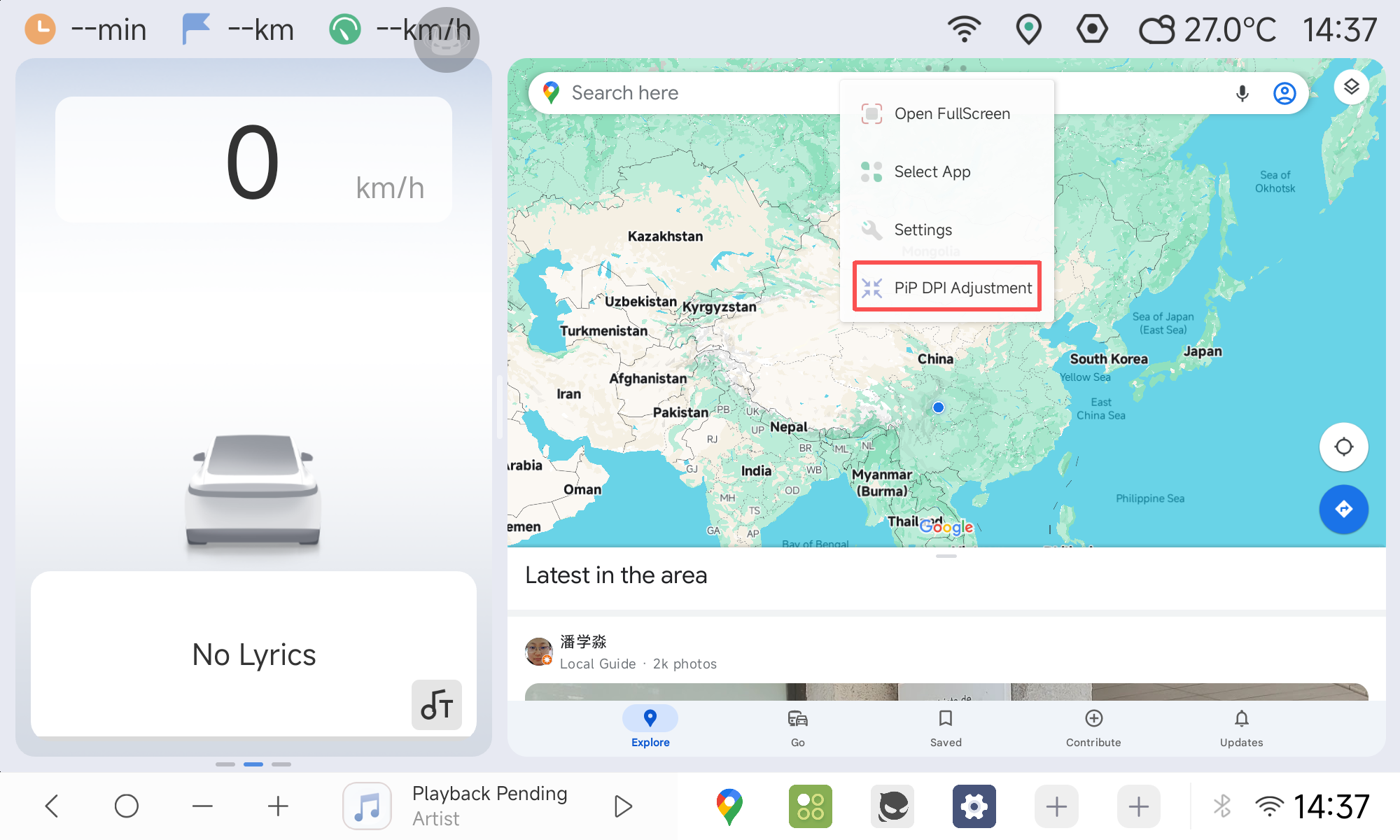
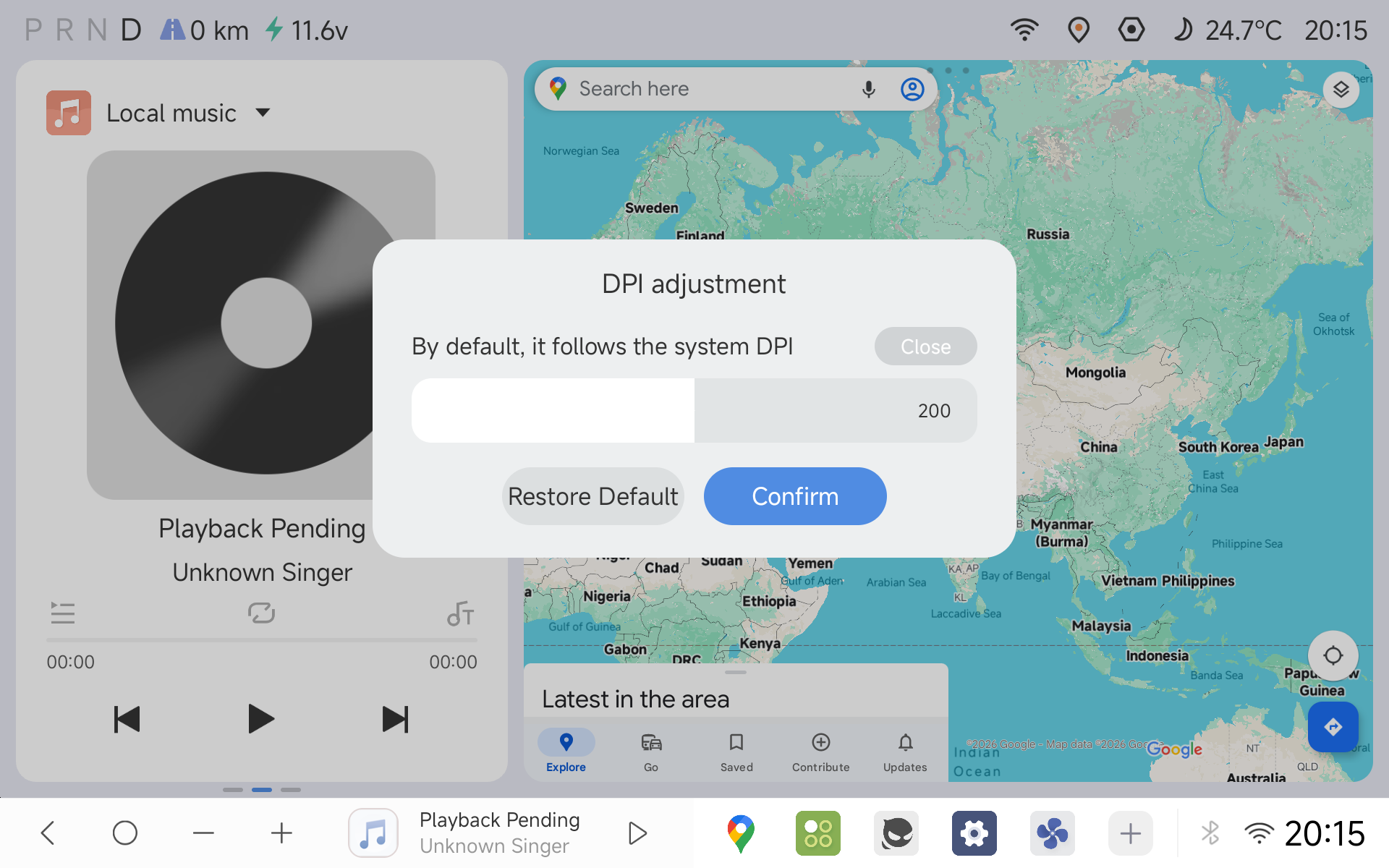
- Custom Per-Window PiP DPI
Adjust display density independently for Picture-in-Picture floating windows.
- PiP Performance Optimization
Refactored the Picture-in-Picture rendering architecture to improve PiP frame rates and prevent black-screen glitches. (Image placeholder)
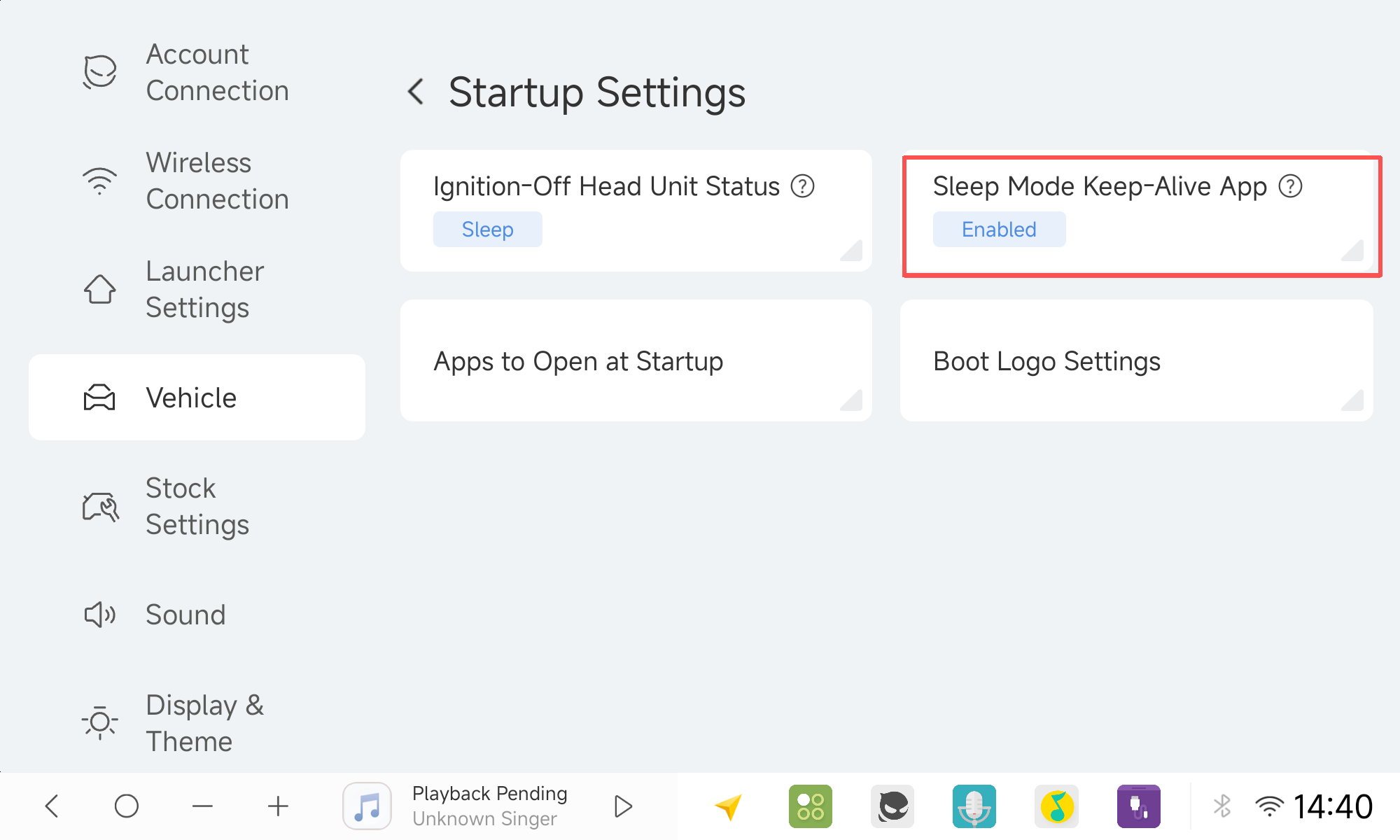
- Background Keep-Alive Management
Configure persistent background apps under Startup Settings ➔ Sleep Keep-Alive to prevent critical background processes from being suspended.
- DVR App Upgraded to 2.0
Now supports Gen 2 and Gen 3 dashcams. ADAS adds smart detection for pedestrians and non-motorized vehicles, with expanded compatibility for newer Android versions (including Android 14 on the 7865 platform).
DUDUDVR_2K_2.000019_beta
- File Manager Video Player
Expanded codec compatibility in the built-in video player, with automatic playlist loop playback. (Image placeholder)
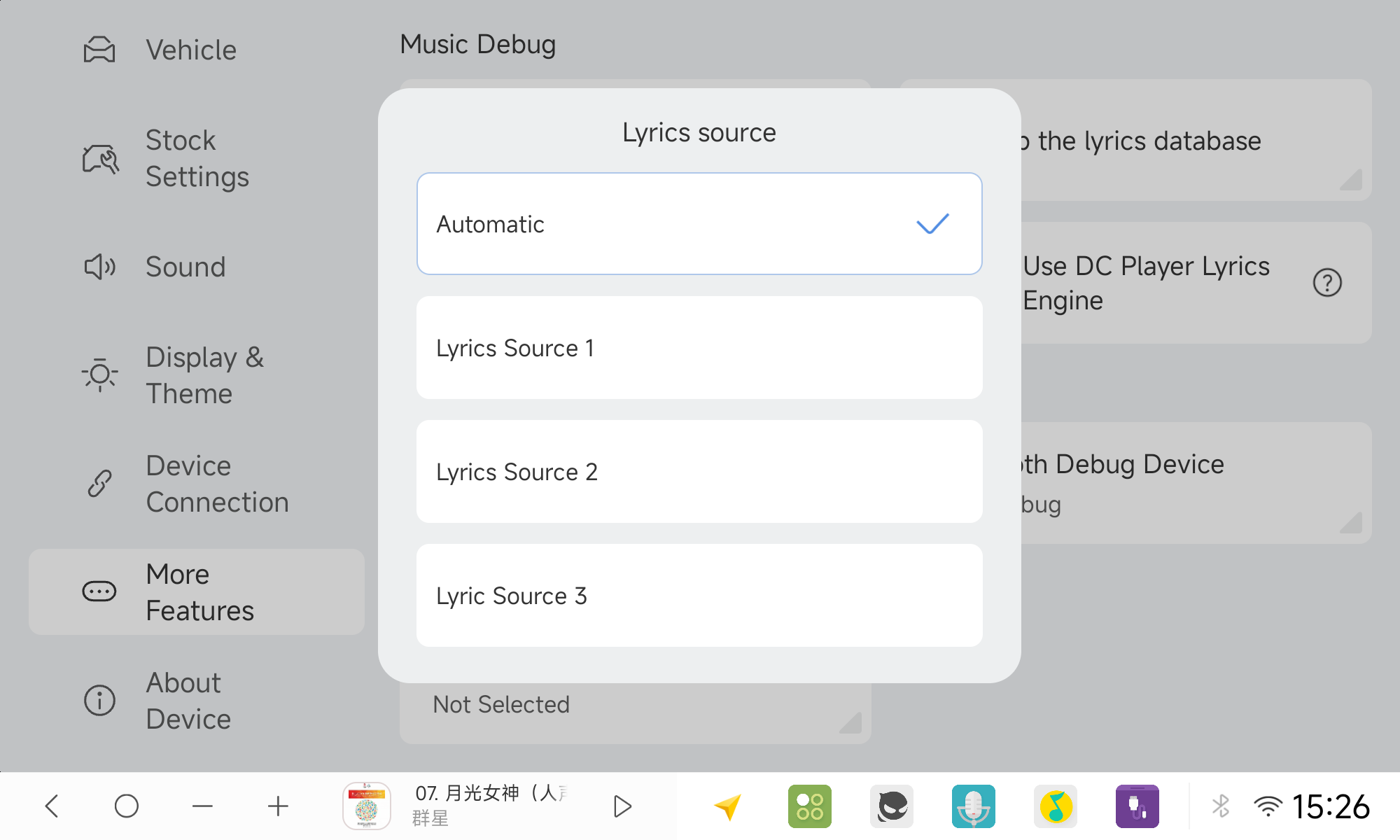
- Expanded Lyrics API Source
Additional lyrics providers/API sources integrated, switchable inside the DUDU Labs settings.
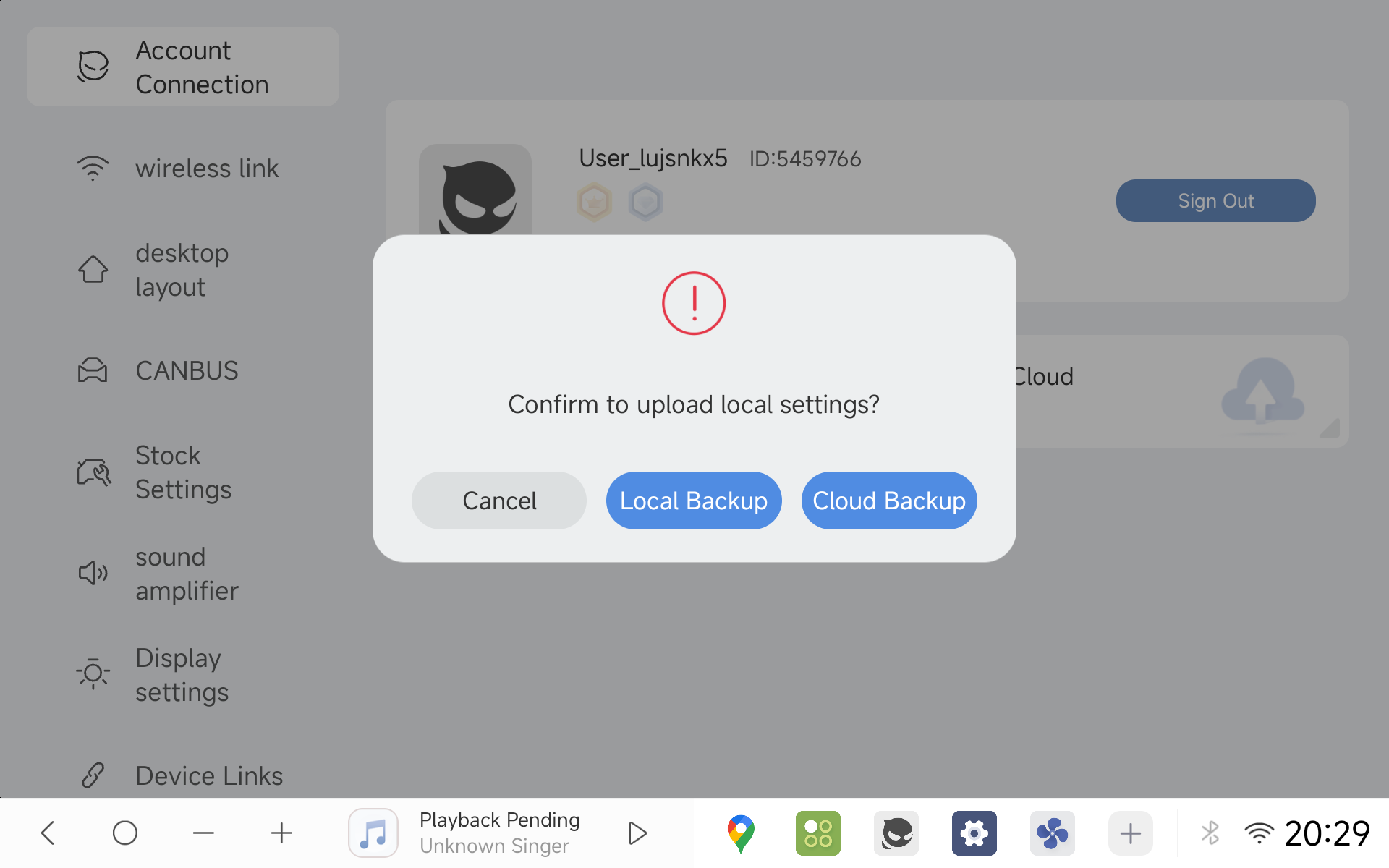
- Cloud Backup Center 2.0
Back up and restore your peripheral configs, widget layouts, nav bars, and additional app preferences.
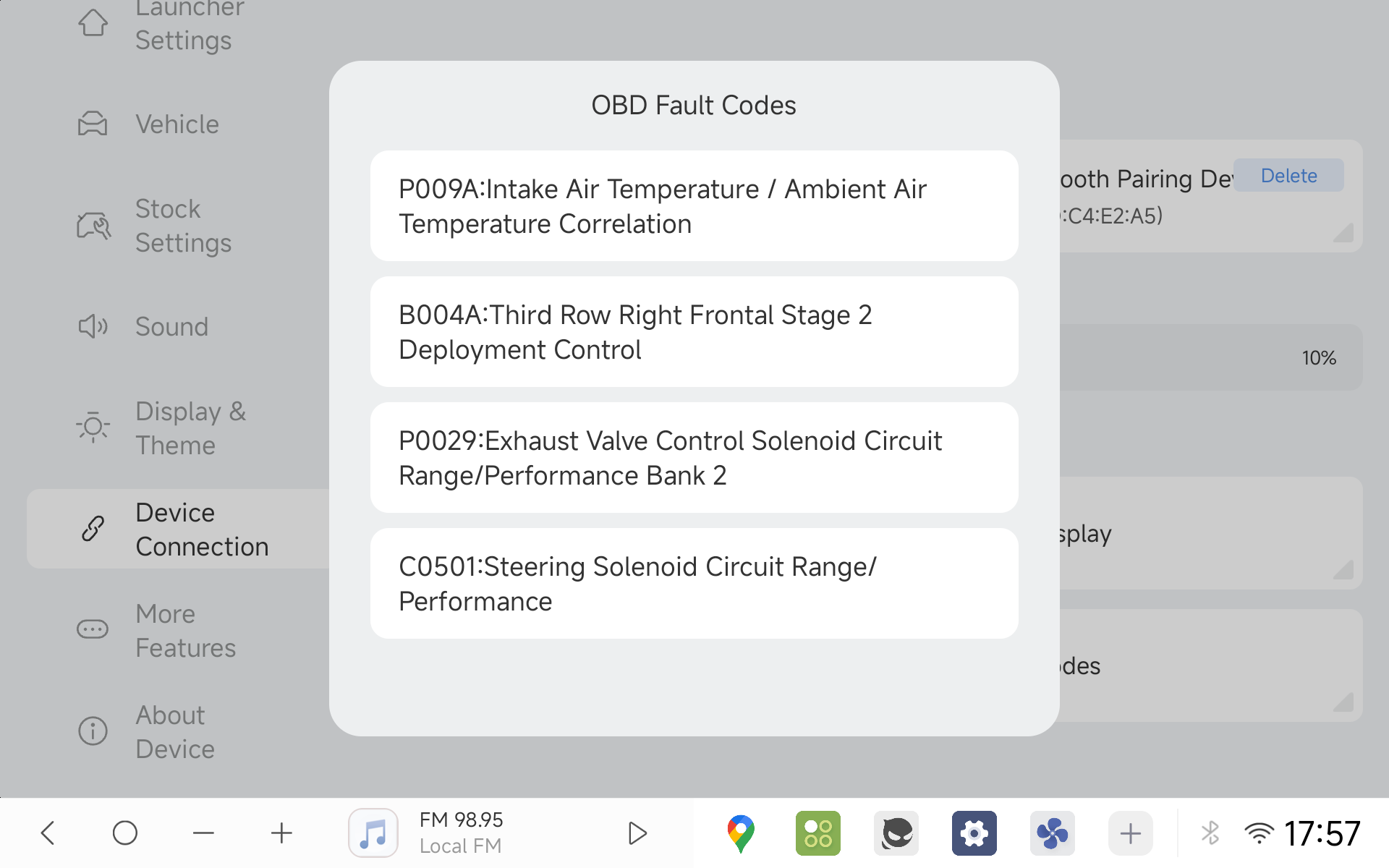
- OBD Diagnostic Reader
Reads DTC fault codes; compatible with official DUDU OBD hardware and ELM327 protocol devices.
- YLOG Status Overlay
Displays a persistent floating prompt whenever YLOG recording is active.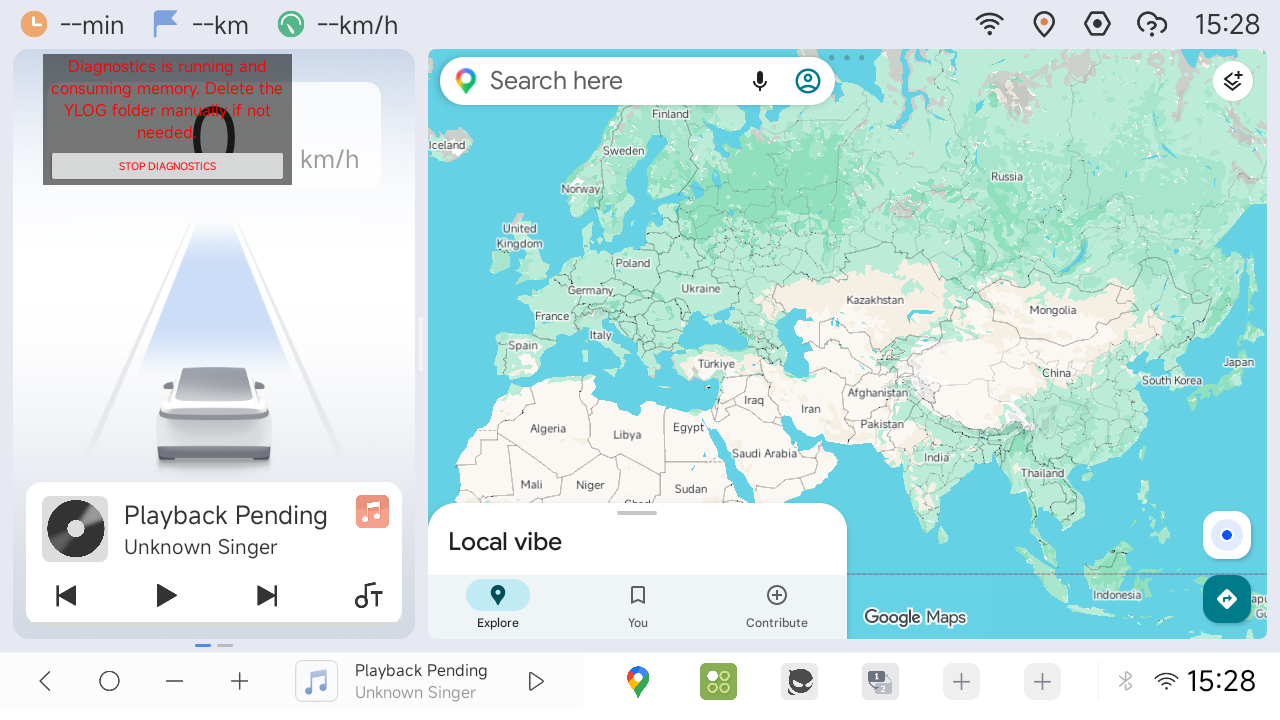
- Comprehensive System Stability & Bug Fixes
Squashed multiple edge-case bugs and resolved community-reported issues, including:
Fixed popping/thumping audio noise during manual system reboots.
Fixed street name display errors in location services and refined the positioning algorithms for better geolocation precision.
Fixed occasional window rendering glitches when repositioning Picture-in-Picture windows.
Fixed occasional media playback failure upon waking from system sleep.
Fixed an issue on the 7870 platform where third-party apps lost Accessibility Service permissions after waking from sleep.
Resolved audio clipping and distortion issues under high-level / high-volume output.
Fixed occasional launcher freezing when displaying the ambient outside temperature.
Prevented redundant day/night theme switching upon waking from sleep.
Resolved unexpected automatic YLOG activation to prevent storage fill-ups (the YLOG directory can now be safely deleted).
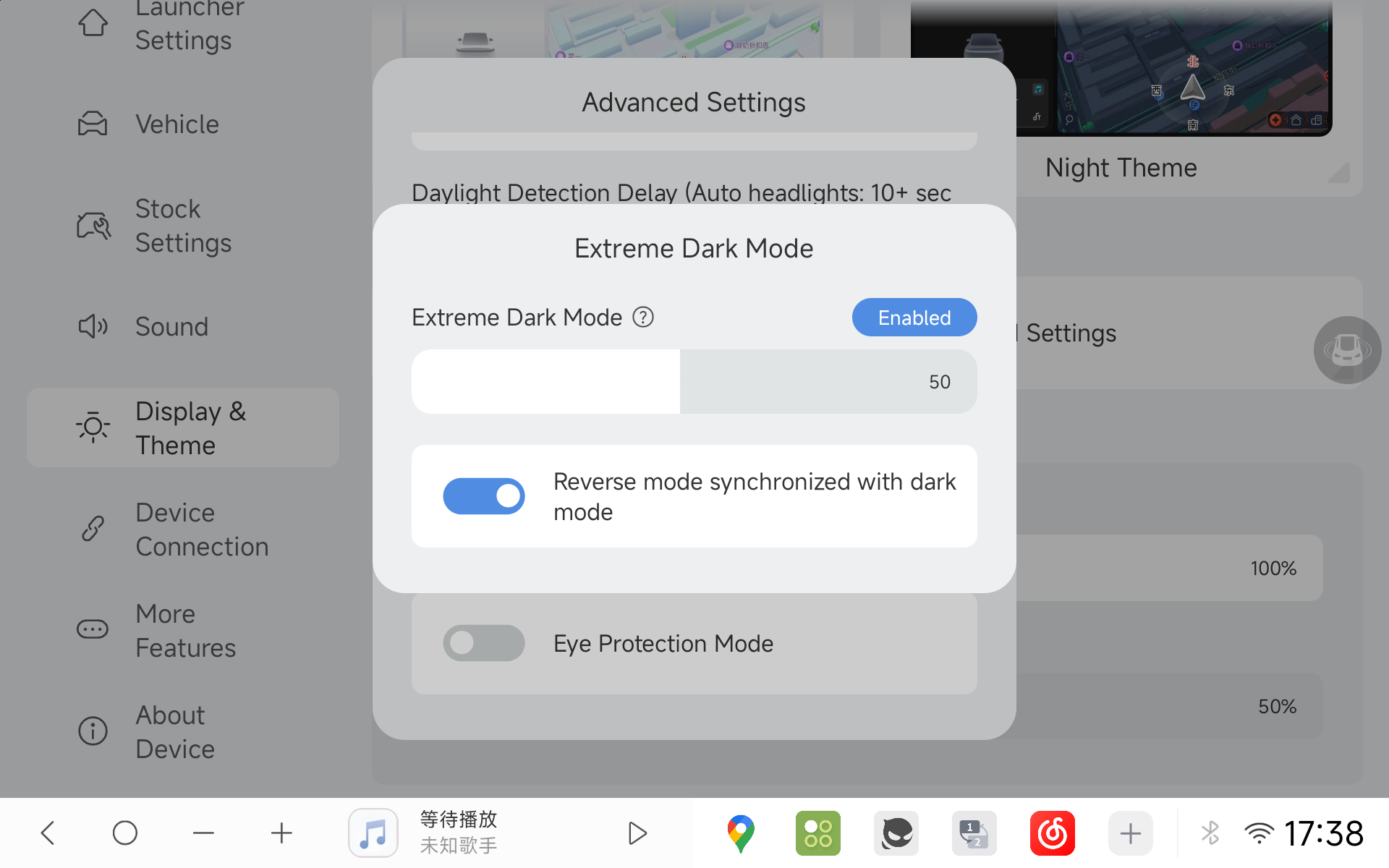
DUDU7 introduces a configurable option to control whether Extreme Dark Mode is synchronized upon engaging reverse gear.
[Installation Guidelines and Support Resources Follow]
For DUDU7 users:
- Download link Update 260929
GDrive
YDisk
Installation Guide:
- Local Installation
- Keep the 7z archive intact, no extraction needed
- Select "Local Update" in the OTA application
- Note: Beta firmware not supported
- Traditional USB Installation
- Extract 7z files to USB drive root directory
- Insert USB drive into the head unit and wait for auto-installation
- To perform factory reset, add "Factory Reset" file
- Voice assistant not included in this firmware
- To keep original voice assistant, remove "AllAppUpdateA13.bin"
For DUDU5/6(7862) users:
- Download link Update 260929
GDrive
YDisk
Installation Guide:
1.Local Installation
- Extract the 7z file
- Use "Local Update" in OTA app to install "6315_1.zip"
- Note: Beta firmware not supported
- USB Traditional Installation
- Extract 7z file to USB drive root directory
- Insert USB drive into car unit and wait for auto-installation
- To perform factory reset, add "Factory Reset" file
For DUDU5S users:
- Download link Update 260929
GDrive
YDisk
Installation Guide:
- Local Installation
- Keep the 7z archive intact, no extraction needed
- Select "Local Update" in the OTA application
- Note: Beta firmware not supported
- Traditional USB Installation
- Extract 7z files to USB drive root directory
- Insert USB drive into the head unit and wait for auto-installation
- To perform factory reset, add "Factory Reset" file
- Voice assistant not included in this firmware
- To keep original voice assistant, remove "AllAppUpdateA14.bin"
For DUDU3/4(8581) users:
- Download link Update 260930
GDrive
YDisk
Installation Guide:
- Local Installation
- Extract the 7z file
- Use "Local Update" in OTA app to install "6316_1.zip"
- Note: Beta firmware not supported
- USB Traditional Installation
-We have launched a new North American server to provide faster and more stable service to users in this region.
- Extract 7z file to USB drive root directory
- Insert USB drive into car unit and wait for auto-installation
- To perform factory reset, add "Factory Reset" file
---
Got feedback or questions? Share your impressions and report any edge cases on our Official Forum or Official Telegram! ✍️

