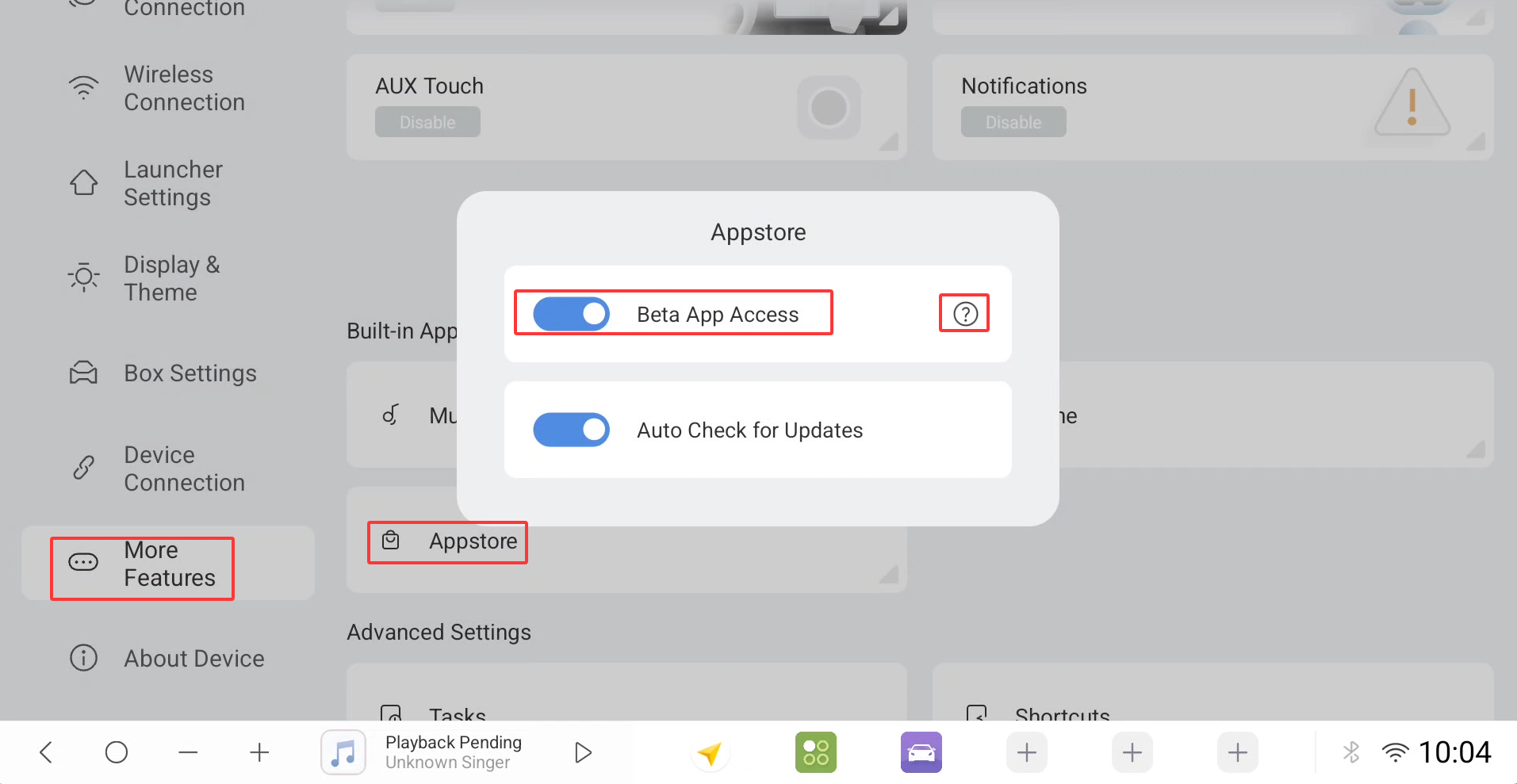
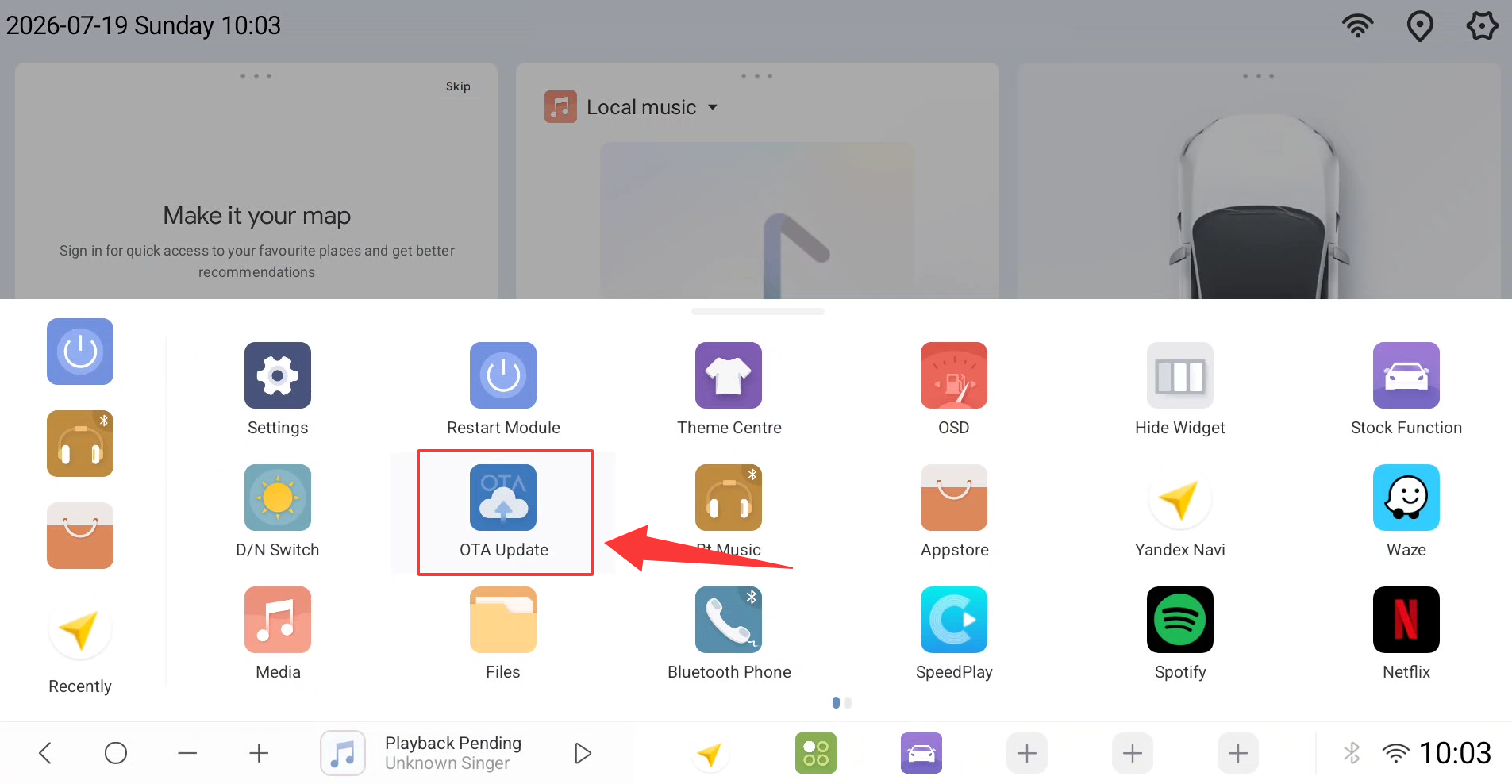
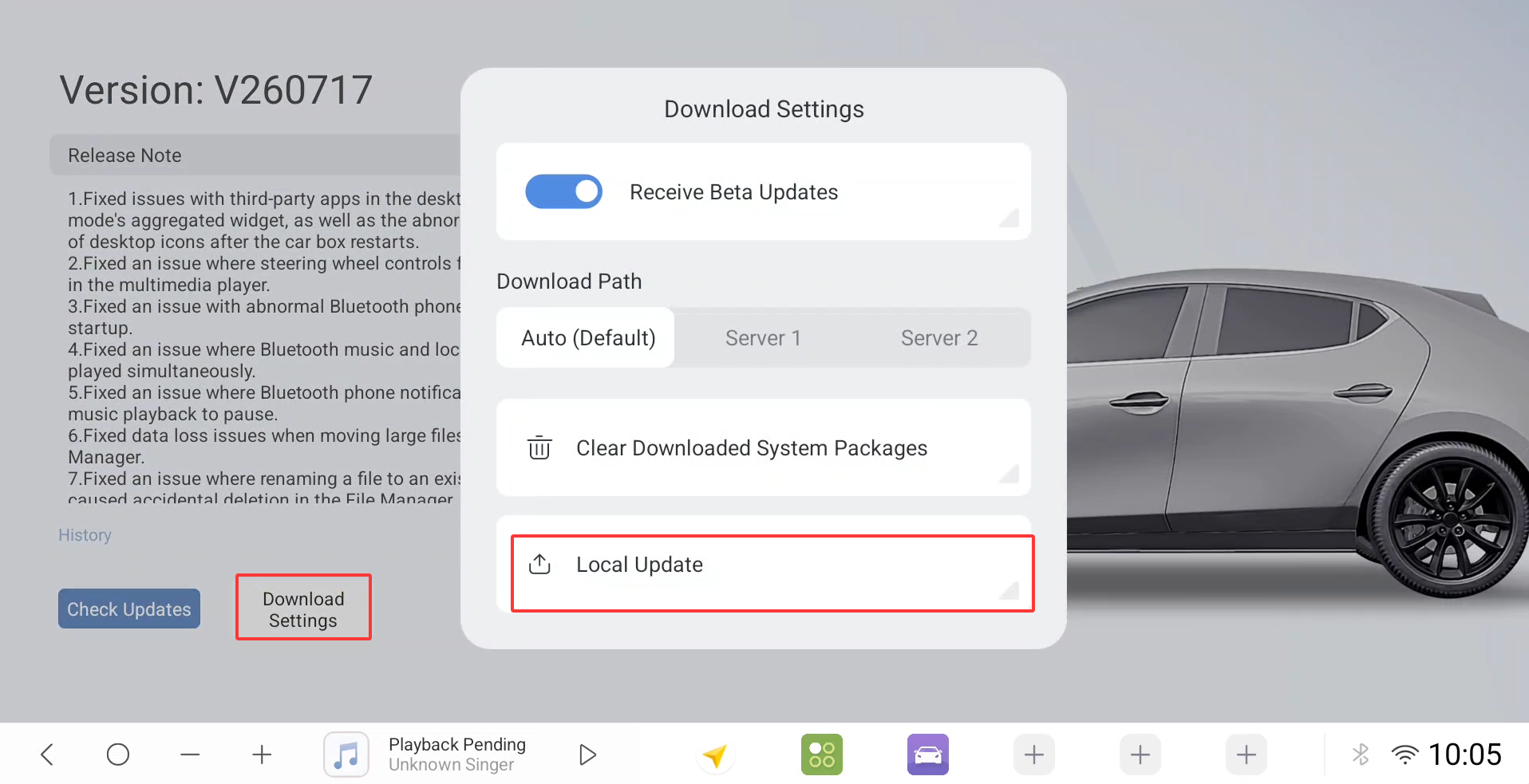
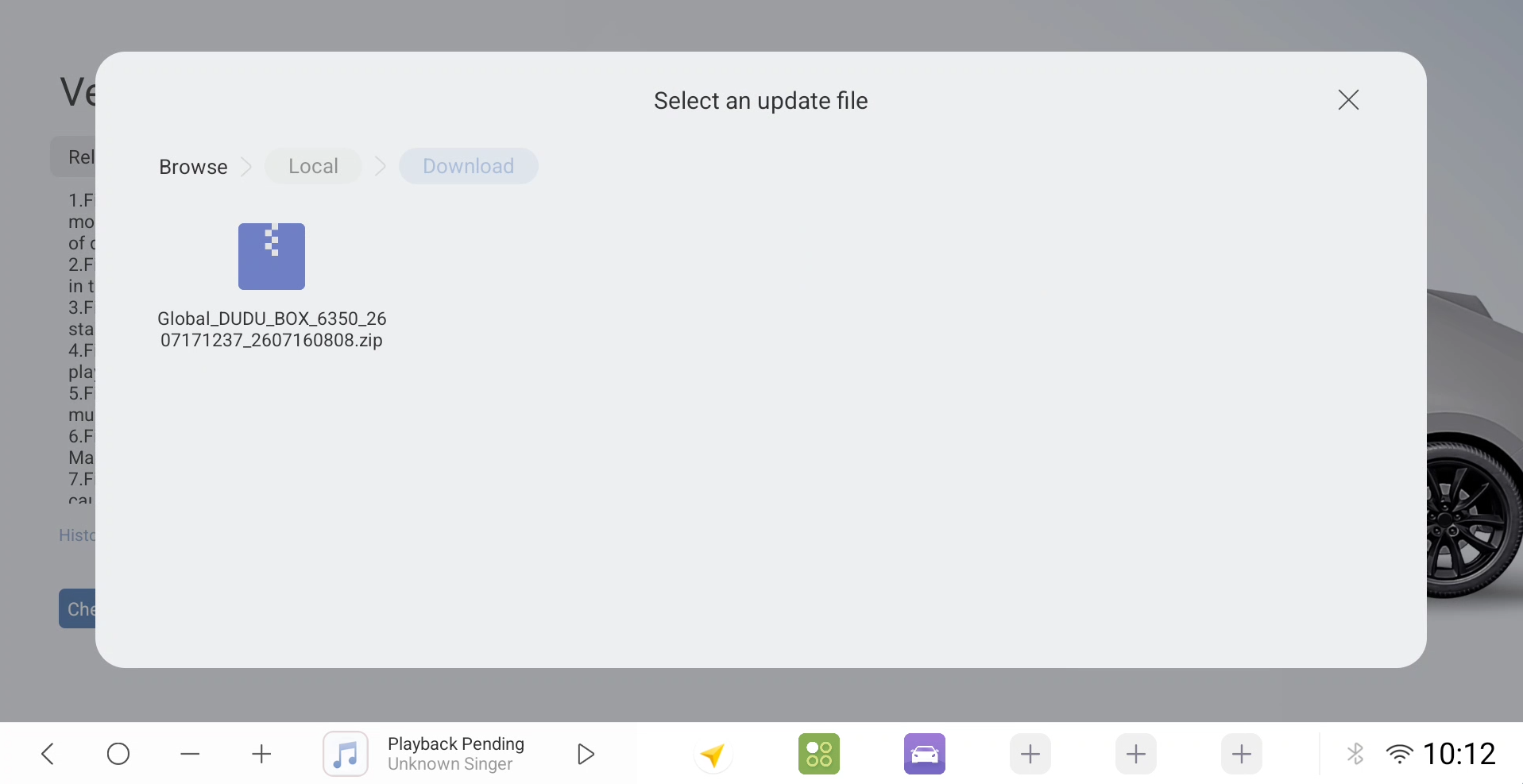
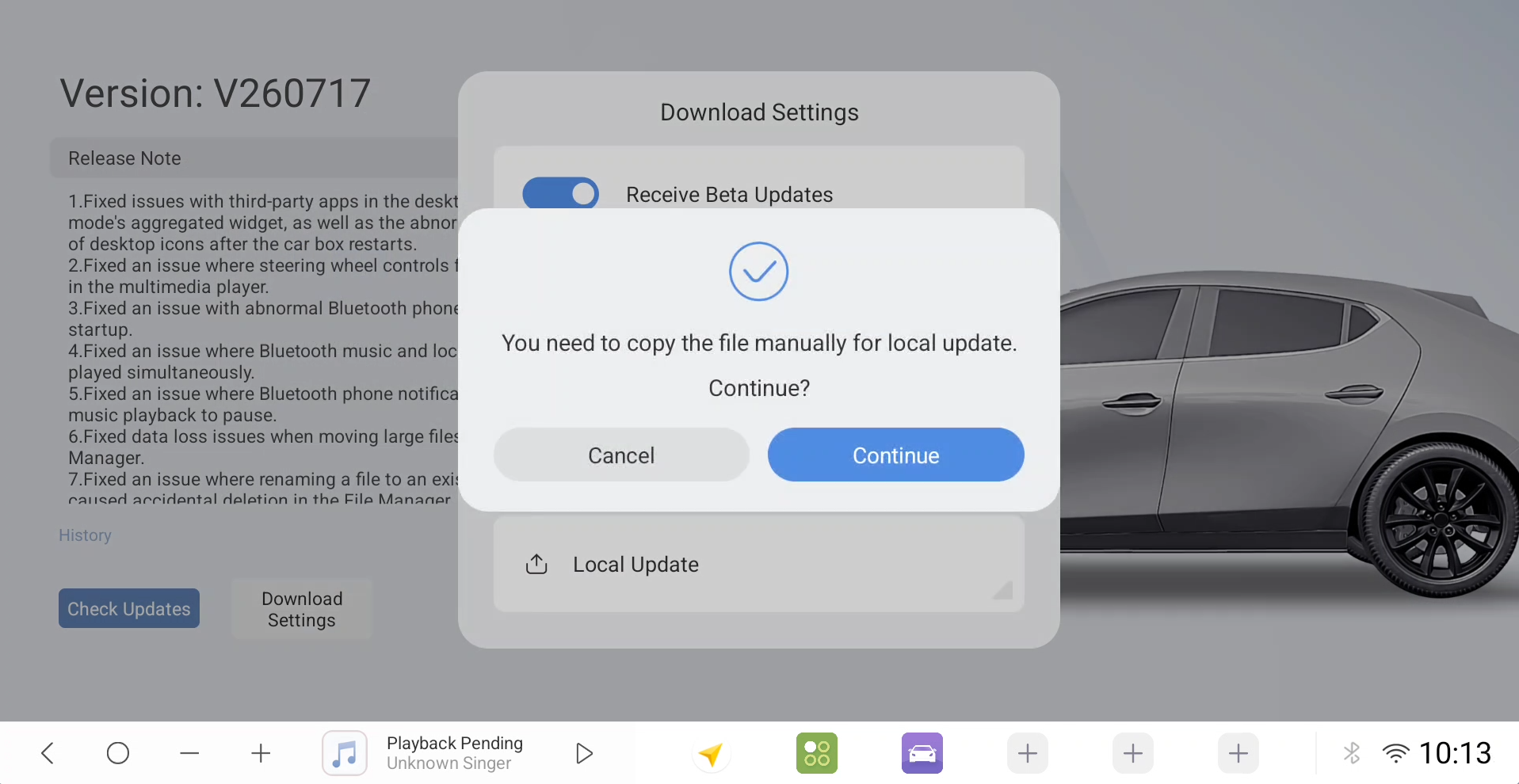
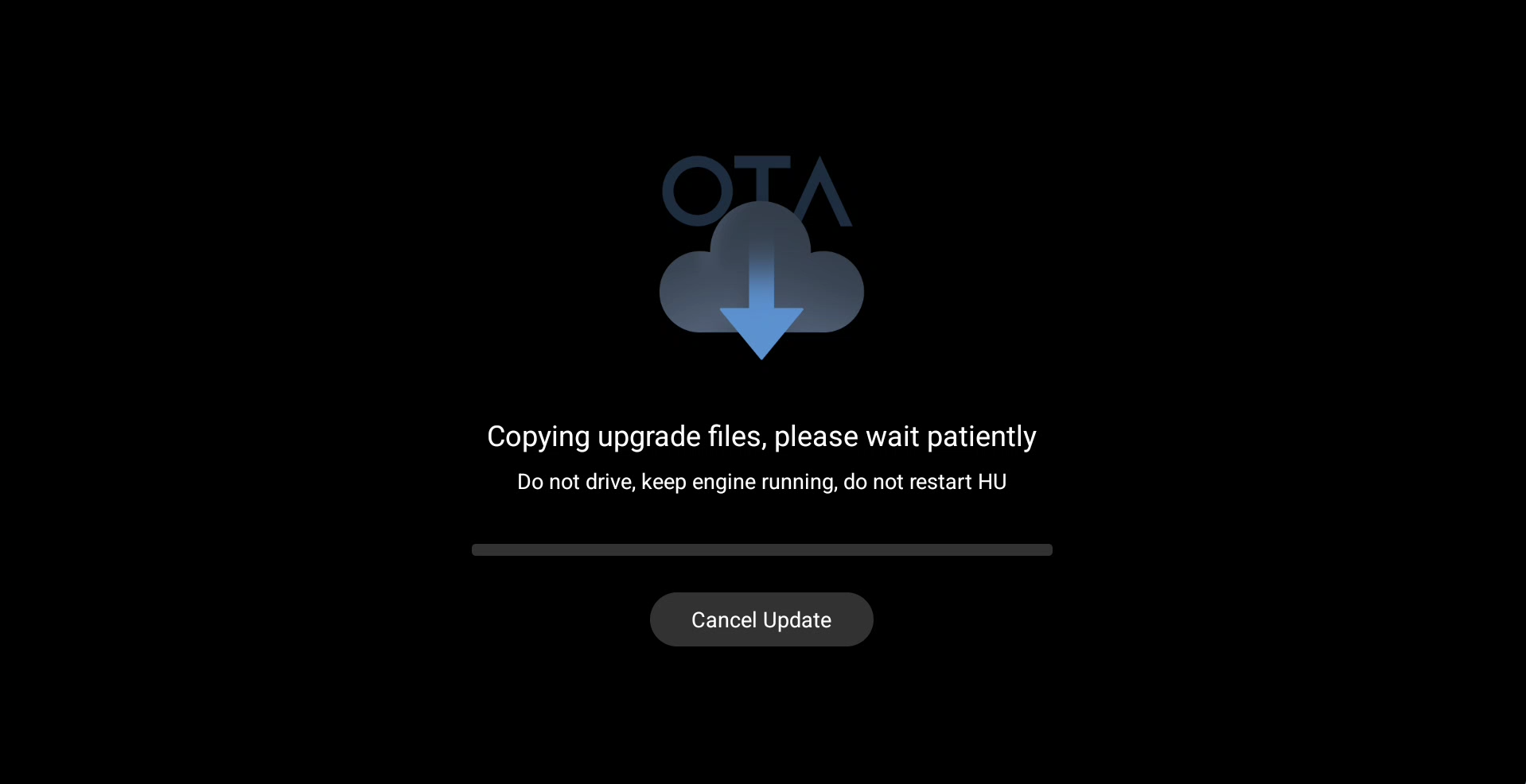
Dear users, greetings! As of August 1, 2026, the duduos preview version has undergone a new round of iterative optimization. This update focuses on adapting to intelligent driving scenarios and refining core user experience details, bringing four key functional and experiential upgrades as follows:
1. Added a dedicated home screen layout for intelligent driving modes: A home screen layout customized for driving scenarios has been officially added to the preview lineup. This is currently a demonstration/early-access version, and multilingual interface translations are still being refined. The new layout prioritizes high-frequency operations used during intelligent driving, reducing the number of steps required while driving and further enhancing ease of use.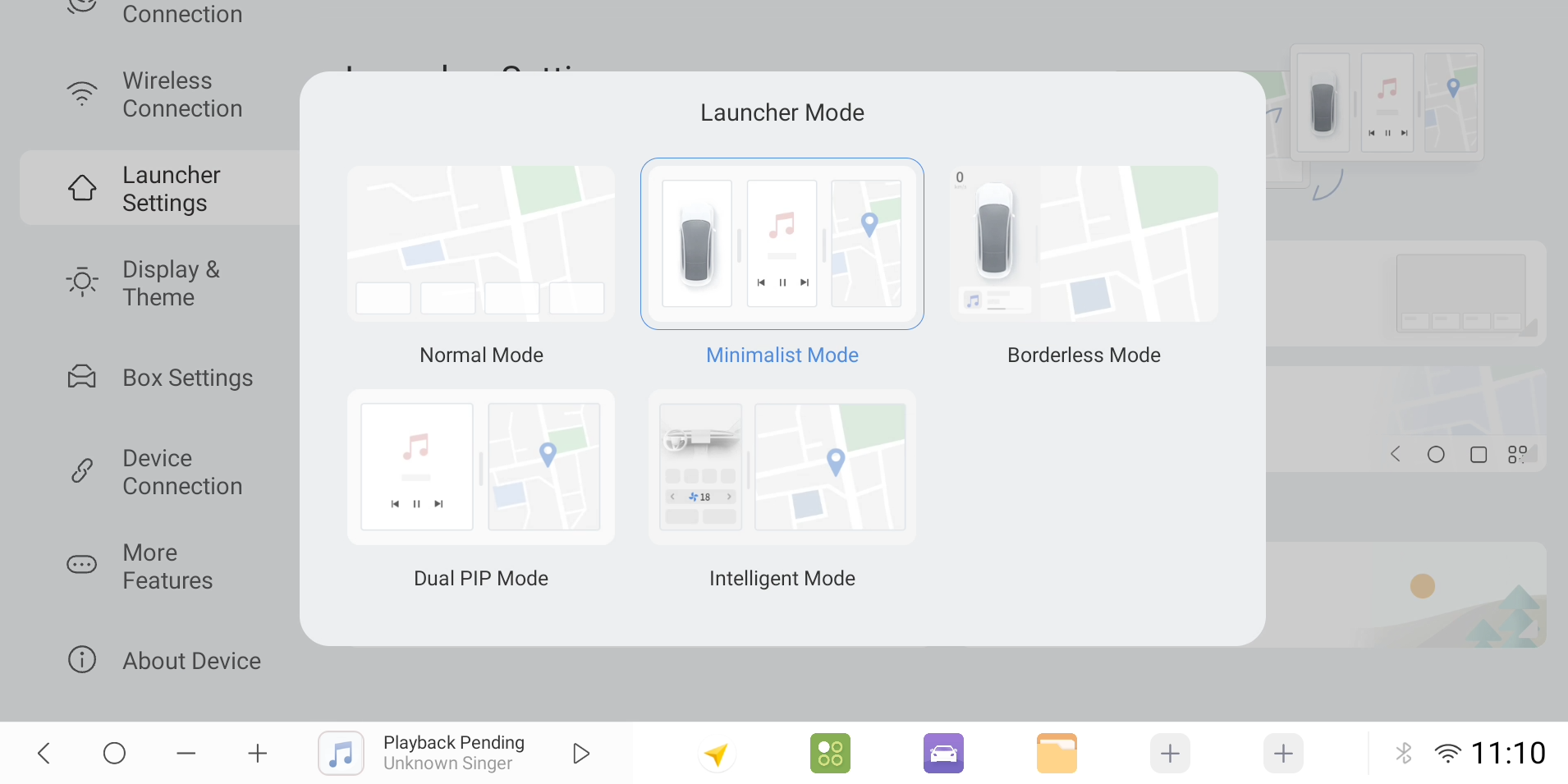
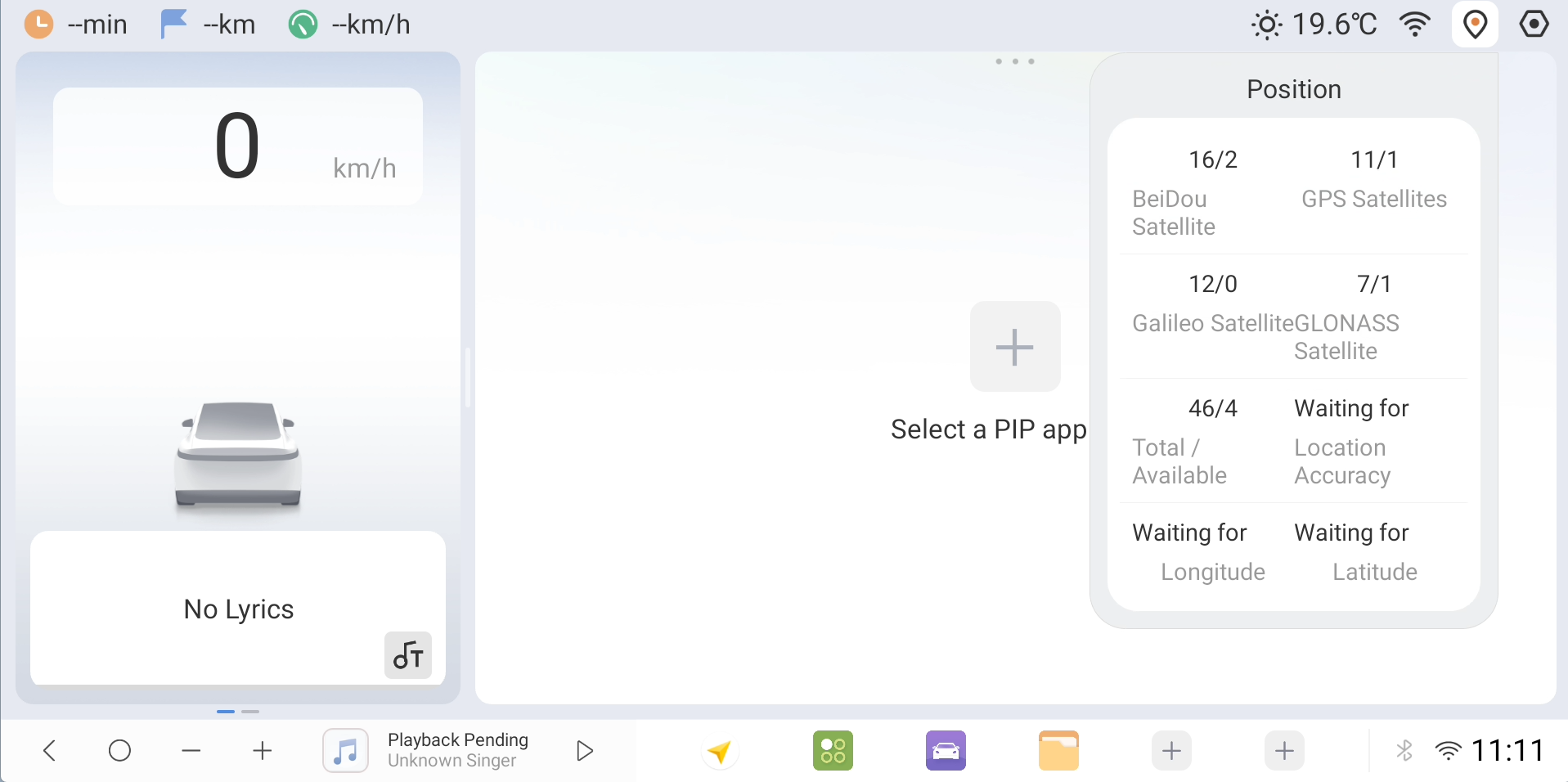
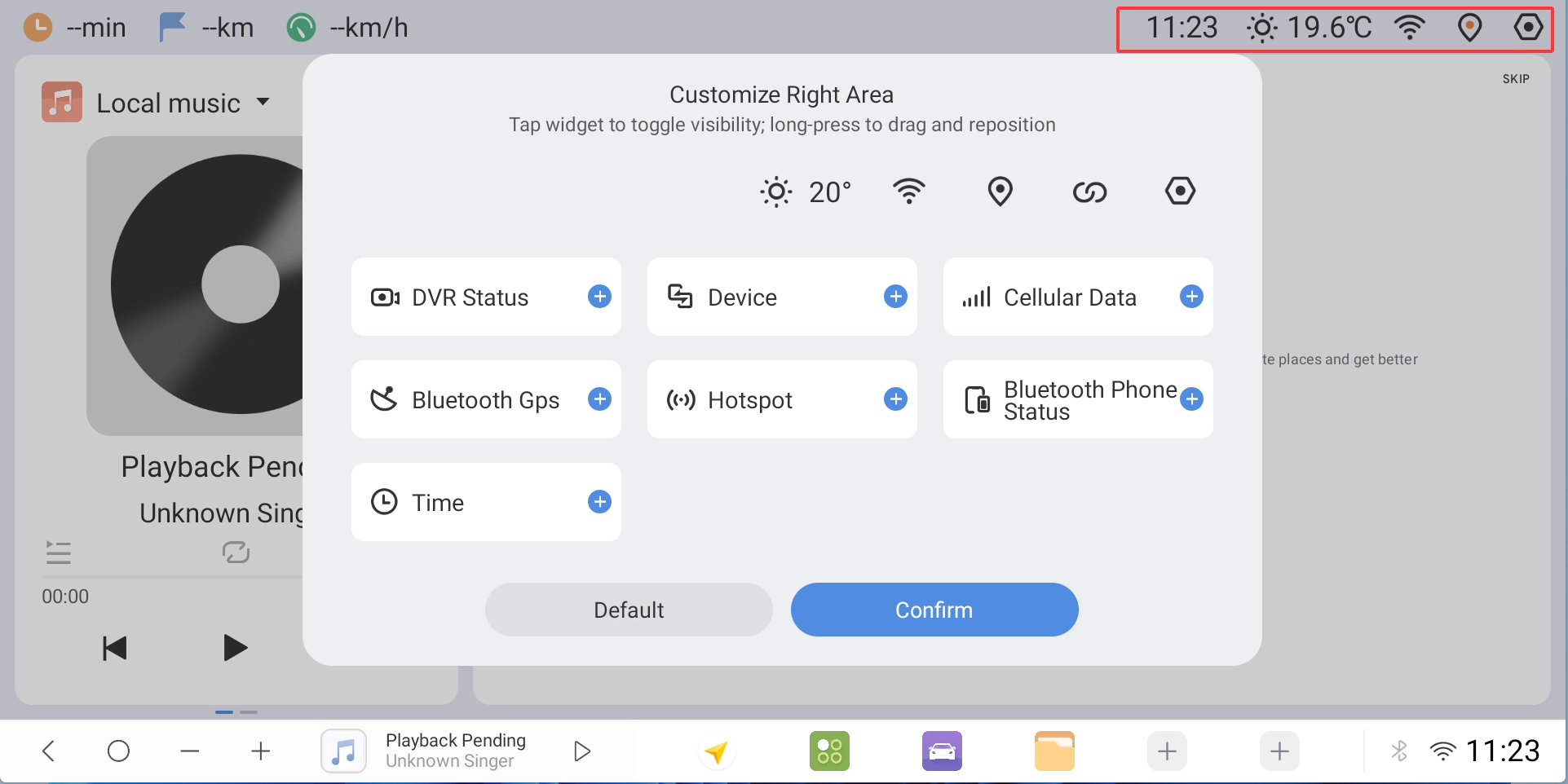
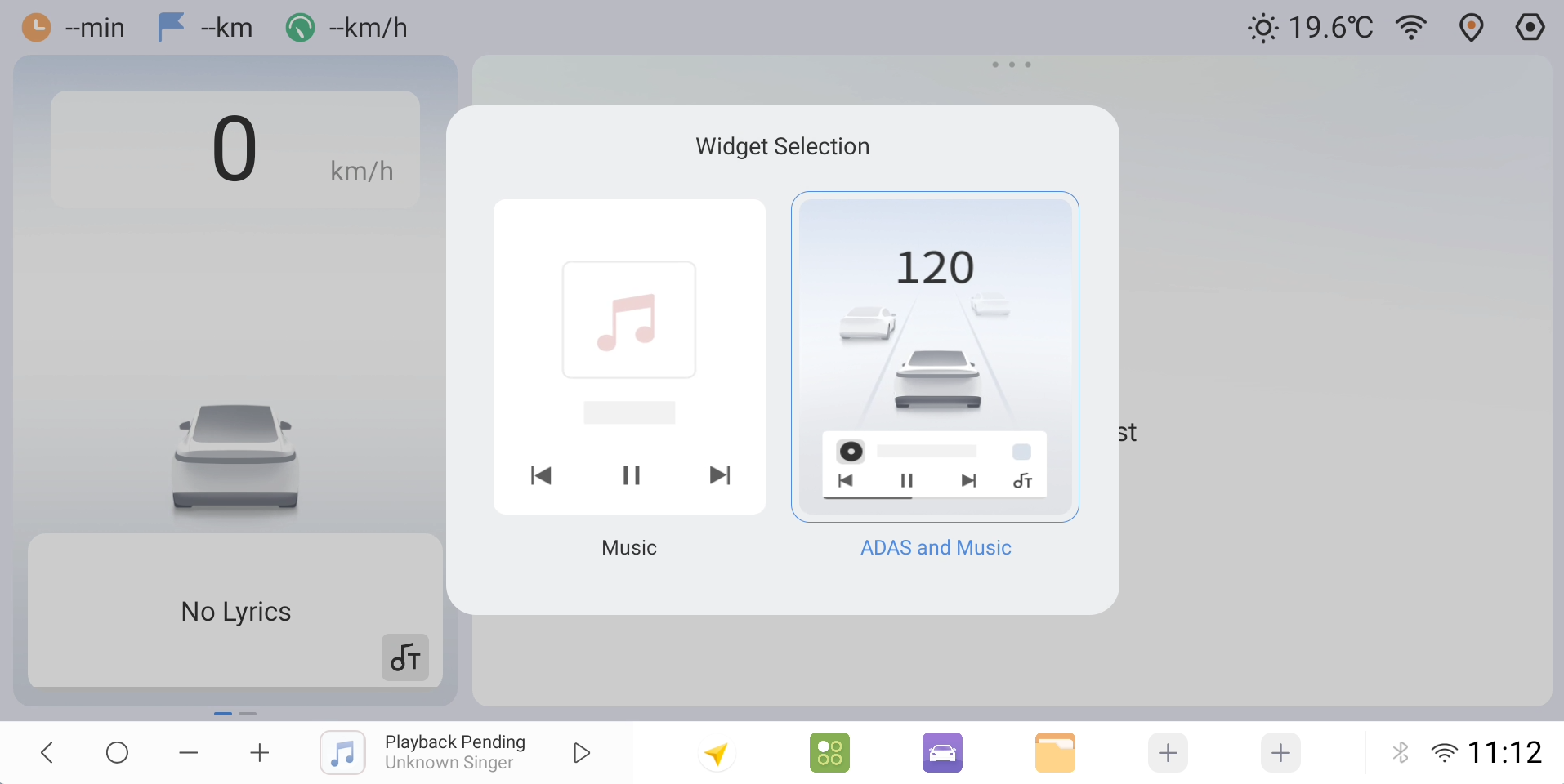
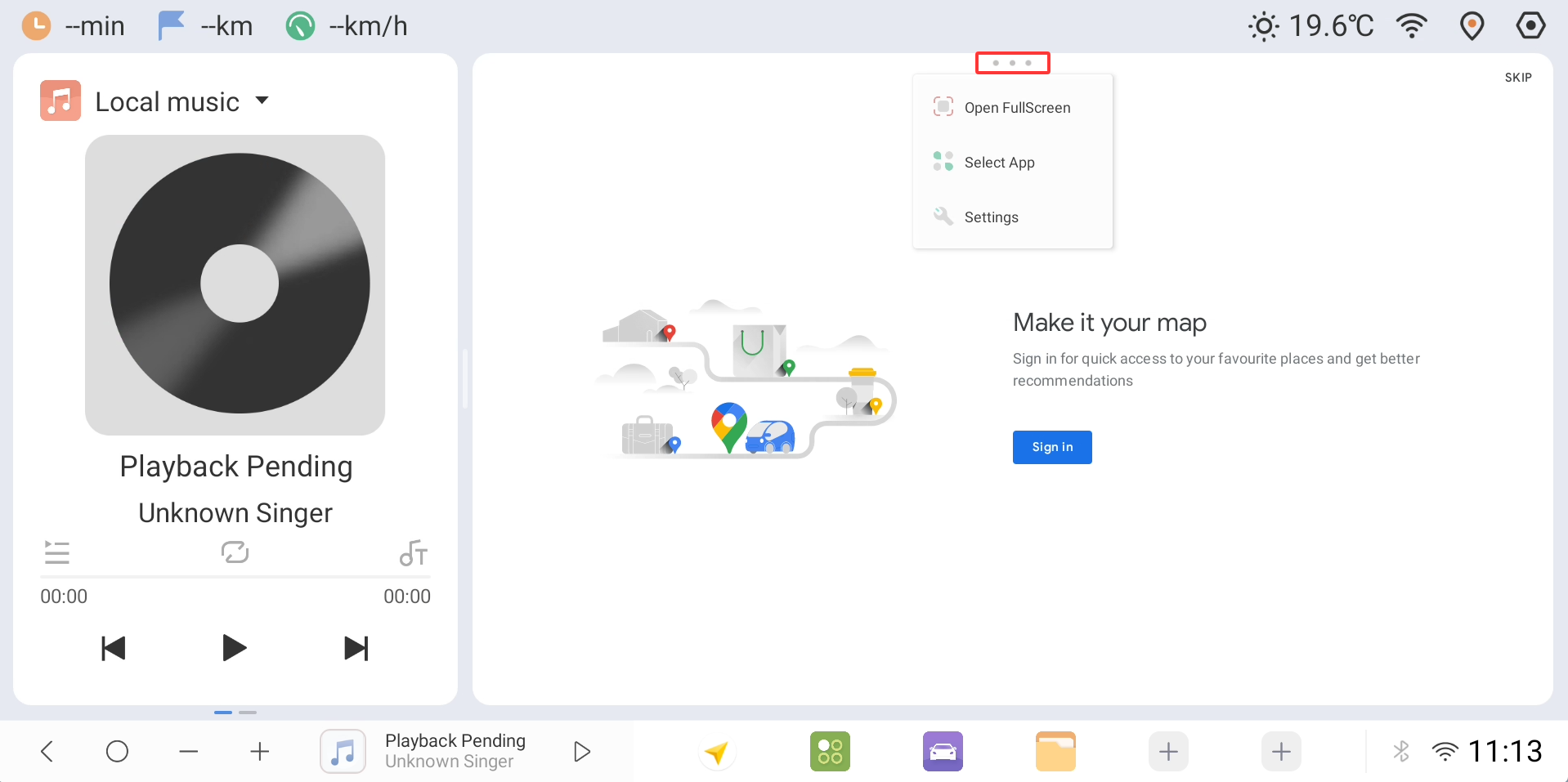
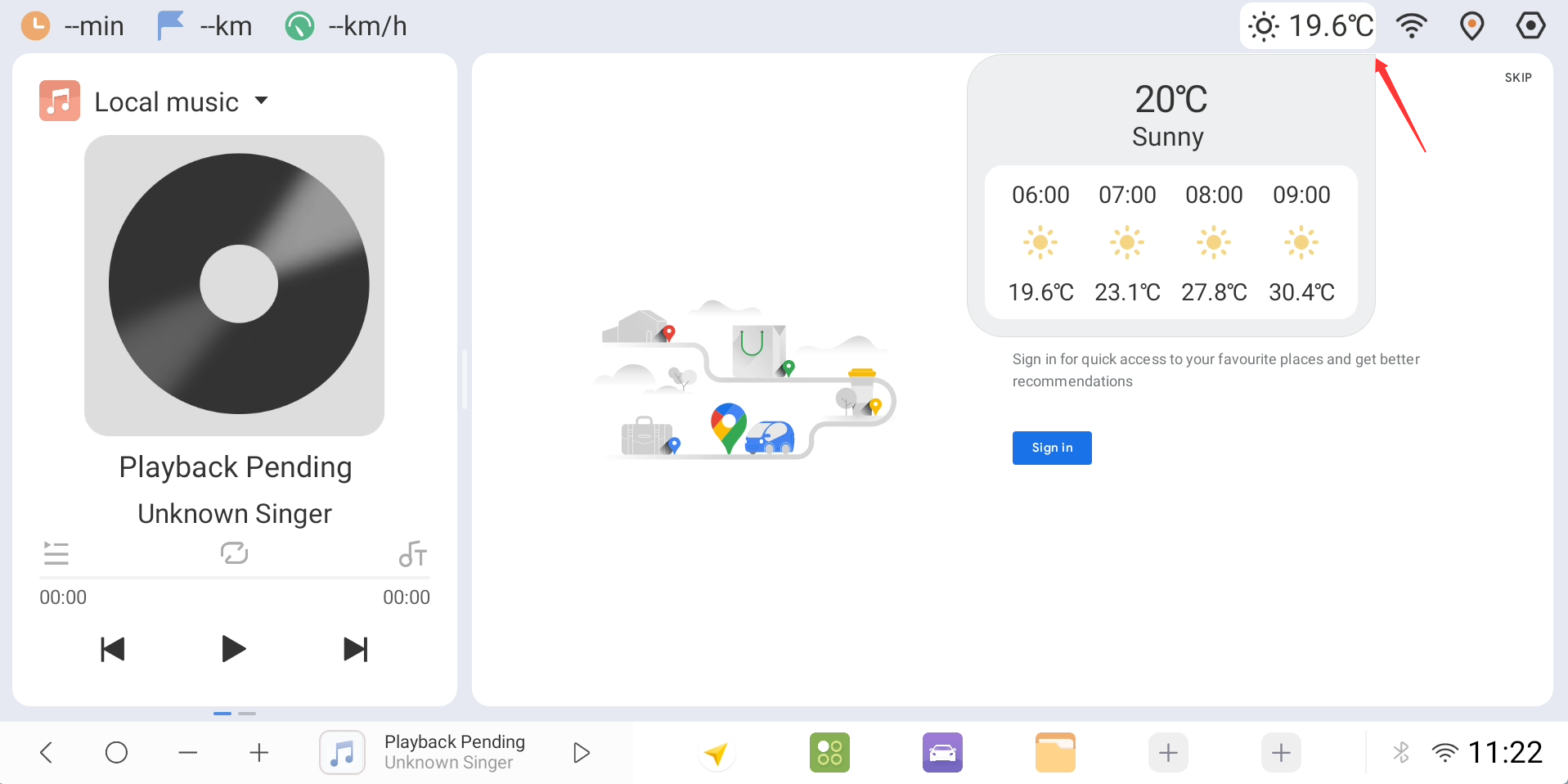
2. Added a customized navigation bar layout for intelligent driving: A dedicated navigation bar layout adapted for intelligent driving scenarios has been launched. The display logic for core information—such as navigation, vehicle status, and driver assistance—has been reorganized to make key information easier to read at a glance while driving. This feature is currently in the demonstration/preview stage; multilingual translation coverage is incomplete in some areas but will be fully implemented in future versions.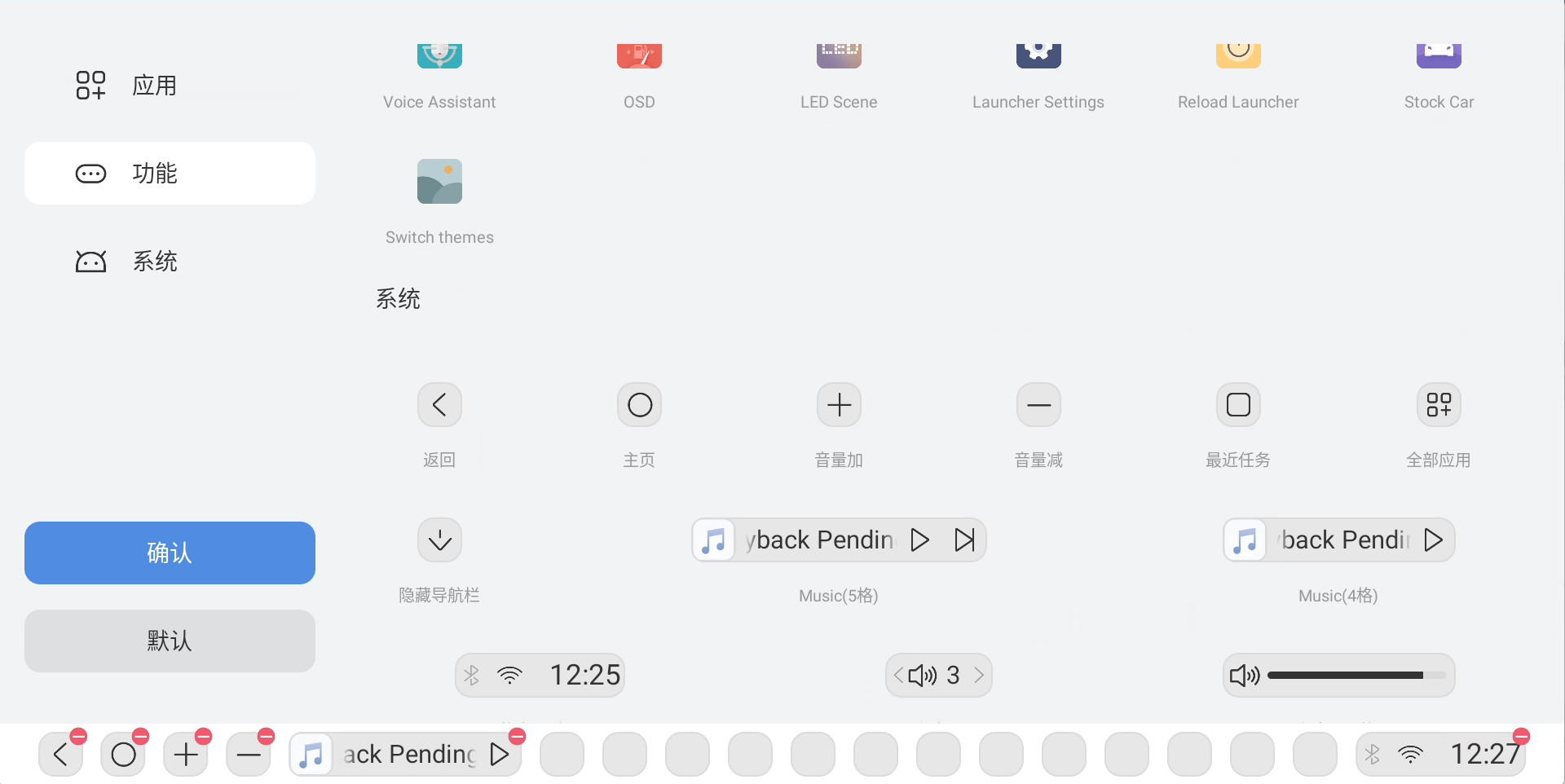
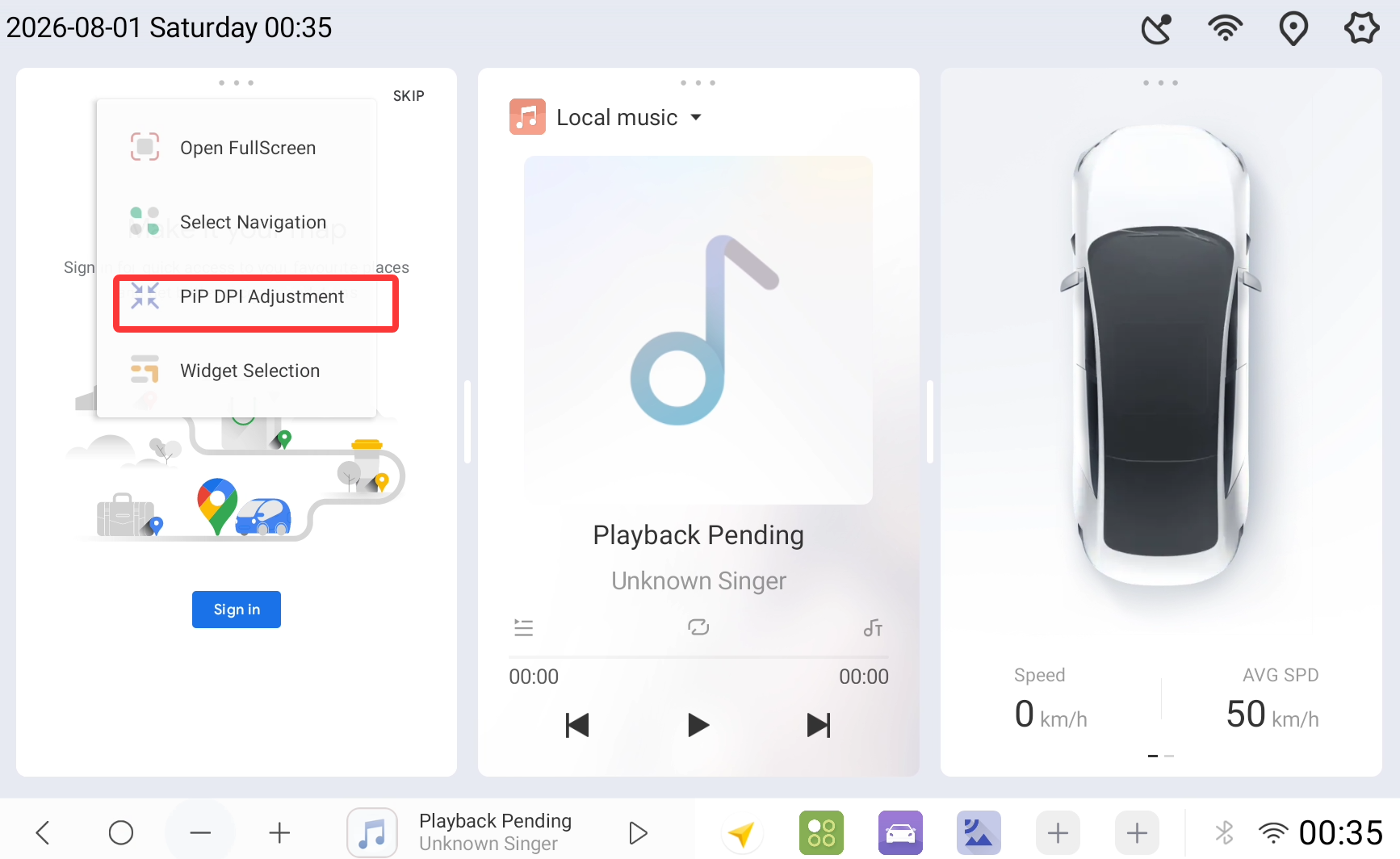
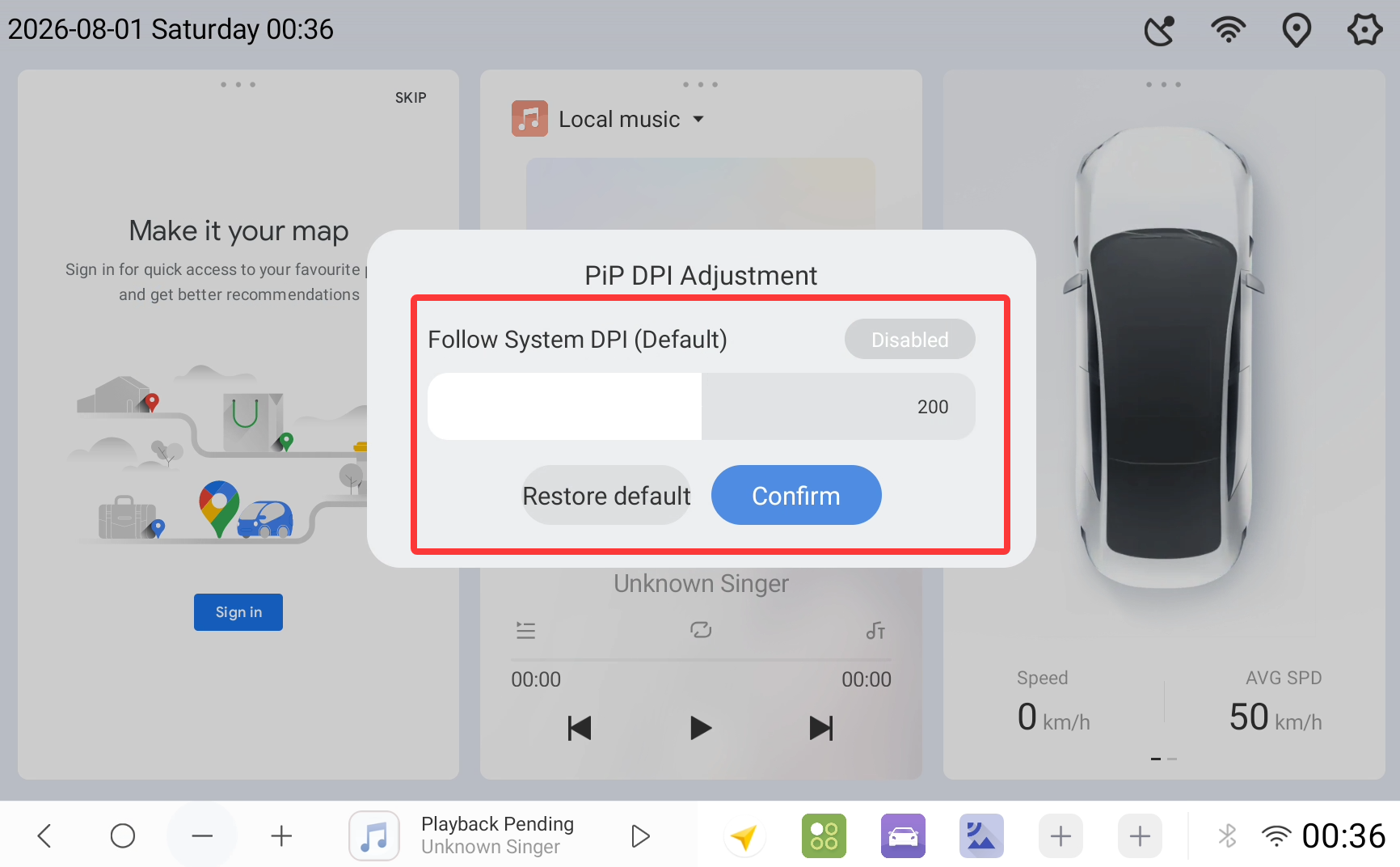
3. Added quick DPI adjustment for Picture-in-Picture (PiP): This update introduces a quick-access point for adjusting the PiP window's DPI. Users can quickly adjust the display resolution of the PiP window with a single click during multitasking without navigating deep into system settings. This balances content clarity and window size requirements across different scenarios, significantly increasing flexibility when using multiple PiP windows simultaneously.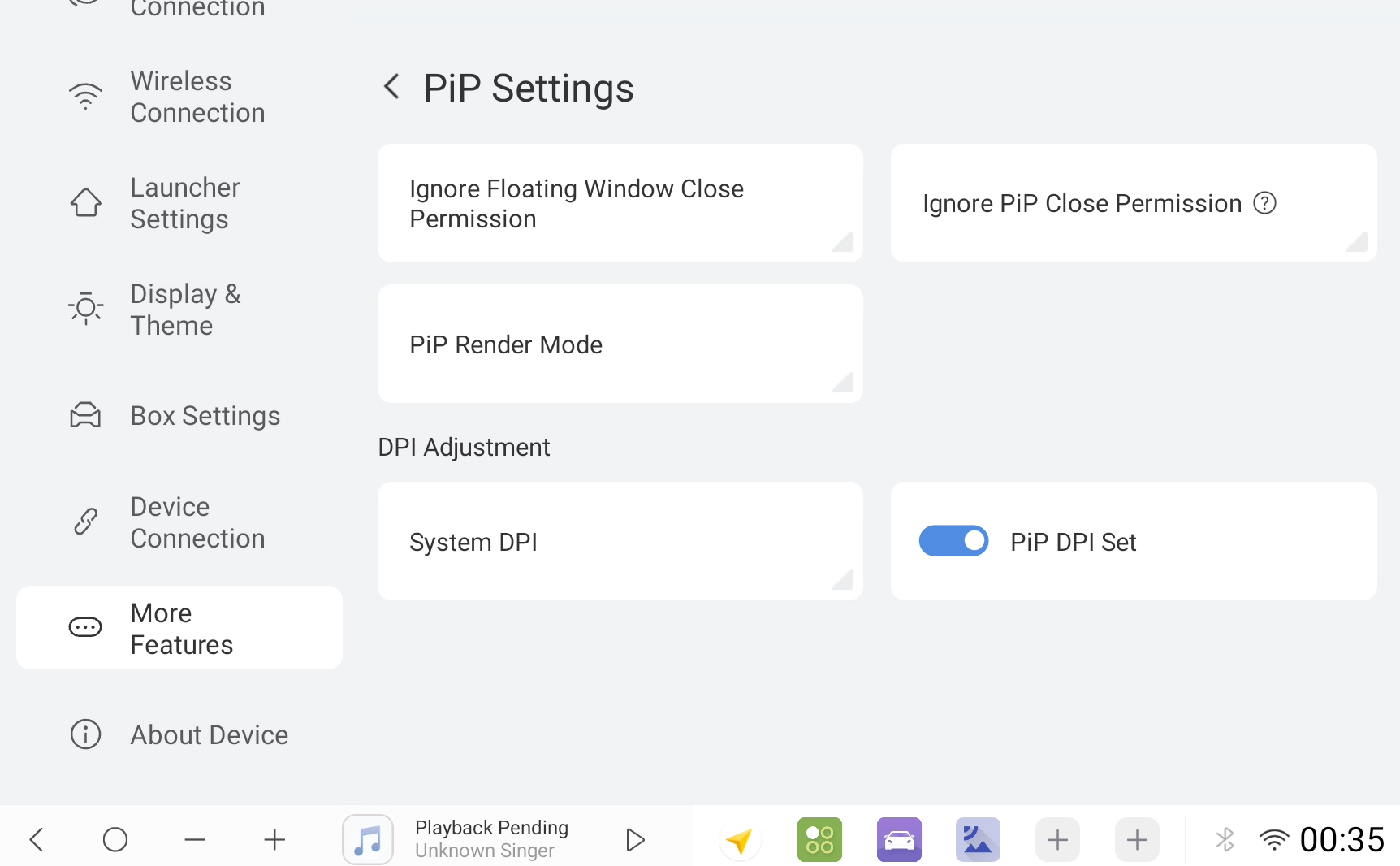
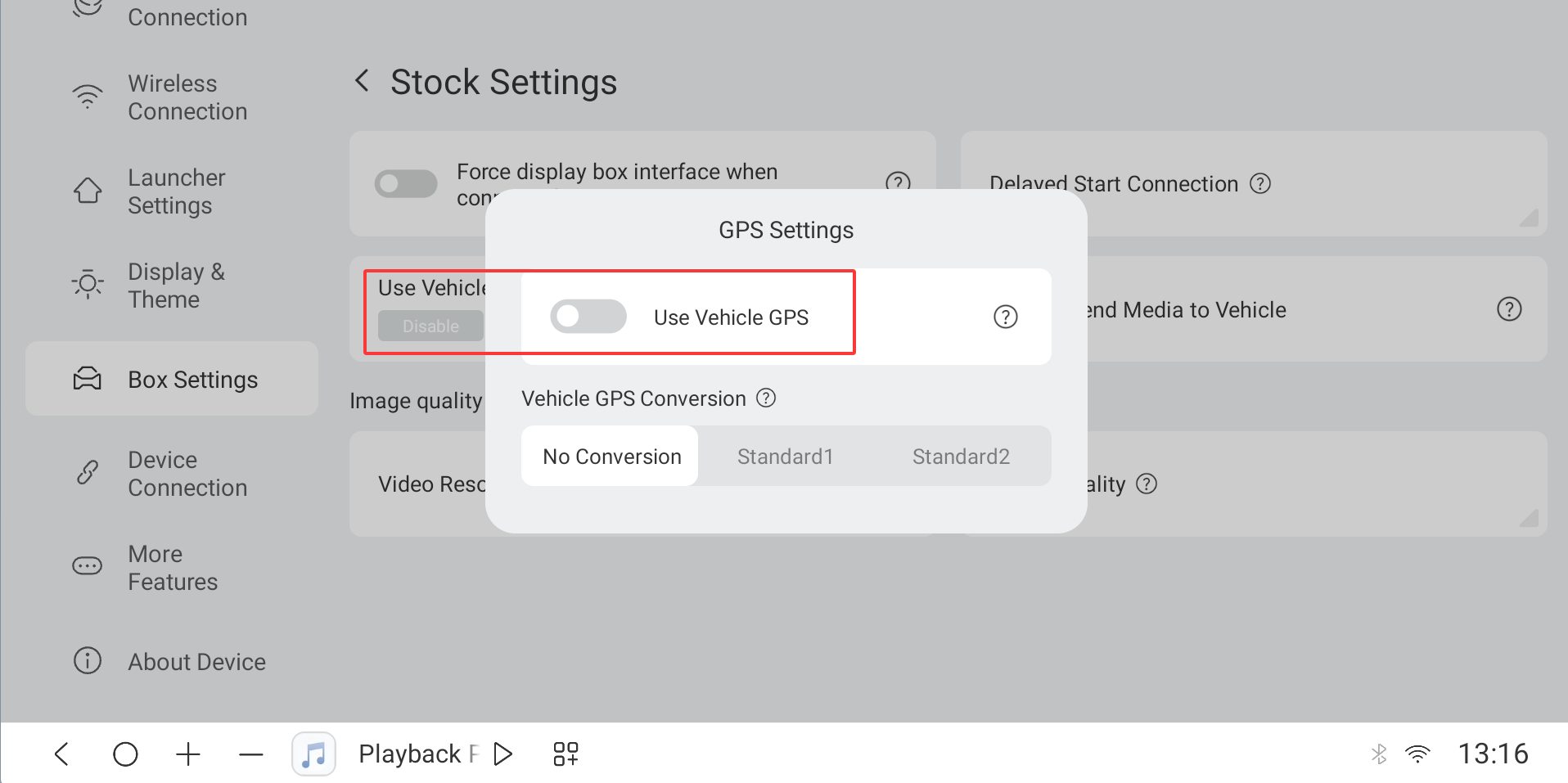
4. Fixed abnormal vehicle speed display when using the original vehicle's navigation GPS: We have addressed a known bug frequently reported by users—where the map incorrectly displayed a speed of "3" even when the vehicle was completely stationary while using the original vehicle's navigation GPS. This version includes a targeted fix for the underlying logic and optimizes the vehicle speed signal reading and verification mechanism, completely resolving the display anomaly in this scenario.
The updates for the c2, c2s, and c3 models in this preview version are still in the testing and validation phase. We welcome users to submit their experiences and optimization suggestions via official feedback channels; we will continue to iterate and refine the system based on your feedback to deliver a more stable user experience that is better tailored to in-vehicle scenarios.