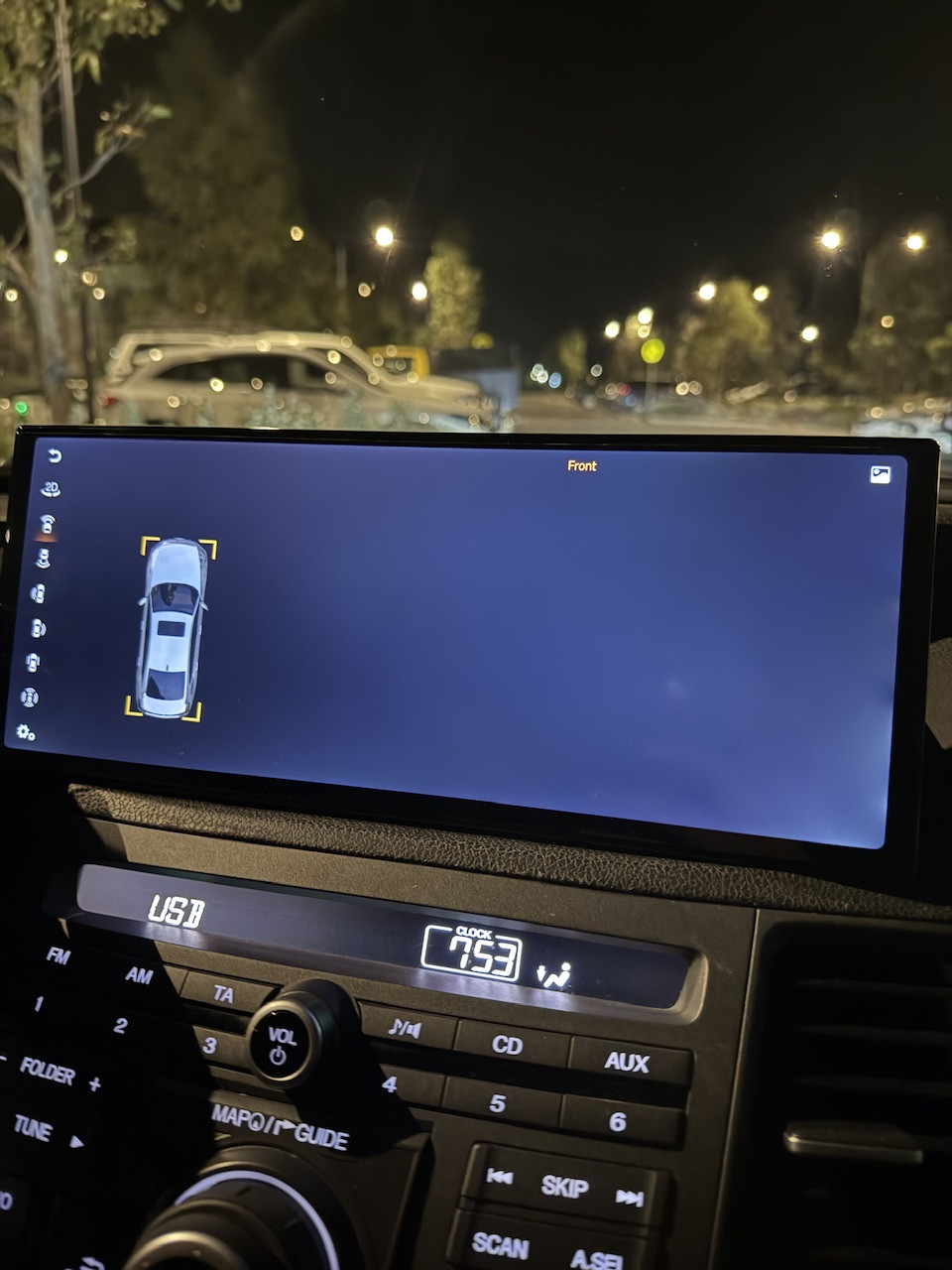
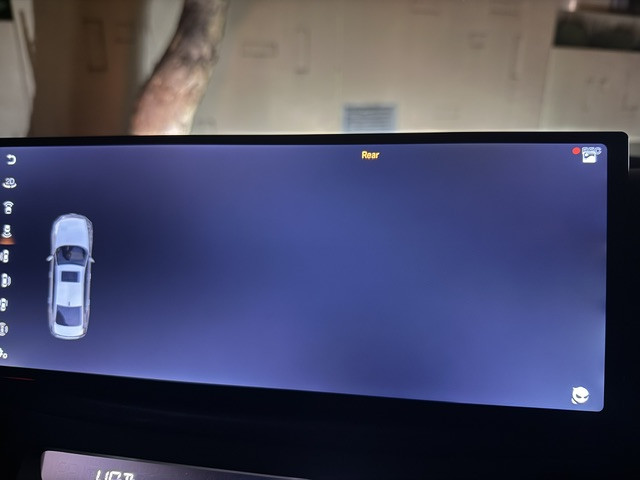
HAccord8 You mentioned connecting the two side cameras, but they are hidden behind the main unit.
In the video, the side cameras appear completely inactive—the screen is pitch black. Did you cover the lenses with black tape?
I have two suggestions:
1: When the screen goes black, long-press the 360 app icon. A pop-up will appear; tap "App Info," then select "Force Stop." The 360 app will restart—check if the image appears then.
2: Move the side cameras out into the open or remove the black tape. The goal is to determine whether all four cameras are showing a black screen or if the issue is specific to the front/rear cameras.