Dear DUDUAUTO Community,
We've released a new patch for DUDUOS 3.7 260210 addressing several user-reported issues and enhancing overall system stability. This update focuses on improving your daily driving experience with the following refinements:
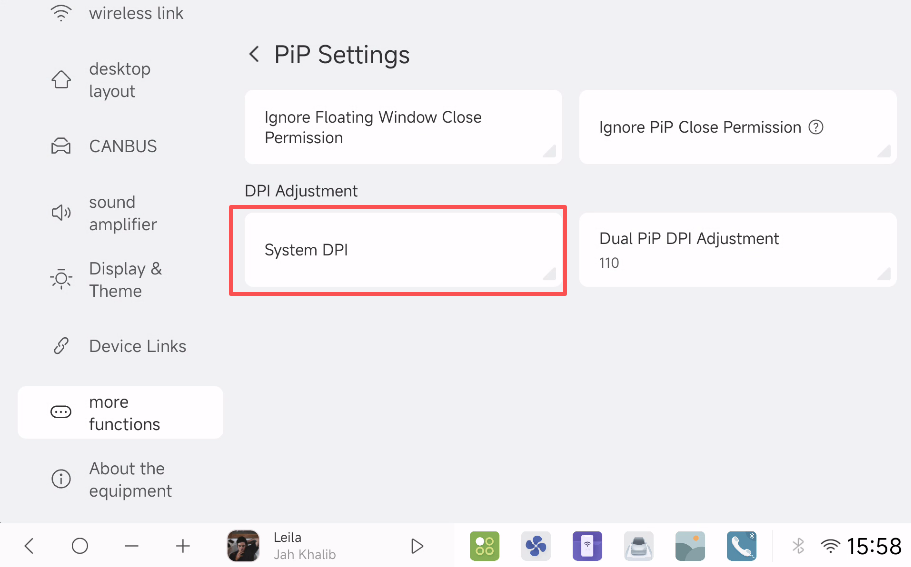
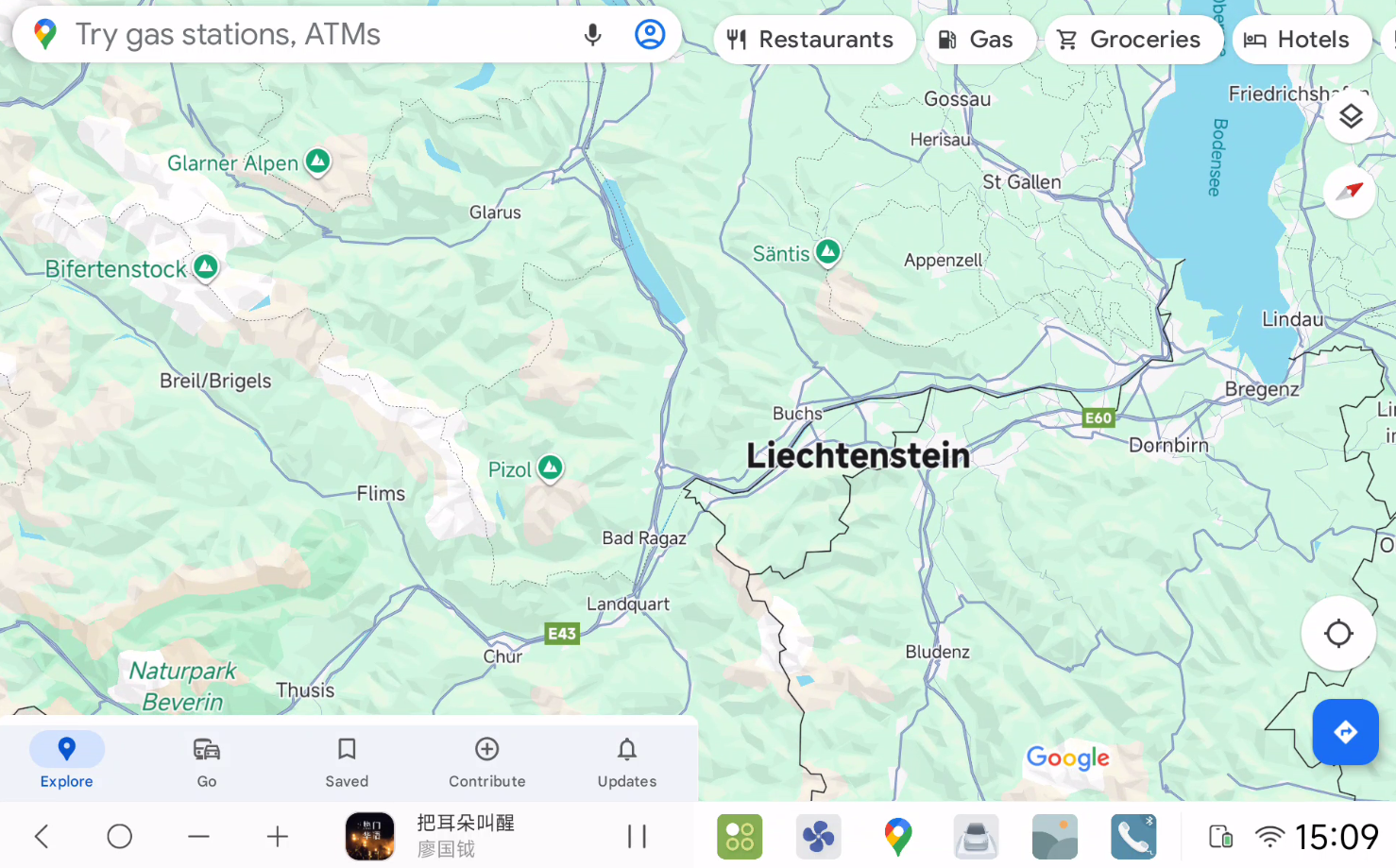
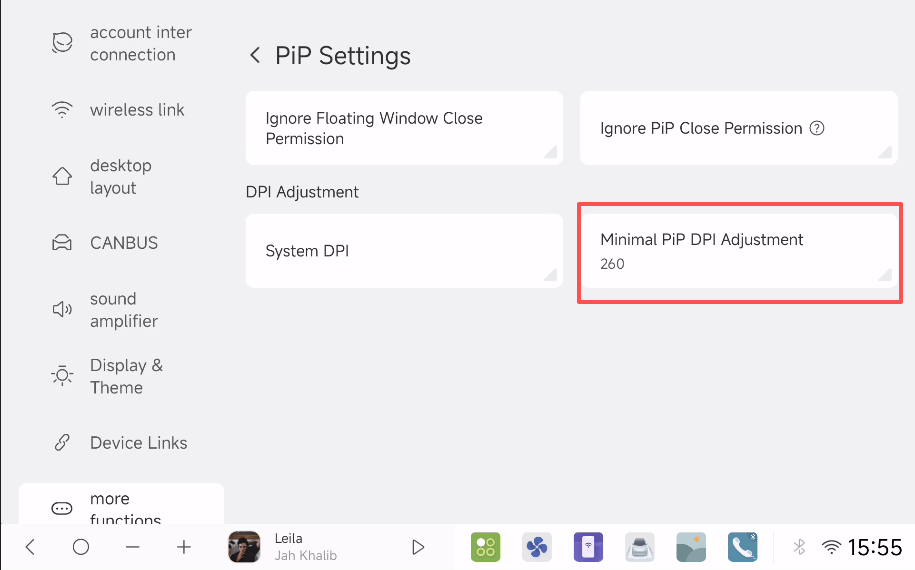
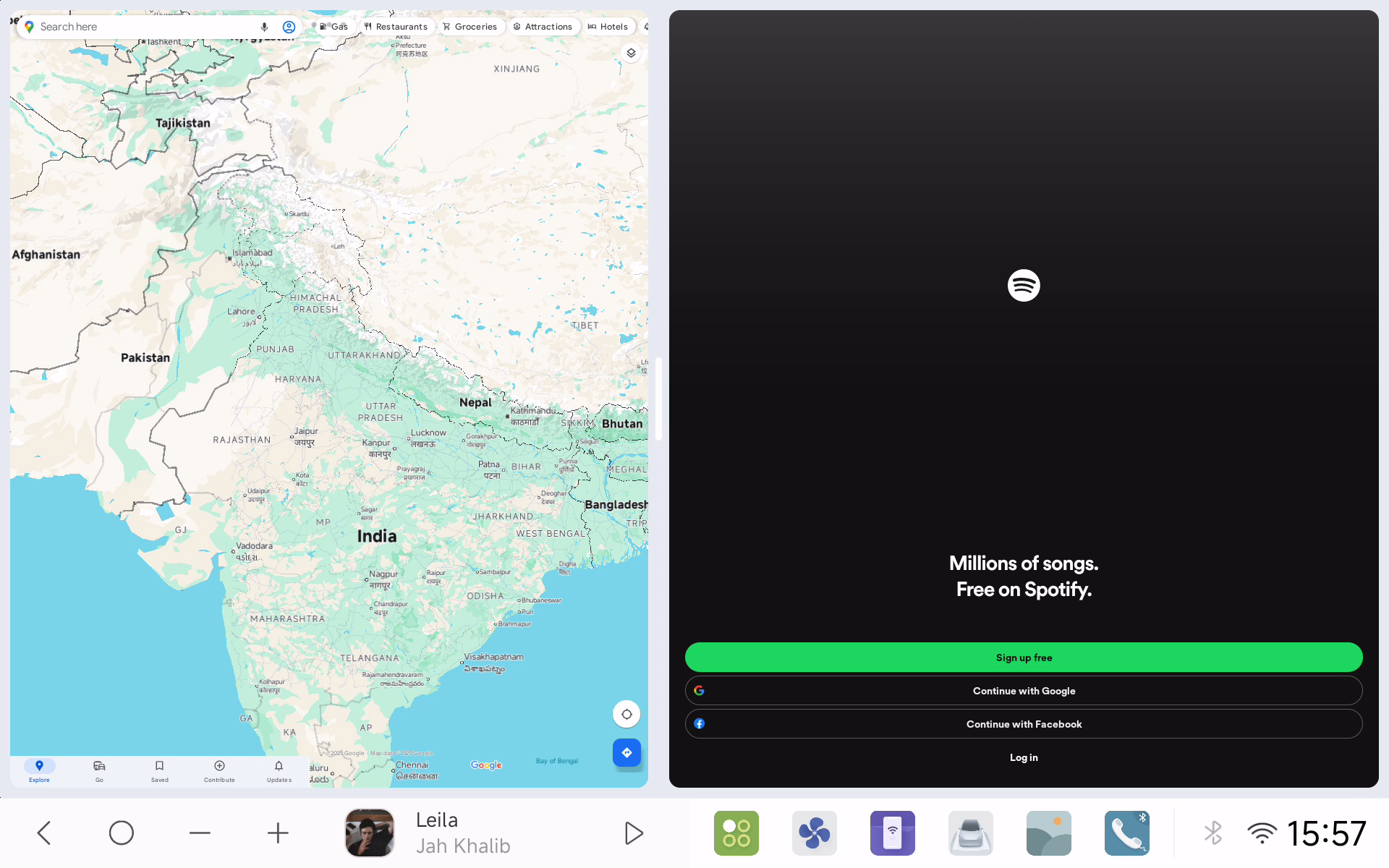
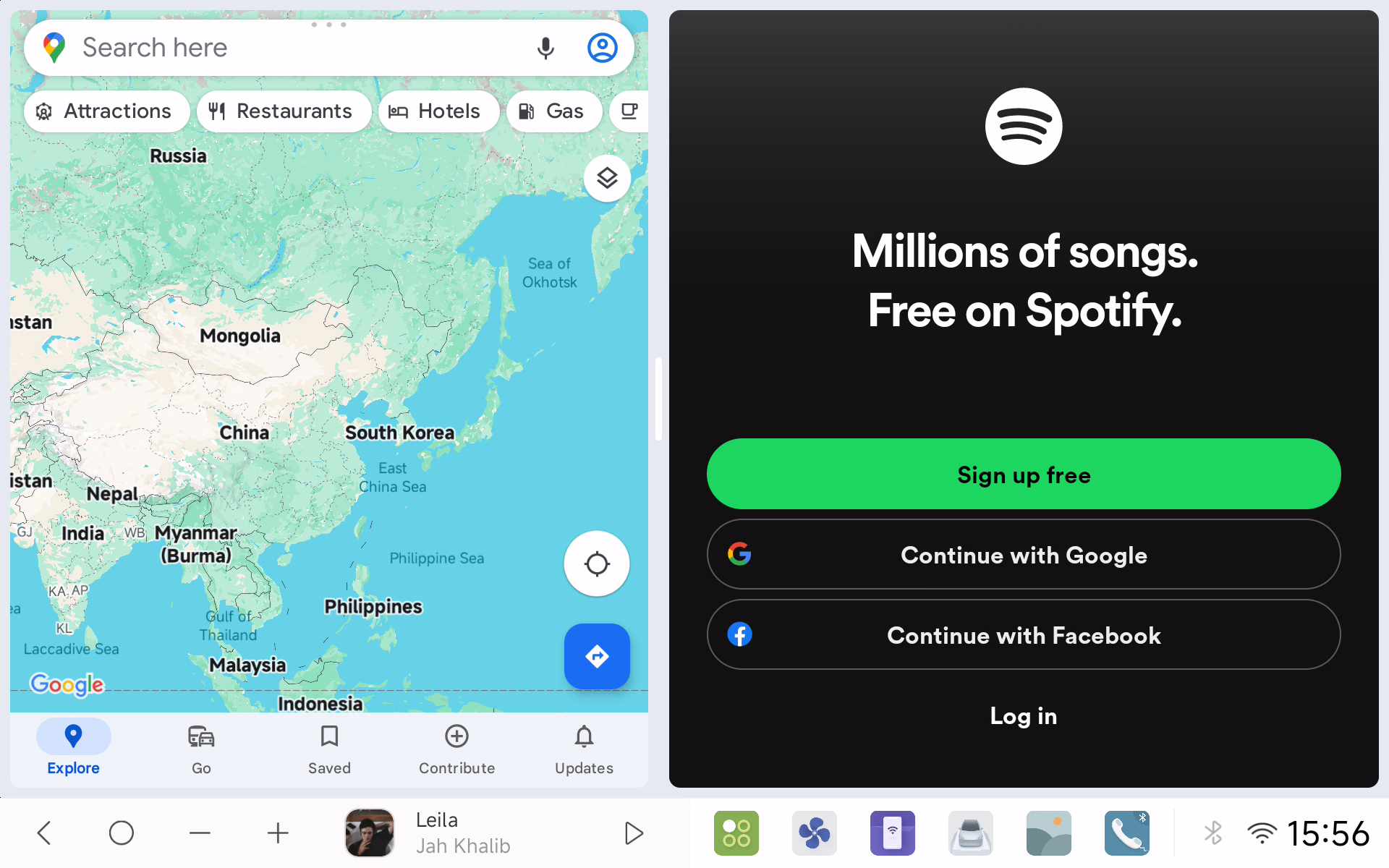
Fixed incomplete PIP display after screen range adjustment
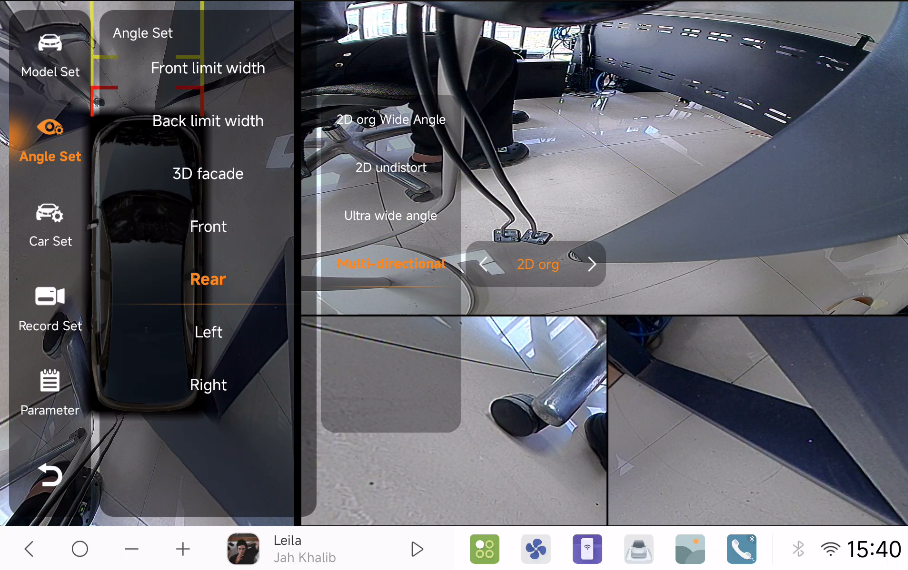
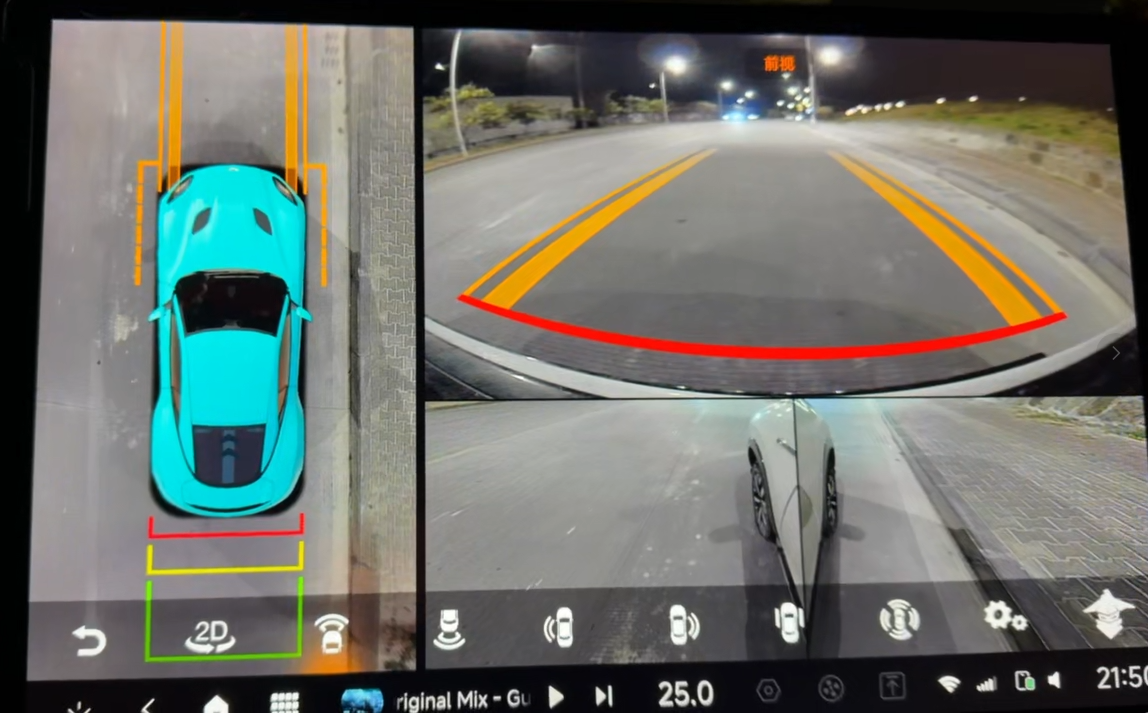
Fixed 360° Surround View system startup and angle adjustment issues in new version
Fixed SWC (Steering Wheel Control) long-press malfunction
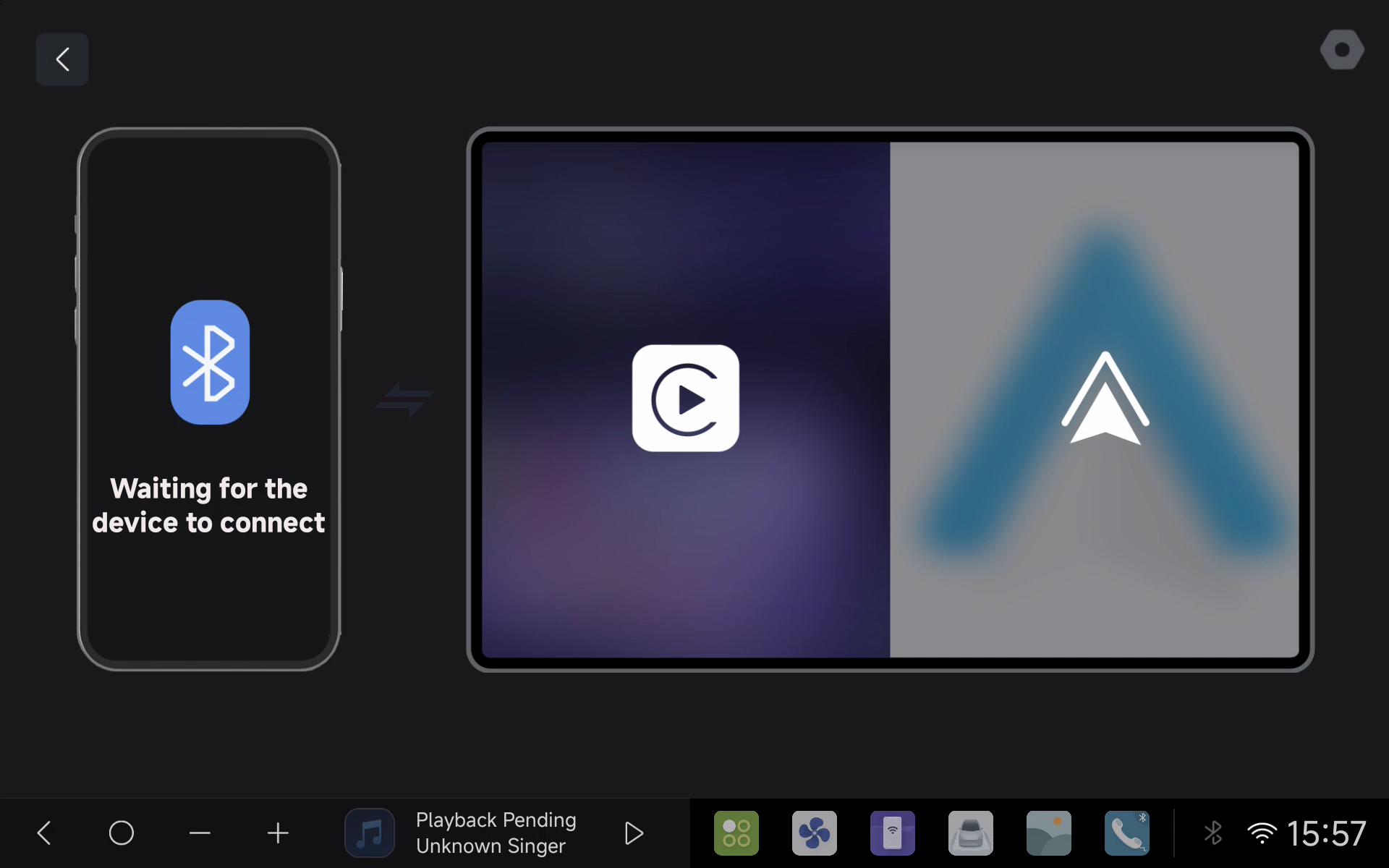
Enhanced Android Auto hires display
Improved DVR auto-start logic
Refined back button behavior
Enhanced climate control and feature compatibility for selected vehicle models
This patch is now available through OTA update. To install:
- Go to OTA
- Check for System Updates
- Download and install when prompted
We recommend installing this update to ensure the best possible experience with your DUDUOS system.
✨ New Modes and Customization Options
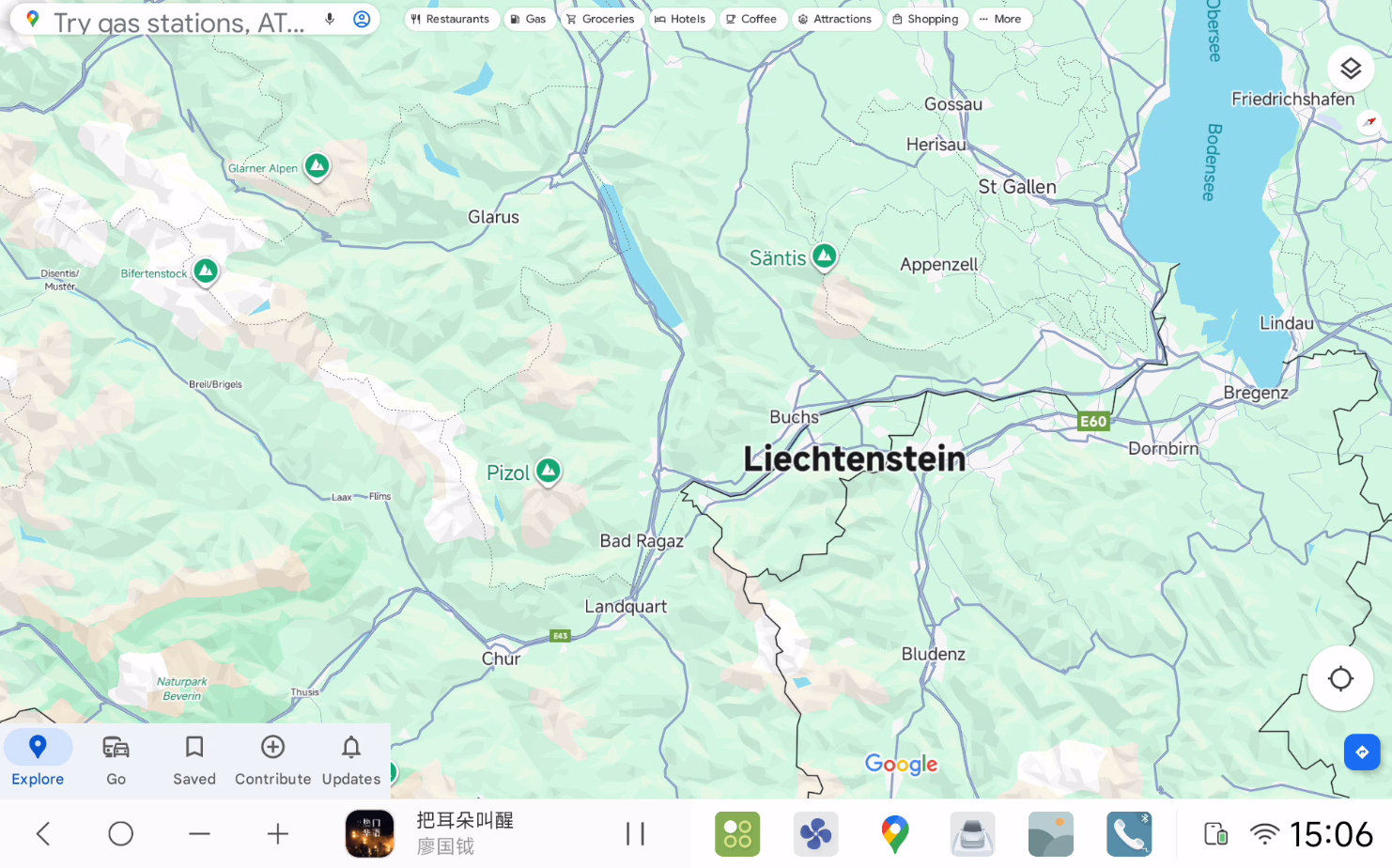
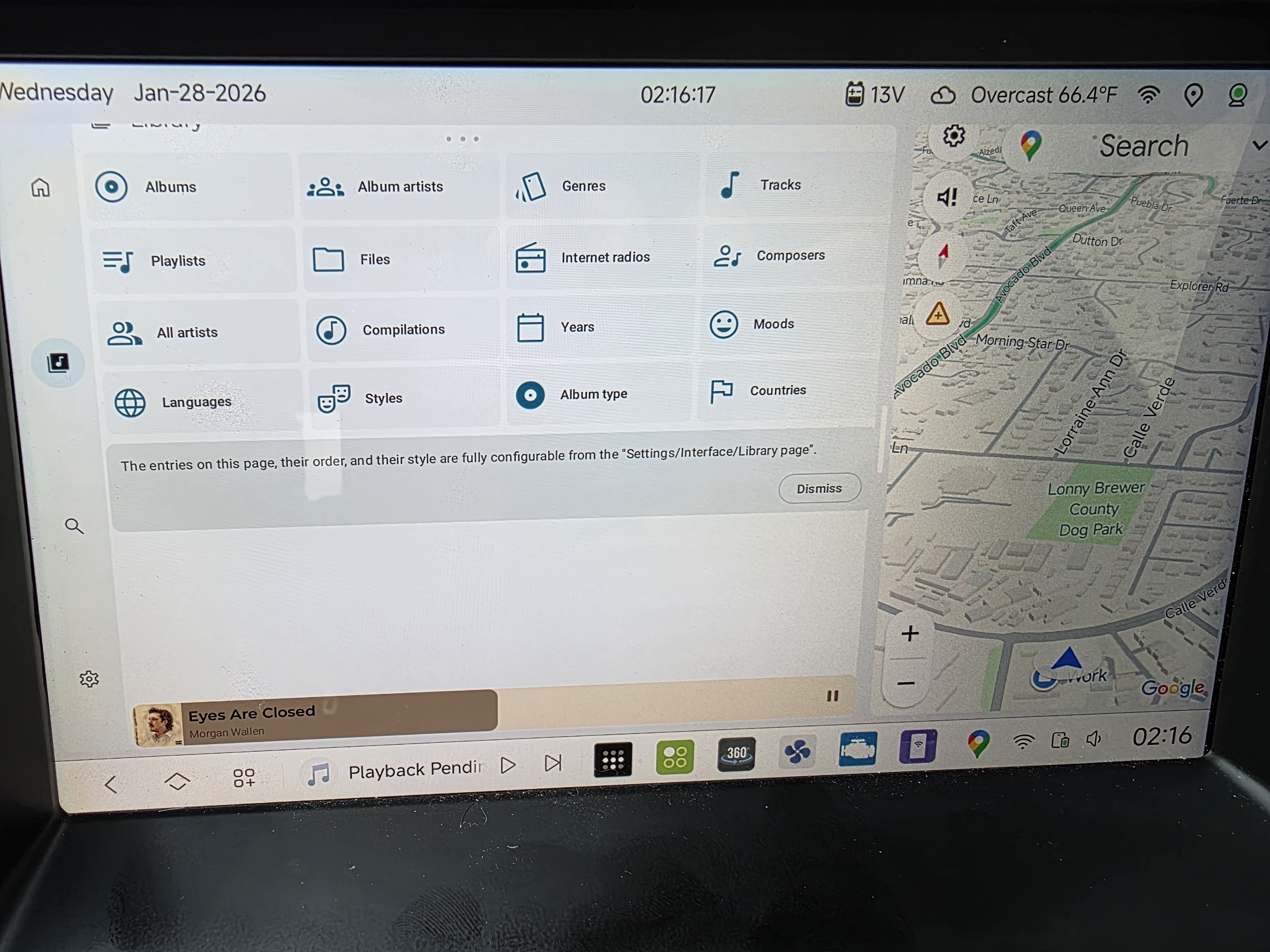
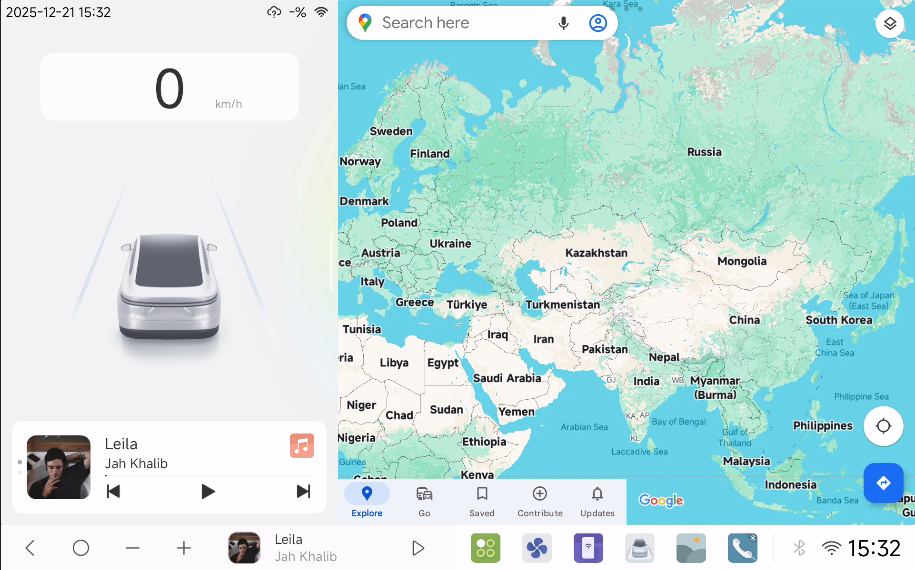
🌐 Boundless Mode (except for 12.3-inch widescreen)
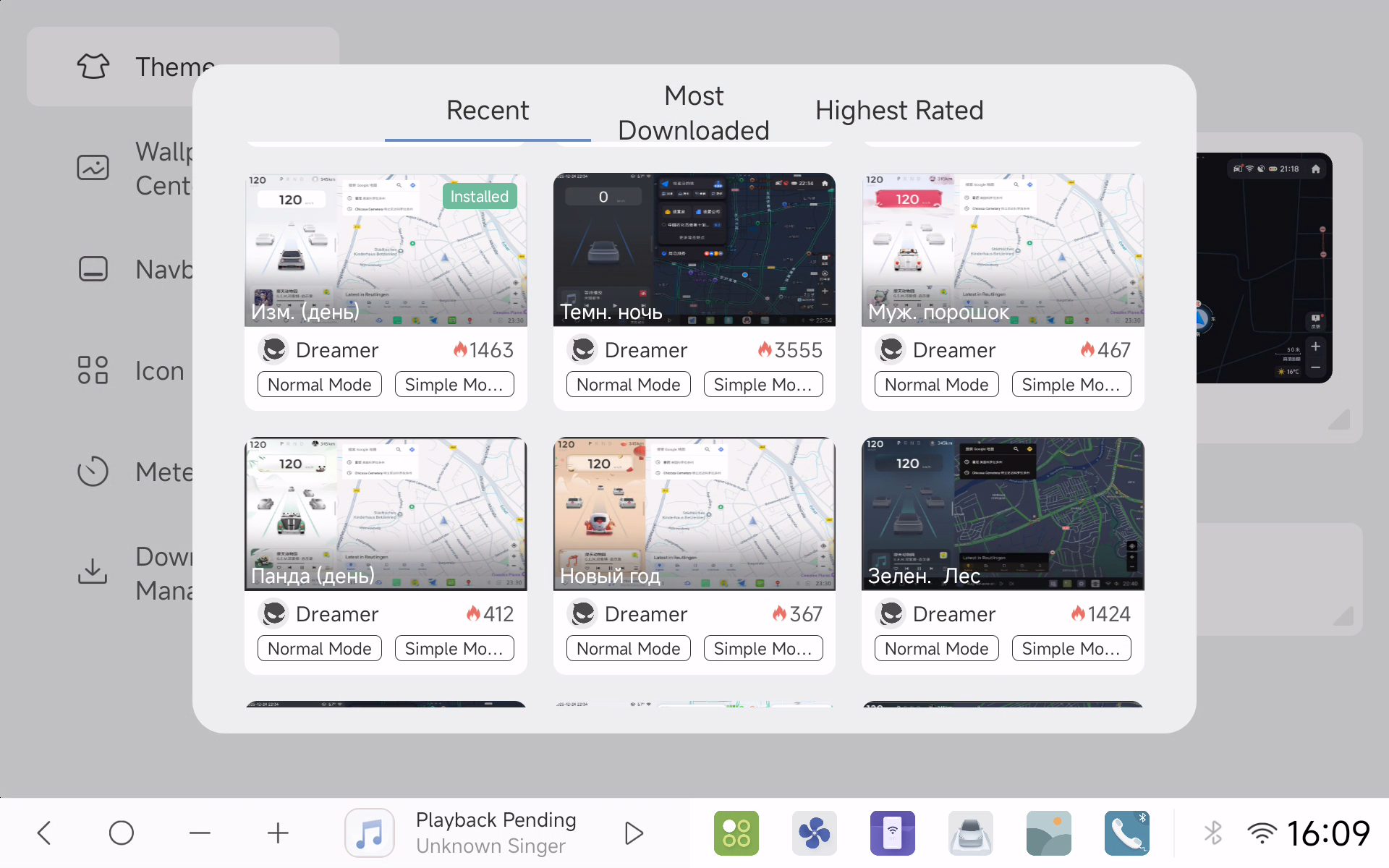
🖼 10 new borderless themes in Theme Store
🎨 Modernized CarLink UI with complete redesign (DUDU7)
🎥 Dual PIP Mode with better performance than Enthusiast Mode
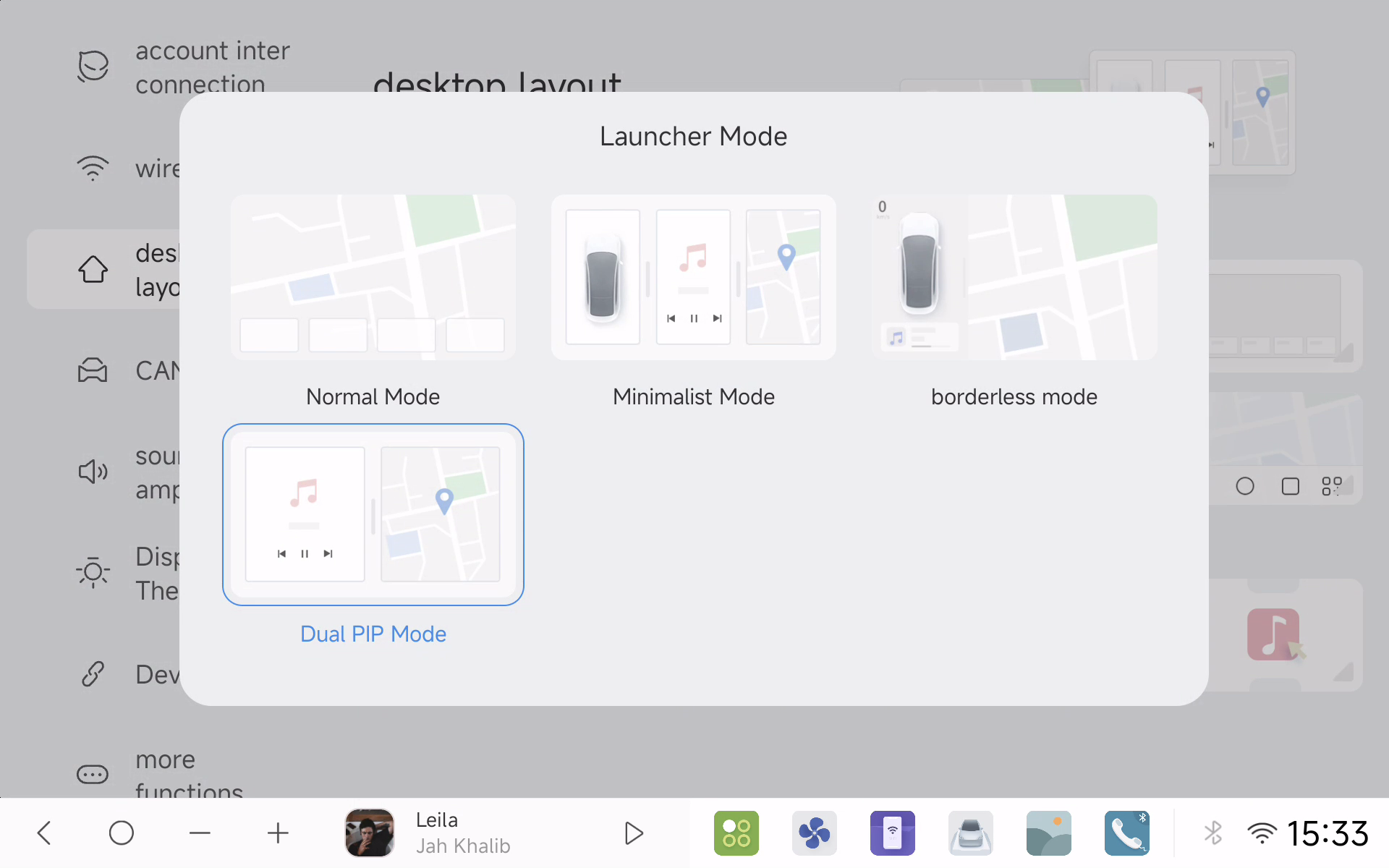
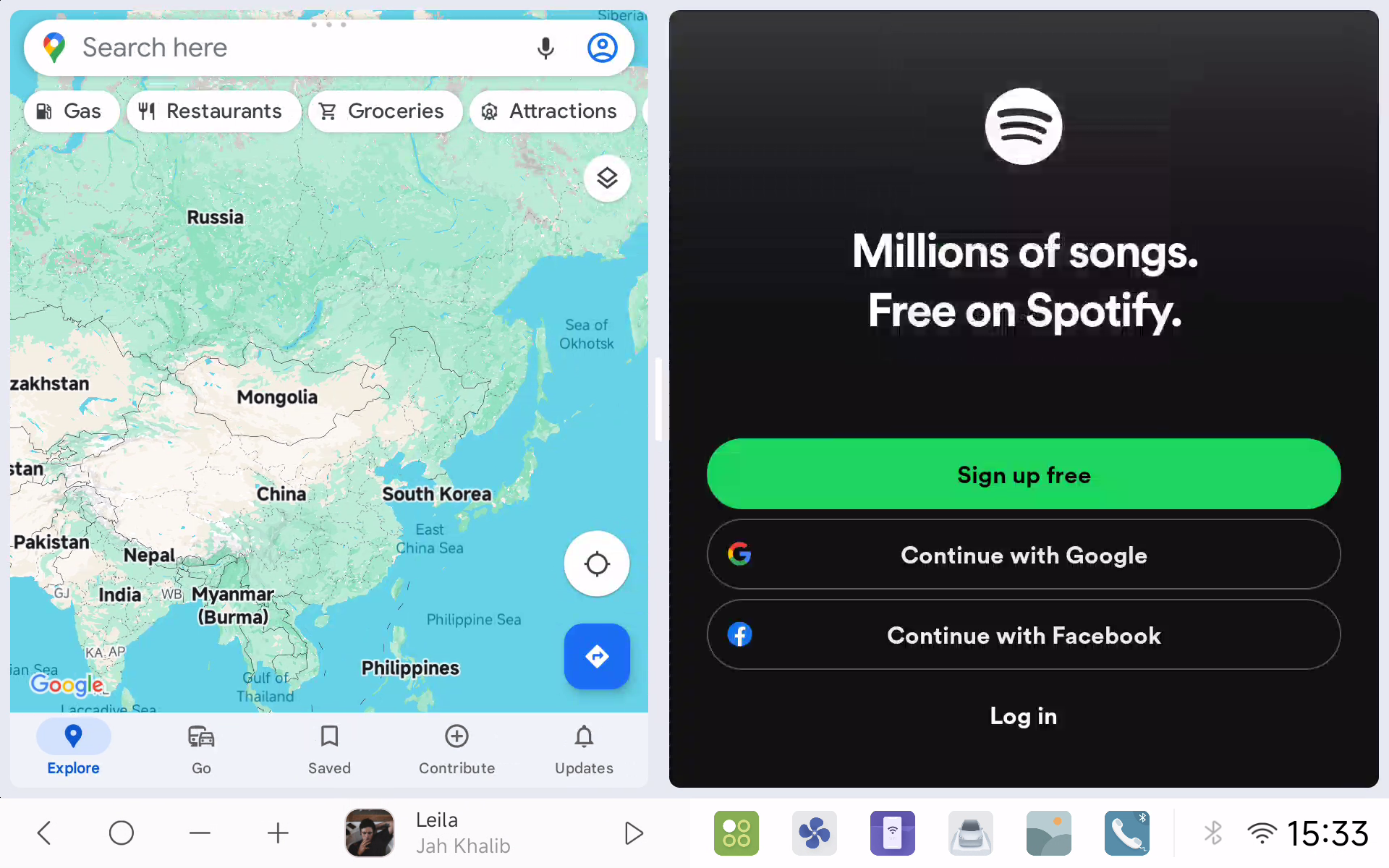
🎨 Minimalist Mode with more layout combinations and integrated Enthusiast Mode widgets
🖼️ Customizable PIP for third-party apps
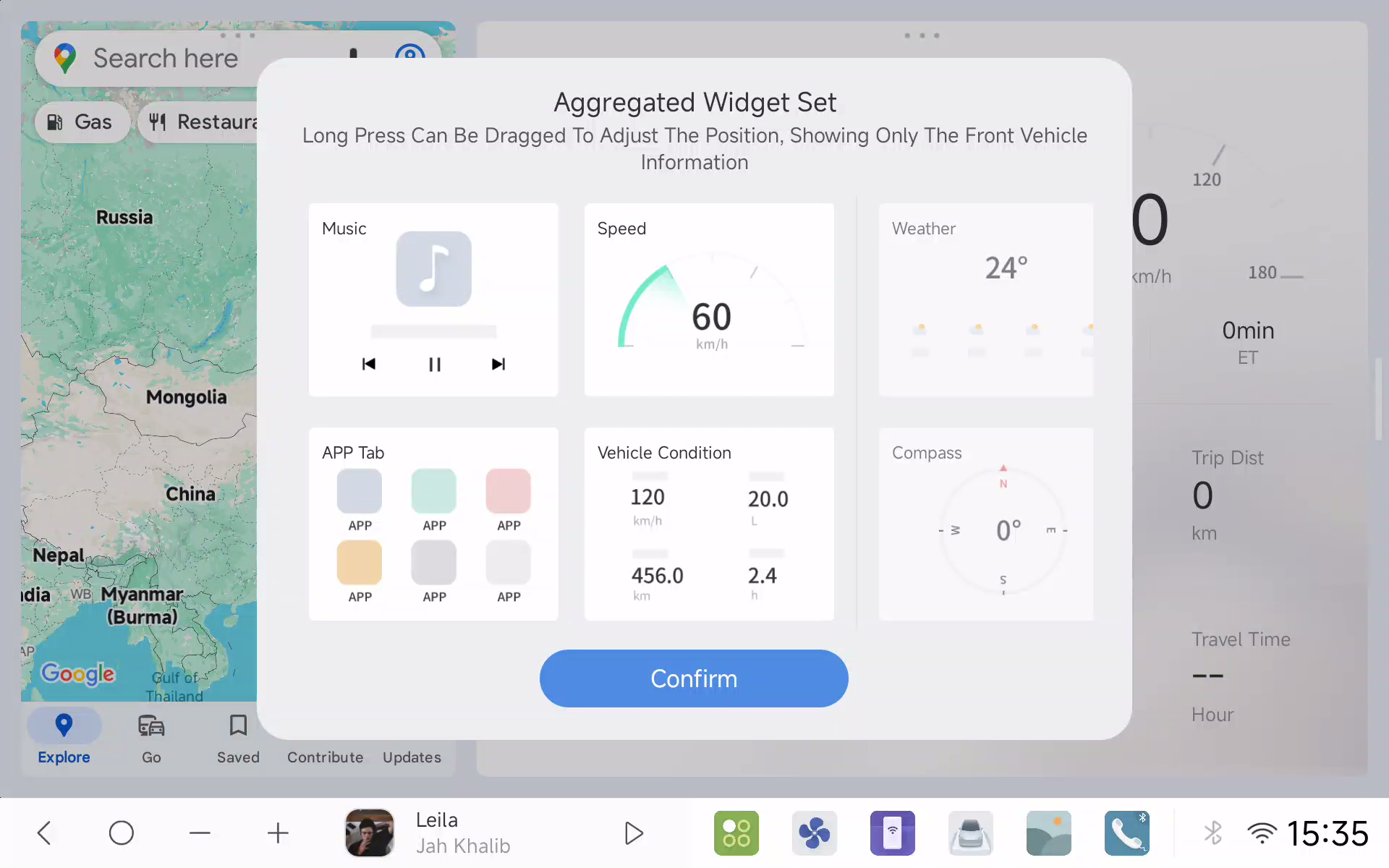
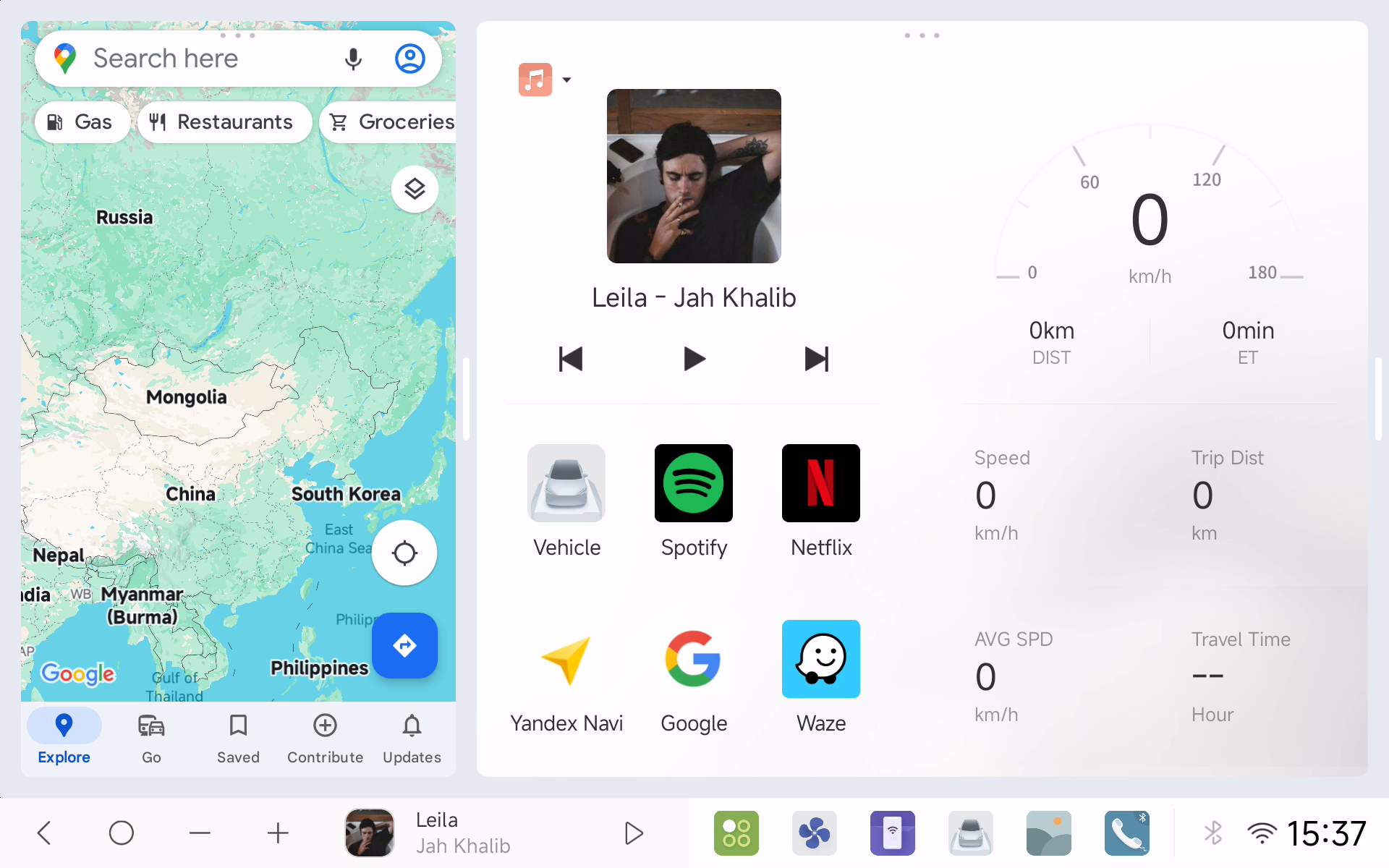
📺 Screen Adaptation and Optimization
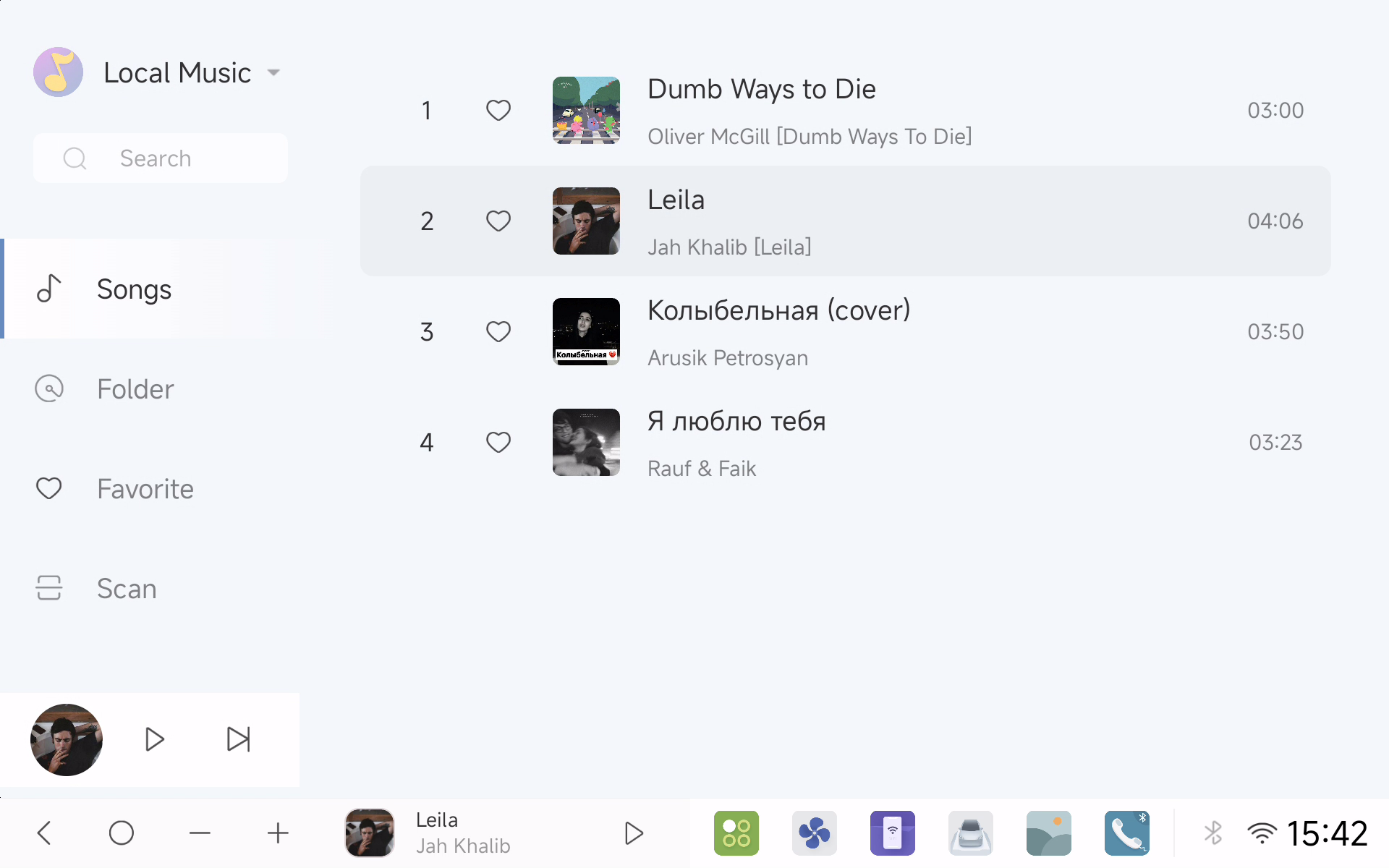
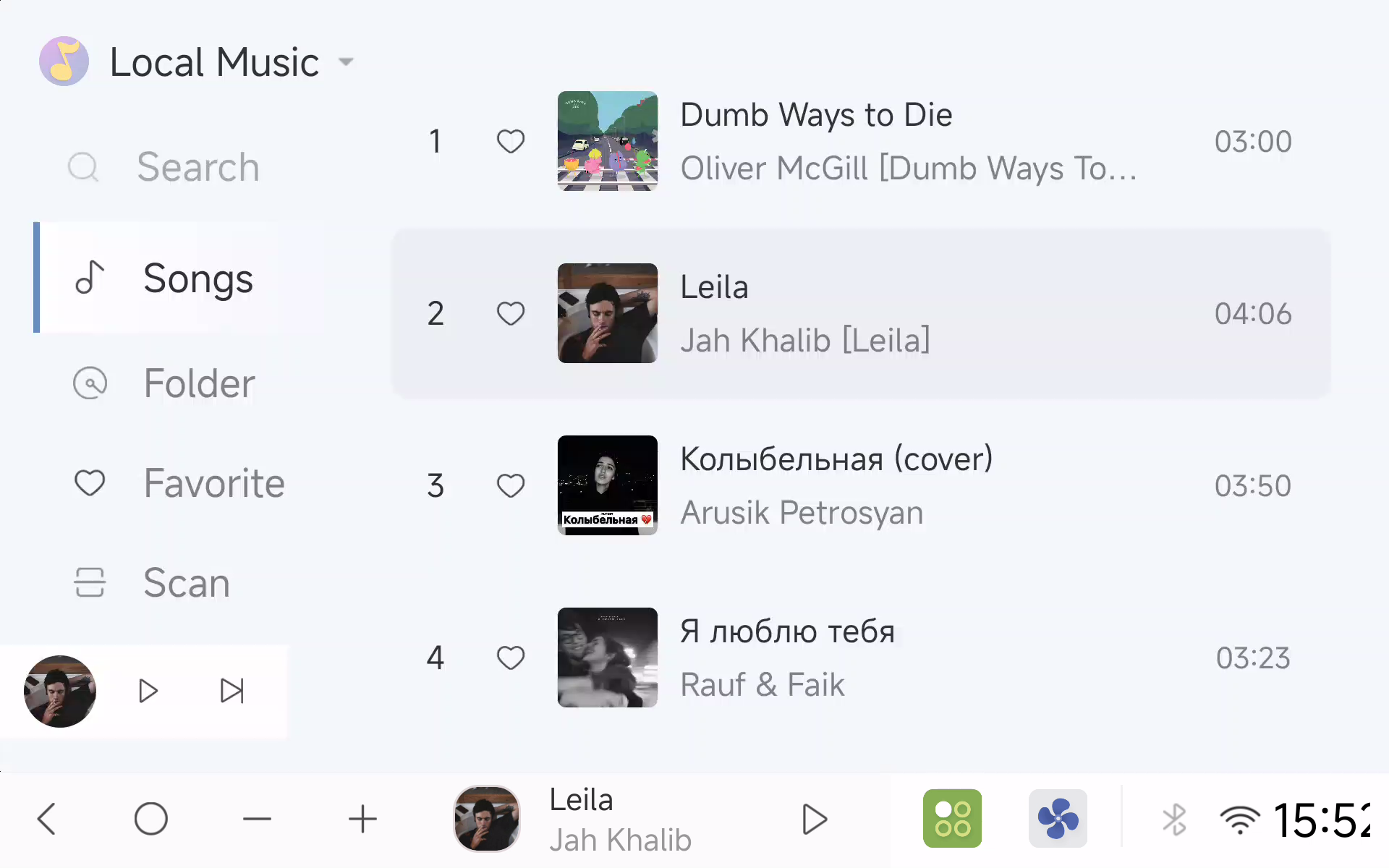
- 👆 Optimized multimedia control button size for improved touch accuracy
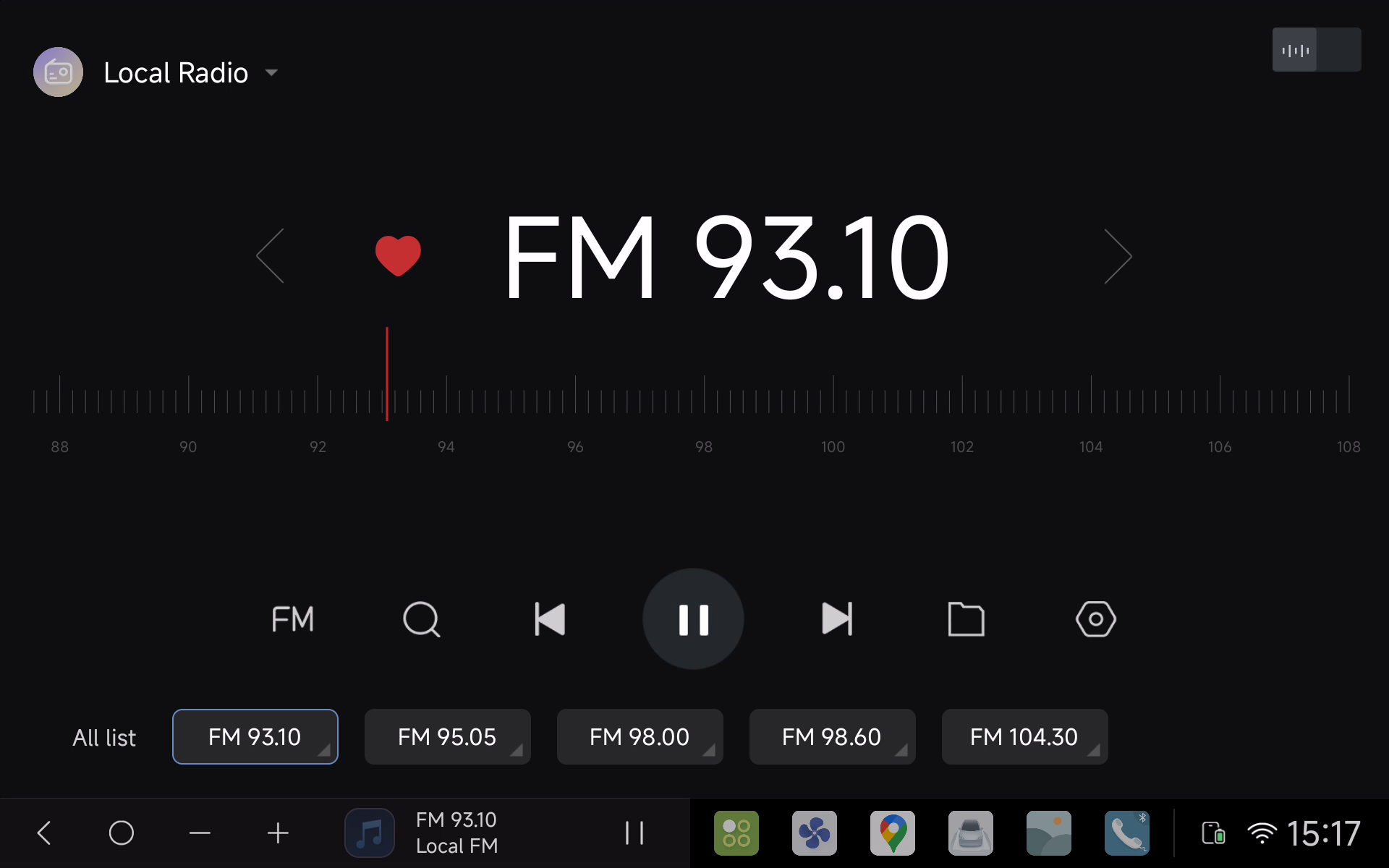
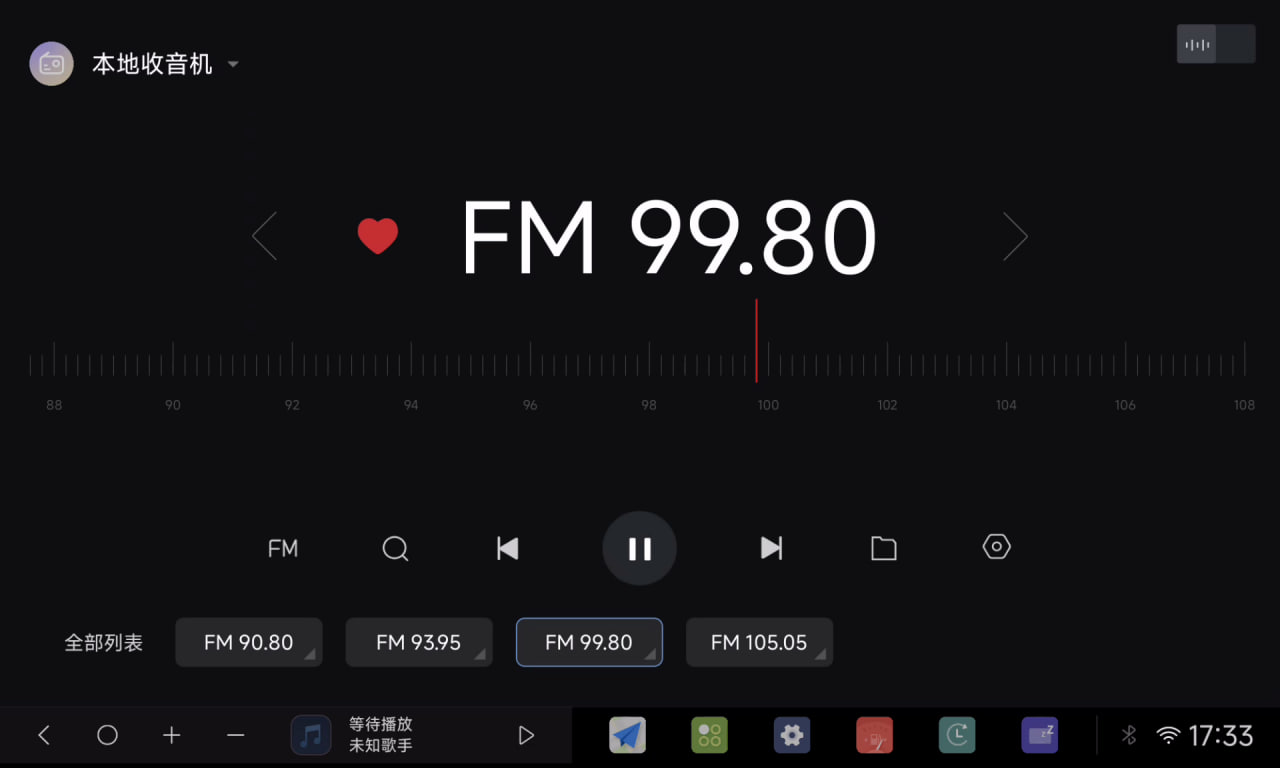
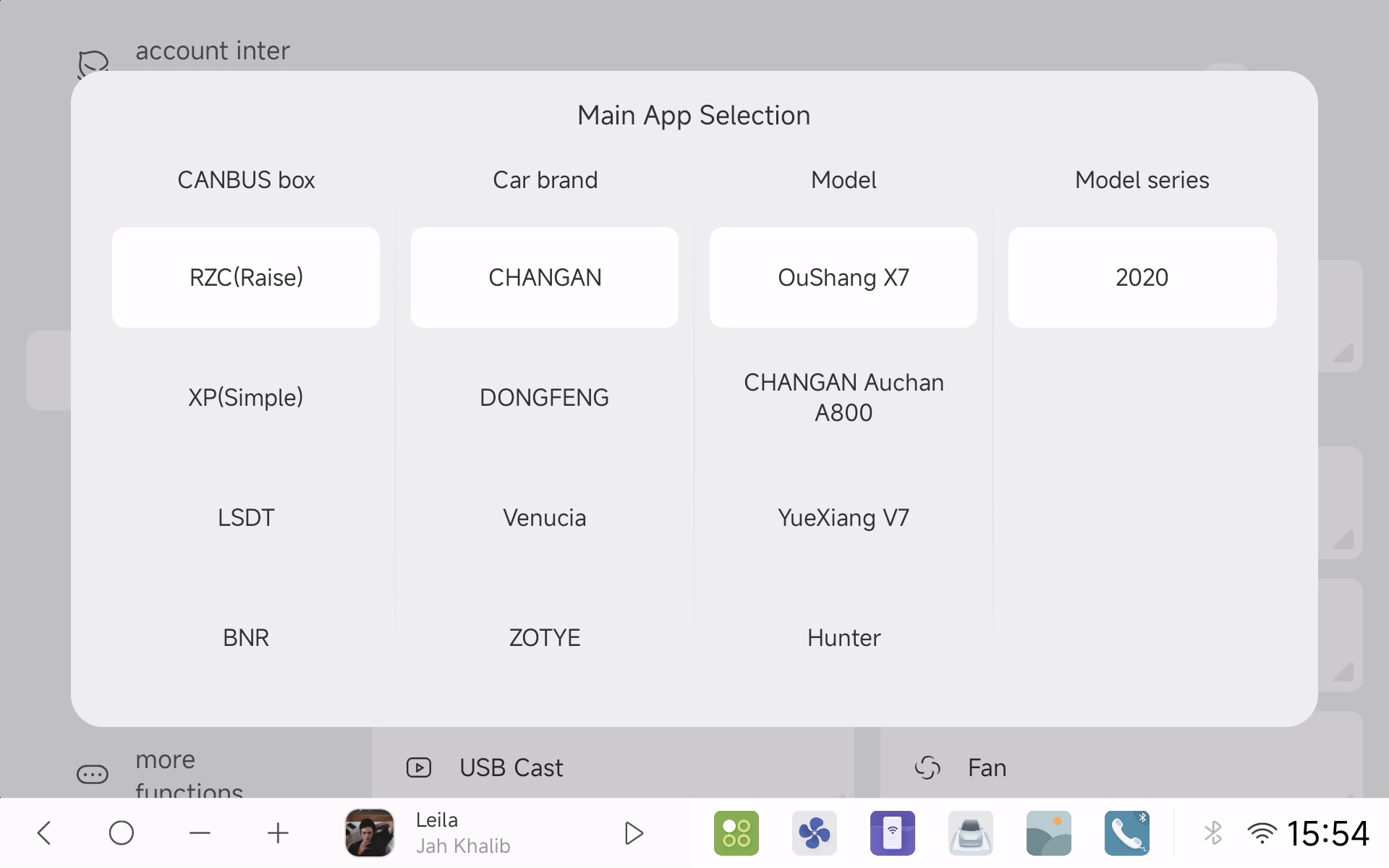
🚘 Vehicle Compatibility and Settings
🌍 Deep adaptation for Chery, Lada, Renault, Changan, MG, Baojun, Volvo, Mazda, and more
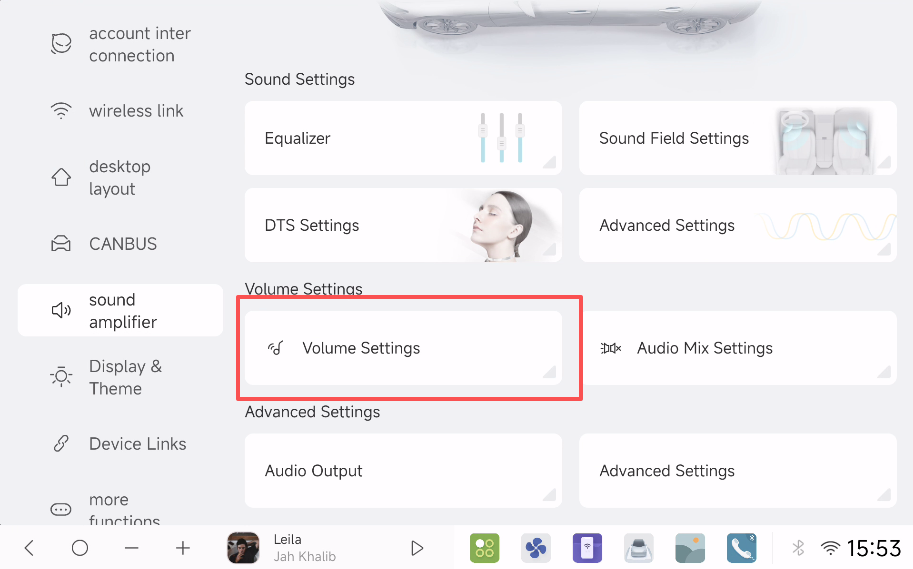
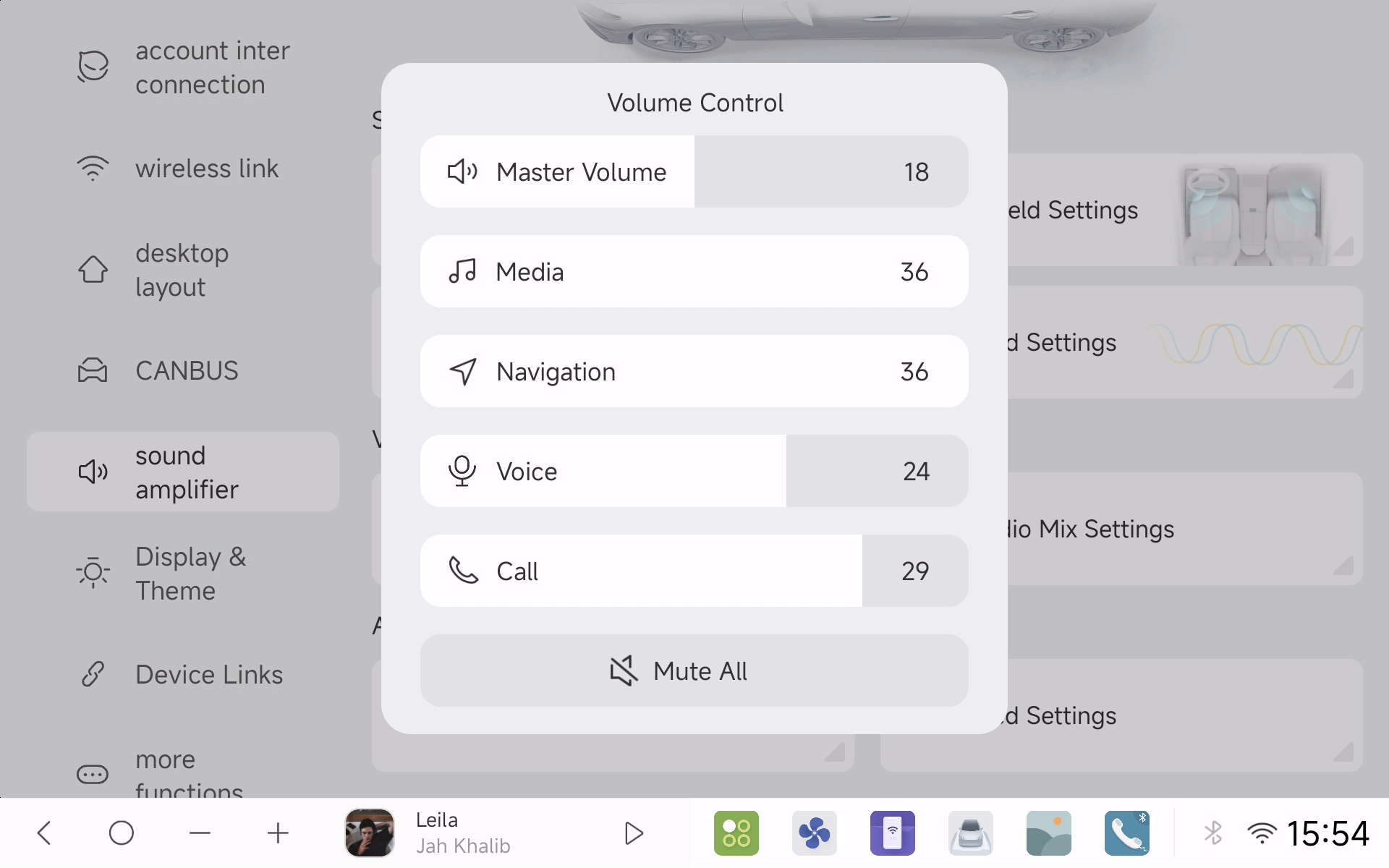
🔊 Channel separation for navigation, media, Bluetooth calls, and voice
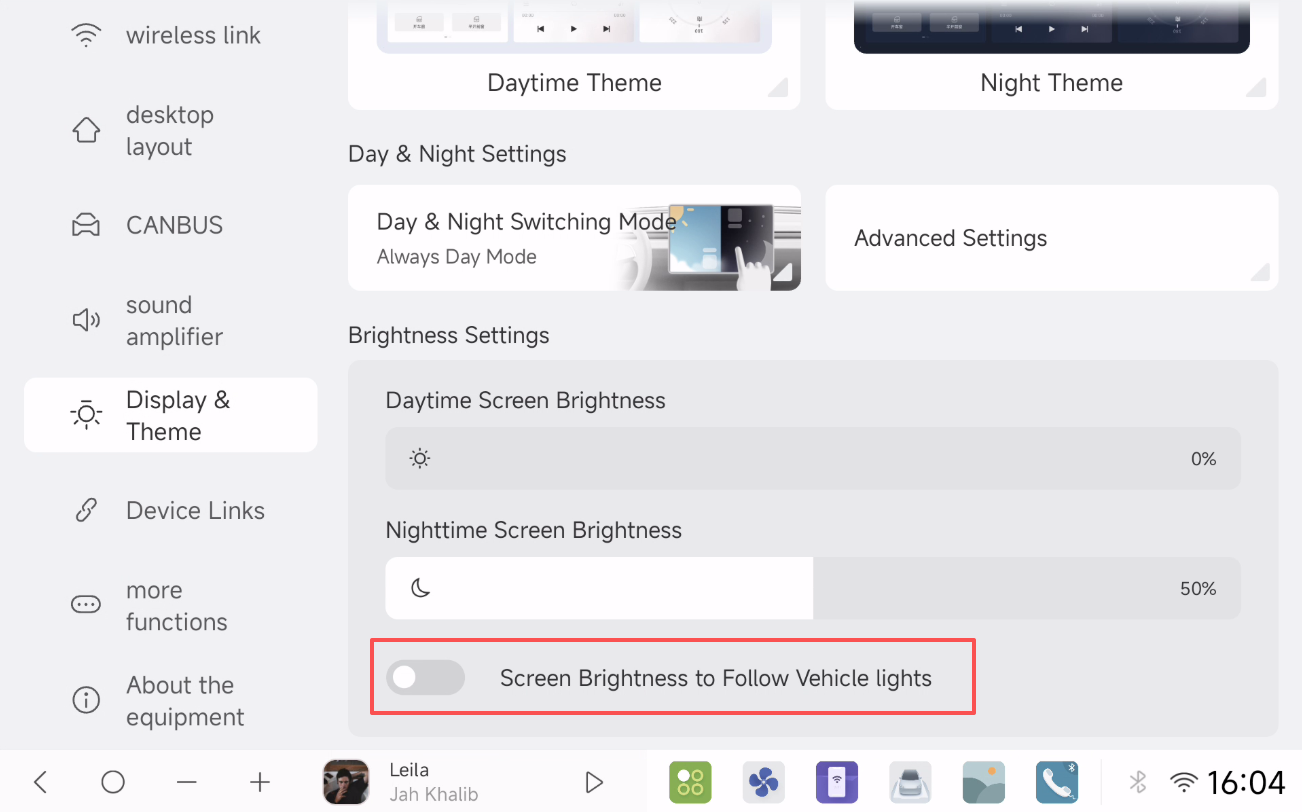
🌓 Always Day/Night Mode with backlight brightness control via car lights
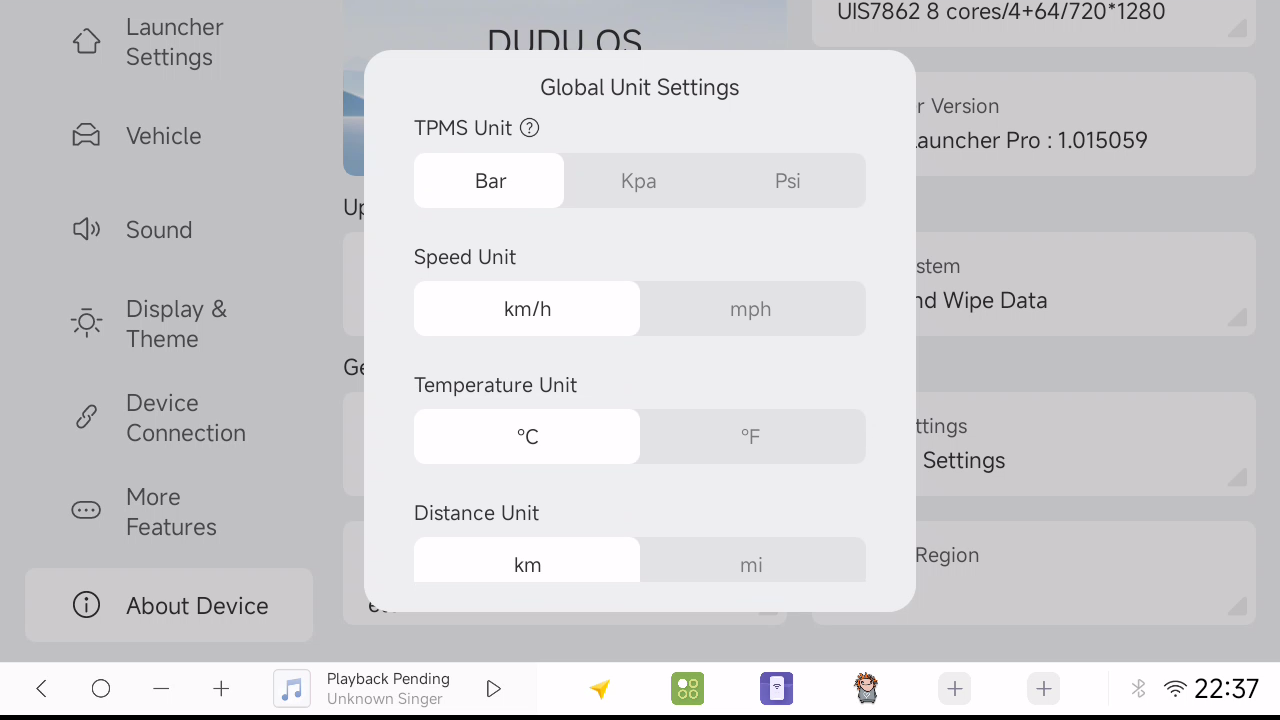
- 🌐 More metric and imperial unit conversions
🔧 System Enhancements and Bug Fixes
📹 2K DVR Improvements
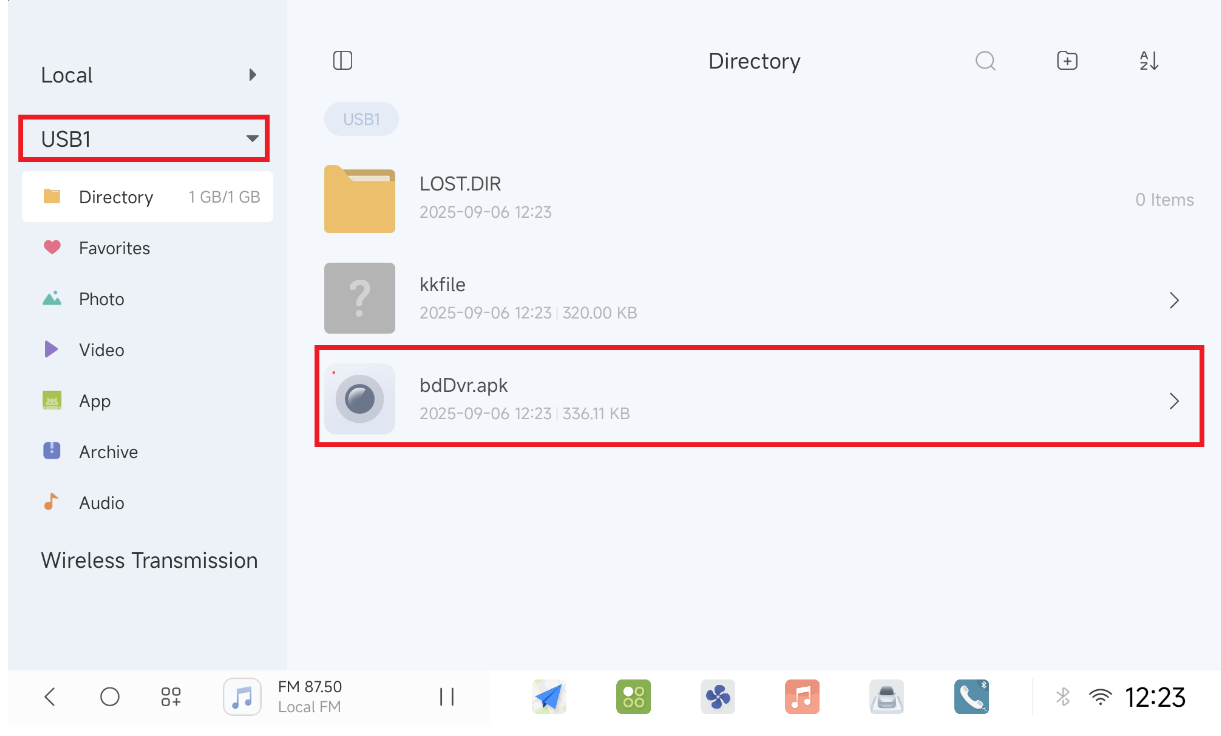
- ⏯️ Online cache playback (You need to delete the 2K DVR app, go to file manager and reinstall the APK. It will download the latest version online.)
- 📽️ DUDU7 front camera supports 1080P 25FPS
- 📷 DUDU7 front and rear DVR upgrades
🛠️ Fixed various issues related to LED, CarPlay/AA, CANBUS, and more
- Fixed PIP audio loss when toggling between third-party players and FM radio
- Corrected vehicle/OBD info display glitches and third-party app refresh errors
- Fixed SWC long press failure after restarting
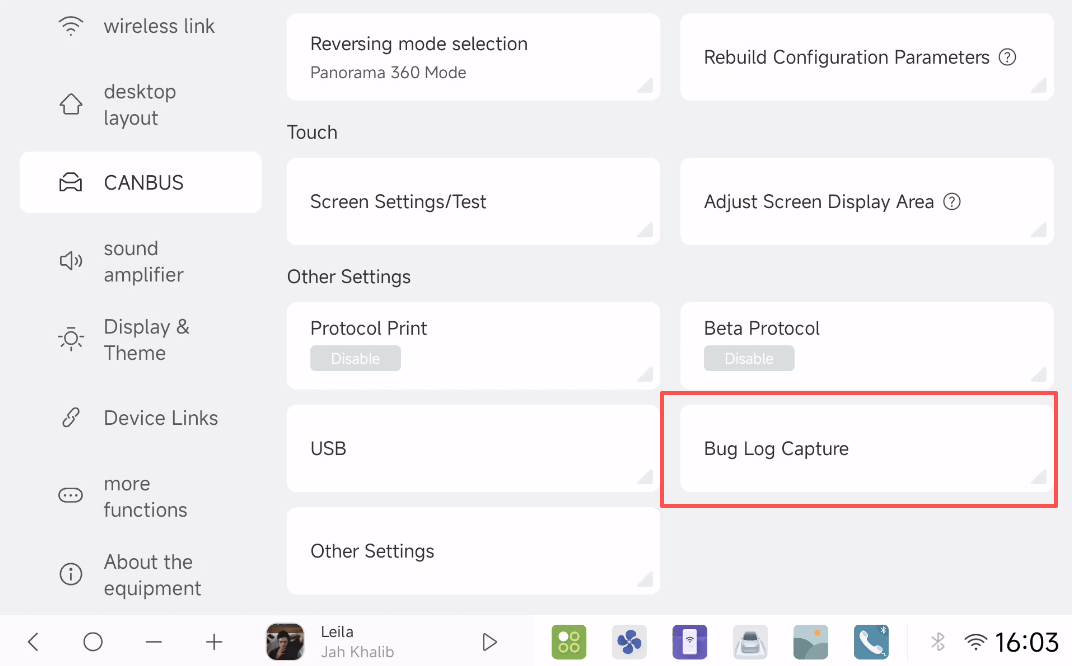
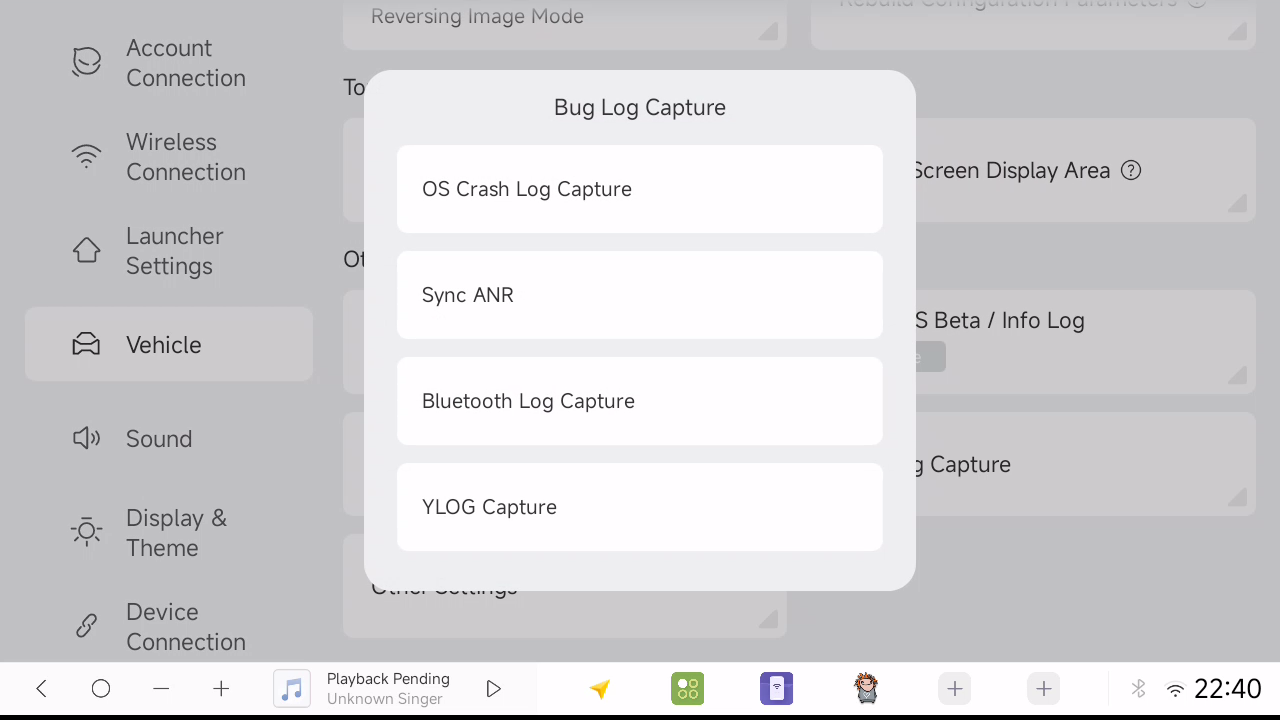
- Bug log capture in Factory Settings for easier troubleshooting
- Improved overall system stability
Download the latest DUDUDVR_2K_app
If you have old DUDU 2K DVR app already, you can directly upgrade it in the app Settings
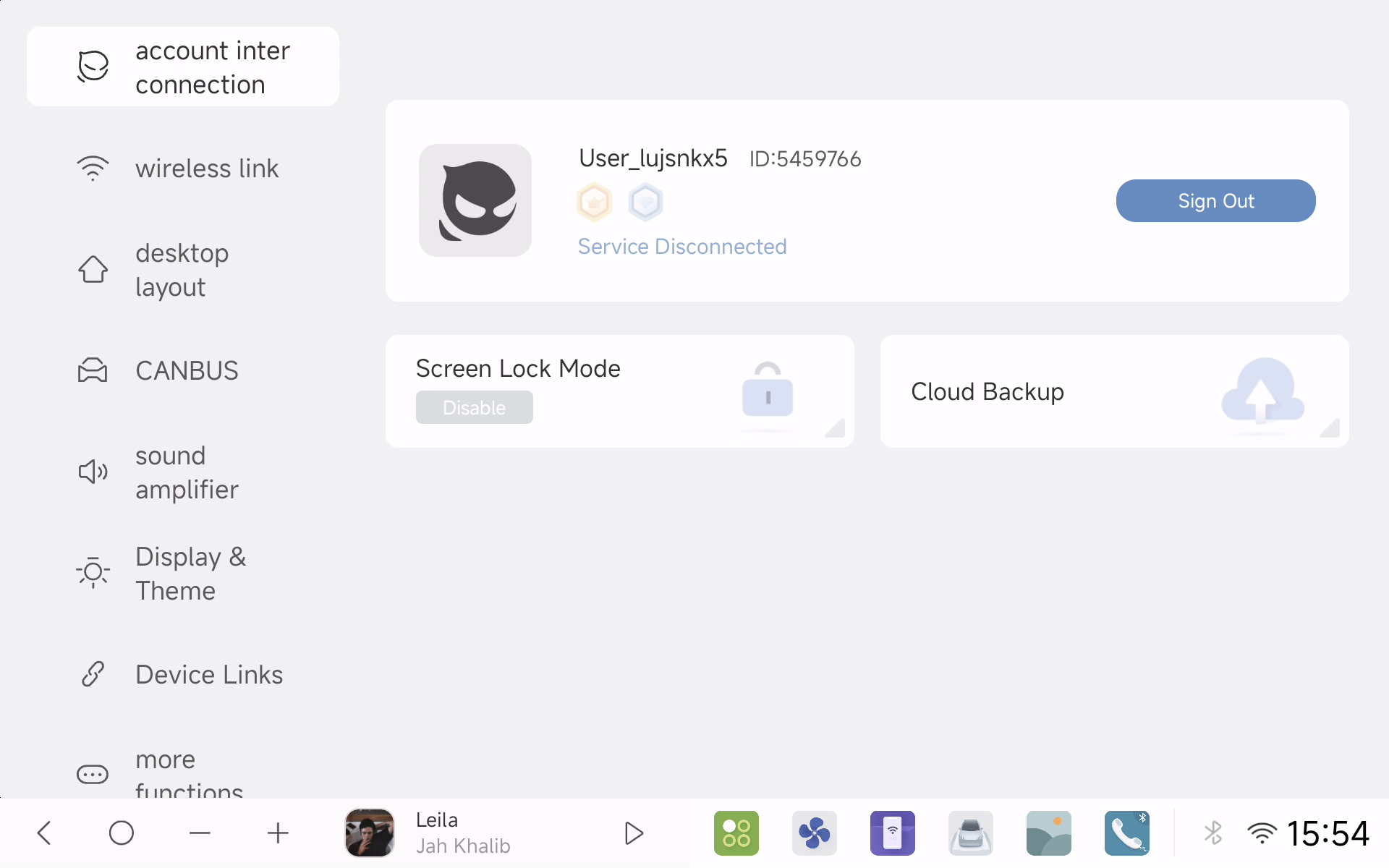
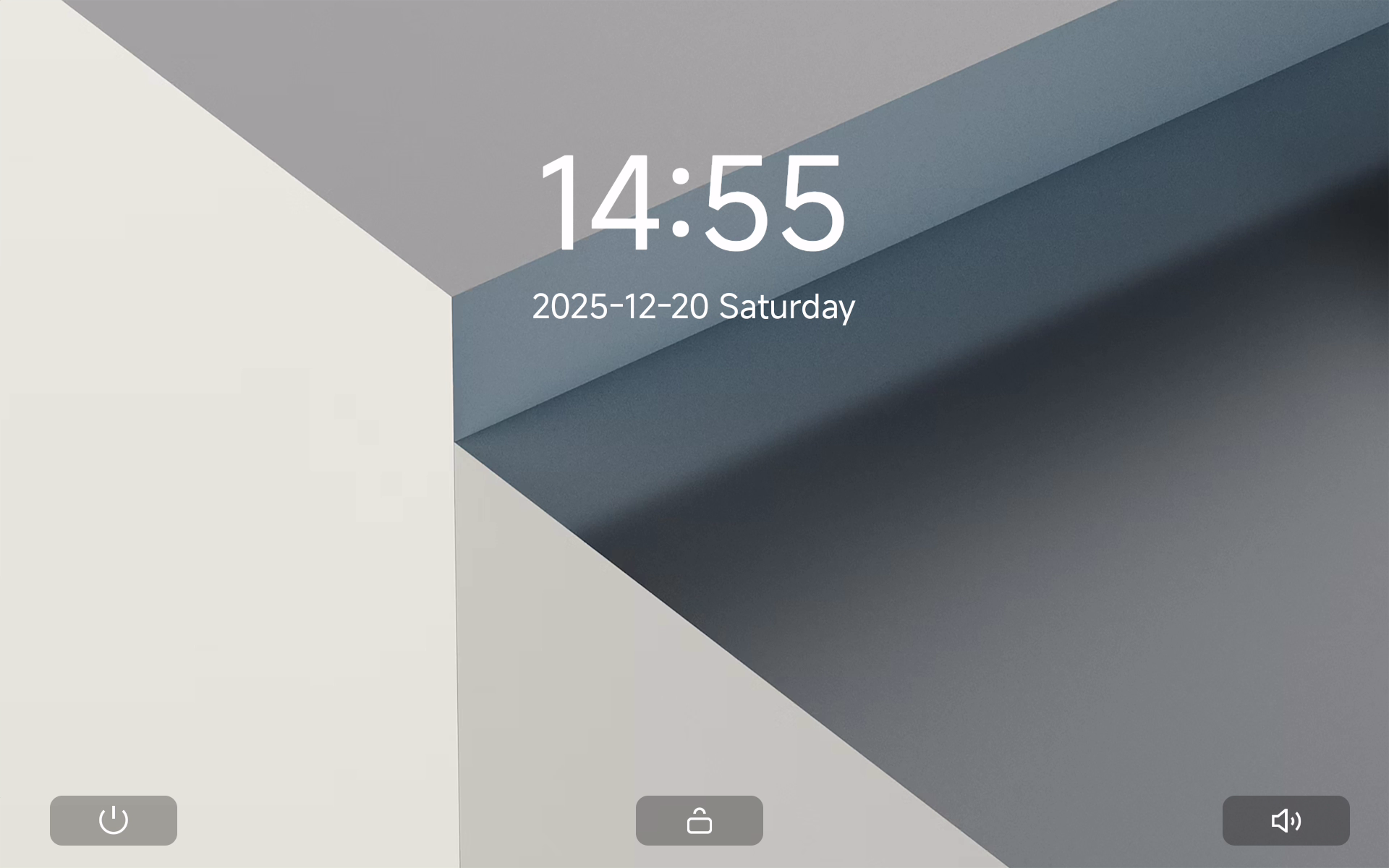
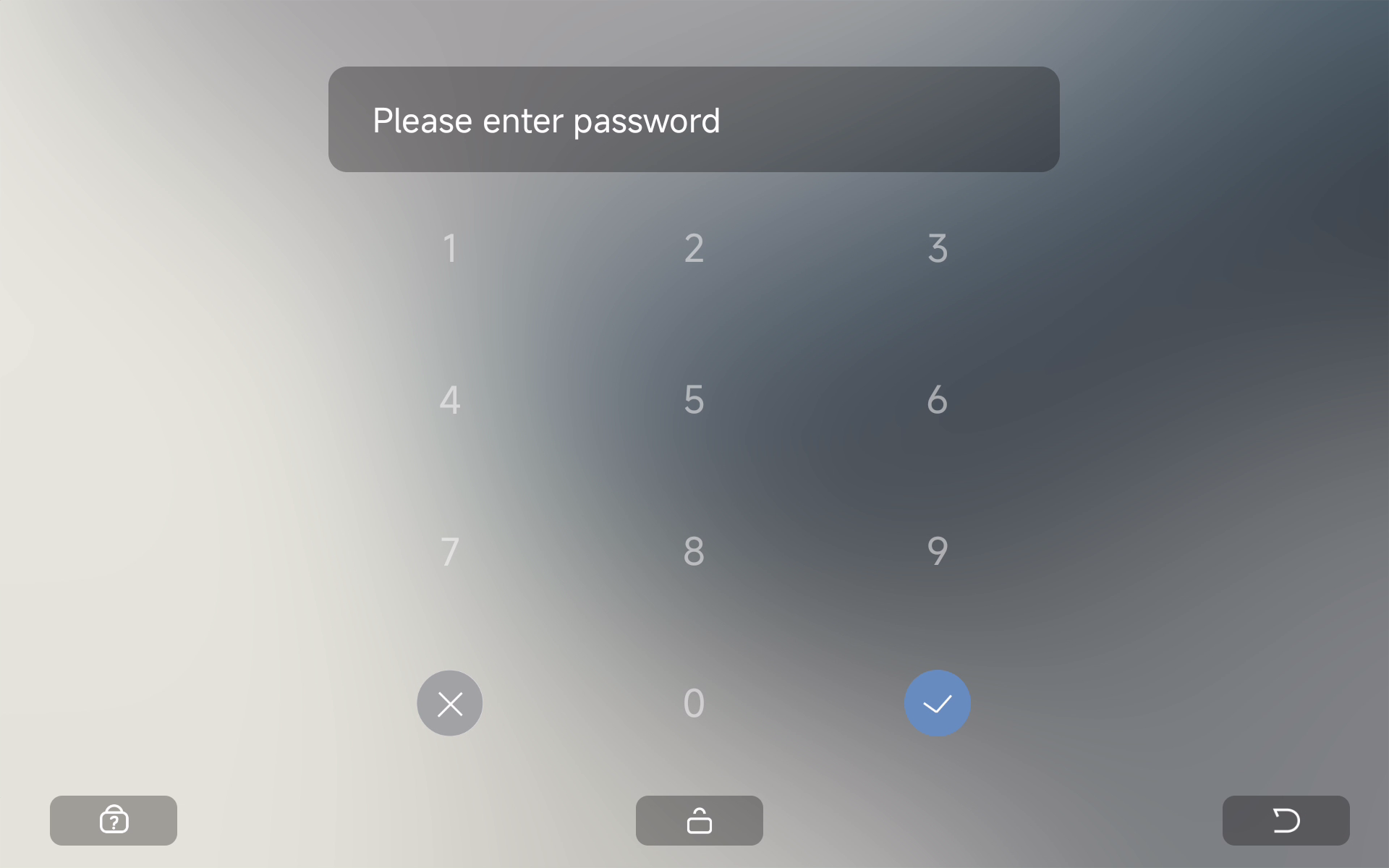
🔒 Lock Screen Mode
- 🔐 Enable in Account Linking for added security
📱 Update Availability
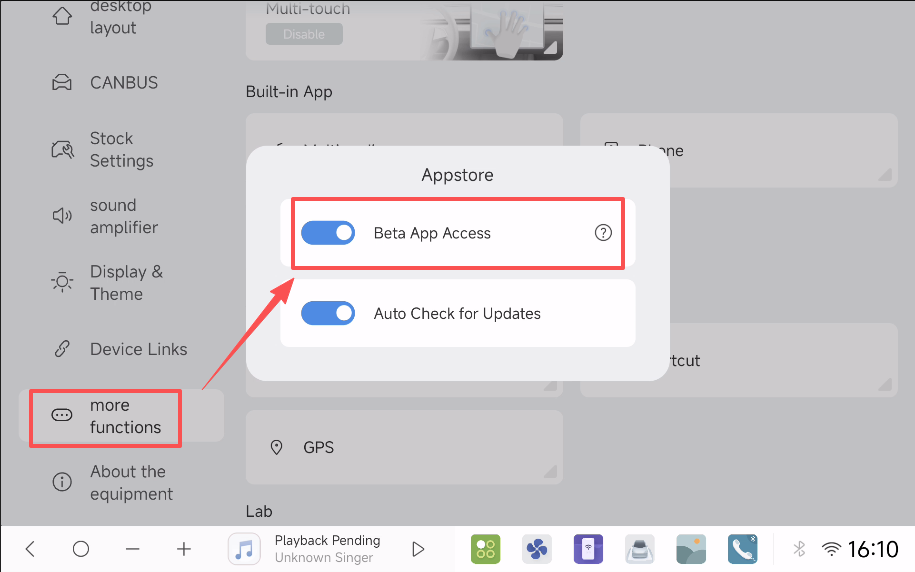
The OTA update will roll out gradually to ensure a smooth deployment. To receive the update earlier, enable "Beta App Access" in Settings - More Features - Appstore.
[Installation Guidelines and Support Resources Follow]
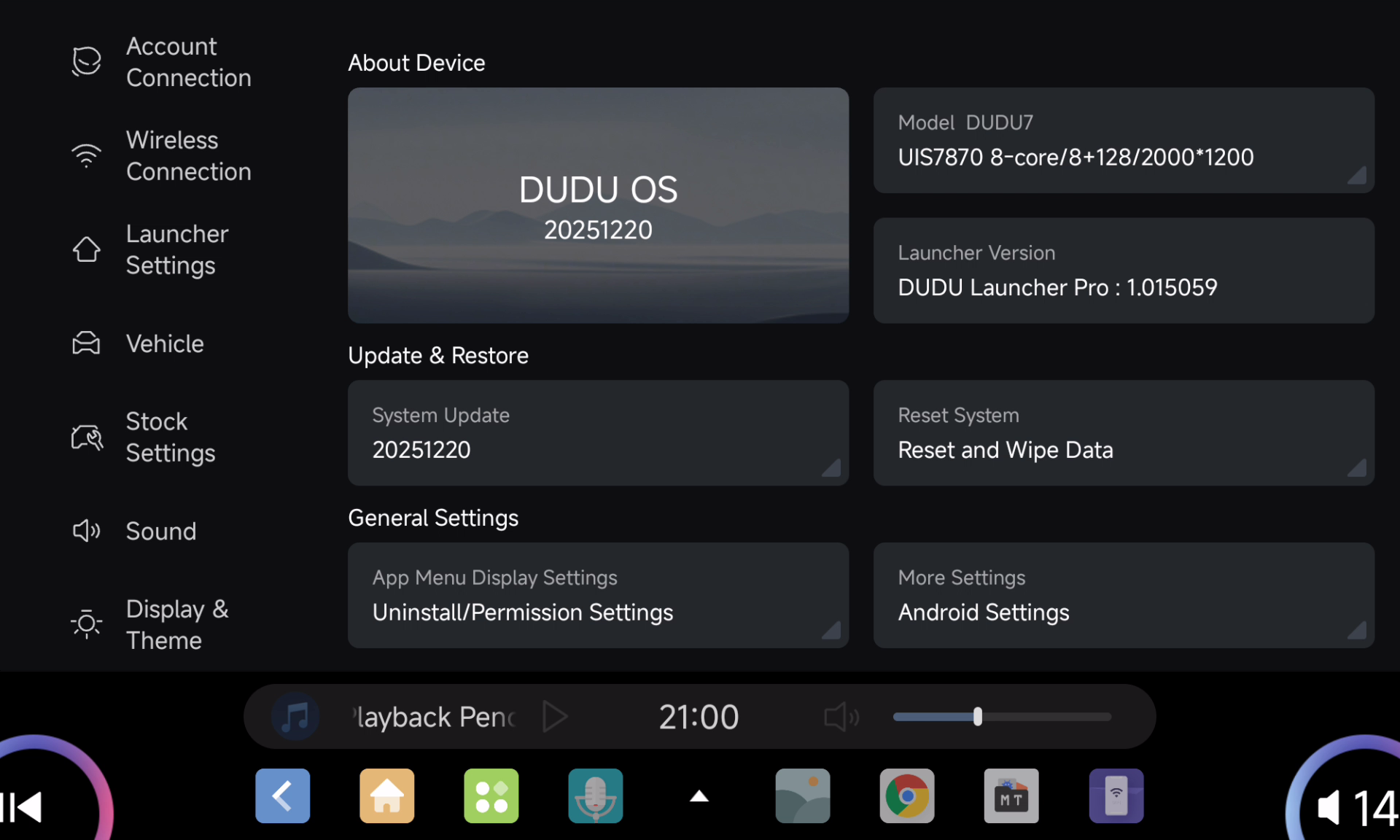
For DUDU7 users:
- Download link Update 260210
GDrive
YDisk
Installation Guide:
- Local Installation
- Keep the 7z archive intact, no extraction needed
- Select "Local Update" in the OTA application
- Note: Beta firmware not supported
- Traditional USB Installation
- Extract 7z files to USB drive root directory
- Insert USB drive into the head unit and wait for auto-installation
- To perform factory reset, add "Factory Reset" file
- Voice assistant not included in this firmware
- To keep original voice assistant, remove "AllAppUpdateA13.bin"
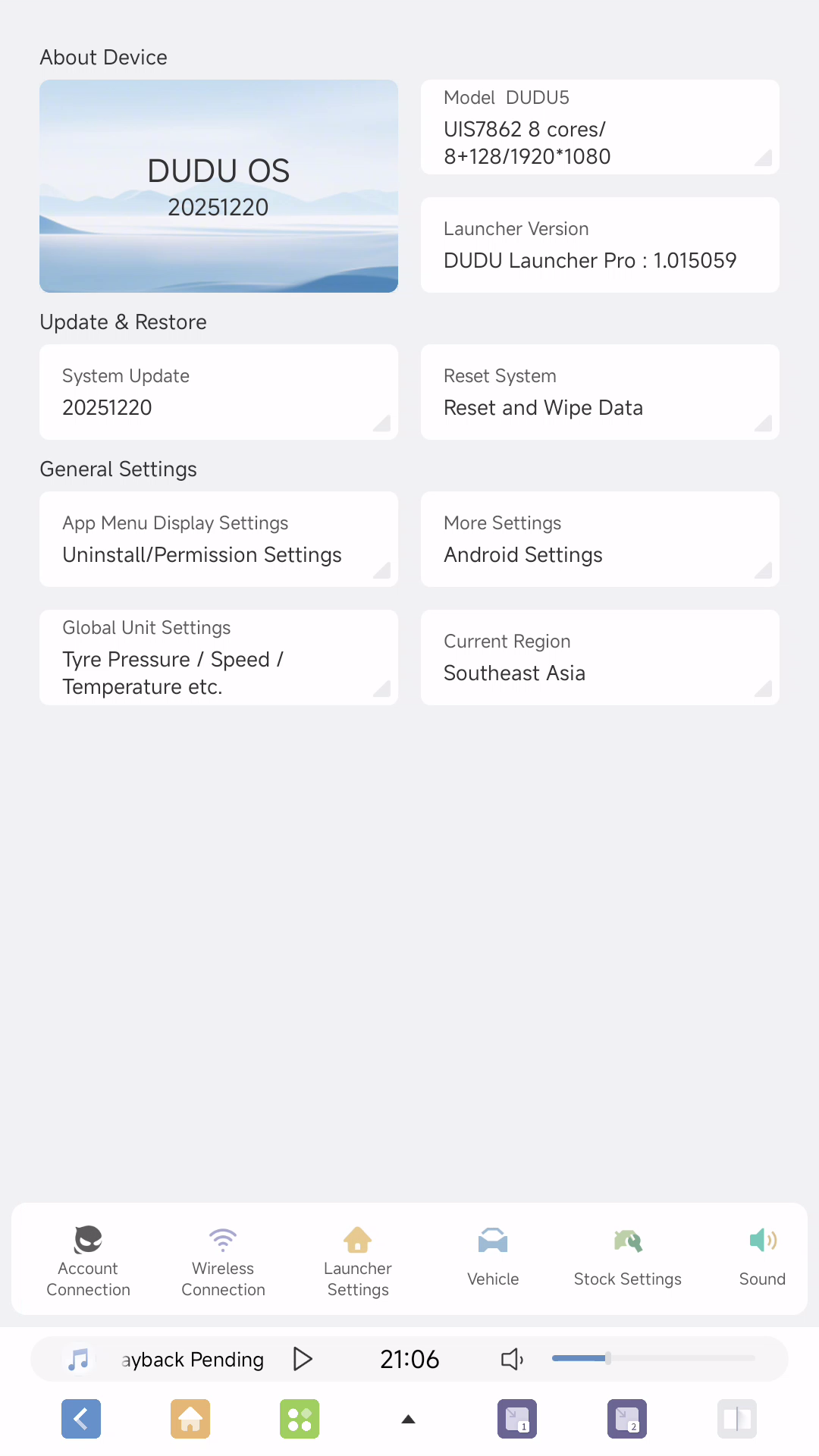
For DUDU5/6(7862) users:
- Download link Update 260210
GDrive
YDisk
Installation Guide:
1.Local Installation
- Extract the 7z file
- Use "Local Update" in OTA app to install "6315_1.zip"
- Note: Beta firmware not supported
- USB Traditional Installation
- Extract 7z file to USB drive root directory
- Insert USB drive into car unit and wait for auto-installation
- To perform factory reset, add "Factory Reset" file
For DUDU3/4(8581) users:
- Download link Update 260210
GDrive
YDisk
Installation Guide:
- Local Installation
- Extract the 7z file
- Use "Local Update" in OTA app to install "6316_1.zip"
- Note: Beta firmware not supported
- USB Traditional Installation
-We have launched a new North American server to provide faster and more stable service to users in this region.
- Extract 7z file to USB drive root directory
- Insert USB drive into car unit and wait for auto-installation
- To perform factory reset, add "Factory Reset" file
DUDUOS 3.7 brings a more intuitive, customizable, and compatible infotainment system to your vehicle. Update now to experience the enhanced performance and expanded features! 🚀
We value your feedback and bug reports, which will help us further refine DUDUOS for the best possible user experience. 🙏
A special thank you to our dedicated translators and beta testers who have played a crucial role in refining and perfecting this release through extensive testing and valuable feedback.
If you have any questions or need assistance, our dedicated support team is here to help. Feel free to reach out to us through the official support channels. 💬
Thank you for being a part of the DUDUAUTO community. Your trust and support are what drive us to continuously innovate and deliver the best possible user experience. 🙏
Happy driving with DUDUOS🎉
Best regards,
The DUDUAUTO Team 🚗✨