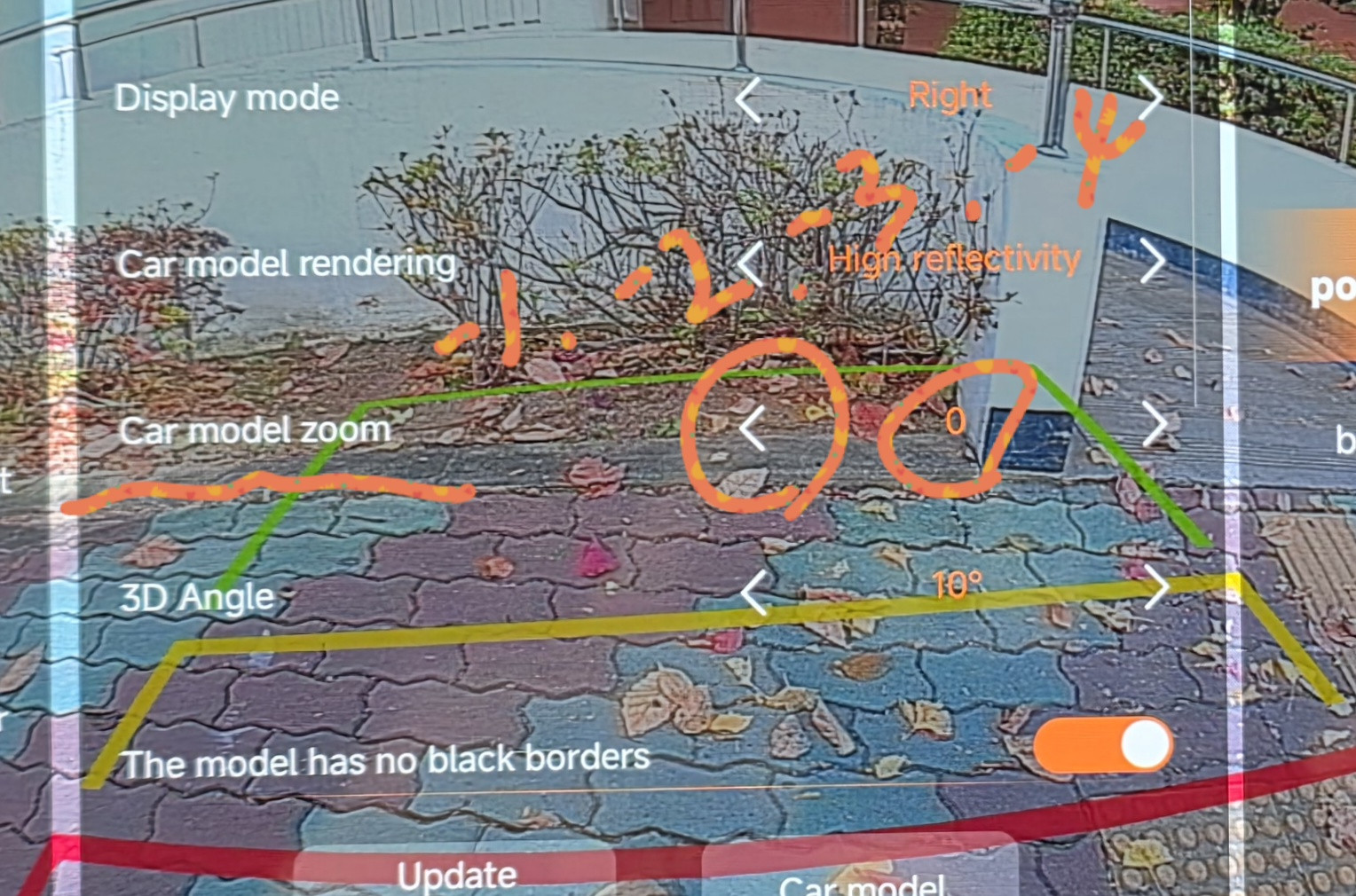
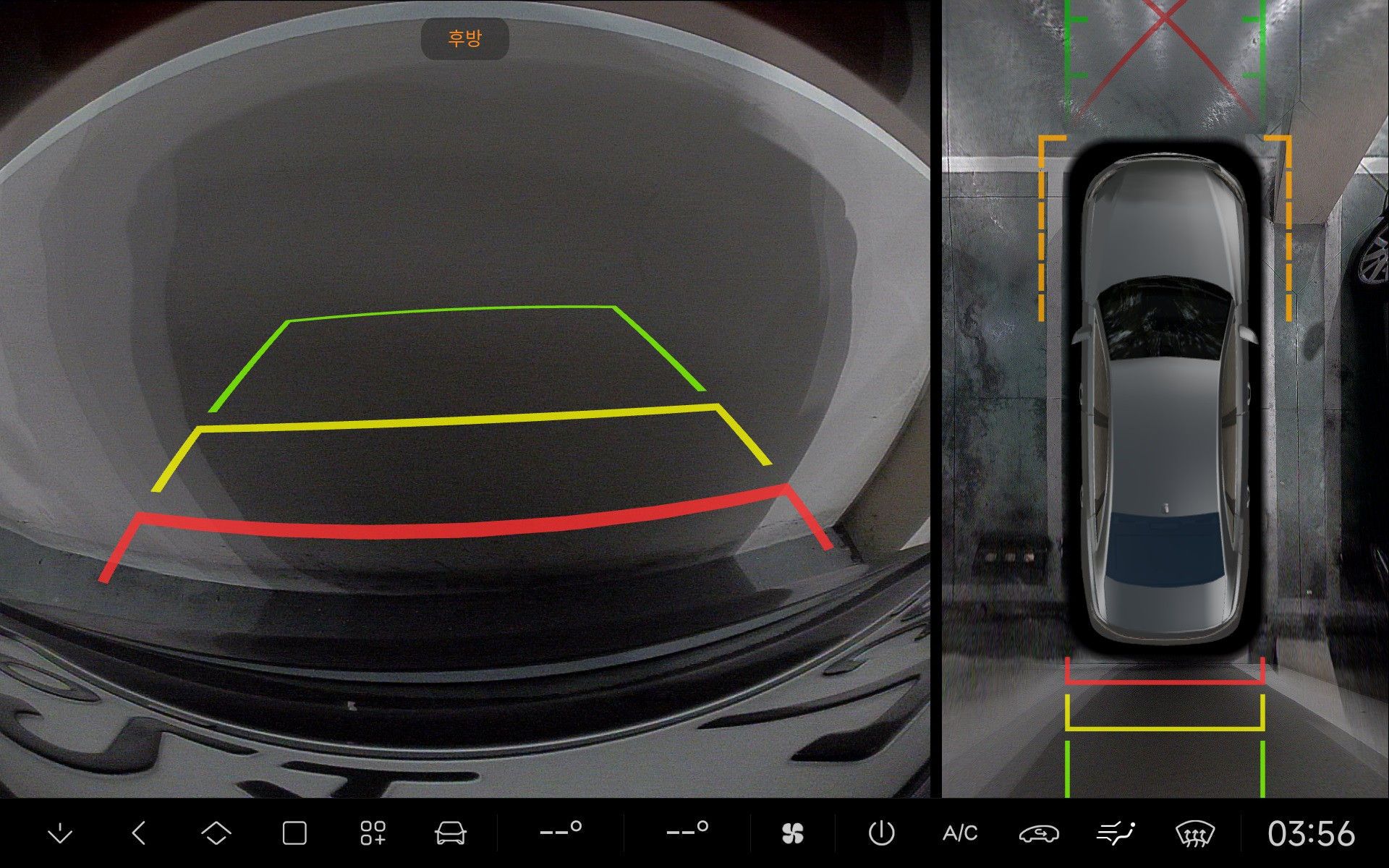
Trouble The new 360 Around app doesn't have an option to reduce the size of the car. Cars vary in size. Is there a workaround?
Trouble The zoom out feature is gone. The minus feature to reduce the size of the vehicle is missing.
Trouble DUDU-Meng Previous versions of the 360 app had a zoom in and out feature. Because vehicles vary in size, a zoom out feature is essential. Is there a way to fix this?
DUDU-Meng Trouble The answer has been obtained. The new version of 360 has undergone an algorithm update. The new algorithm does not support scaling down.
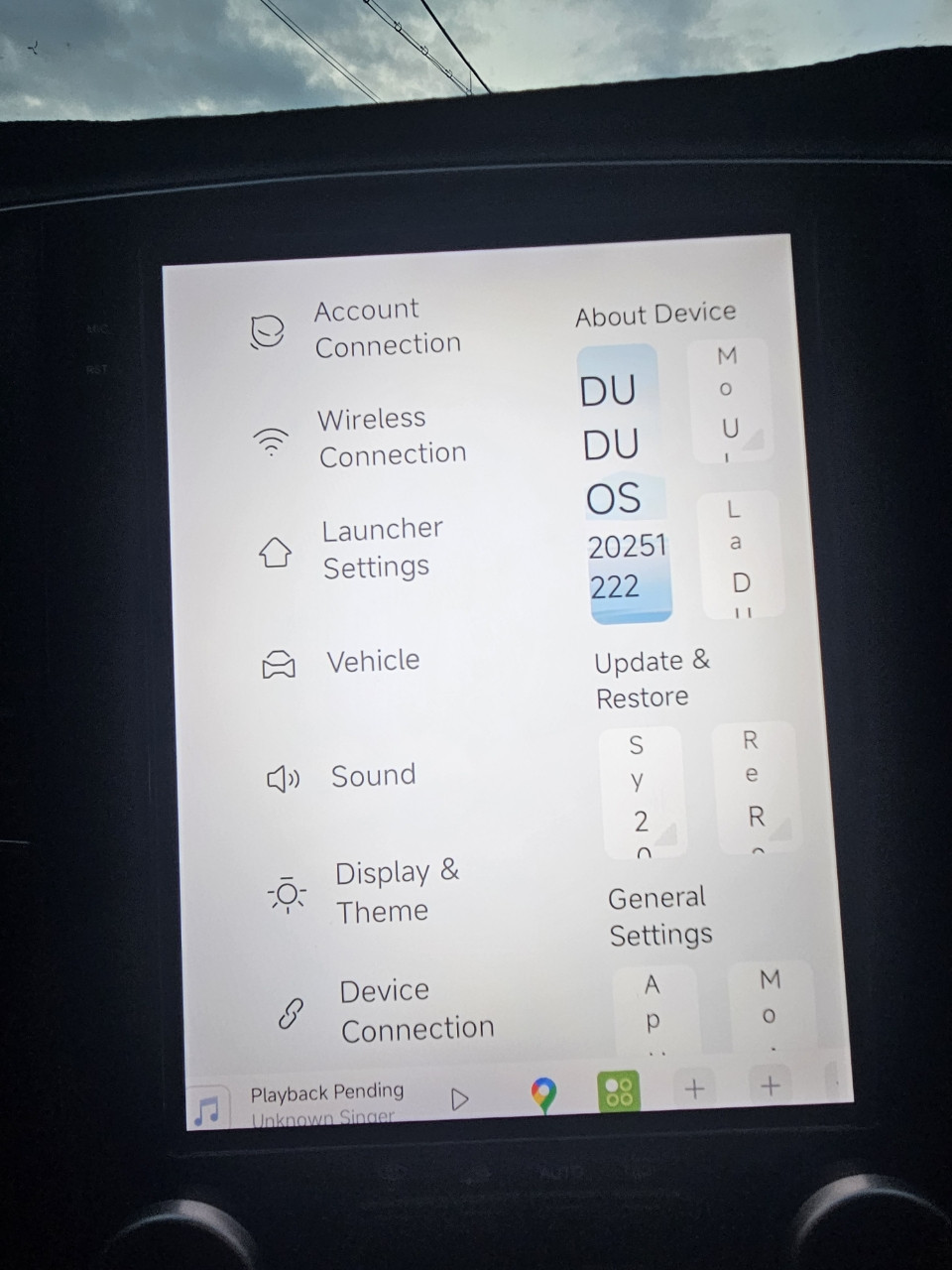
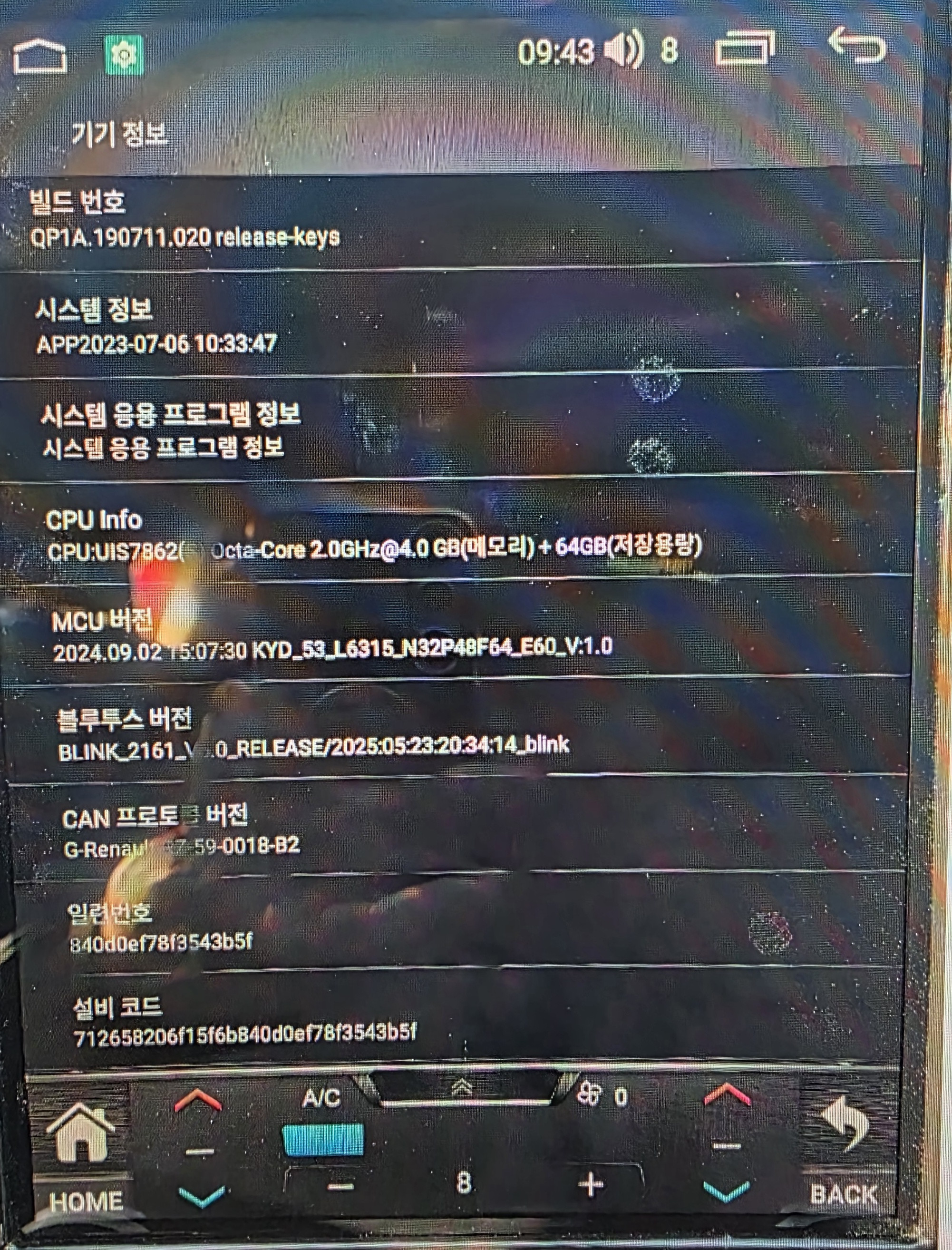
Trouble DUDU-Meng I got approval to be a beta tester and installed Dudu OS on my friend's vertical Android all-in-one device. I installed DuduOS today, but the UI doesn't seem right. What should I do? Please help me
Salvo happyboiboi1 I read in the original thread that it does not. In the meantime you can revert to the old App. I will be dragging out my calibration sheet and heading off to my local car park tomorrow to recalibrate.
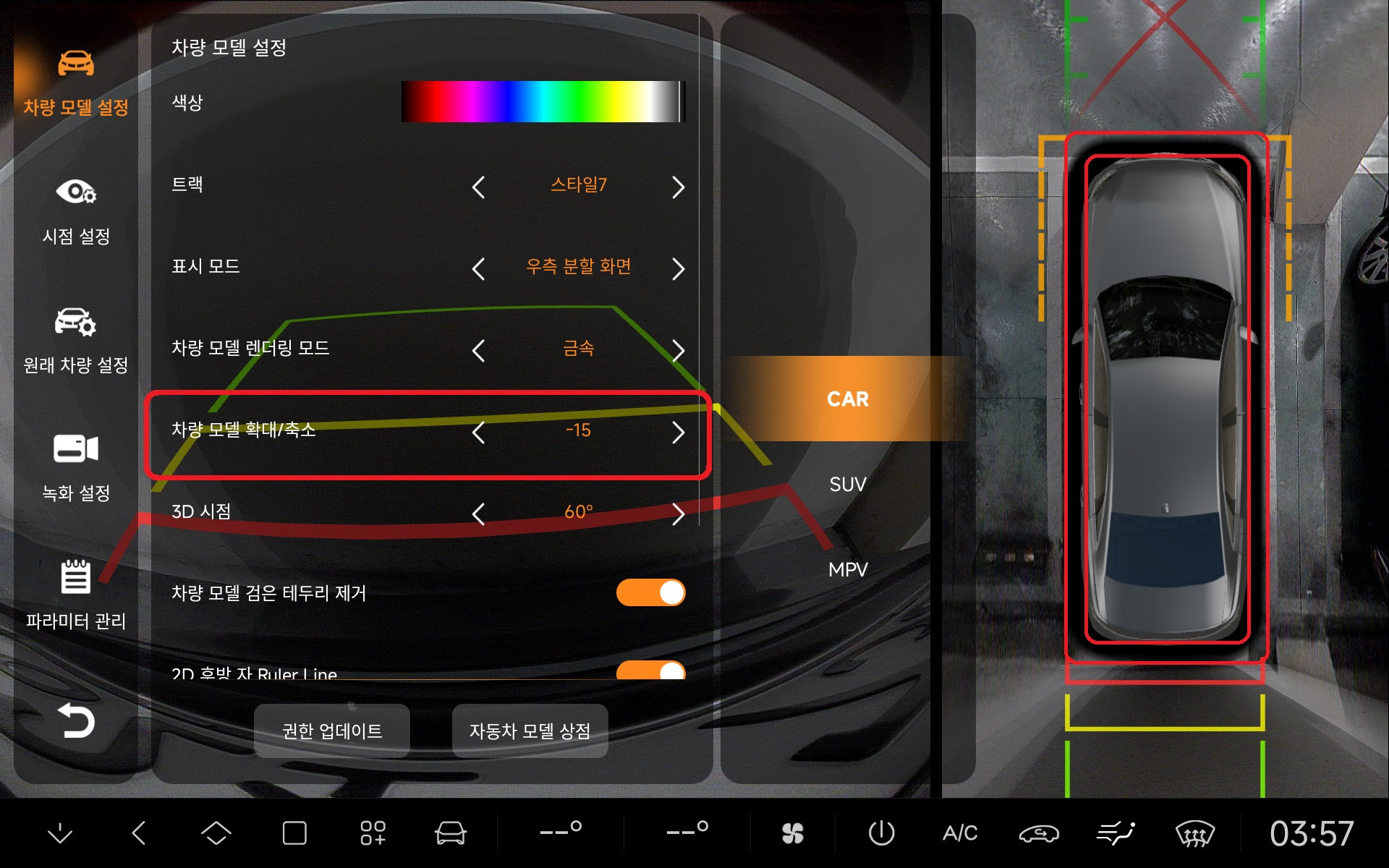
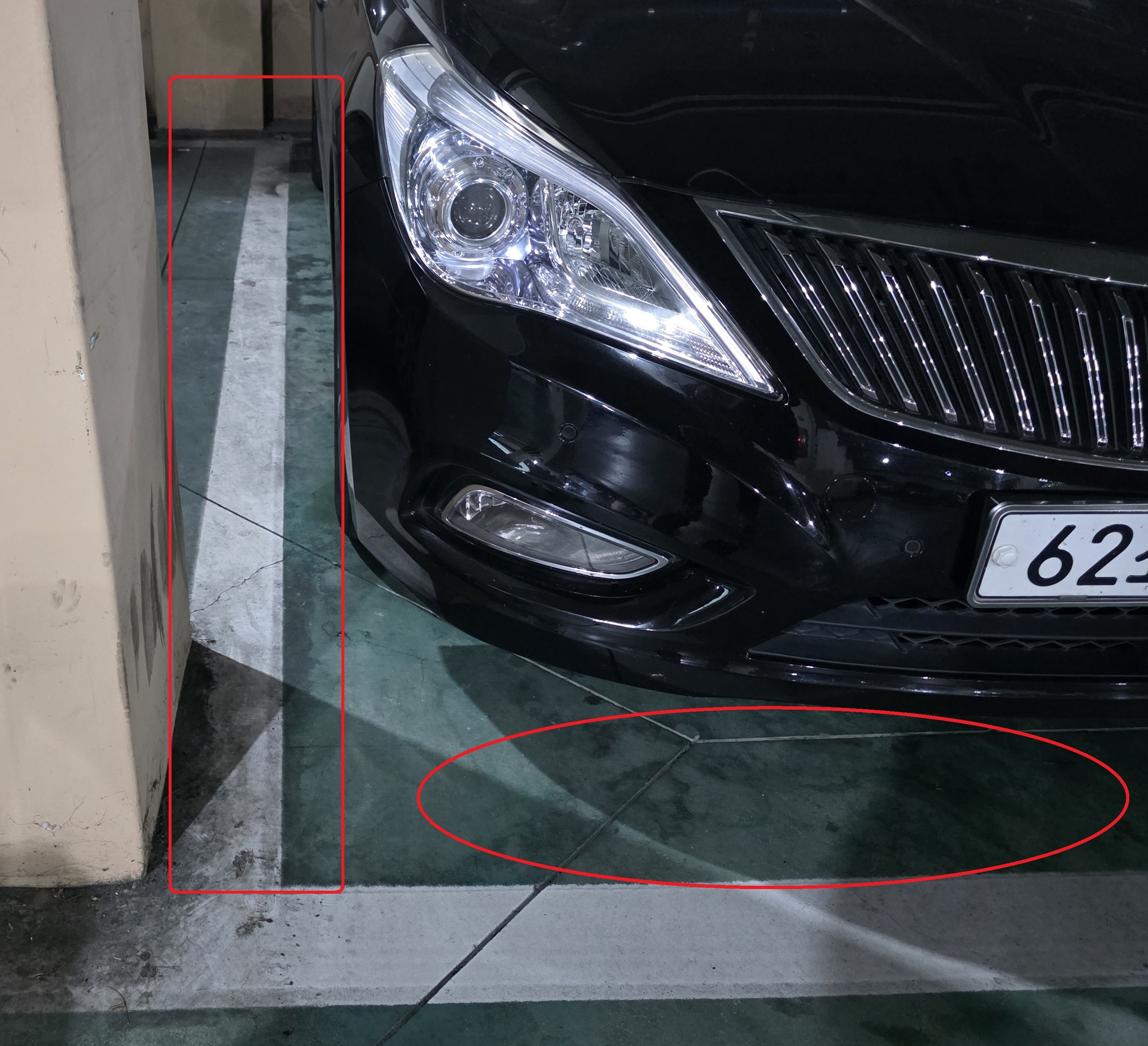
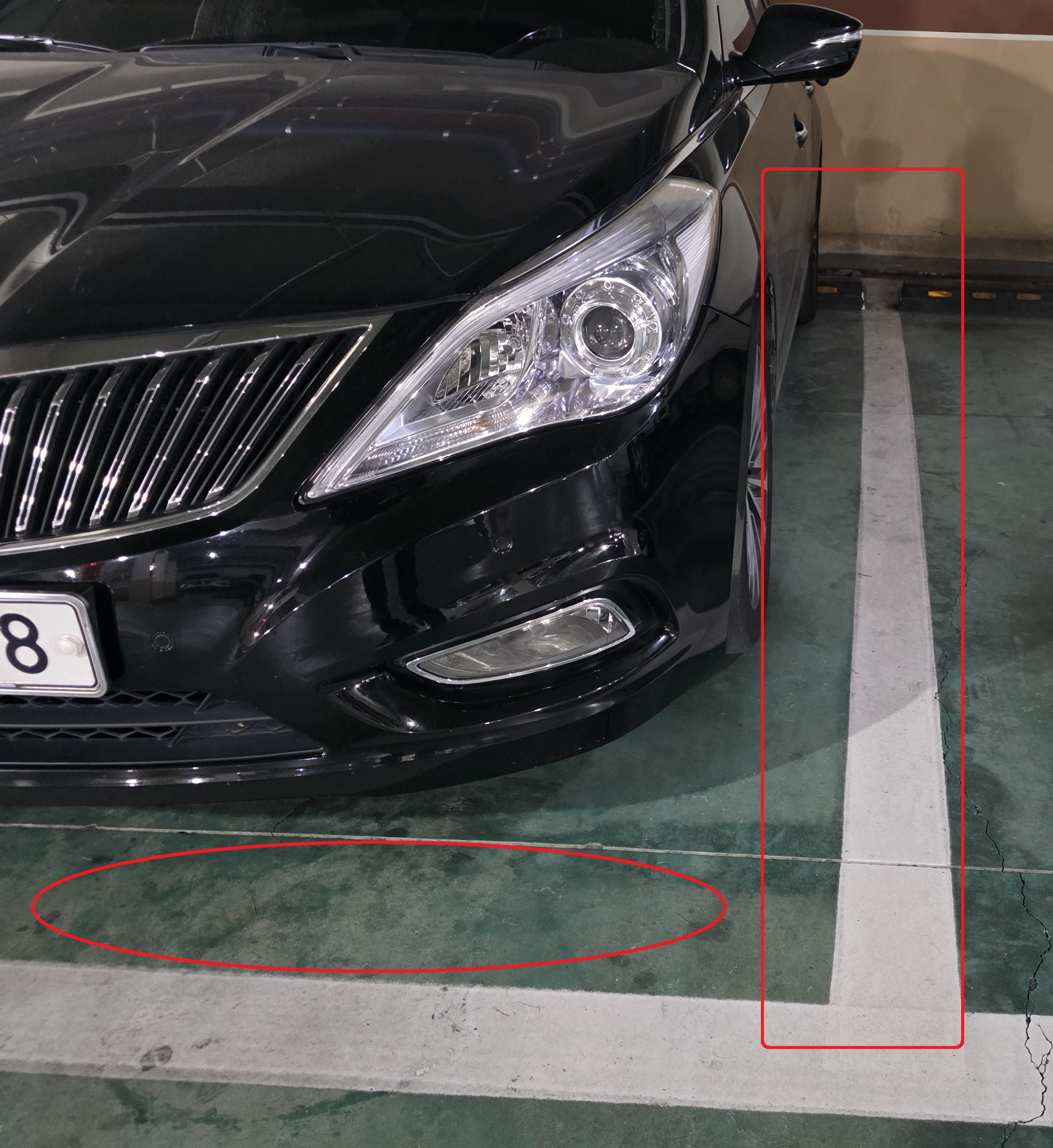
Trouble DUDU-Meng I am a user of a dedicated device for Dudu7. I would like to make a suggestion because there is an inconvenience in the newly applied 360 app. There is an option in the 360 app's settings to make the car larger or smaller. If you make the size of the vehicle larger or smaller, the shadow of the vehicle should also decrease. This way, things like parking lines will be more visible. Is there a solution?