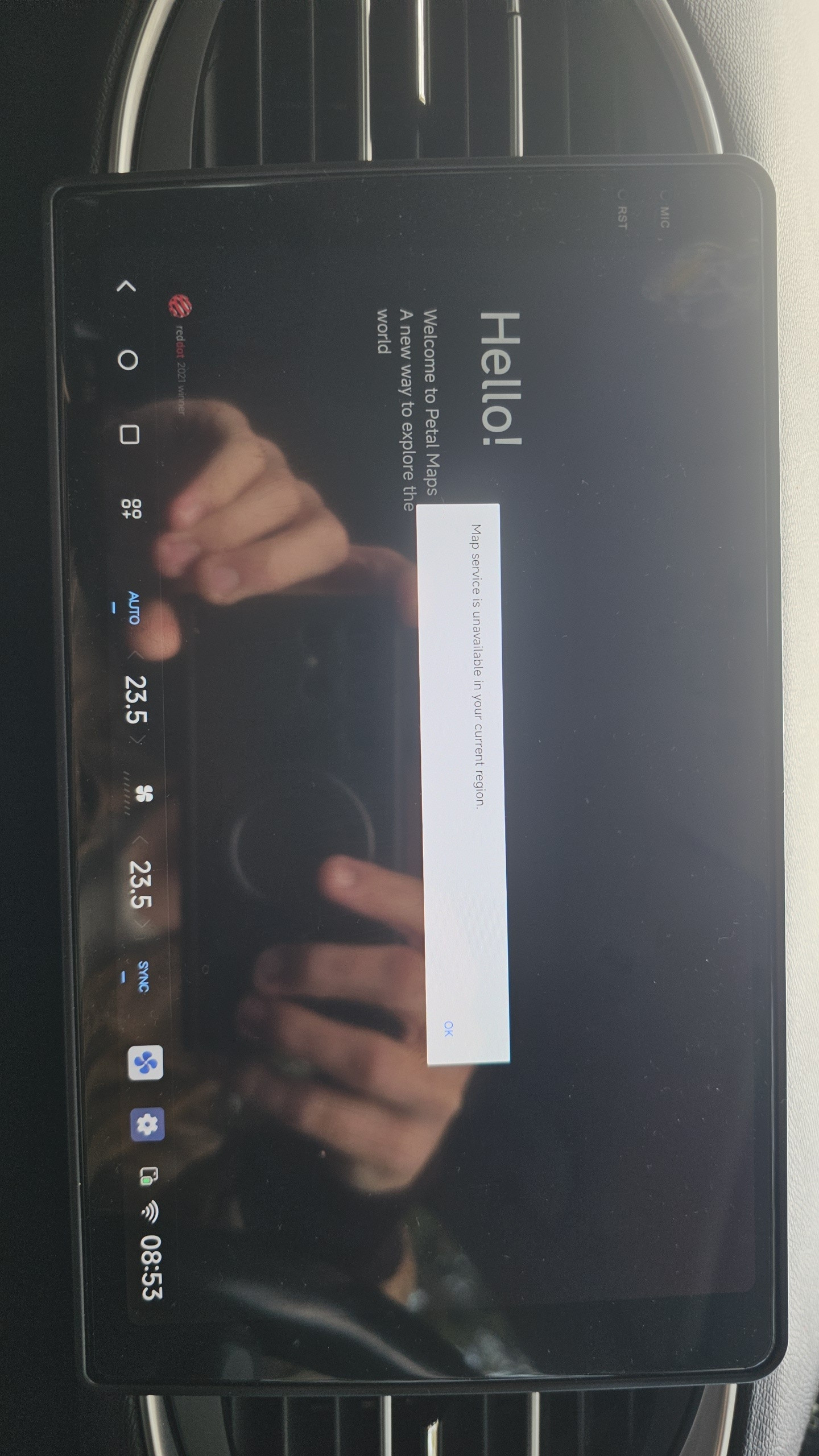
DUDU-Meng no, map is available for all devices:
- older android versions on Google play (huawei restriction imposed by Google)
- all android versions on Huawei app gallery.
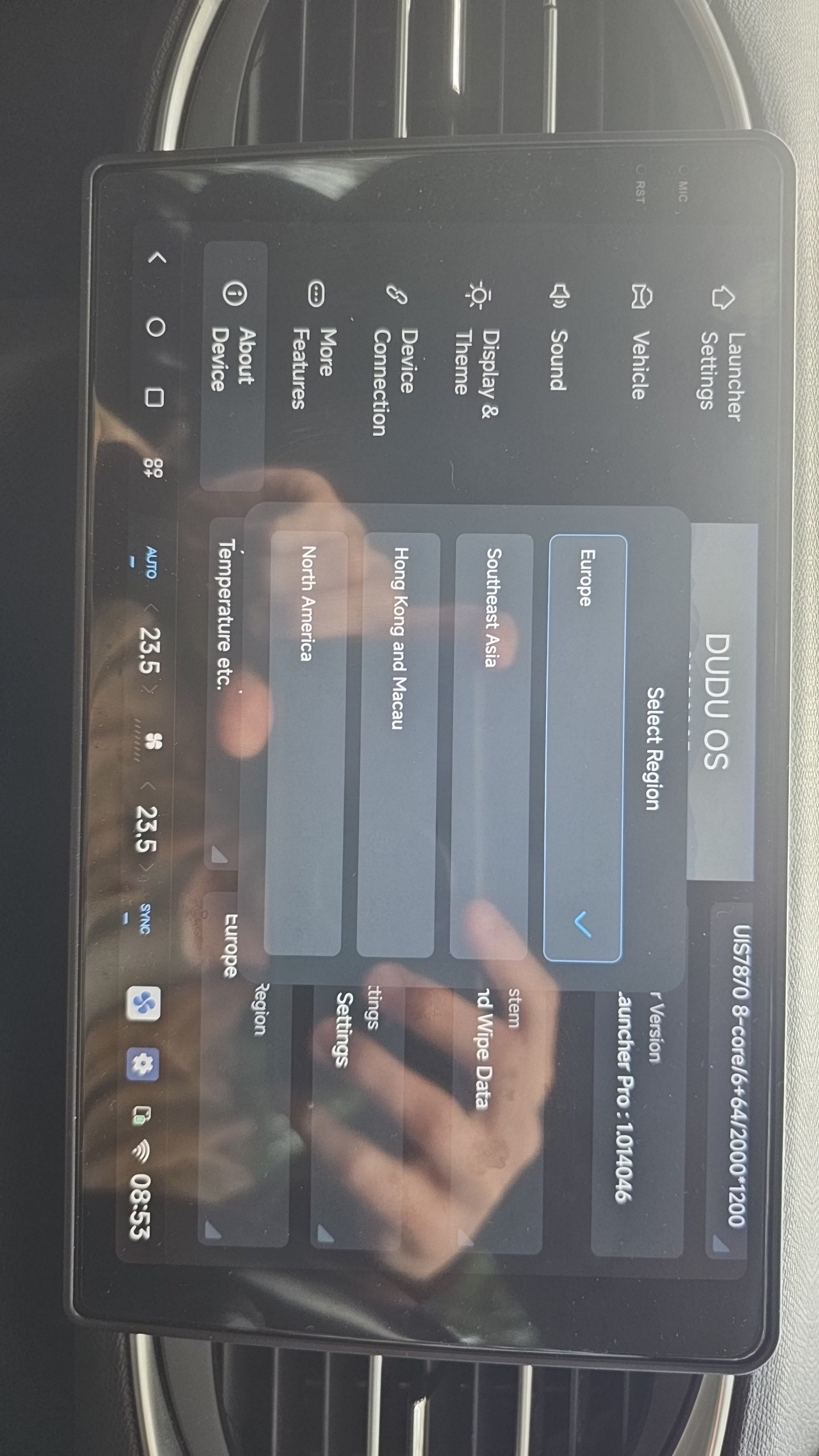
That doesn't really getting us any closer to a resolution, we already know hardcoded region in Dudu is wrong for petal maps.
What we want to know:
- what region is set in android system settings (tab which was removed by Dudu so noone can change it)
- how to change the android region, which is on full android menu unrestricted by Dudu SEPARATE from language setting.
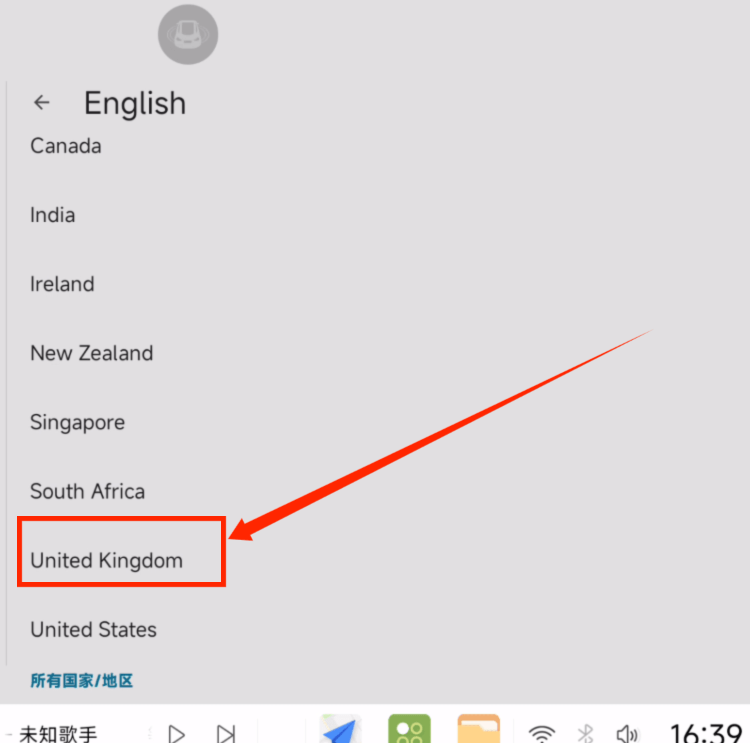
Bear in mind, Dudu also removed locale settings from android system, so using UK English which is properly and nicely translated (unlike chaos in US English) brings wrong date and locale format for US users.
Bottom of the line, why the heck you're making such trivial things so complicated and inflexible in Dudu. Changing Android region removal, while Dudu is in China and it's restricted to test some apps, so you can't confirm they work in other countries - it's beyond my imagination.
Simple, bring region and locale settings in android menu and everyone is happy.
And other thing, instead of asking gazillion question, why don't you just instal petal maps and try. And before you ask another silly question - yes, OP has their Dudu unit connected to the power supply and yes, they performed reboot.